Readable vs FreeSubtitles.Ai
In the contest of Readable vs FreeSubtitles.Ai, which AI Translation tool is the champion? We evaluate pricing, alternatives, upvotes, features, reviews, and more.
If you had to choose between Readable and FreeSubtitles.Ai, which one would you go for?
When we examine Readable and FreeSubtitles.Ai, both of which are AI-enabled translation tools, what unique characteristics do we discover? The upvote count is neck and neck for both Readable and FreeSubtitles.Ai. The power is in your hands! Cast your vote and have a say in deciding the winner.
Does the result make you go "hmm"? Cast your vote and turn that frown upside down!
Readable

What is Readable?
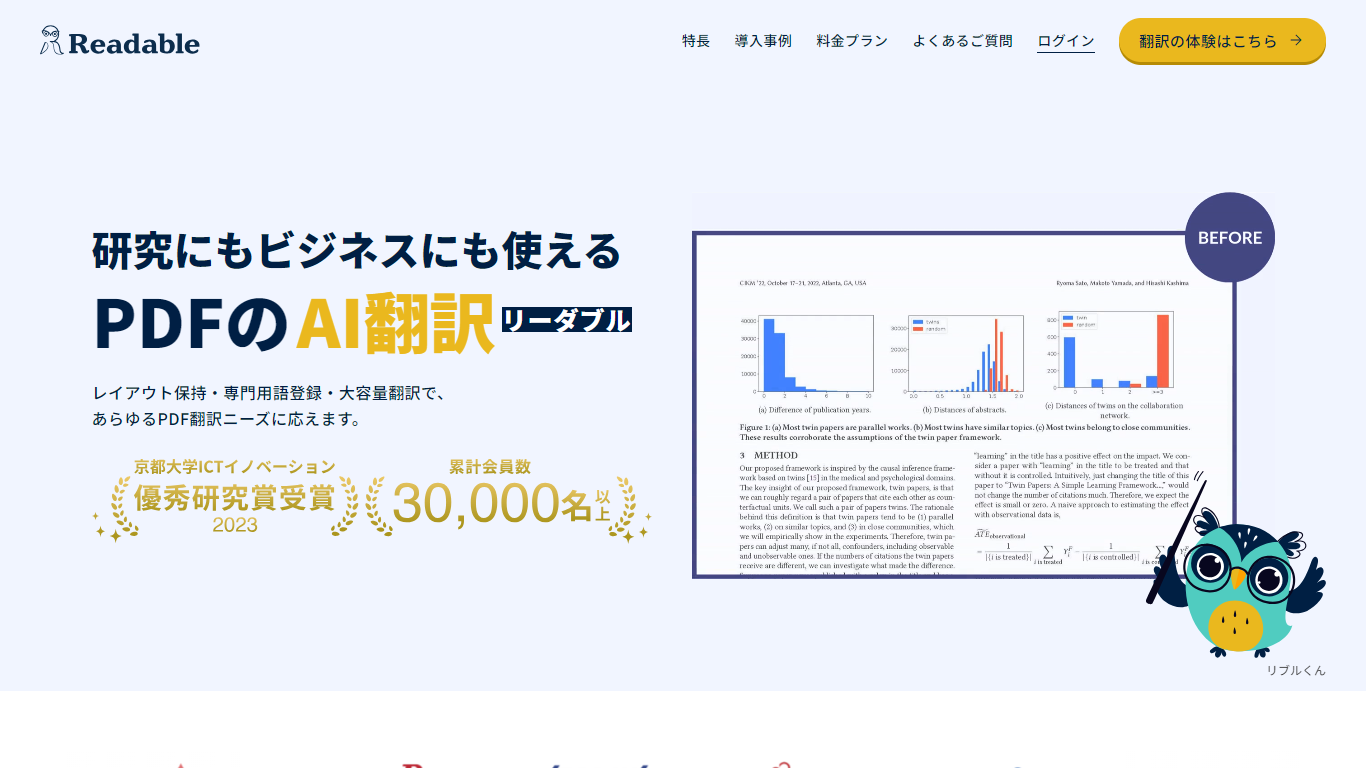
Readable translates PDF files into Japanese while keeping the original layout intact, including tables, figures, and images. Built by NextLab Inc., it targets researchers reading academic papers and business teams working through manuals, reports, and contracts without rebuilding documents by hand.
The reader shows original and translated text side by side so you can scan a translation and jump back to the source line when something needs a closer look. Premium users can register custom dictionaries so product names, abbreviations, and field-specific terms translate the same way every time.
Readable runs in the browser and through a Chrome extension for quick file translation. Pro Standard focuses on English-to-Japanese PDFs, while Pro Premium adds 200+ source languages, larger file limits, and optional ChatGPT-based translation engines.
FreeSubtitles.Ai
What is FreeSubtitles.Ai?
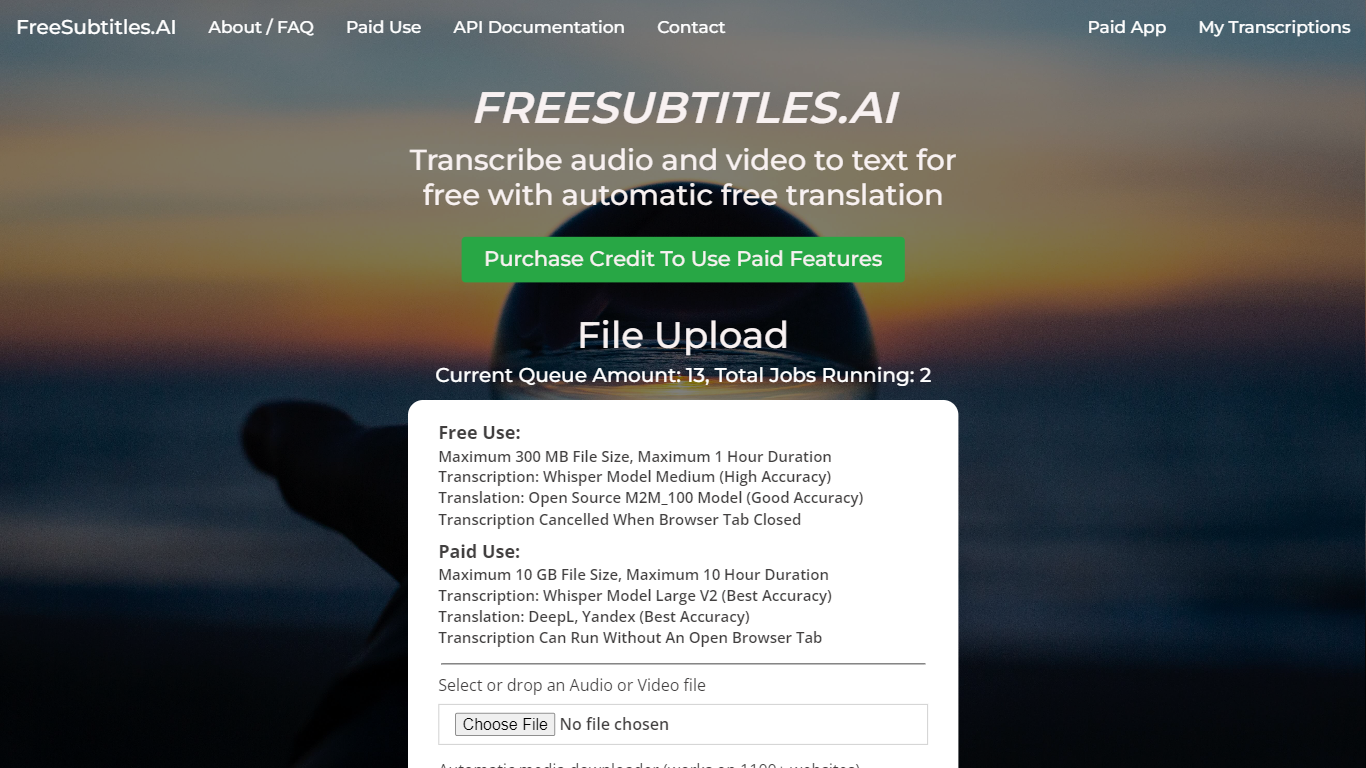
FreeSubtitles.Ai transcribes video and audio into searchable text, translates subtitles across 120 languages, and exports SRT, VTT, or burned-in video files from a browser upload. Drop MP4, MKV, MOV, MP3, WAV, or FLAC files and get timed captions without installing desktop transcription software.
Unlike flat per-minute subscription tools, Subtitles Pro charges $0.99 per processed hour with prepaid credit that never expires and no recurring plan. Free uploads cover 30 minutes and 300 MB at medium quality with one basic translation, while Pro raises limits to 30 hours and 10 GB per file, adds speaker diarization, parallel batch jobs, API keys, and full-length 1080p exports without watermarks.
Podcasters, video editors, and localization teams use FreeSubtitles.Ai when they need fast transcripts plus optional translation and subtitle export in the same session.
Readable Upvotes
FreeSubtitles.Ai Upvotes
Readable Top Features
Tables, charts, and images stay in place in the translated PDF
Original and Japanese text sit side by side for faster research reading
Custom dictionaries pin product names and technical terms to your preferred wording
Premium translates up to 1,000 pages or 200 MB in a single upload
Chrome extension handles one-click translation for online files
FreeSubtitles.Ai Top Features
Free uploads support 30-minute files up to 300 MB in 100 transcription languages
Pro pricing is $0.99 per processed hour with credit that never expires and no subscription
Exports include SRT, VTT, TXT, and burned-in video up to 1080p on Pro plans
Pro raises per-file limits to 30 hours and 10 GB with priority queue servers
Media downloader fetches files from 1,100+ sites so you can skip manual uploads
Speaker diarization and AI name fill-in label who spoke on Pro transcription jobs
Readable Category
- Translation
FreeSubtitles.Ai Category
- Translation
Readable Pricing Type
- Freemium
FreeSubtitles.Ai Pricing Type
- Freemium