Readable vs Tolgee Translator
When comparing Readable vs Tolgee Translator, which AI Translation tool shines brighter? We look at pricing, alternatives, upvotes, features, reviews, and more.
In a comparison between Readable and Tolgee Translator, which one comes out on top?
When we put Readable and Tolgee Translator side by side, both being AI-powered translation tools, The users have made their preference clear, Tolgee Translator leads in upvotes. The number of upvotes for Tolgee Translator stands at 7, and for Readable it's 6.
You don't agree with the result? Cast your vote to help us decide!
Readable

What is Readable?
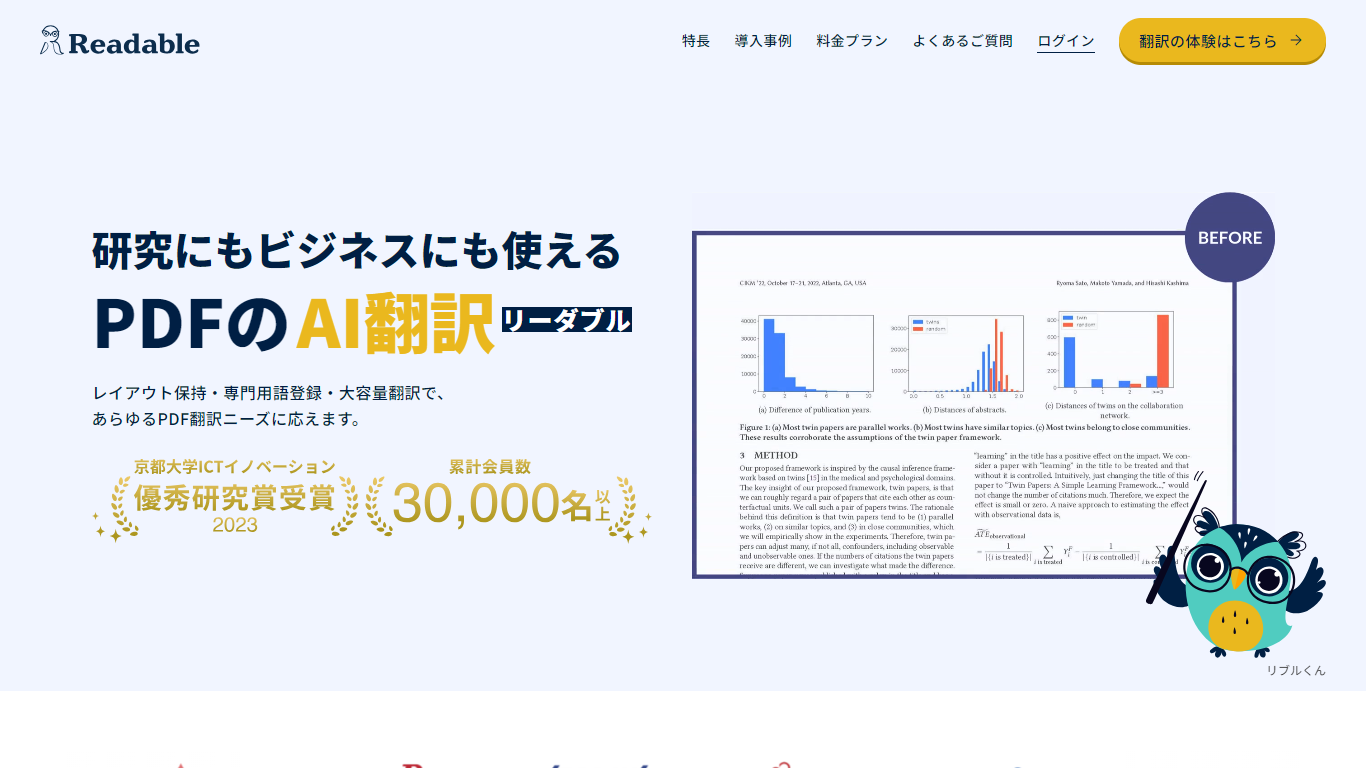
Readable translates PDF files into Japanese while keeping the original layout intact, including tables, figures, and images. Built by NextLab Inc., it targets researchers reading academic papers and business teams working through manuals, reports, and contracts without rebuilding documents by hand.
The reader shows original and translated text side by side so you can scan a translation and jump back to the source line when something needs a closer look. Premium users can register custom dictionaries so product names, abbreviations, and field-specific terms translate the same way every time.
Readable runs in the browser and through a Chrome extension for quick file translation. Pro Standard focuses on English-to-Japanese PDFs, while Pro Premium adds 200+ source languages, larger file limits, and optional ChatGPT-based translation engines.
Tolgee Translator
What is Tolgee Translator?
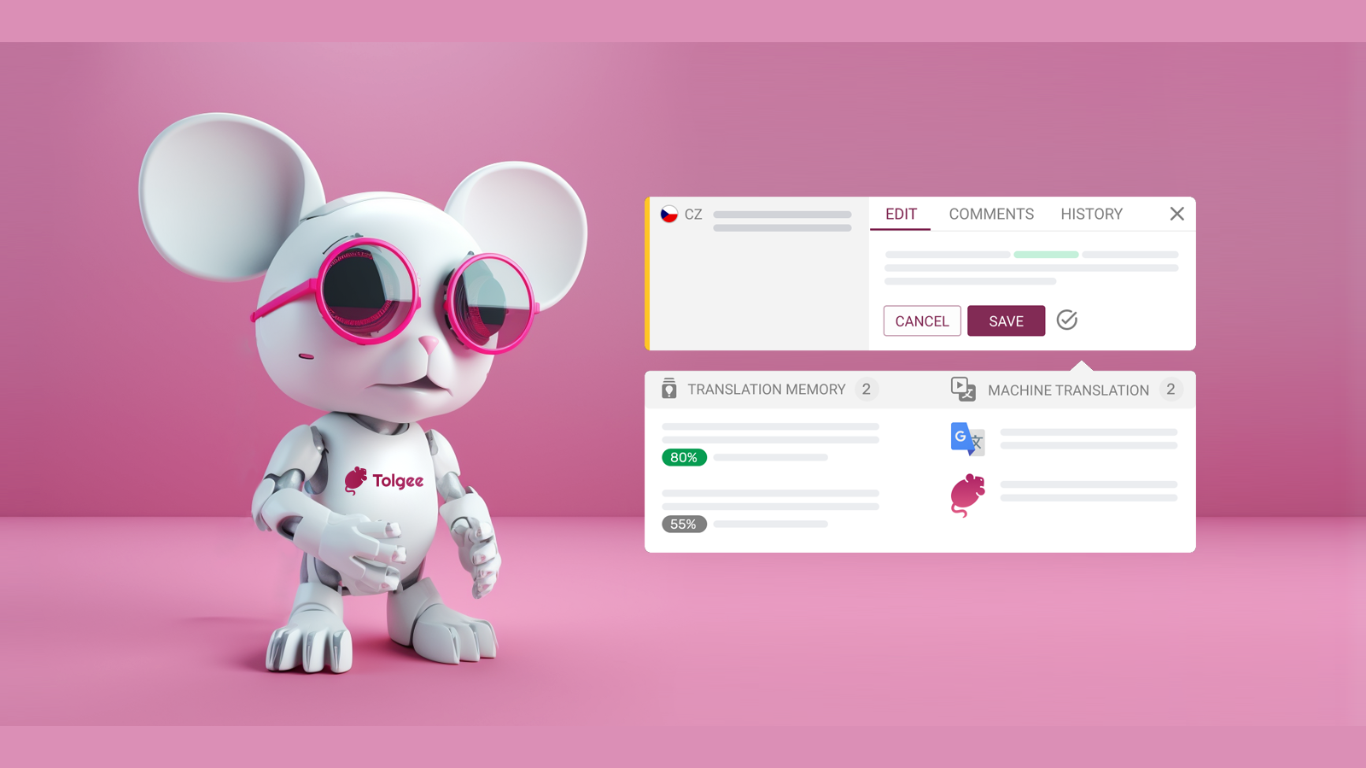
Tolgee AI Translator is changing the game in making apps work in different languages, making translations fit the context perfectly. It works right inside your app, pulling out the context on its own, so you don't have to bug your tech team every time you need a description or a screenshot for a piece of text. Tolgee does this with special tools that work with websites built in popular tools like React, Angular, Vue.js, Svelte, or just regular JavaScript.
This smart translator speeds up making your software ready for different languages and does it better on its own, without needing help from general translators like Google Translate. It smartly uses texts you've already translated and knows where texts fit on your website to give translations that really make sense. Plus, you can choose whether you want the language to be formal or casual.
Tolgee is all about making life easier for developers with its open-source platform. Setting it up is quick, so your team can get translations done without a hassle. It's packed with features that let the translation work go faster, letting computers do the heavy lifting. Developers like how it works well with the web tools they're already using.
On top of making translations easy, Tolgee makes starting out simple, too. You don't need a credit card to sign up, so you can jump right in and see how it can help with making your project work in new languages.
Readable Upvotes
Tolgee Translator Upvotes
Readable Top Features
Tables, charts, and images stay in place in the translated PDF
Original and Japanese text sit side by side for faster research reading
Custom dictionaries pin product names and technical terms to your preferred wording
Premium translates up to 1,000 pages or 200 MB in a single upload
Chrome extension handles one-click translation for online files
Tolgee Translator Top Features
Developer Tools: Integration with various frameworks and libraries to improve workflow.
Translation Assistance: Tools designed to help with the translation and localization process.
Autonomous Translation: An advanced feature allowing for automatic translation to save time.
Collaboration: Facilities for teams to work together effectively on translation projects.
Enhanced Localization Capabilities: A full suite of localization tools crafted for developer needs.
Readable Category
- Translation
Tolgee Translator Category
- Translation
Readable Pricing Type
- Freemium
Tolgee Translator Pricing Type
- Freemium