
Last updated 10-23-2025
Category:
Reviews:
Join thousands of AI enthusiasts in the World of AI!
Tolgee Translator
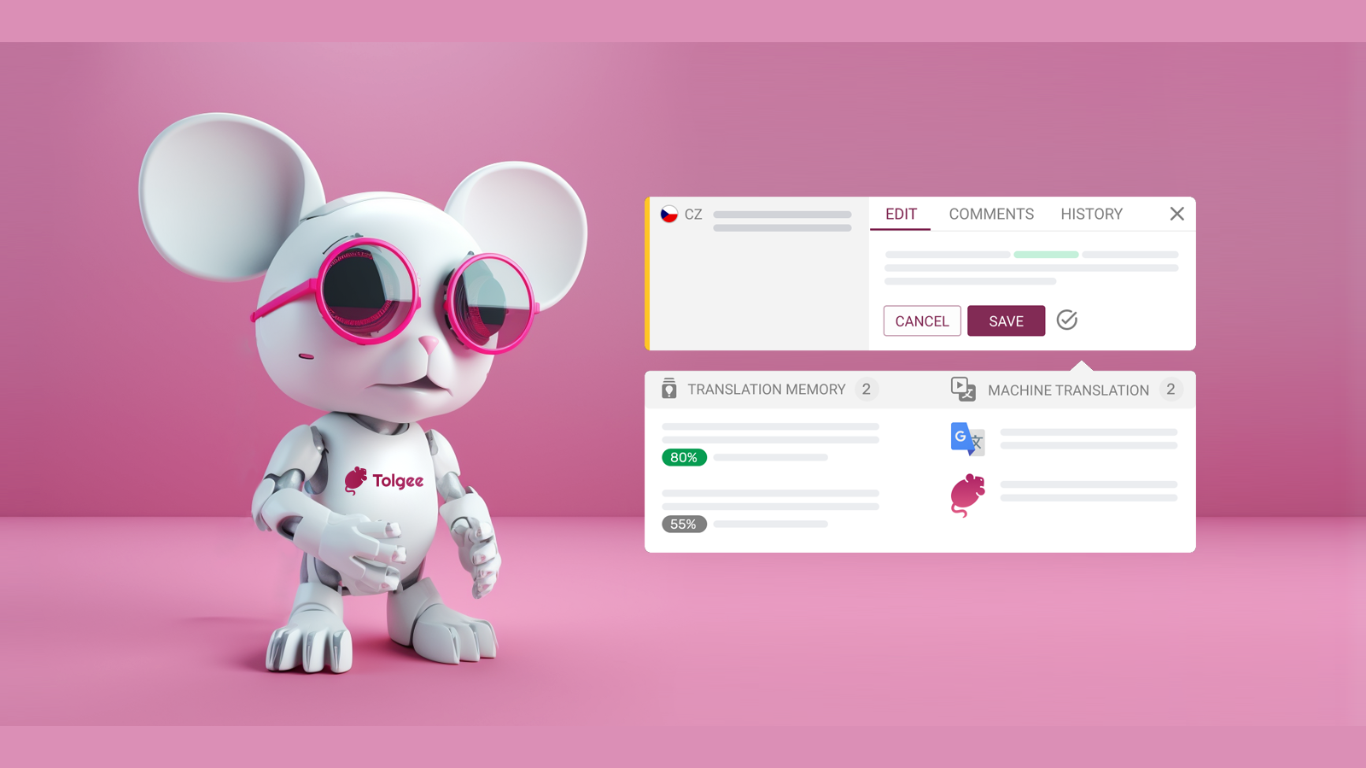
Tolgee AI Translator is changing the game in making apps work in different languages, making translations fit the context perfectly. It works right inside your app, pulling out the context on its own, so you don't have to bug your tech team every time you need a description or a screenshot for a piece of text. Tolgee does this with special tools that work with websites built in popular tools like React, Angular, Vue.js, Svelte, or just regular JavaScript.
This smart translator speeds up making your software ready for different languages and does it better on its own, without needing help from general translators like Google Translate. It smartly uses texts you've already translated and knows where texts fit on your website to give translations that really make sense. Plus, you can choose whether you want the language to be formal or casual.
Tolgee is all about making life easier for developers with its open-source platform. Setting it up is quick, so your team can get translations done without a hassle. It's packed with features that let the translation work go faster, letting computers do the heavy lifting. Developers like how it works well with the web tools they're already using.
On top of making translations easy, Tolgee makes starting out simple, too. You don't need a credit card to sign up, so you can jump right in and see how it can help with making your project work in new languages.
Developer Tools: Integration with various frameworks and libraries to improve workflow.
Translation Assistance: Tools designed to help with the translation and localization process.
Autonomous Translation: An advanced feature allowing for automatic translation to save time.
Collaboration: Facilities for teams to work together effectively on translation projects.
Enhanced Localization Capabilities: A full suite of localization tools crafted for developer needs.
What is Tolgee?
Tolgee is an open-source localization platform that helps developers streamline the translation process efficiently.
Is there a cost associated with using Tolgee?
You can sign up for Tolgee for free, and no credit card is required for the initial setup.
Does Tolgee offer autonomous translation?
Yes, Tolgee provides autonomous translation to facilitate and speed up the translation workflow.
What frameworks does Tolgee support for integration?
Tolgee integrates with several web frameworks such as React, Angular, Vue, Svelte, and more.
Can Tolgee be used for collaborative translation projects?
You can collaborate with team members in the translation process, using Tolgee's collaboration tools.