Readable vs Trancy
Explore the showdown between Readable vs Trancy and find out which AI Translation tool wins. We analyze upvotes, features, reviews, pricing, alternatives, and more.
When comparing Readable and Trancy, which one rises above the other?
When we contrast Readable with Trancy, both of which are exceptional AI-operated translation tools, and place them side by side, we can spot several crucial similarities and divergences. Both tools have received the same number of upvotes from aitools.fyi users. The power is in your hands! Cast your vote and have a say in deciding the winner.
Not your cup of tea? Upvote your preferred tool and stir things up!
Readable

What is Readable?
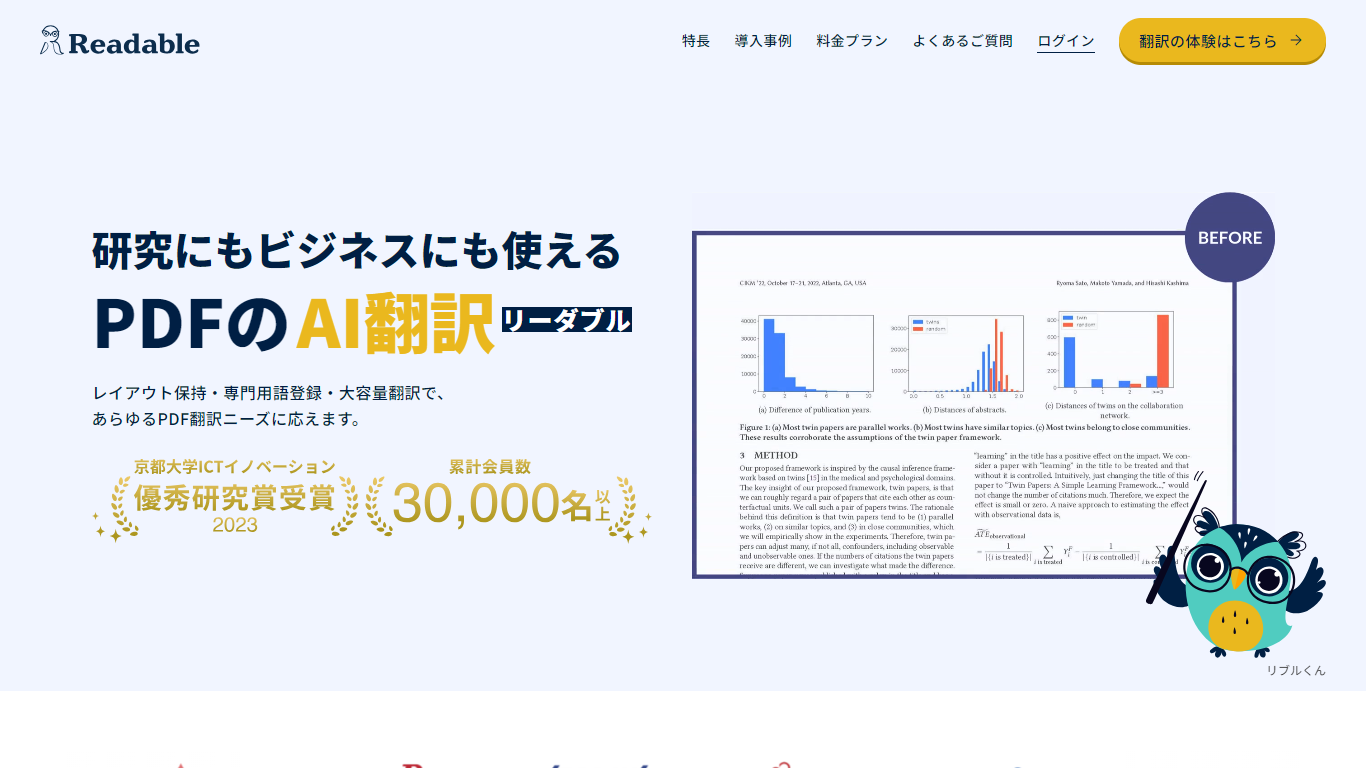
Readable translates PDF files into Japanese while keeping the original layout intact, including tables, figures, and images. Built by NextLab Inc., it targets researchers reading academic papers and business teams working through manuals, reports, and contracts without rebuilding documents by hand.
The reader shows original and translated text side by side so you can scan a translation and jump back to the source line when something needs a closer look. Premium users can register custom dictionaries so product names, abbreviations, and field-specific terms translate the same way every time.
Readable runs in the browser and through a Chrome extension for quick file translation. Pro Standard focuses on English-to-Japanese PDFs, while Pro Premium adds 200+ source languages, larger file limits, and optional ChatGPT-based translation engines.
Trancy
What is Trancy?
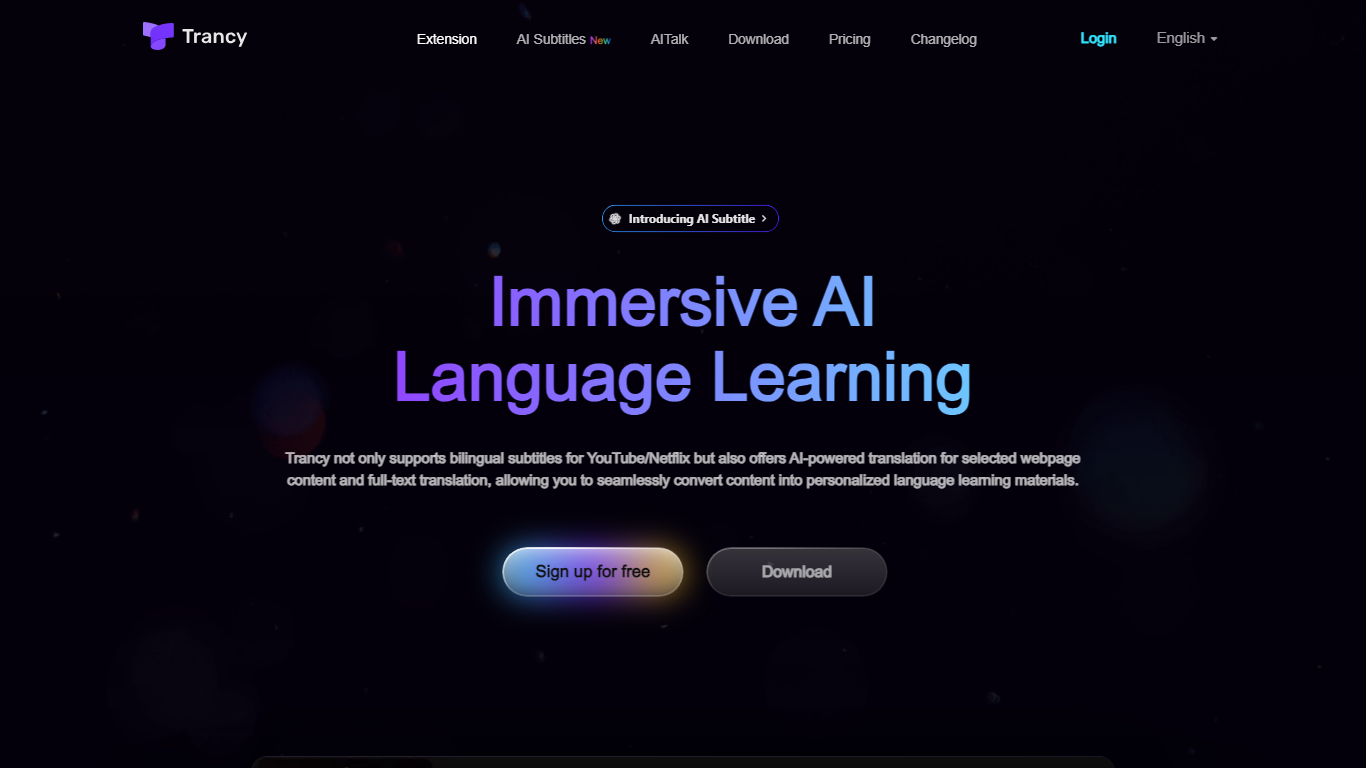
Trancy turns the videos and articles you already read into language lessons by overlaying bilingual subtitles, inline translations, and study tools on top of everyday browsing. It works on YouTube, Netflix, HBO Max, TED, Coursera, and many news or social sites through a browser extension plus mobile app.
Most subtitle tools stop at displaying two languages side by side. Trancy also ships a reading mode that turns subtitles into scrollable text, immersive webpage translation with side-by-side paragraphs, and a learning center where saved words become flashcards, shadowing exercises, and AI speaking feedback. Premium members can run Whisper-based AI subtitle transcription on YouTube and translate PDFs up to 4,000 pages per month.
Self-directed learners and ESL students use Trancy to turn entertainment and news browsing into daily input. The free tier covers core bilingual subtitles and webpage translation, while Premium unlocks higher bookmark limits, AI subtitle generation, PDF translation, and coaching features inside the learning center.
Readable Upvotes
Trancy Upvotes
Readable Top Features
Tables, charts, and images stay in place in the translated PDF
Original and Japanese text sit side by side for faster research reading
Custom dictionaries pin product names and technical terms to your preferred wording
Premium translates up to 1,000 pages or 200 MB in a single upload
Chrome extension handles one-click translation for online files
Trancy Top Features
Bilingual subtitles on YouTube, Netflix, HBO Max, Disney+, TED, Coursera, and Udemy
Reading mode displays subtitles as text beside the video for focused study
Whisper-based AI subtitle transcription improves YouTube segmentation by about 80 percent
Immersive webpage translation compares original and translated paragraphs without leaving the page
Free tier allows 100 word bookmarks, 50 sentence bookmarks, and 50 PDF pages per month
Learning center adds flashcards, AI shadowing, and pronunciation evaluation on saved vocabulary
Readable Category
- Translation
Trancy Category
- Translation
Readable Pricing Type
- Freemium
Trancy Pricing Type
- Freemium