Reclaim.ai vs Noty AI
In the clash of Reclaim.ai vs Noty AI, which AI Meeting Assistant tool emerges victorious? We assess reviews, pricing, alternatives, features, upvotes, and more.
When we put Reclaim.ai and Noty AI head to head, which one emerges as the victor?
Let's take a closer look at Reclaim.ai and Noty AI, both of which are AI-driven meeting assistant tools, and see what sets them apart. The users have made their preference clear, Reclaim.ai leads in upvotes. The upvote count for Reclaim.ai is 6, and for Noty AI it's 4.
Think we got it wrong? Cast your vote and show us who's boss!
Reclaim.ai

What is Reclaim.ai?
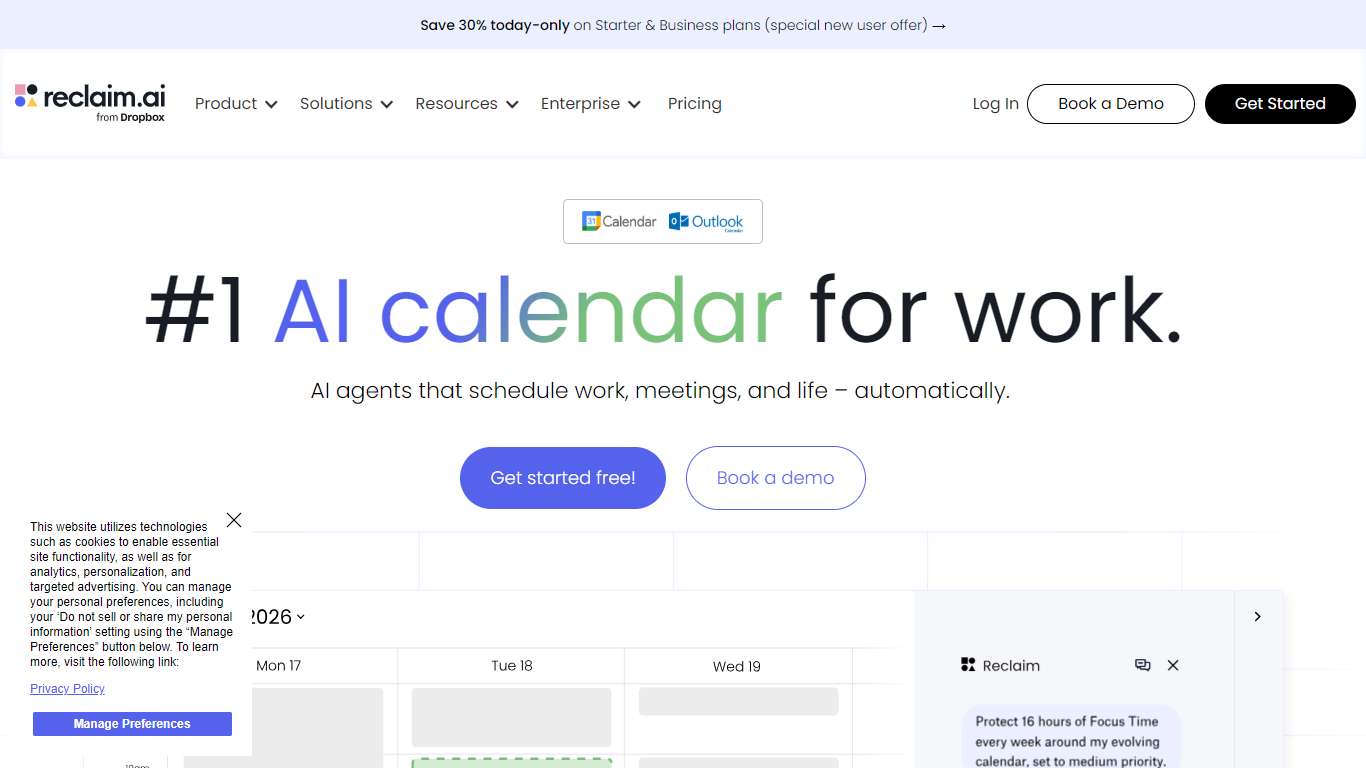
Reclaim.ai is an intelligent calendar assistant that schedules work, meetings, and personal routines on Google Calendar and Outlook. It defends focus time, flexibly books internal meetings, and reshapes your week as priorities change. Individuals and teams use it when they want a calendar that adapts instead of one they constantly rearrange by hand.
Most calendars show what is already booked. Reclaim treats scheduling as an ongoing optimization problem. Its agents rebalance focus blocks, tasks, habits, buffer time, and meetings around conflicts, shifting deadlines, and team availability. The product is now part of Dropbox, branded as Reclaim.ai from Dropbox on the live site.
Product and engineering teams defend deep work during sprints. Sales groups book external calls faster with scheduling links. Managers roll out company-wide initiatives like no-meeting days or focus time goals. Executive assistants coordinate multiple calendars with delegated access on larger plans.
Noty AI
What is Noty AI?
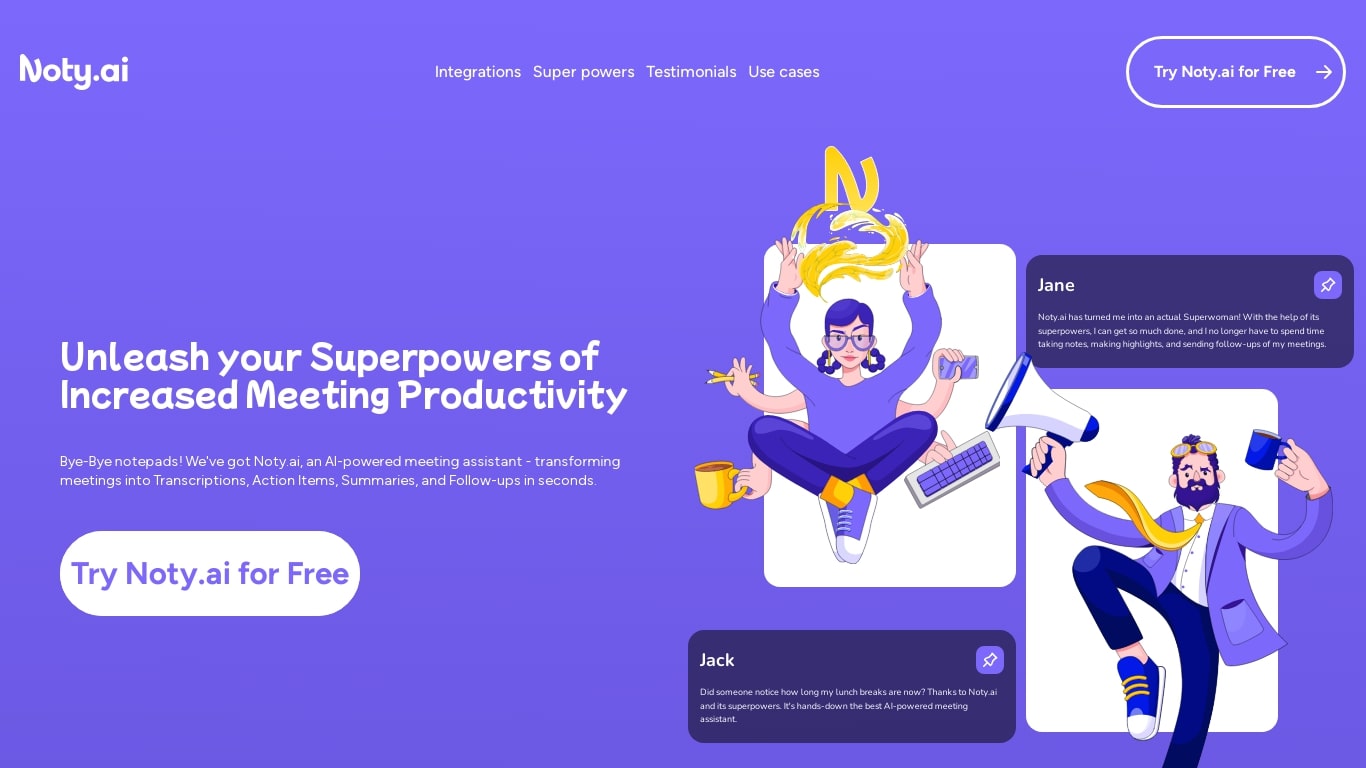
Noty AI is a meeting assistant that turns live calls into transcripts, summaries, and tasks your team can act on. It records conversations in real time, highlights key moments during the call, and generates post-meeting recaps so nothing discussed gets lost between sessions.
The product works with Google Meet, Zoom, and Microsoft Teams. Transcription runs while the meeting is in progress, and you can search transcripts afterward, add comments, or chat with Noty to pull specific details from a past discussion.
After each call, Noty builds summaries, detects action items with deadlines and assignees, and drafts follow-up messages you can send to participants. Meetings are organized in a searchable workspace with exports to Docs, PDF, or plain text.
Project managers, customer success teams, and remote workers use Noty to cut post-meeting admin and keep projects moving without manual note-taking.
Reclaim.ai Upvotes
Noty AI Upvotes
Reclaim.ai Top Features
Scheduling agents defend focus time, habits, and buffer blocks around your real calendar
Smart Meetings finds the best slot across every attendee schedule automatically
Scheduling Links share availability with controls that go beyond basic booking pages
Pull tasks from Asana, Jira, Linear, ClickUp, Todoist, or Google Tasks onto your calendar
Chat with the assistant to plan your day, resolve conflicts, or move meetings
Workforce Analytics breaks down team time across focus, meetings, and fragmentation
Slack status syncs from your calendar so coworkers know when you are heads-down
Noty AI Top Features
Live transcription during Google Meet, Zoom, and Teams calls with searchable transcripts afterward
Post-meeting summaries you can review, edit, comment on, or query through in-app chat
Action items, deadlines, and assignees pulled from conversation into a shared to-do list
One-click follow-ups that send recap emails with takeaways and tasks to participants
Global search across all meeting data with export to Docs, PDF, or plain text
Reclaim.ai Category
- Meeting Assistant
Noty AI Category
- Meeting Assistant
Reclaim.ai Pricing Type
- Freemium
Noty AI Pricing Type
- Freemium