ReLogo AI vs Figflow
Dive into the comparison of ReLogo AI vs Figflow and discover which AI Design tool stands out. We examine alternatives, upvotes, features, reviews, pricing, and beyond.
When comparing ReLogo AI and Figflow , which one rises above the other?
When we compare ReLogo AI and Figflow , two exceptional design tools powered by artificial intelligence, and place them side by side, several key similarities and differences come to light. There's no clear winner in terms of upvotes, as both tools have received the same number. Be a part of the decision-making process. Your vote could determine the winner.
Does the result make you go "hmm"? Cast your vote and turn that frown upside down!
ReLogo AI

What is ReLogo AI?
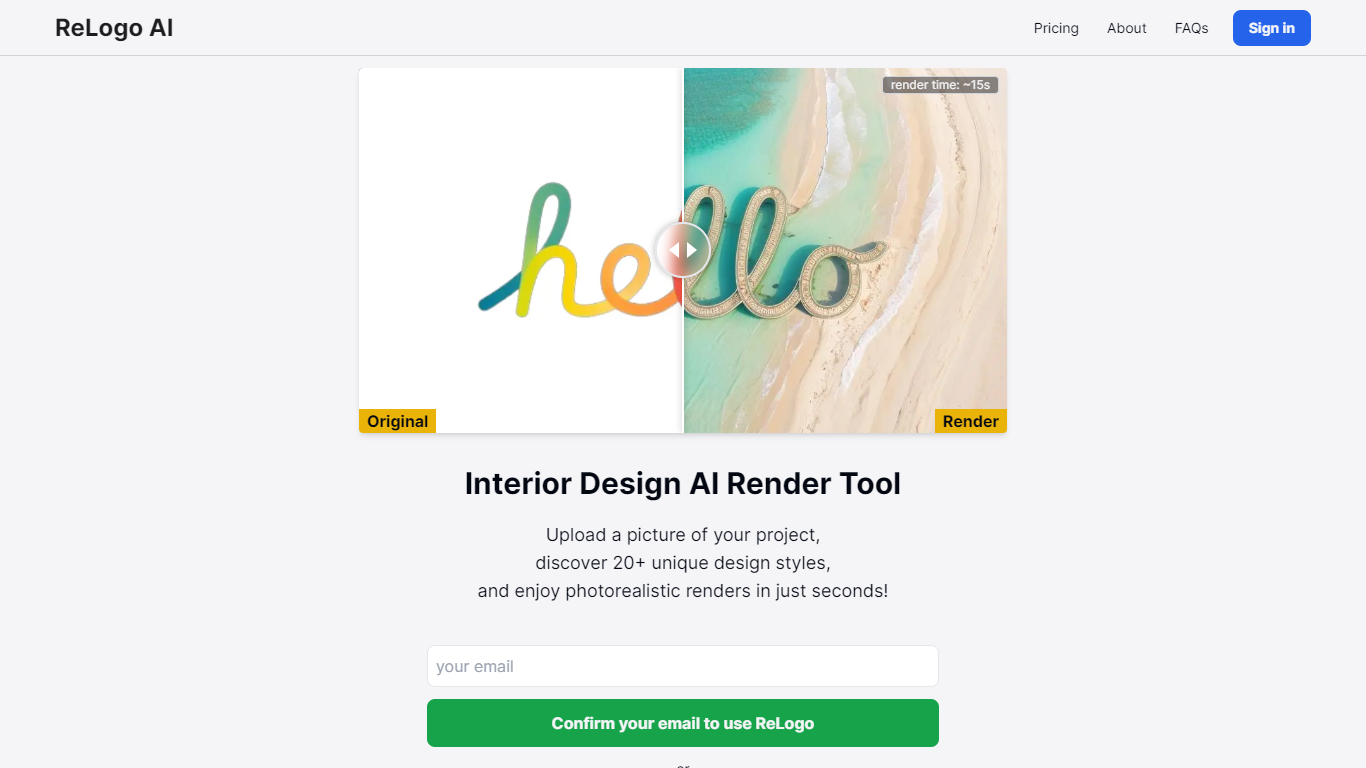
ReLogo AI turns an uploaded logo into photorealistic brand visuals across 20+ design styles in about 15 seconds. You pick themes or write prompts, and the design tool re-renders your mark with different lighting, materials, and environments while keeping the core logo recognizable. Sign in with Google or email to start generating.
Unlike full logo generators that invent a mark from scratch, ReLogo AI assumes you already have a logo and focuses on expressive brand mockups. That makes it closer to a scene renderer than a vector editor like Canva or Looka. Pro plans remove watermarks, unlock private mode, and double output resolution for client-ready assets.
Freelancers, agencies, and founders use it to preview how a logo looks on packaging, signage, or social posts without opening Photoshop. The free tier allows 3 renders per day with watermarks, while Pro runs $19 per month or $15.83 per month billed annually for unlimited renders.
Figflow
What is Figflow ?
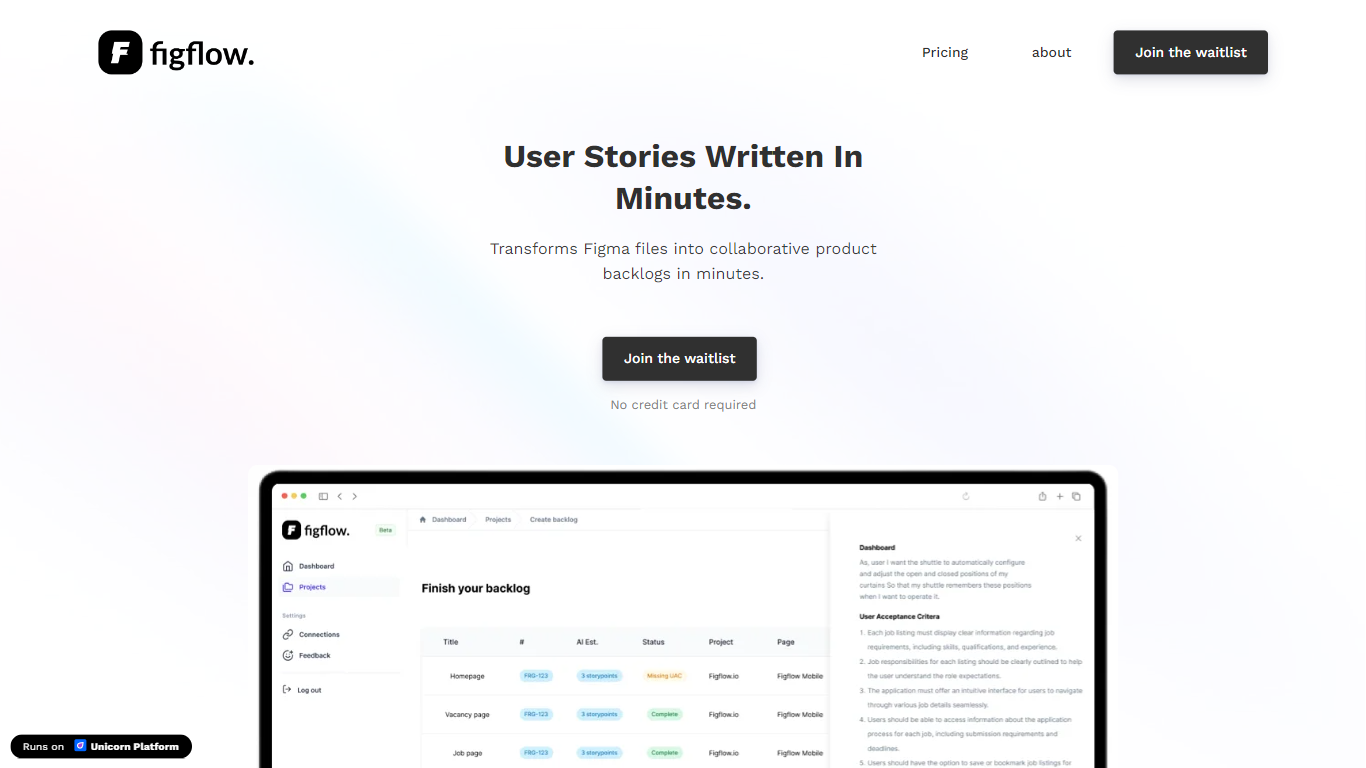
Figflow turns Figma files into structured product backlogs with user stories, acceptance criteria, and story point estimates. You connect Figma through OAuth, upload frames, and Figflow drafts tickets from what is already on the canvas. It targets the handoff gap between design files and sprint-ready work.
Most backlog tools expect you to write stories from scratch. Figflow starts from your Figma screens, embeds design screenshots inside each story, and uses its AI assistant to shape voice and tone. The Professional plan at $9 per month removes the 250-interaction cap on the free Personal tier, which is the main reason teams outgrow the starter plan.
Product owners, product managers, and product designers use Figflow to cut manual story writing before refinement sessions. It fits teams that live in Figma and want a single workspace for multiple projects without exporting screens into a separate doc for every ticket.
ReLogo AI Upvotes
Figflow Upvotes
ReLogo AI Top Features
Upload a logo and explore 20+ unique design styles with renders in about 15 seconds
Free plan includes 3 renders per day with commercial use allowed
Monthly Pro at $19 includes unlimited renders and 2x enhanced image quality
Yearly Pro at $15.83 per month billed annually matches Pro features at lower cost
Pro plans add watermark-free exports, private mode, and all lighting styles
Render with preset themes or custom text prompts for scene control
API access listed for integrating ReLogo AI into external workflows
Figflow Top Features
OAuth Figma integration pulls projects without manual file exports
Personal plan includes 250 free AI interactions before paid upgrade
Professional plan at $9 per month unlocks unlimited AI interactions and projects
AI assistant drafts acceptance criteria from design frames and user stories
Design screenshots attach directly to user stories instead of separate exports
Supports 10 languages including English, Dutch, French, German, Spanish, and Japanese
ReLogo AI Category
- Design
Figflow Category
- Design
ReLogo AI Pricing Type
- Freemium
Figflow Pricing Type
- Freemium