RemoveBG vs Cleanup Pictures
In the battle of RemoveBG vs Cleanup Pictures, which AI Photo Editing tool comes out on top? We compare reviews, pricing, alternatives, upvotes, features, and more.
Between RemoveBG and Cleanup Pictures, which one is superior?
Upon comparing RemoveBG with Cleanup Pictures, which are both AI-powered photo editing tools, In the race for upvotes, RemoveBG takes the trophy. RemoveBG has attracted 11 upvotes from aitools.fyi users, and Cleanup Pictures has attracted 7 upvotes.
Disagree with the result? Upvote your favorite tool and help it win!
RemoveBG


What is RemoveBG?
RemoveBG is a powerful and user-friendly online tool that allows you to remove image backgrounds in seconds, and the best part is, it's completely free! With advanced AI technology, RemoveBG makes background removal a breeze, saving you time and effort. Whether you need to edit images for creative projects, marketing materials, or personal use, RemoveBG has got you covered.
With RemoveBG, the process of removing image backgrounds is as easy as 1-2-3. First, choose the image you want to edit and upload it into the tool. Second, let the advanced AI technology analyze your image and automatically remove the background. Finally, download the new image and use it for any purpose you desire. Say goodbye to background woes and hello to hassle-free image editing with RemoveBG.
Cleanup Pictures
What is Cleanup Pictures?
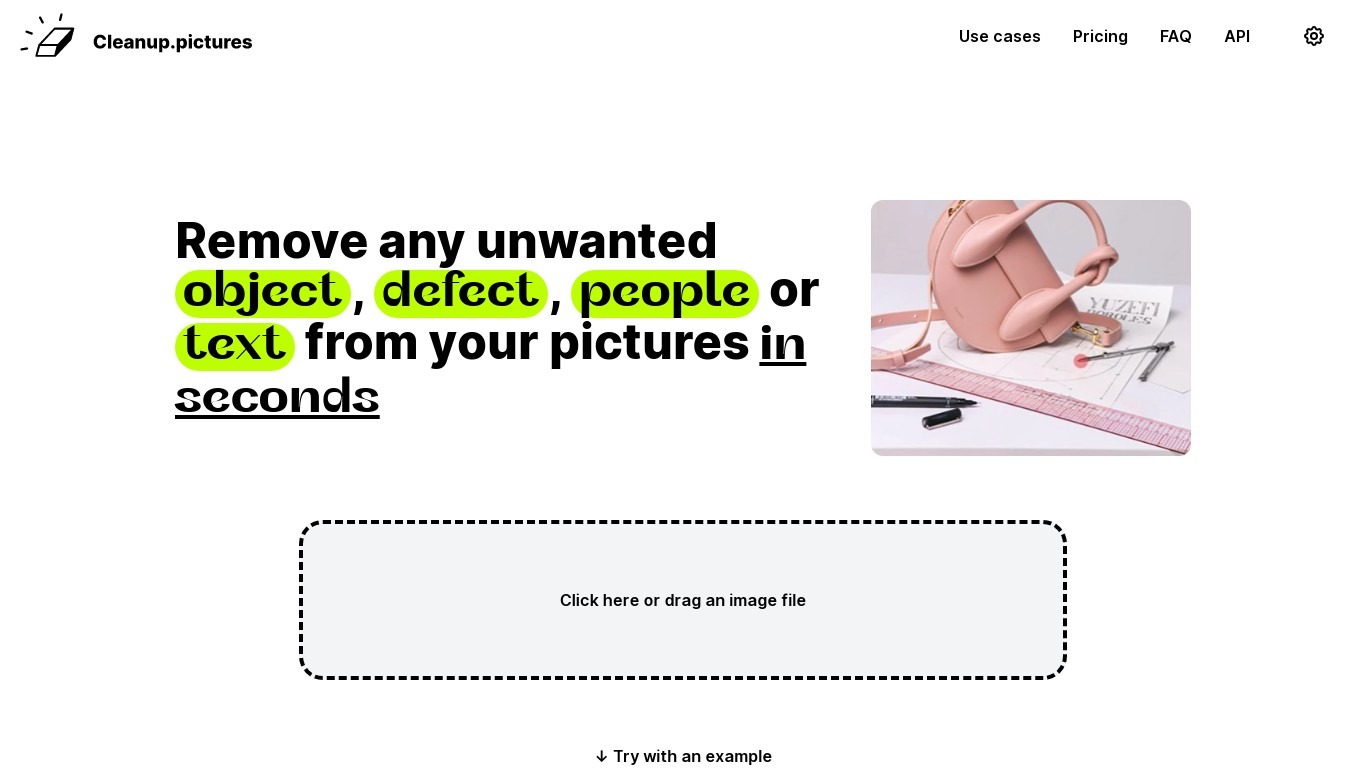
Cleanup Pictures is a browser-based photo editor focused on AI inpainting. You brush over an unwanted person, object, text, watermark, or blemish, and the tool reconstructs the background in a few clicks. No Photoshop clone stamp or reference patch is needed.
Most inpainting apps need you to sample nearby pixels manually. Cleanup Pictures, built by the Clipdrop team at Init ML, uses a model that guesses what was behind the selection, which handles shadows and complex edges better than traditional retouch tools.
Photographers use it to erase tourists from travel shots and fix cracked prints. Real estate agents depersonalize room photos, e-commerce sellers clean product shots, and agencies touch up campaign visuals. Exports cap at 720px on the free plan; Pro unlocks full resolution for $5 per month or $36 per year.
RemoveBG Upvotes
Cleanup Pictures Upvotes
RemoveBG Top Features
Quick and Easy Background Removal: RemoveBG makes it incredibly simple to remove image backgrounds with just a few clicks. No need for complex editing software or extensive manual work.
Free of Cost: RemoveBG offers its background removal services completely free of charge. Say goodbye to expensive editing tools and hello to cost-effective image editing.
Advanced AI Technology: Powered by advanced AI technology RemoveBG analyzes your images and accurately detects and removes the background ensuring clean and professional results.
Versatile Usage: The images edited with RemoveBG can be used for a wide range of purposes including creative projects marketing materials or personal use. The possibilities are endless.
User-Friendly Interface: RemoveBG's user-friendly interface makes it easy for anyone to use regardless of their level of expertise in image editing. No technical skills required.
Cleanup Pictures Top Features
AI inpainting removes people, objects, text, watermarks, and blemishes without a clone reference
Free plan includes unlimited edits with exports capped at 720px resolution
Pro plan at $5 per month or $36 per year removes the resolution limit and adds a high-quality refiner
Drag-and-drop web editor with example images to test before uploading your own
One subscription works on both mobile and desktop Cleanup Pictures apps
Inpainting API available through Clipdrop with usage-based pricing for developers
RemoveBG Category
- Photo Editing
Cleanup Pictures Category
- Photo Editing
RemoveBG Pricing Type
- Free
Cleanup Pictures Pricing Type
- Freemium