ReplyAuto vs AI Email Writer | HubSpot
Compare ReplyAuto vs AI Email Writer | HubSpot and see which AI Email Assistant tool is better when we compare features, reviews, pricing, alternatives, upvotes, etc.
Which one is better? ReplyAuto or AI Email Writer | HubSpot?
When we compare ReplyAuto with AI Email Writer | HubSpot, which are both AI-powered email assistant tools, The upvote count is neck and neck for both ReplyAuto and AI Email Writer | HubSpot. Be a part of the decision-making process. Your vote could determine the winner.
Does the result make you go "hmm"? Cast your vote and turn that frown upside down!
ReplyAuto
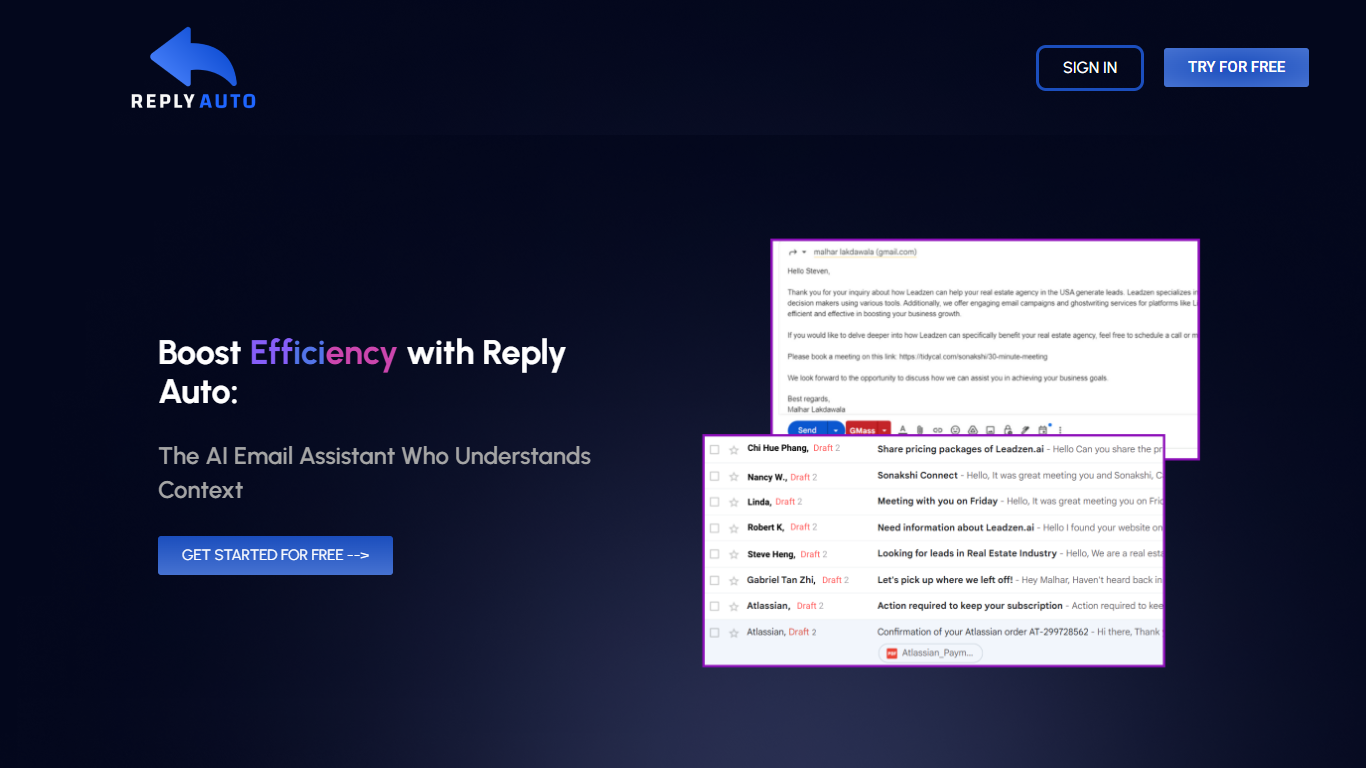

What is ReplyAuto?
Reply Auto drafts replies for Facebook and Instagram comments on Shopify stores. It pulls comments from connected Meta accounts into one inbox, grounds each draft in your live catalog, policies, and FAQs, then lets moderators edit and send in one click or auto-post when the draft passes safety rules.
The product targets e-commerce teams that answer the same product, shipping, and sizing questions all day. Workspace owners connect Facebook Pages, linked Instagram Business accounts, and Shopify via Admin token. Reply Auto indexes products and brand context so drafts cite real stock, prices, and shipping windows instead of generic copy.
Pro and Enterprise plans add auto-reply mode, higher monthly reply limits, longer activity history, and team features like SSO. New accounts start on a 14-day Pro trial with no credit card required.
AI Email Writer | HubSpot
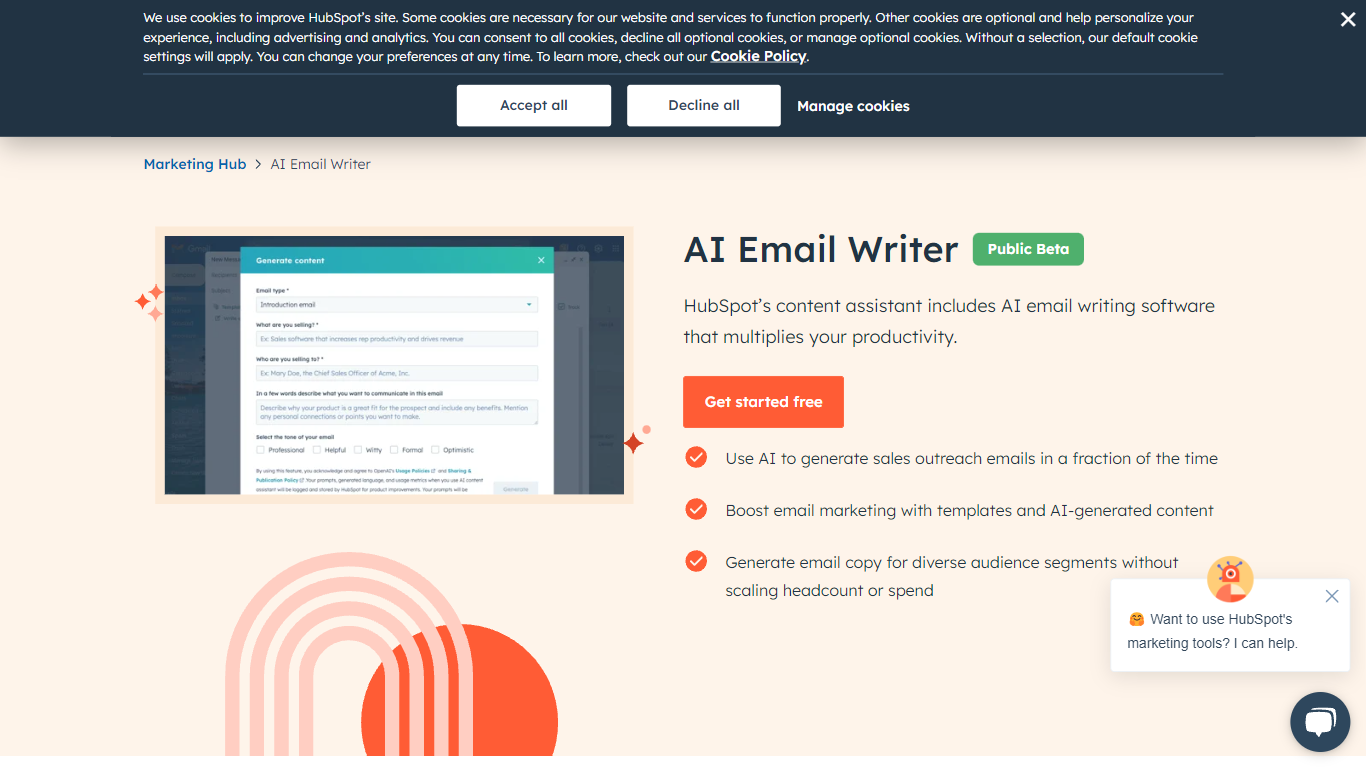
What is AI Email Writer | HubSpot?
HubSpot's AI Email Writer is an email assistant built into Marketing Hub that drafts marketing campaigns and sales outreach from text prompts. You pick an email template, use slash and highlight commands to generate or rewrite copy, then send and track everything from the same HubSpot CRM dashboard.
Standalone AI writing tools stop at the draft. HubSpot ties generation to your contact database, so personalization tokens pull from CRM records and campaign analytics log open rates and lead submissions automatically. That integration is the trade-off: you get less flexibility than a general-purpose writer, but you skip exporting copy into a separate ESP.
Marketing teams use it for blast campaigns and segmented messaging. Sales reps use it to generate cold outreach drafts at scale and customize tone, length, and spelling with inline commands. The free tier covers basic AI writing with no credit card; Starter, Professional, and Enterprise Marketing Hub plans unlock advanced automation and analytics.
ReplyAuto Upvotes
AI Email Writer | HubSpot Upvotes
ReplyAuto Top Features
One inbox for Facebook Page and Instagram Business comments with filters by date, post, account, and status
AI drafts grounded in your Shopify catalog, policies, and FAQs so replies cite real prices, sizes, and shipping
Manual send with inline editing or Auto mode that posts safe drafts when escalation rules clear them
Bulk actions to dismiss or export up to 50 comments at once, plus a full audit trail of sends and connections
Workspace roles let owners connect Meta and Shopify while moderators inherit access without sharing credentials
AI Email Writer | HubSpot Top Features
Generate and edit email copy with slash and highlight commands inside HubSpot
Free AI email writing with no credit card required
CRM auto-logs campaign data including open rates and lead submissions
Generate hundreds of sales outreach drafts in minutes
Audience segmentation for personalized messaging per contact list
Works in HubSpot desktop and mobile app plus Gmail inbox integration
Drag-and-drop email builder with professionally designed templates
ReplyAuto Category
- Email Assistant
AI Email Writer | HubSpot Category
- Email Assistant
ReplyAuto Pricing Type
- Freemium
AI Email Writer | HubSpot Pricing Type
- Freemium