re:write vs Rephrasee
In the battle of re:write vs Rephrasee, which AI Paraphraser tool comes out on top? We compare reviews, pricing, alternatives, upvotes, features, and more.
Between re:write and Rephrasee, which one is superior?
Upon comparing re:write with Rephrasee, which are both AI-powered paraphraser tools, In the race for upvotes, Rephrasee takes the trophy. Rephrasee has attracted 7 upvotes from aitools.fyi users, and re:write has attracted 6 upvotes.
Disagree with the result? Upvote your favorite tool and help it win!
re:write

What is re:write?
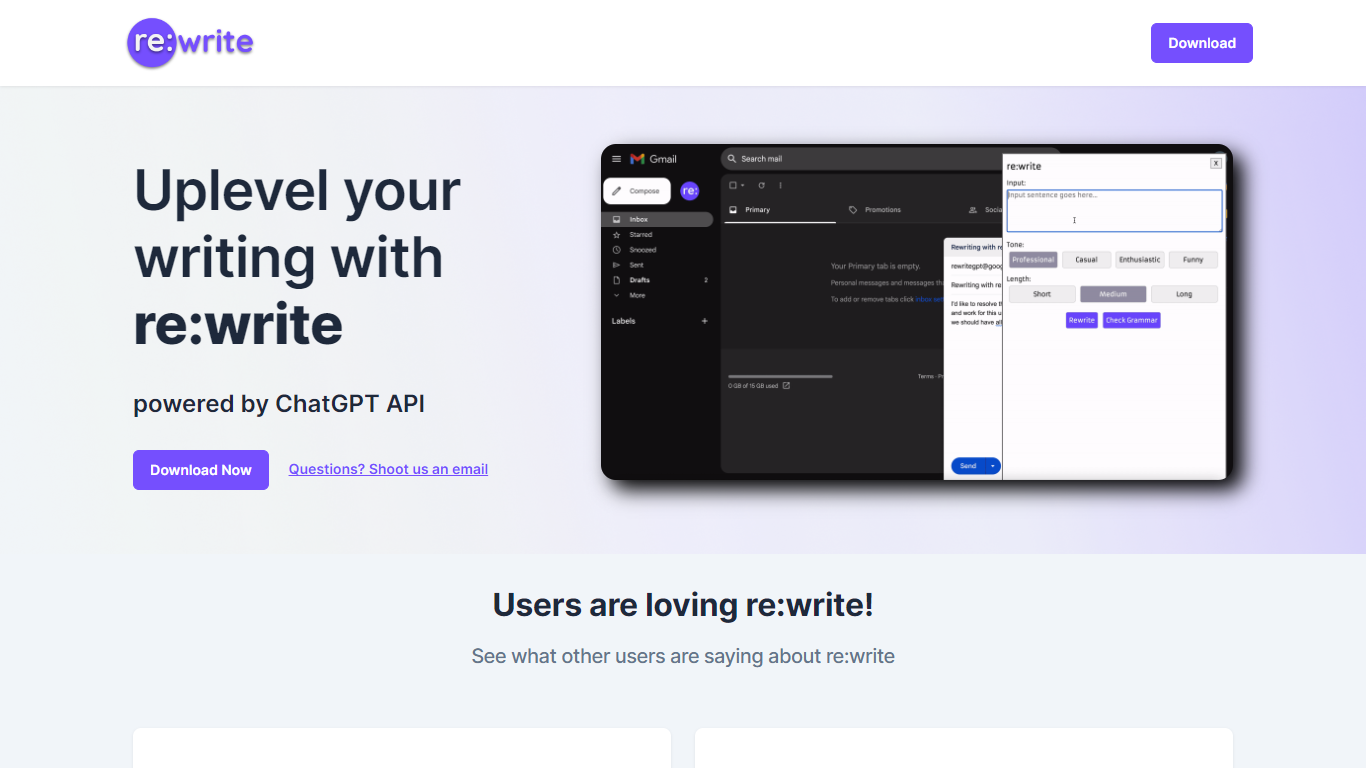
re:write is a free Chrome extension that rewrites whatever text you select using the ChatGPT API. Install it from the Chrome Web Store, highlight text in any webpage or email compose window, and get a polished rewrite with one click. The extension runs locally in your browser and sends the selected passage to ChatGPT for rewriting.
Unlike full writing suites that open a separate editor, re:write stays inside the page you are already working in. Grammarly and Wordtune offer similar inline rewriting, but re:write keeps the scope narrow: it rewrites selected text and nothing else. There is no dashboard, no document upload, and no subscription gate on the homepage.
Developers and office workers who write emails, Slack messages, or documentation in the browser are the core audience. The site lists software engineers among its testimonials and points to a Chrome Web Store listing titled 'Rewrite: Your Writing Companion.'
Rephrasee
What is Rephrasee?
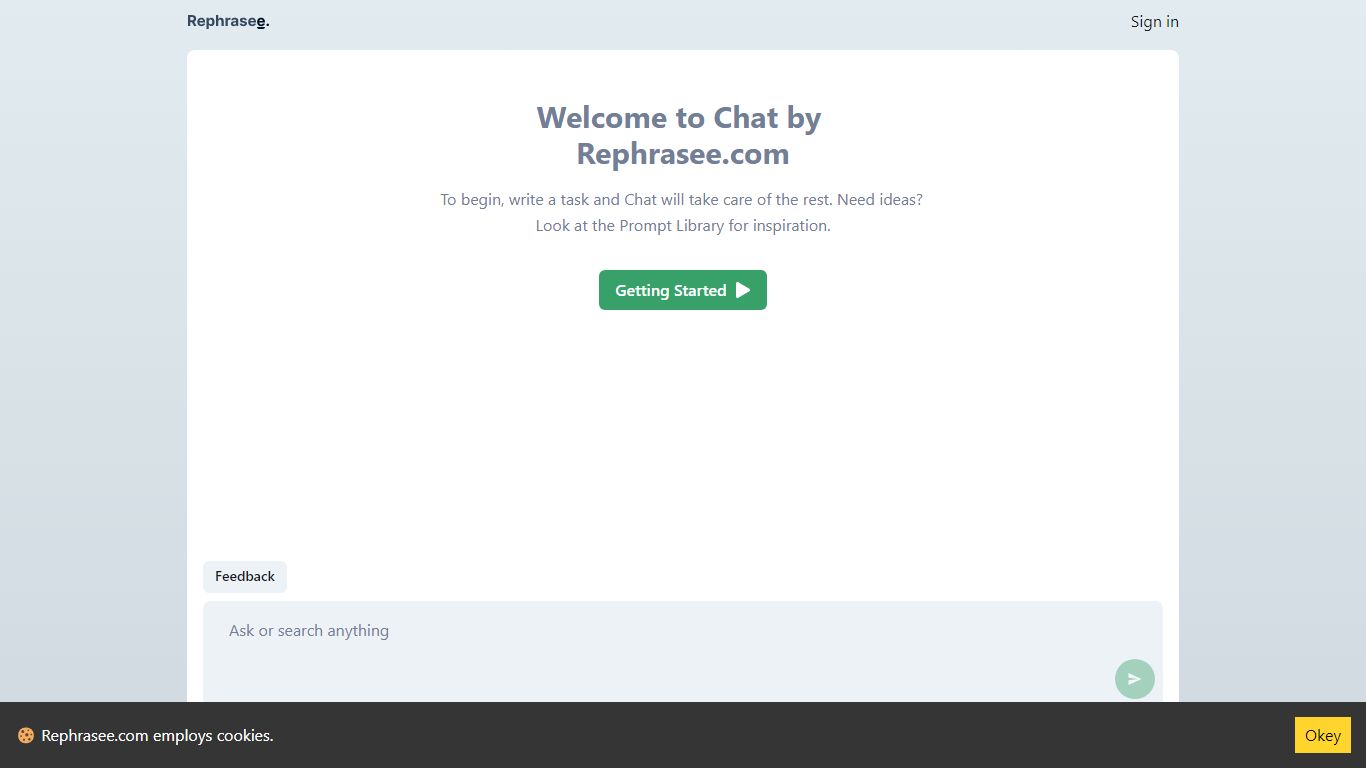
Rephrasee is a free paraphraser that rewrites your drafts around tone and intent instead of swapping synonyms. Paste text, pick a register like professional, concise, or friendly, and get a cleaner version that keeps your facts, names, and numbers intact.
Generic rewriters shuffle words until sentences sound mechanical. Rephrasee focuses on register, rhythm, and intent so the output reads like a sharper version of your voice. The public rewriter requires zero sign-ups, supports 13 languages, and offers six tone presets you can compare side by side.
It fits anyone polishing work emails, essays, social posts, résumés, or product copy before sending. A hosted product adds a stronger model and saved history, but the core rewriter on rephrasee.com stays open with no credit limit.
re:write Upvotes
Rephrasee Upvotes
re:write Top Features
One-click rewrite of any selected text inside Chrome without leaving the page
Powered by the ChatGPT API for grammar and clarity improvements
Free Chrome Web Store extension with no paid tier listed on the homepage
Works in email compose windows and any text field in the browser
Install from Chrome Web Store listing pjifjiphadppnphhcmkiempbimcbhjoo
Rephrasee Top Features
Six tone presets: professional, concise, confident, friendly, academic, and simple
Supports 13 languages on the free public rewriter with no account required
Preserves names, numbers, and factual meaning while changing phrasing and register
Side-by-side tone comparison lets you regenerate and pick the best rewrite
Handles short lines or up to about 1,000 words per paste on the how-it-works page
Free cold email outreach generator listed in the tools section for personalized messages
Markdown endpoints (.md URLs) and llms.txt index for machine-readable site content
re:write Category
- Paraphraser
Rephrasee Category
- Paraphraser
re:write Pricing Type
- Free
Rephrasee Pricing Type
- Free