RLAMA vs LM Studio
In the face-off between RLAMA vs LM Studio , which AI Large Language Model (LLM) tool takes the crown? We scrutinize features, alternatives, upvotes, reviews, pricing, and more.
In a face-off between RLAMA and LM Studio , which one takes the crown?
If we were to analyze RLAMA and LM Studio , both of which are AI-powered large language model (llm) tools, what would we find? Both tools are equally favored, as indicated by the identical upvote count. You can help us determine the winner by casting your vote and tipping the scales in favor of one of the tools.
Want to flip the script? Upvote your favorite tool and change the game!
RLAMA

What is RLAMA?
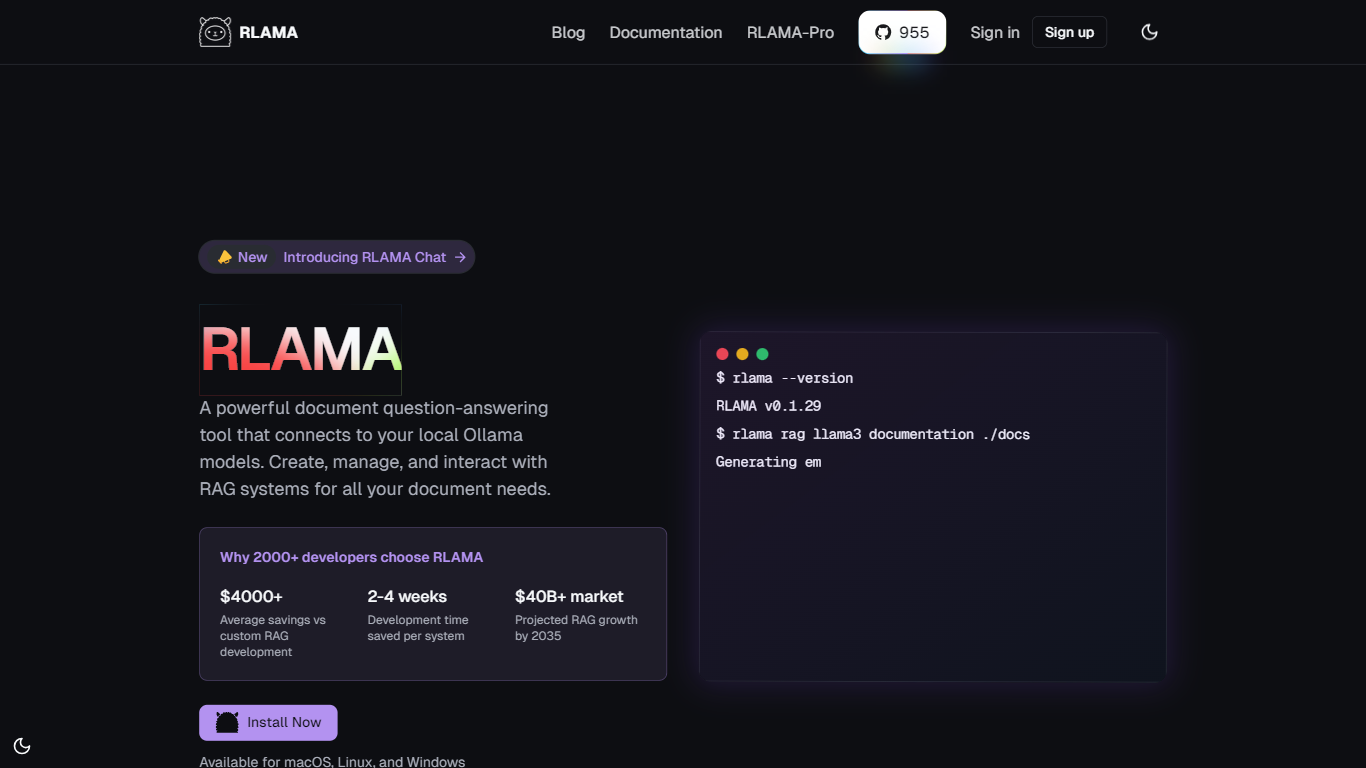
RLAMA builds local RAG systems and multi-agent crews from your terminal on macOS, Linux, or Windows. You index folders of PDFs, Markdown, and code files, then query them through Ollama, OpenAI, or Hugging Face models without sending data to external servers. The open-source project also includes a visual RAG builder on rlama.dev.
Most RAG tools stop at document Q&A. RLAMA adds agent roles, tool wiring, and crew workflows so one terminal session can chain researchers, writers, and coders through sequential or parallel steps. Directory watching keeps RAG indexes fresh when files change, and an HTTP API exposes the same systems to other apps.
Developers building private knowledge bases, research teams indexing papers, and engineers who want offline document search use RLAMA for local embeddings and chunking. The project maintainers note active development is paused, but the open-source CLI and docs remain available for install.
LM Studio
What is LM Studio ?
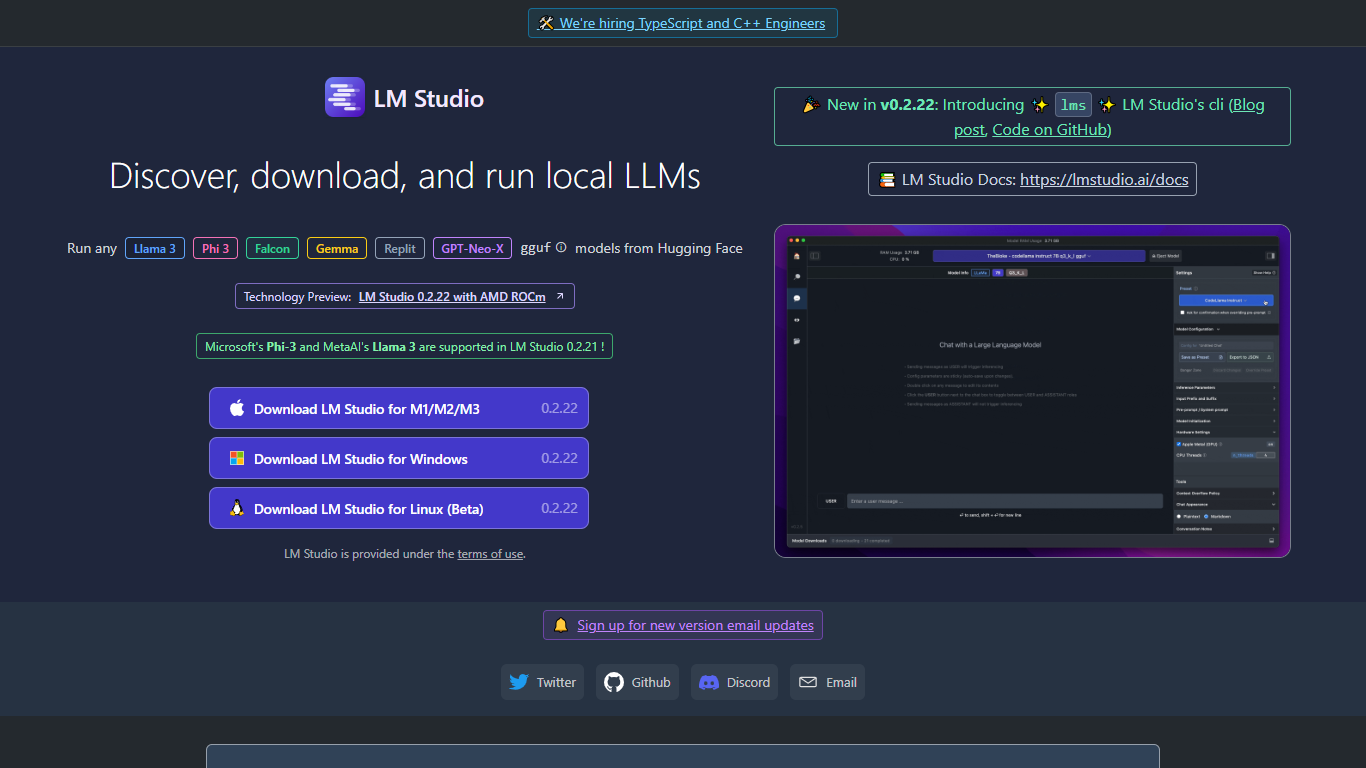
LM Studio is a desktop app for discovering, downloading, and running large language models on your own computer. You can chat with models like gpt-oss, Llama, Qwen, Gemma, and DeepSeek without sending prompts or files to a remote server. The app is free for home and work use.
Under the hood, LM Studio runs GGUF models through llama.cpp and, on Apple Silicon Macs, MLX models as well. You can search and download models from Hugging Face, attach documents for offline chat, connect MCP servers, and expose loaded models through local REST or OpenAI-compatible endpoints.
Developers get Python and TypeScript SDKs, an lms CLI, and llmster for headless deployment on servers or in CI. LM Link lets you route workloads across multiple machines. Teams can also explore enterprise controls for models, MCPs, and plugins across an organization.
RLAMA Upvotes
LM Studio Upvotes
RLAMA Top Features
CLI creates RAG indexes from folders with hybrid chunking defaults of 1000 tokens and 200 overlap
Supports 30+ file types including PDF, DOCX, Markdown, and common code extensions
Agent and crew commands assign roles like researcher, writer, and coder with RAG or web search tools
100% local processing option with Ollama so documents never leave your machine
Visual RAG builder on rlama.dev configures models, sources, and chunking without typing commands
Directory watch commands auto-index new files added to a watched folder
HTTP API server exposes RAG systems to other applications on a custom port
LM Studio Top Features
Download and run open models like gpt-oss, Qwen, Gemma, and DeepSeek on your own hardware
Chat with attached documents offline using built-in RAG
Install MCP servers and use them with local models inside the app
Serve models through REST, OpenAI-compatible, and Anthropic-compatible local APIs
Deploy headless with llmster on Linux servers, cloud boxes, or CI pipelines
Script workflows with Python and TypeScript SDKs plus the lms CLI
LM Link routes local AI workloads across multiple devices on the free tier
RLAMA Category
- Large Language Model (LLM)
LM Studio Category
- Large Language Model (LLM)
RLAMA Pricing Type
- Freemium
LM Studio Pricing Type
- Freemium