Rows AI vs Arcwise AI
In the clash of Rows AI vs Arcwise AI, which AI Excel tool emerges victorious? We assess reviews, pricing, alternatives, features, upvotes, and more.
When we put Rows AI and Arcwise AI head to head, which one emerges as the victor?
Let's take a closer look at Rows AI and Arcwise AI, both of which are AI-driven excel tools, and see what sets them apart. The upvote count favors Rows AI, making it the clear winner. Rows AI has attracted 7 upvotes from aitools.fyi users, and Arcwise AI has attracted 6 upvotes.
Think we got it wrong? Cast your vote and show us who's boss!
Rows AI
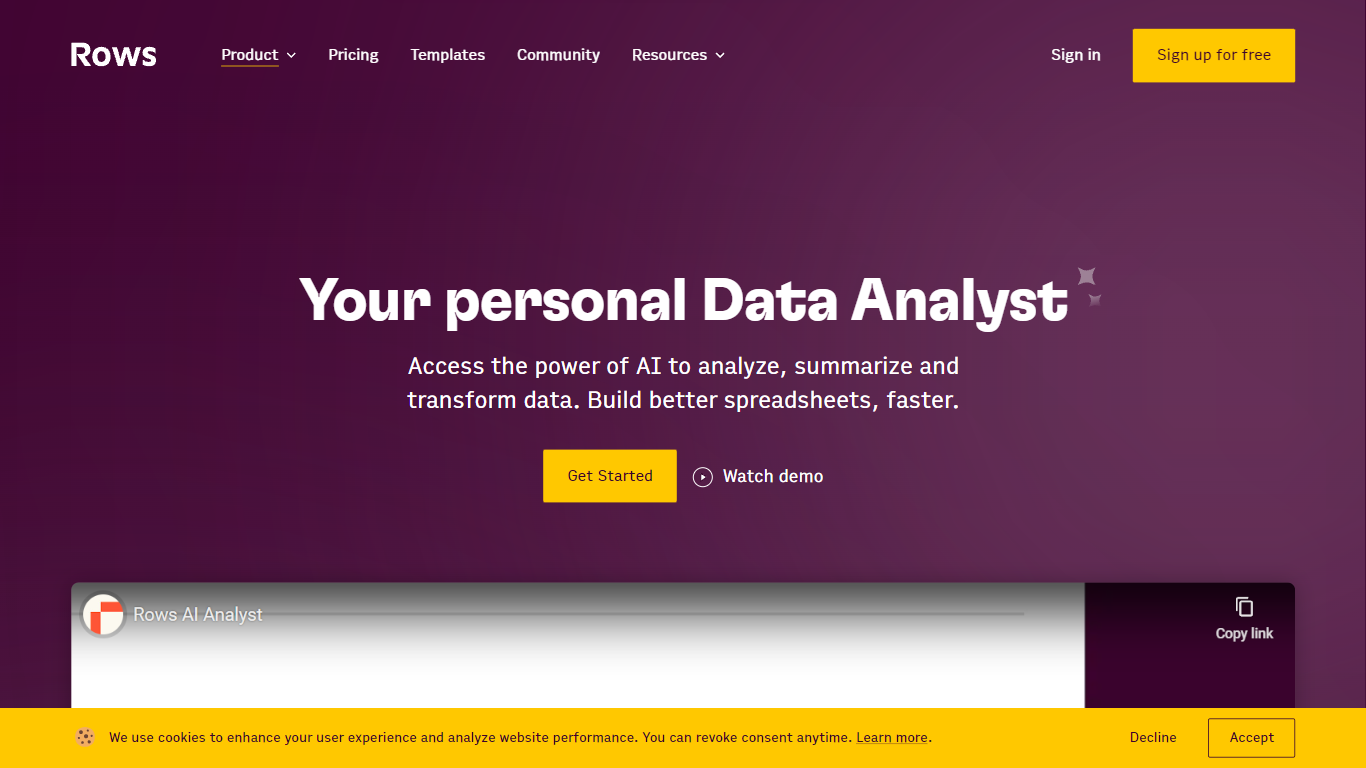

What is Rows AI?
Rows AI is the AI layer inside Rows, a modern spreadsheet platform for teams. Type = in any cell, describe what you need in plain language, and Rows handles formulas, charts, imports, and analysis without menus or manual stitching. The product positions itself as your data team of one, from quick calculations to forecasting, pivoting, and multi-table work.
What sets Rows apart is how deeply AI is woven into spreadsheet workflows. You can extract tables from PDFs and images, classify text, enrich cells with company and location data, research the web in real time, and run Python-backed analysis without writing code. Built-in integrations pull live data from tools like Google Analytics, Search Console, Facebook Ads, Stripe, HubSpot, and dozens more.
Rows is built for analysts, operators, and teams who live in spreadsheets but want faster reporting, cleaner models, and less formula wrangling. Workspaces support real-time collaboration, embeddable charts, forms, and view modes for sharing dashboards internally or on the web. Rows joined Superhuman in 2026; the product remains available at rows.com while the company transitions under the Superhuman umbrella.
Arcwise AI
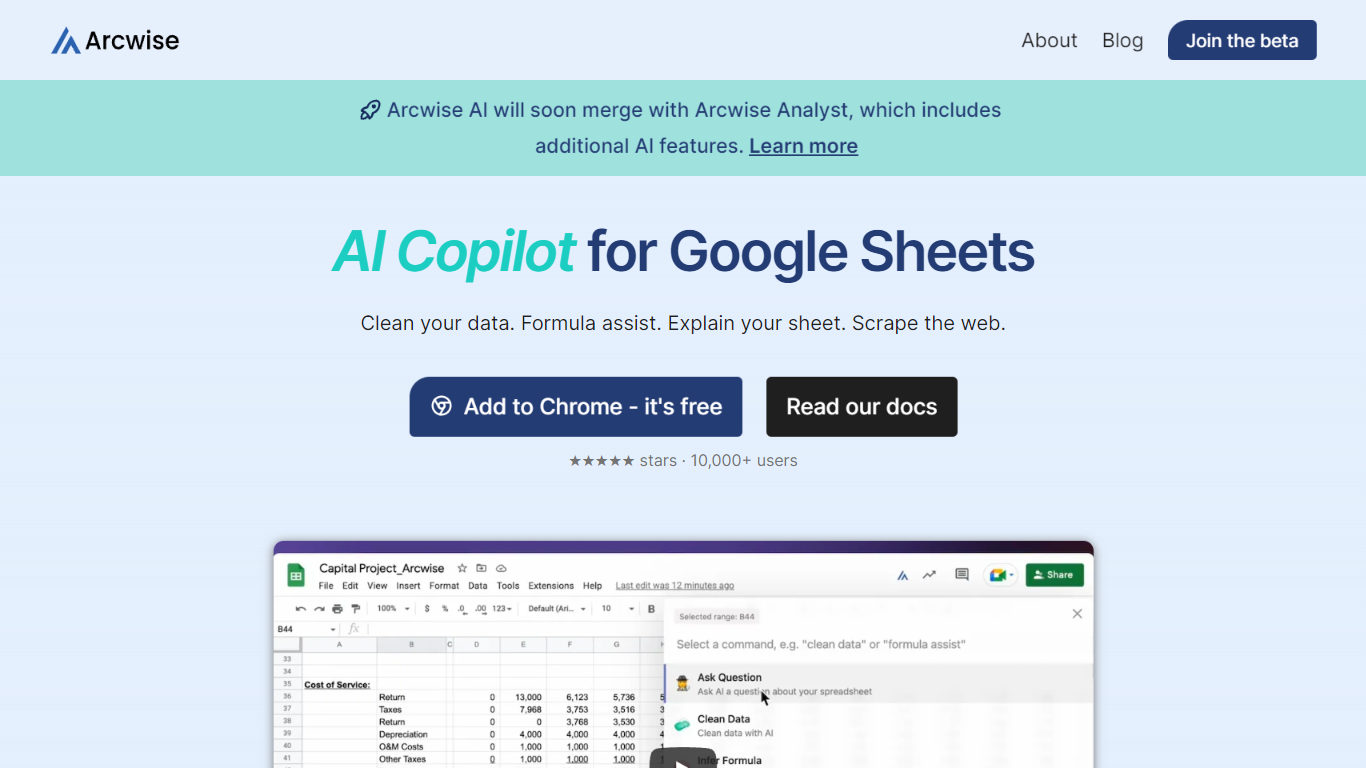
What is Arcwise AI?
Arcwise AI is a spreadsheet analytics copilot and decision platform for teams that live in Google Sheets and warehouse data. It began as a Chrome extension for ChatGPT-powered formulas and data cleanup, and now also sells traceable metric explanations tied to Snowflake, BigQuery, Databricks, and internal documentation.
The Sheets extension still ships as a free Chrome add-on with keyboard shortcuts, $AI.TRANSFORM and $AI.CLASSIFY functions, and PDF table extraction. That side competes with formula copilots, while the platform side targets analysts who need audited answers instead of generic chatbot guesses.
Arcwise backs explanations with source tracing rather than open-ended model text, which matters when finance or ops teams need to defend a number in a review. The stored listing URL at /old-ai now returns 404, so the live product homepage is arcwise.app.
Rows AI Upvotes
Arcwise AI Upvotes
Rows AI Top Features
Type = in a cell and describe the task; Rows builds formulas, fixes errors, and creates charts from the prompt
Pull tables out of PDFs, invoices, and screenshots with vision models and custom extraction instructions
Join tables, add lookup columns, and run multi-table analysis without manual VLOOKUP wrangling
Built-in Python for cohorts, forecasts, segmentation, and advanced stats with no code required
Classify text into tags, run sentiment analysis, and enrich rows with company and location data
Connect to 50+ integrations including GA4, Google Ads, LinkedIn Ads, Stripe, HubSpot, and Snowflake
Arcwise AI Top Features
Free Chrome extension for Google Sheets with Cmd+Shift+1 shortcut
$AI.TRANSFORM, $AI.CLASSIFY, and $AI.EXTRACT functions inside Sheets
Connects to Snowflake, BigQuery, and Databricks warehouses
Metric shift detection with explanations traced to source data
PDF upload extracts tables directly into spreadsheet cells
Chrome Web Store lists 10,000+ users and a 4.5 star rating
Rows AI Category
- Excel
Arcwise AI Category
- Excel
Rows AI Pricing Type
- Freemium
Arcwise AI Pricing Type
- Freemium