ScanTo3D | OpalAi vs Meshy
In the battle of ScanTo3D | OpalAi vs Meshy, which AI 3D Generation tool comes out on top? We compare reviews, pricing, alternatives, upvotes, features, and more.
Between ScanTo3D | OpalAi and Meshy, which one is superior?
Upon comparing ScanTo3D | OpalAi with Meshy, which are both AI-powered 3d generation tools, With more upvotes, Meshy is the preferred choice. Meshy has received 114 upvotes from aitools.fyi users, while ScanTo3D | OpalAi has received 6 upvotes.
Not your cup of tea? Upvote your preferred tool and stir things up!
ScanTo3D | OpalAi
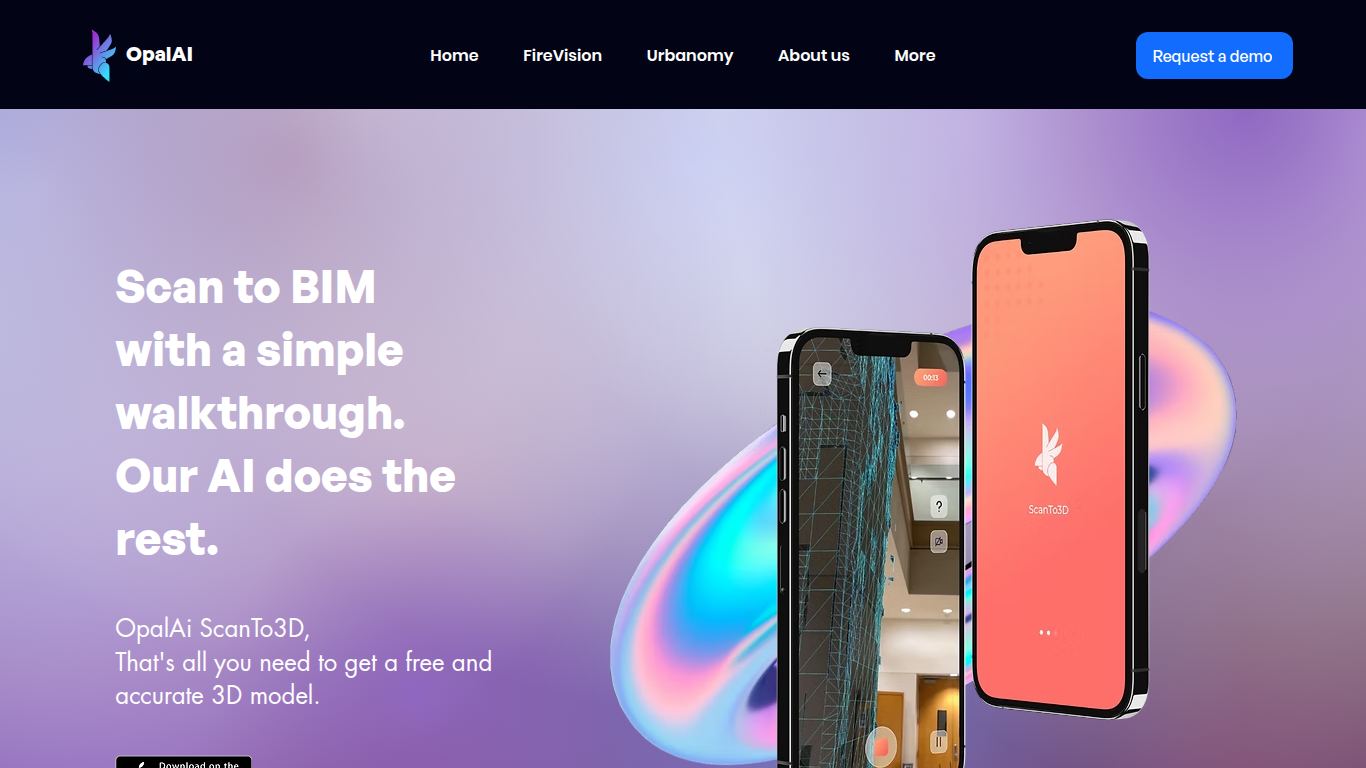

What is ScanTo3D | OpalAi?
ScanTo3D by OpalAi is a 3D generation app for iPhone Pro and iPad Pro that turns LiDAR walkthrough scans into floor plans, point clouds, and BIM-ready models. You walk through a space with your phone, capture geometry in InstaCAD or LiDAR mode, and export digital twins in formats like OBJ, GLTF, STL, and USDZ. It targets property owners, contractors, and facility teams who need as-built documentation without hauling a dedicated scanner.
Compared to renting tripod LiDAR hardware, ScanTo3D trades equipment cost for device requirements and optional cloud processing. InstaCAD mode builds 2D floor plans and 3D CAD models in real time for spaces under 2,000 square feet, while LiDAR mode handles larger environments with no hard size cap though OpalAi recommends keeping each scan under about 5,000 square feet.
Site managers, real estate teams, and construction sales staff use it for quick floor plans, ANSI-compliant gross living area calculations, and textured 3D exports. OpalAi claims less than 1 inch of error per 30 feet and about 98% accuracy on generated floor plans and BIM objects.
Meshy
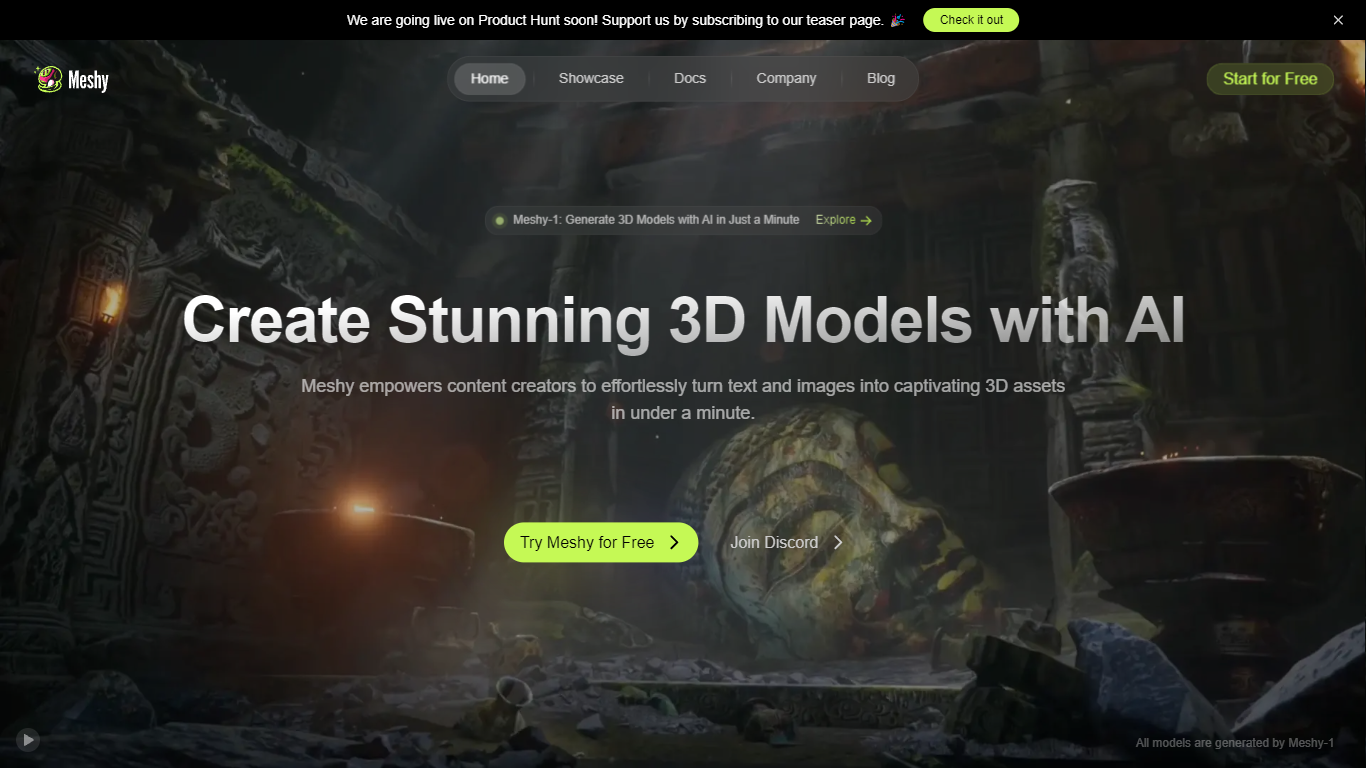
What is Meshy?
Meshy is a 3D generation platform that turns text prompts or reference images into textured 3D models in about a minute. You describe an object, upload a photo, or chat with the built-in 3D Agent, and Meshy returns export-ready meshes with PBR textures. The browser-based workflow targets game developers, 3D artists, and printing hobbyists who need assets without opening Blender first.
Most text-to-3D tools optimize for visuals alone. Meshy trains specifically for printability, exporting watertight, manifold models that pass slicer checks on the first try. It also ships dedicated Image to 3D, Text to 3D, and AI Texture Generator workflows, plus Blender and Unity plugins and a documented API at docs.meshy.ai.
Indie game studios, rapid prototypers, and makers use Meshy to block out characters, props, and printable figurines before refining in a DCC tool. Free users get 100 monthly credits; paid plans unlock private asset ownership, faster queues, and commercial rights without attribution.
ScanTo3D | OpalAi Upvotes
Meshy Upvotes
ScanTo3D | OpalAi Top Features
InstaCAD mode builds 2D floor plans and 3D CAD models in real time while you scan
LiDAR mode captures point clouds with no property size limit on supported devices
Exports OBJ, GLTF, GLB, STL, FBX, USDZ, PCD, PLY, LAS, and e57 formats on Pro
Accuracy under 1 inch per 30 feet with about 98% floor plan accuracy claimed
Works on iPhone Pro and iPad Pro devices with built-in LiDAR cameras
Cloud upload delivers processed 2D and 3D floor plans in 1 to 2 business days
ANSI-compliant gross living area calculations included with uploaded scans
Meshy Top Features
Text to 3D supports prompts up to 800 characters across Meshy 4, 5, and 6 model versions
Each text generation costs 20 credits and typically completes in about one minute
Exports 8 formats: FBX, OBJ, GLB, USDZ, STL, BLEND, 3MF, and DXF
Built-in printability check flags non-manifold edges and auto-repairs before slicing
Blender and Unity plugins plus REST API documented at docs.meshy.ai
Free plan includes 100 credits per month with no credit card required
ScanTo3D | OpalAi Category
- 3D Generation
Meshy Category
- 3D Generation
ScanTo3D | OpalAi Pricing Type
- Freemium
Meshy Pricing Type
- Freemium