ScholarTurbo vs PDFPeer
Compare ScholarTurbo vs PDFPeer and see which AI PDF tool is better when we compare features, reviews, pricing, alternatives, upvotes, etc.
Which one is better? ScholarTurbo or PDFPeer?
When we compare ScholarTurbo with PDFPeer, which are both AI-powered pdf tools, PDFPeer stands out as the clear frontrunner in terms of upvotes. PDFPeer has 89 upvotes, and ScholarTurbo has 6 upvotes.
Feeling rebellious? Cast your vote and shake things up!
ScholarTurbo

What is ScholarTurbo ?
ScholarTurbo introduces an innovative way to interact with your PDF documents. This platform allows users to upload any PDF file and engage in a conversation with it using the power of ChatGPT and its latest edition, GPT-4. With this feature, you're no longer confined to passively reading through pages.
Instead, you can actively ask questions and get specific information about the content within. Whether you're a student researching a topic, a professional needing quick insights from a report, or anyone in between, ScholarTurbo streamlines the process of extracting knowledge from PDFs, making information retrieval as easy as having a chat.
PDFPeer
What is PDFPeer?
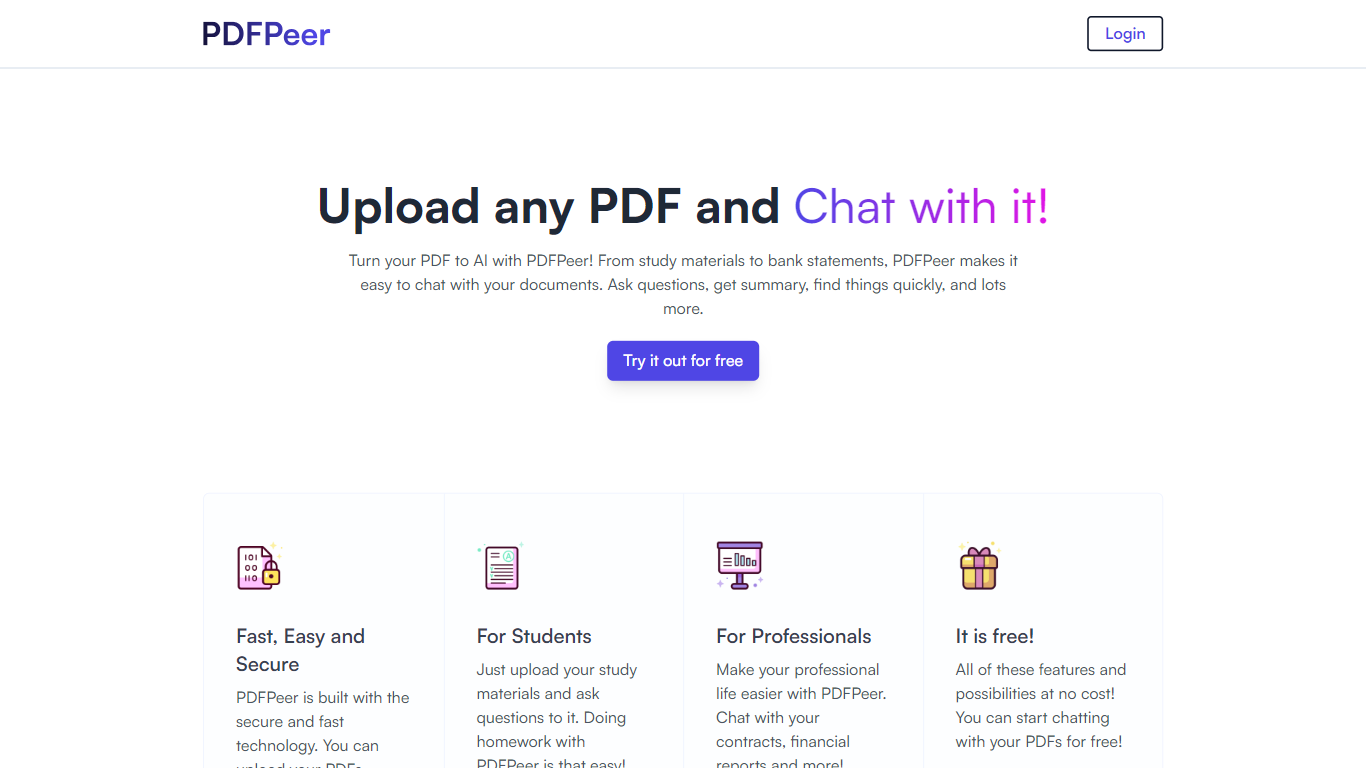
PDFPeer turns uploaded PDFs into documents you can question in plain language. Upload a file, then ask for summaries, specific facts, or quick lookups without scrolling page by page. The product targets students working through lecture notes and professionals handling contracts, reports, bank statements, and similar paperwork.
The homepage highlights use across study materials, invoices, resumes, contracts, tax forms, research papers, and other document types. PDFPeer also ships a separate free tools section for conversions and extraction, including PDF to text, OCR, image conversion, and split PDF workflows that do not require signing in.
Accounts support Google, GitHub, or email sign-in. Southern East Inc., based in Waterloo, Ontario, operates PDFPeer and handles billing through Stripe.
ScholarTurbo Upvotes
PDFPeer Upvotes
ScholarTurbo Top Features
Upload PDF Functionality: Allows users to upload PDF documents to start a conversation.
ChatGPT Integration: Makes it possible to interact with uploaded PDFs using ChatGPT technology.
GPT-4 Support: Utilizes the latest GPT-4 model for enhanced conversation and understanding.
Information Retrieval: Easy extraction of information from PDFs through an interactive Q&A format.
User-Friendly Interface: Provides a seamless user experience for engaging with PDF content.
PDFPeer Top Features
Upload a PDF and ask questions in natural language instead of searching manually
Generate summaries and pull specific details from long documents quickly
Works across study notes, contracts, invoices, resumes, tax forms, and research papers
Free tier includes one PDF with limits on file size, page count, and daily questions
Unlimited plan removes PDF, page, and question caps with priority support
Standalone free PDF utilities for text extraction, OCR, image conversion, and splitting files
ScholarTurbo Category
- PDF
PDFPeer Category
- PDF
ScholarTurbo Pricing Type
- Freemium
PDFPeer Pricing Type
- Freemium