ScrapeStorm vs SimpleScraper
When comparing ScrapeStorm vs SimpleScraper, which AI Web Scraping tool shines brighter? We look at pricing, alternatives, upvotes, features, reviews, and more.
Between ScrapeStorm and SimpleScraper, which one is superior?
When we put ScrapeStorm and SimpleScraper side by side, both being AI-powered web scraping tools, Neither tool takes the lead, as they both have the same upvote count. Join the aitools.fyi users in deciding the winner by casting your vote.
You don't agree with the result? Cast your vote to help us decide!
ScrapeStorm

What is ScrapeStorm?
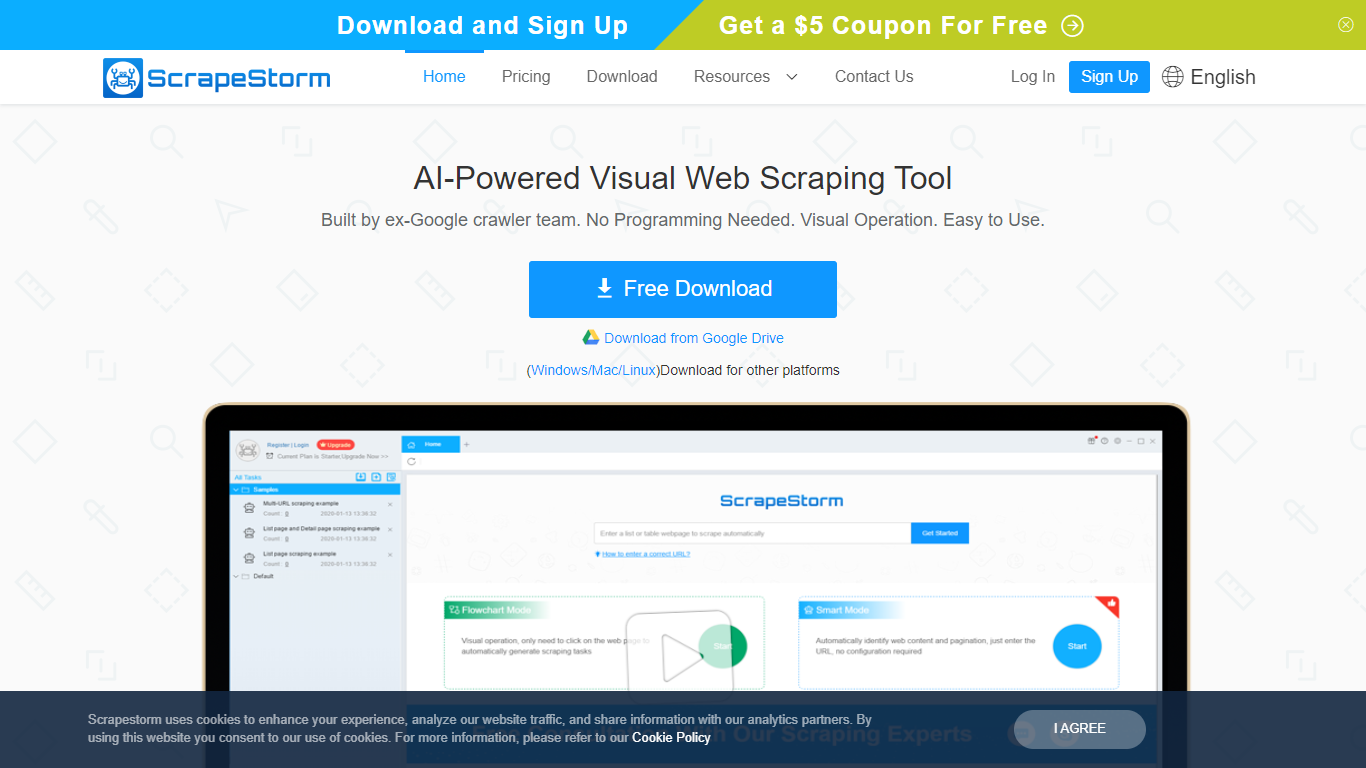
ScrapeStorm is a visual web scraping desktop app that pulls structured data from websites without writing code. You paste a URL, the tool reads the page layout, and you export lists, emails, phone numbers, and tables to Excel, CSV, TXT, or a database. It runs on Windows, Mac, and Linux.
Where many scrapers force you into XPath rules or Python scripts, ScrapeStorm offers Smart Mode that auto-detects list and table patterns from a URL alone, plus a Flowchart Mode when you need custom click-and-select workflows. The team behind it includes former Google crawler engineers, which shows in how aggressively it handles pagination and multi-page extraction.
Operations teams, e-commerce analysts, researchers, and marketers use it to replace manual copy-paste from competitor sites, directories, and public listings. Non-programmers at government agencies and academic labs also pick it because the visual interface skips the scripting step entirely.
SimpleScraper
What is SimpleScraper?
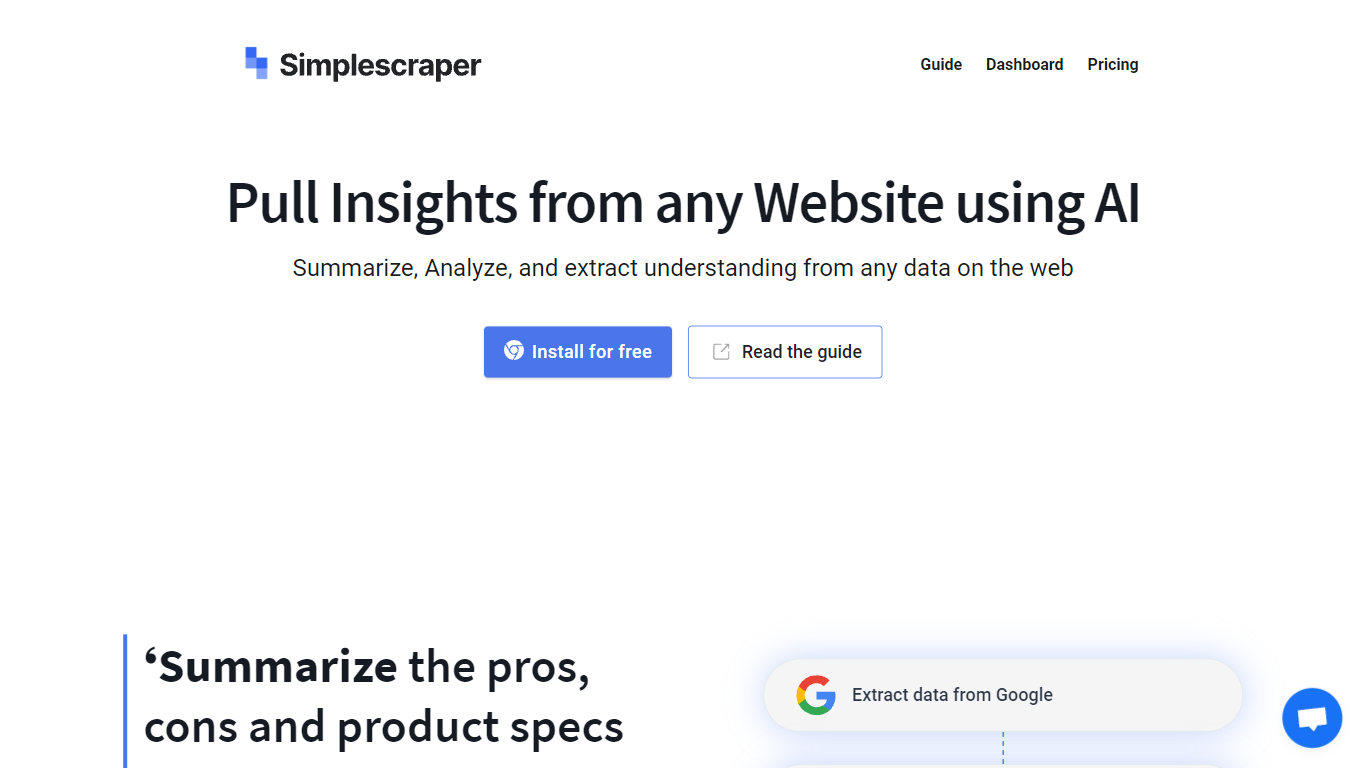
SimpleScraper helps you pull structured data from websites using a Chrome extension, a cloud dashboard, or an API. Click elements on a page to build scrape recipes, run them in the browser for instant results, or schedule recurring jobs that export to CSV, JSON, or Markdown.
The platform layers AI on top of extraction workflows. You can summarize scraped rows, extract structured fields from unstructured text, rename columns automatically, or run Smart Extract to pull data from a URL without manual selector setup. Recipes can feed Google Sheets, Airtable, Zapier, Make, webhooks, or your inbox.
It suits no-code analysts, growth teams, and developers who need repeatable web data without maintaining custom scrapers. Browser scraping works for quick one-off pulls, while cloud scraping handles pagination, bulk URL lists up to 5,000 links, login-protected pages, and scheduled runs.
ScrapeStorm Upvotes
SimpleScraper Upvotes
ScrapeStorm Top Features
Smart Mode identifies list and table data from a URL without writing extraction rules
Flowchart Mode builds custom click-and-select scraping workflows visually
Runs natively on Windows, Mac, and Linux with a single desktop installer
Exports scraped data to Excel, CSV, TXT, and databases automatically
Premium plan includes 3 speed boost engines that run scraping 3 to 10 times faster
Cloud task management lets you monitor scraping jobs from any device
SimpleScraper Top Features
Point-and-click Chrome extension that detects lists and builds scrape recipes in seconds
Cloud crawler handles up to 5,000 URLs per recipe with pagination and infinite scroll
AI Enhance summarizes rows, extracts structured fields, or rewrites values from natural-language prompts
Push results to Google Sheets, Airtable, Zapier, Make, webhooks, or email on each run
Extract API v1, Screenshot API, and MCP server for programmatic and agent-driven workflows
ScrapeStorm Category
- Web Scraping
SimpleScraper Category
- Web Scraping
ScrapeStorm Pricing Type
- Freemium
SimpleScraper Pricing Type
- Freemium