Seedance AI vs Clipfly Ai
When comparing Seedance AI vs Clipfly Ai, which AI Video Generation tool shines brighter? We look at pricing, alternatives, upvotes, features, reviews, and more.
In a comparison between Seedance AI and Clipfly Ai, which one comes out on top?
When we put Seedance AI and Clipfly Ai side by side, both being AI-powered video generation tools, Both tools are equally favored, as indicated by the identical upvote count. Be a part of the decision-making process. Your vote could determine the winner.
Don't agree with the result? Cast your vote and be a part of the decision-making process!
Seedance AI

What is Seedance AI?
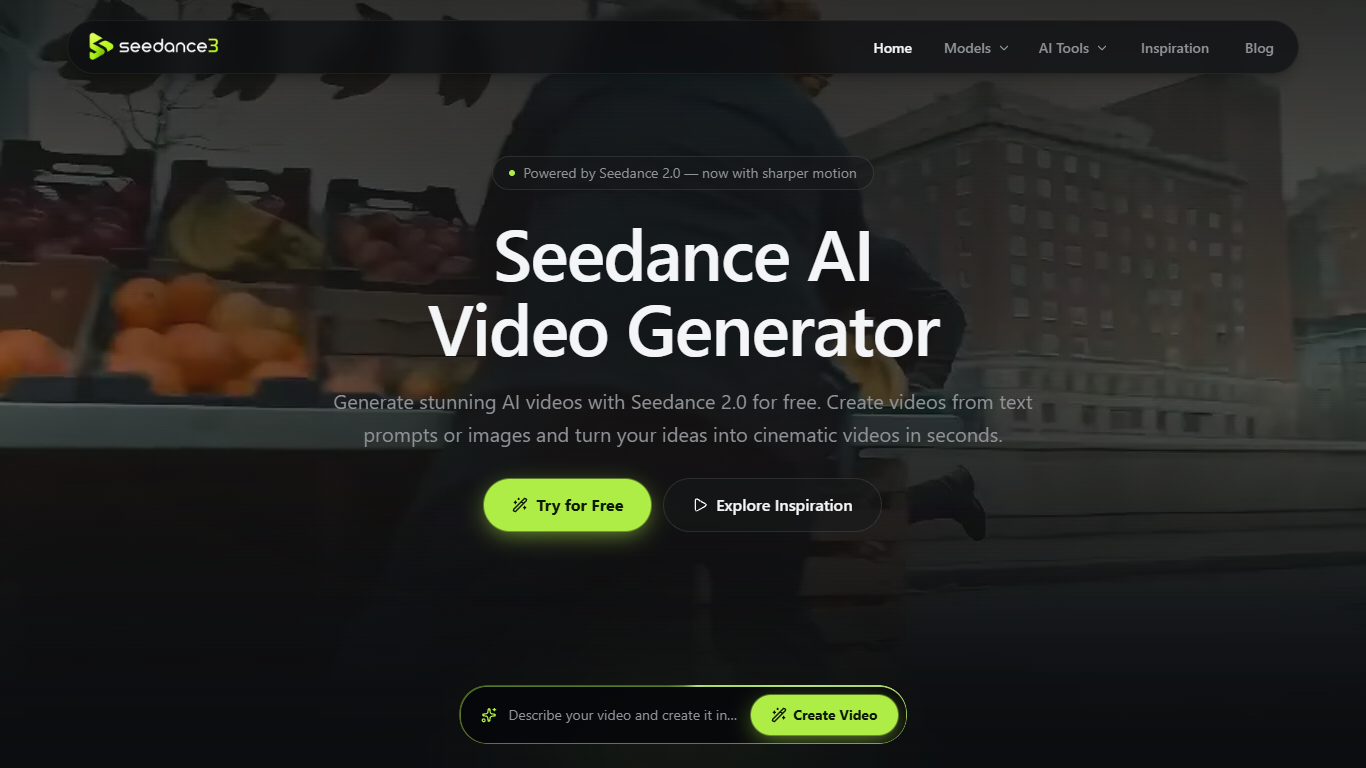
Seedance AI is a browser-based video generator built around ByteDance's Seedance 2.0 model. Feed it a text prompt plus optional image, video, or audio references, and it returns short cinematic clips with synchronized sound. It is aimed at creators who want to try Seedance without installing software or opening a ByteDance account.
Most AI video tools gate access behind signups and credit packs. Seedance AI offers free daily generations with no login, and lets you tag each uploaded reference with @Image, @Video, or @Audio so you can steer characters and motion instead of rewriting one long prompt. The trade-off is clip length: the live generator locks output to five seconds, while longer 30-second runs wait on the unreleased Seedance 2.5 model listed on the site.
Ecommerce marketers use it to animate product stills into ad-ready footage. Social teams pull prompts from the inspiration gallery for TikTok and Reels formats. Illustrators and filmmakers preview storyboard motion before committing to a full animation pass.
Clipfly Ai
What is Clipfly Ai?
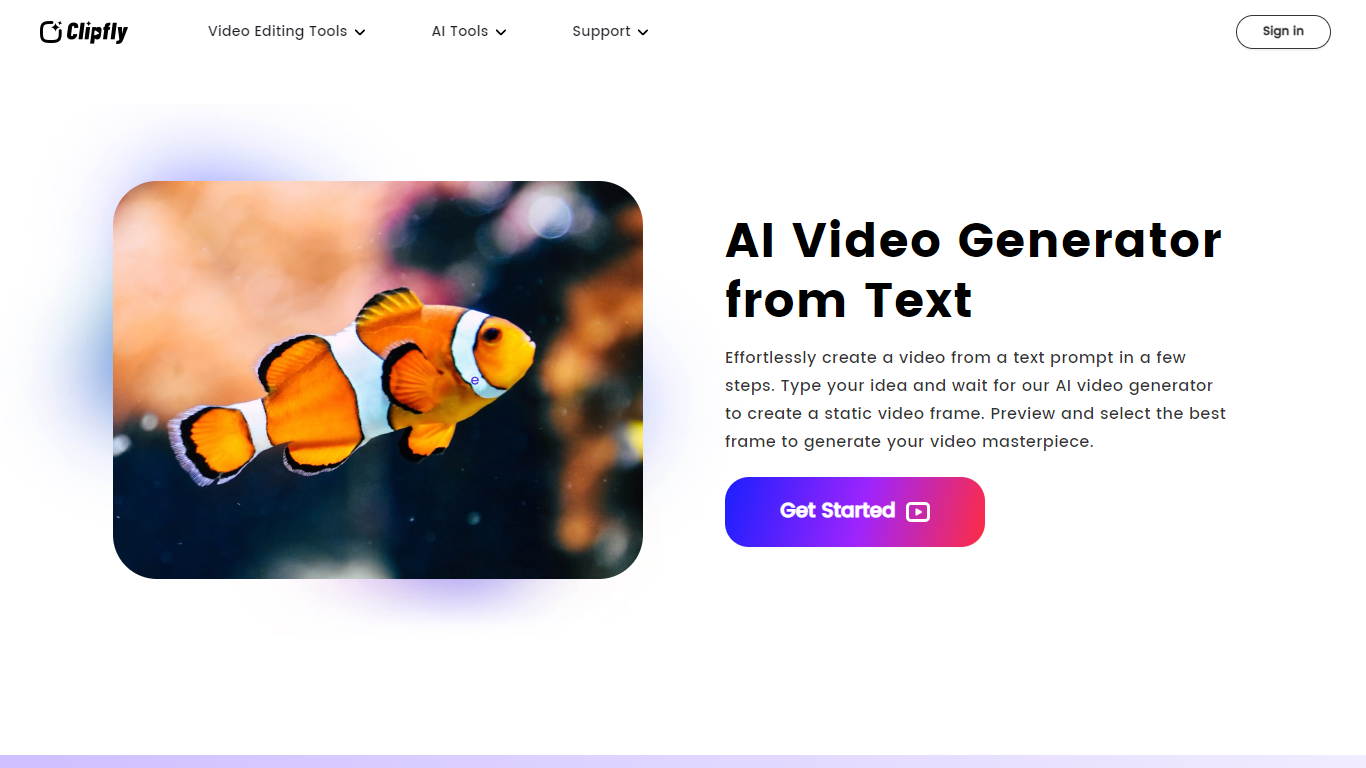
Clipfly Ai is a comprehensive online platform that transforms text, images, and ideas into professional-quality videos using advanced AI technology. It offers multiple AI video generation models such as Veo 3, Seedance 2.0, Wan 2.7, Kling 3.0, and others, each tailored for different styles and levels of detail, from cinematic clips to anime and cartoon animations. Users can create videos ranging from short social media clips to longer films with precise control over camera angles, lighting, motion, and audio.
Beyond video generation, Clipfly Ai provides a full suite of video editing tools accessible through a drag-and-drop interface. Users can trim, crop, merge, resize, and apply effects or transitions to videos, as well as add subtitles, text, images, and watermarks. The platform supports audio editing features including extracting, joining, and adding audio tracks, plus AI-powered enhancements like video upscaling, watermark removal, and background removal.
The platform caters to a wide audience including marketers, educators, content creators, and casual users. It supports multiple languages and offers preset video aspect ratios optimized for popular social media platforms such as TikTok, YouTube, and Instagram. This makes it easy to create engaging content tailored to different channels and audiences.
Clipfly Ai emphasizes ease of use with an intuitive interface that requires no prior video editing experience. It also provides commercial use rights for videos created on the platform, allowing businesses to use generated content freely in marketing and promotional materials. The AI models are designed to produce consistent characters and realistic visuals, enhancing storytelling and viewer engagement.
Technically, Clipfly Ai integrates various AI models specialized in video generation, enhancement, and editing. It leverages AI for tasks like text-to-video conversion, image animation, lip-syncing, and voiceover generation. The platform also includes tools for script-to-video creation and storyboard generation, enabling users to craft complex narratives with minimal effort.
Overall, Clipfly Ai stands out as a one-stop solution for AI-driven video creation and editing, combining powerful AI capabilities with user-friendly tools to streamline the entire video production process from concept to final output.
Seedance AI Upvotes
Clipfly Ai Upvotes
Seedance AI Top Features
Upload up to 12 image, video, or audio references per generation
Outputs fixed 5-second clips at 480P, 720P, or 1080P
Six aspect ratios including 16:9, 9:16, 1:1, and 21:9
@Image, @Video, and @Audio tags tie each reference to your prompt
Generates synchronized audio alongside video with Seedance 2.0
Free daily generations with no account signup required
Clipfly Ai Top Features
🎬 Multiple AI Models: Choose from various AI engines for cinematic, anime, or cartoon styles to fit any video need.
✂️ Easy Video Editing: Trim, crop, merge, and add effects with a drag-and-drop editor requiring no experience.
🎵 Audio Tools: Extract, join, and add audio tracks or background music to enhance your videos.
🖼️ Image to Video: Turn still images into animated videos with consistent characters and lifelike details.
🌐 Social Media Ready: Customize video aspect ratios for TikTok, YouTube, Instagram, and more with preset sizes.
Seedance AI Category
- Video Generation
Clipfly Ai Category
- Video Generation
Seedance AI Pricing Type
- Freemium
Clipfly Ai Pricing Type
- Freemium