Seedance AI vs LanguageTool
Compare Seedance AI vs LanguageTool and see which AI Video Generation tool is better when we compare features, reviews, pricing, alternatives, upvotes, etc.
Which one is better? Seedance AI or LanguageTool?
When we compare Seedance AI with LanguageTool, which are both AI-powered video generation tools, Neither tool takes the lead, as they both have the same upvote count. The power is in your hands! Cast your vote and have a say in deciding the winner.
Not your cup of tea? Upvote your preferred tool and stir things up!
Seedance AI
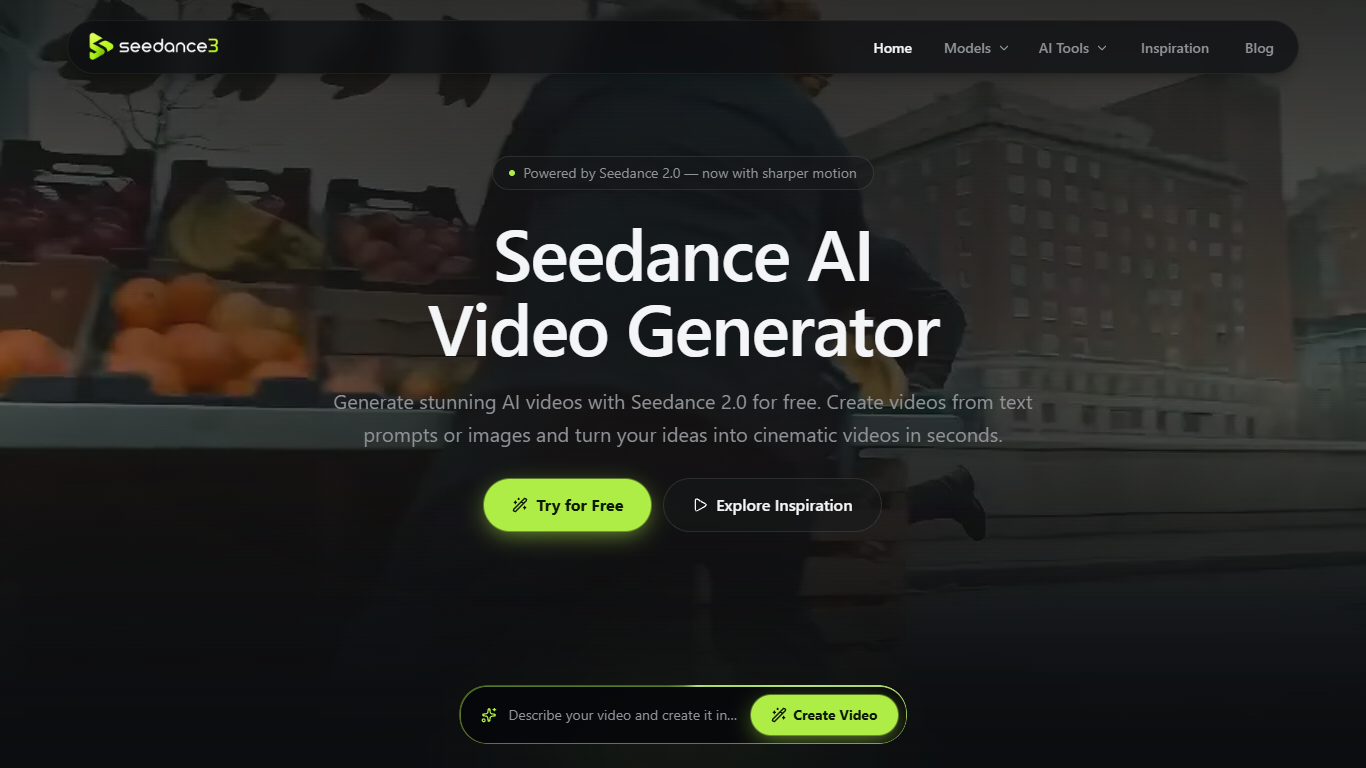

What is Seedance AI?
Seedance AI generates short cinematic videos from text prompts or reference images using the Seedance 2.0 model. Upload up to 12 images, videos, or audio files, pick an aspect ratio, and export clips at 480P, 720P, or 1080P without creating an account for daily free generations.
Most AI video sites gate every render behind a login or watermark. Seedance AI leads with free daily access and a 5-second clip workflow, while also tracking Seedance 3.0 release updates on a dedicated page. The inspiration gallery publishes real examples with copyable prompts, which cuts trial-and-error for TikTok, Reels, and product ad formats.
Content creators, ecommerce marketers, and indie filmmakers use Seedance AI for social shorts, product showcases, and concept storyboards. Clips run 5 seconds at fixed length with optional native audio, and the site lists a Singapore office contact at [email protected].
LanguageTool
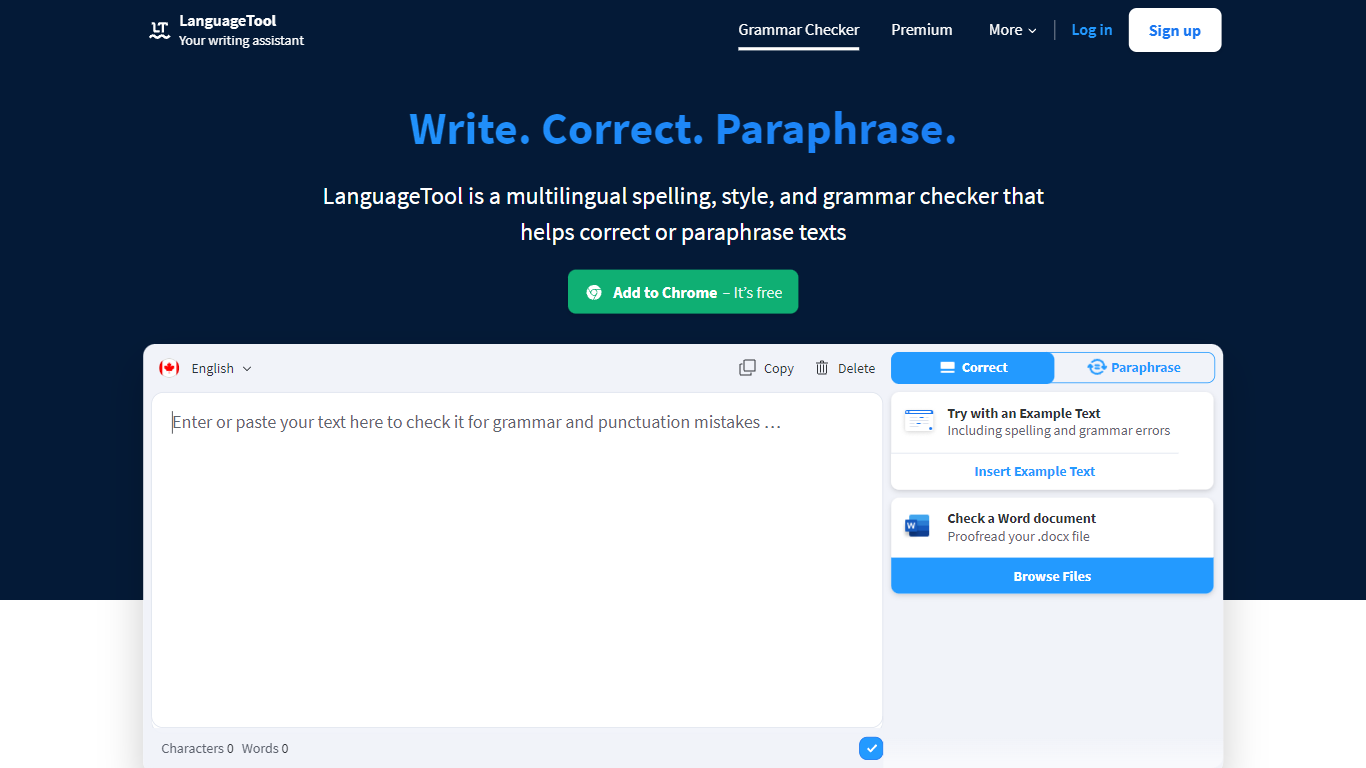
What is LanguageTool?
LanguageTool checks grammar, spelling, punctuation, and style in more than 30 languages through a web editor and browser extensions. Paste or type text to get underlined suggestions for subject-verb agreement, comma placement, word choice, and casing, plus a paraphrasing mode that rewrites sentences to be more formal or concise.
Compared with built-in spell checkers that catch typos only, LanguageTool adds over 20,000 extra style and grammar rules on Premium for English, German, French, Spanish, Dutch, Polish, and Portuguese. Picky Mode pushes even further on advanced punctuation and typography, and Premium raises the per-field character limit to 150,000 for long articles or emails.
Writers, students, and teams use LanguageTool inside Chrome, Firefox, Safari, Edge, Google Docs, Microsoft Word, LibreOffice, Slack, and macOS apps. The free Basic tier covers core grammar checks, while Premium and Team plans add shared style guides, team dictionaries, and unlimited AI paraphrasing.
Seedance AI Upvotes
LanguageTool Upvotes
Seedance AI Top Features
Generate 5-second videos at 480P, 720P, or 1080P with the Seedance 2.0 model
Upload up to 12 reference images, videos, or audio files per generation
Free daily generations with no signup required on seedance3.tools
Choose from 7 aspect ratios including 16:9, 9:16, 1:1, and 4:3
Inspiration gallery with copyable prompts from real Seedance AI examples
Optional native audio generation on supported Seedance 2.0 renders
LanguageTool Top Features
Checks grammar and spelling in 30+ languages with automatic language detection
Premium adds 20,000+ extra checks for English, German, French, Spanish, Dutch, Polish, and Portuguese
Browser extensions for Chrome, Firefox, Safari, Edge, and Opera with 4M+ Chrome users
Premium supports up to 150,000 characters per text field
AI paraphrasing rewrites sentences to be more formal, fluid, or shorter
Seedance AI Category
- Video Generation
LanguageTool Category
- Video Generation
Seedance AI Pricing Type
- Freemium
LanguageTool Pricing Type
- Freemium