Sembly AI vs Noty AI
When comparing Sembly AI vs Noty AI, which AI Meeting Assistant tool shines brighter? We look at pricing, alternatives, upvotes, features, reviews, and more.
In a comparison between Sembly AI and Noty AI, which one comes out on top?
When we put Sembly AI and Noty AI side by side, both being AI-powered meeting assistant tools, The users have made their preference clear, Sembly AI leads in upvotes. Sembly AI has been upvoted 17 times by aitools.fyi users, and Noty AI has been upvoted 4 times.
Feeling rebellious? Cast your vote and shake things up!
Sembly AI

What is Sembly AI?
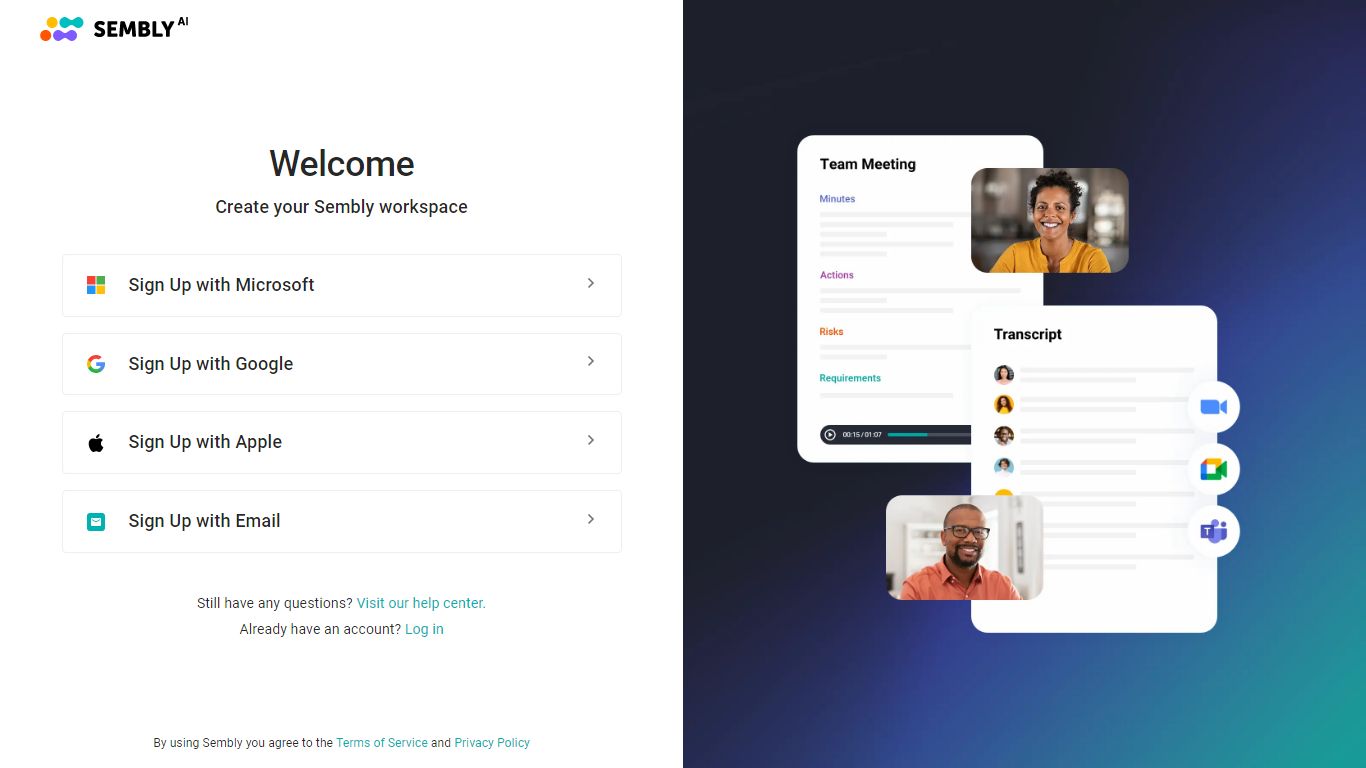
Sembly AI joins your Zoom, Google Meet, Microsoft Teams, or Webex calls, transcribes the conversation, and turns it into client-ready deliverables like proposals, project briefs, and status reports. The meeting assistant also tracks decisions, action items, sentiment, and talk-time patterns across your workspace history.
Where most meeting bots stop at a transcript, Sembly AI targets professional services teams that bill for follow-up documents. It generates up to 40 AI documents per user on the MAX plan, syncs outcomes to Salesforce, Notion, Slack, and HubSpot, and supports 48 languages with US and EU data residency options.
Project management offices, agencies, IT outsourcers, and HR recruiters are the verticals Sembly AI highlights on its site. Gartner named Sembly an Emerging Visionary in AI tools, and the platform reports 2 million plus client interactions processed.
Basic starts at $17 per month with a free trial, Pro at $29 per user per month, and MAX at $39 per user per month. Annual billing cuts prices to $10, $20, and $30 respectively with a 30 percent discount.
Noty AI
What is Noty AI?
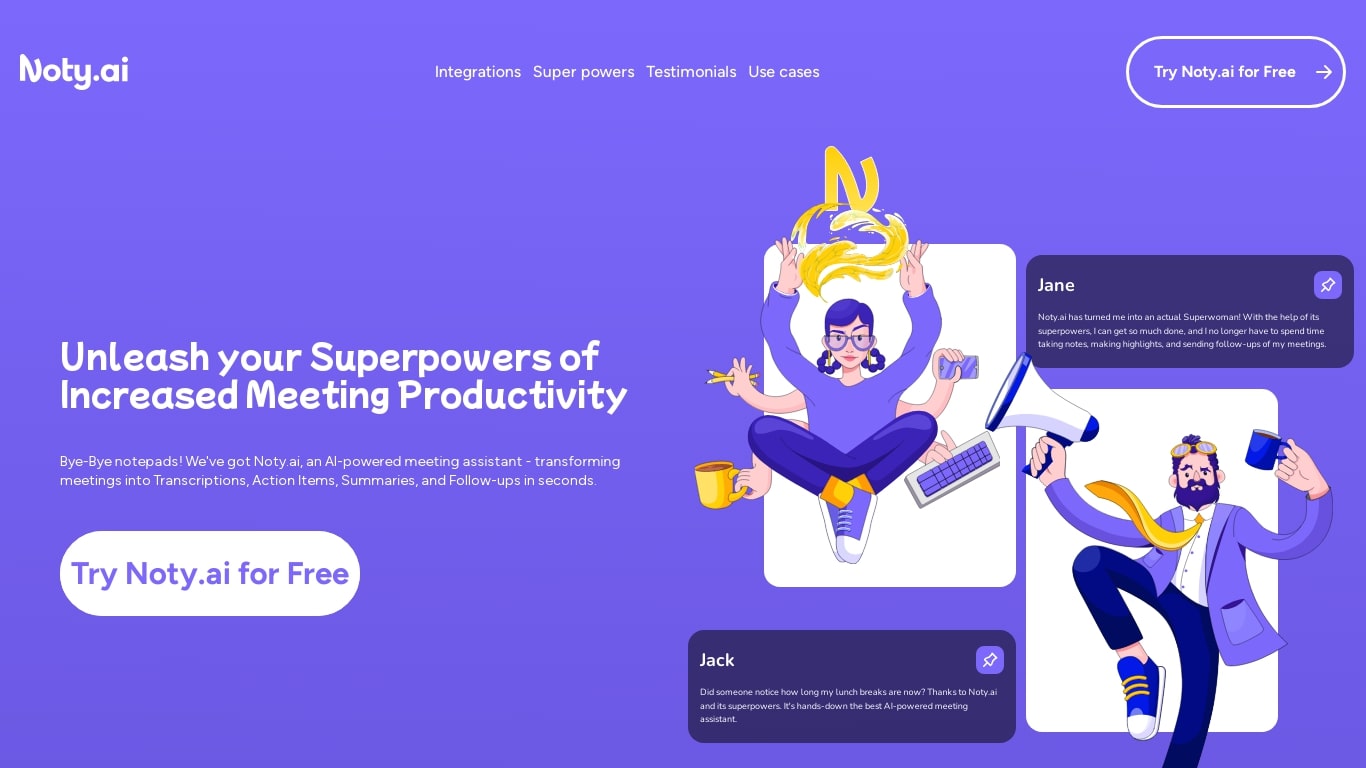
Noty AI is a meeting assistant that turns live video calls into transcripts, summaries, and tasks your team can act on. It records conversations in real time, highlights key moments during the call, and generates post-meeting recaps so nothing discussed gets lost between sessions.
Most meeting transcription tools stop at searchable text. Noty pushes output into assignable tasks, pre-drafted follow-ups, and a shared workspace so the meeting actually moves work forward. The site claims it handles about 95% of post-meeting admin, which is the gap note-taking apps typically leave open.
It works with Google Meet, Zoom, and Microsoft Teams, with live transcription during calls and 98% accuracy cited for Google Meet. After each session, Noty builds summaries, detects action items with deadlines and assignees, and lets you export to Docs, PDF, or plain text.
Project managers, customer success teams, and remote workers use Noty to cut post-meeting admin and keep projects moving without manual note-taking.
Sembly AI Upvotes
Noty AI Upvotes
Sembly AI Top Features
Joins Zoom, Google Meet, Microsoft Teams, and Webex with unlimited meeting hours on paid plans
Generates sales proposals, project briefs, pitch decks, and client reports from call transcripts
Supports 48 languages with US and EU data residency options for global teams
Syncs meeting intelligence to Salesforce, Notion, Slack, HubSpot, and 50 plus integrations
Pro plan includes multi-meeting AI chat and up to 5 AI-generated documents per user
MAX plan adds HIPAA compliance, audit logs, custom SSO, and up to 40 AI insights per user
Noty AI Top Features
Live transcription during Google Meet, Zoom, and Teams calls with 98% accuracy cited for Google Meet
100 hours of transcription per month on Pro with 3 AI credits per meeting
Post-meeting summaries you can review, edit, comment on, or query through in-app chat
Action items, deadlines, and assignees pulled from conversation into a shared to-do list
One-click follow-ups that send recap emails with takeaways and tasks to participants
Global search across all meeting data with export to Docs, PDF, or plain text
90 languages supported for transcription, with several still marked beta on the pricing page
Sembly AI Category
- Meeting Assistant
Noty AI Category
- Meeting Assistant
Sembly AI Pricing Type
- Freemium
Noty AI Pricing Type
- Freemium