Skeleton Fingers vs Flux
In the face-off between Skeleton Fingers vs Flux, which AI Meeting Assistant tool takes the crown? We scrutinize features, alternatives, upvotes, reviews, pricing, and more.
When we put Skeleton Fingers and Flux head to head, which one emerges as the victor?
If we were to analyze Skeleton Fingers and Flux, both of which are AI-powered meeting assistant tools, what would we find? The users have made their preference clear, Flux leads in upvotes. Flux has attracted 11 upvotes from aitools.fyi users, and Skeleton Fingers has attracted 6 upvotes.
Does the result make you go "hmm"? Cast your vote and turn that frown upside down!
Skeleton Fingers
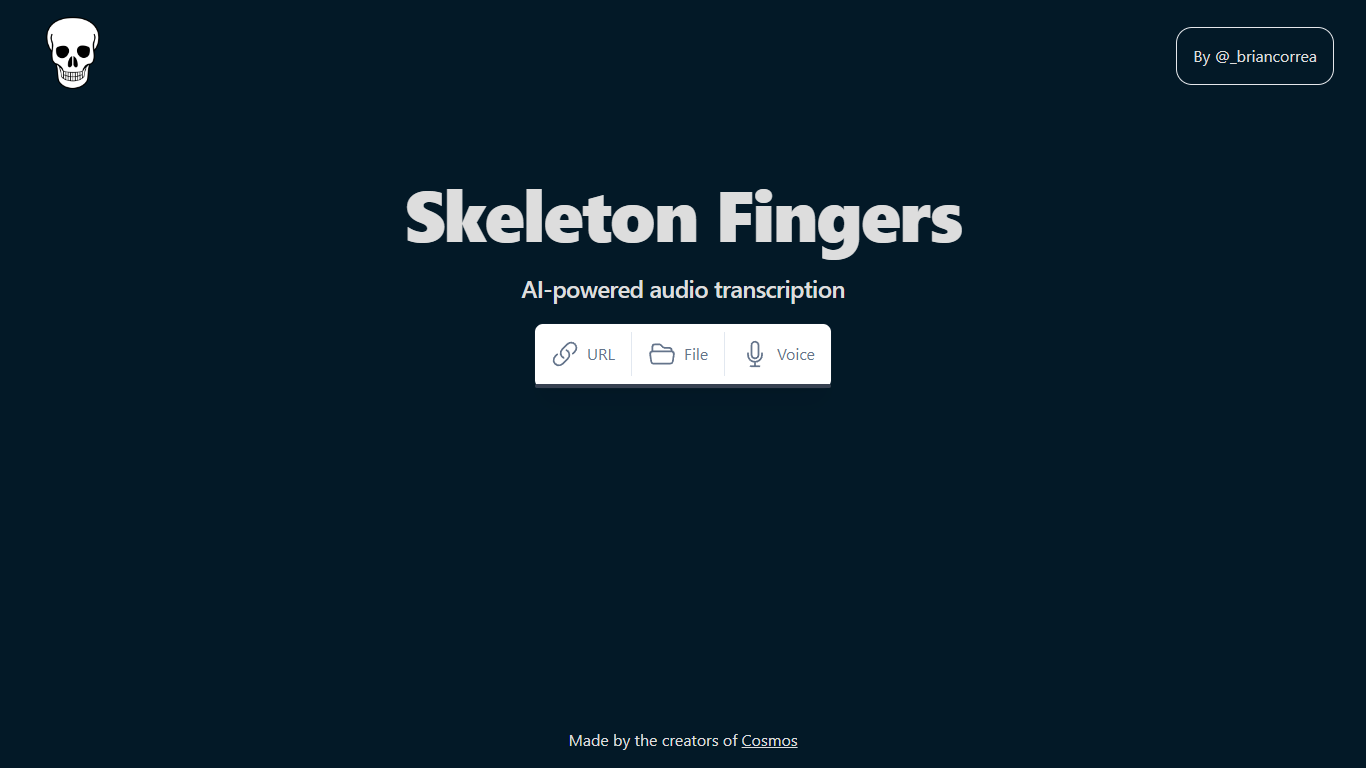

What is Skeleton Fingers?
AI-powered audio transcription is a revolutionary tool that simplifies the process of converting speech into text. This state-of-the-art technology provides users the convenience of transcribing audio content directly from their web browser without the need for specialized software.
Whether you have audio links, files, or wish to record your voice in real-time, this robust tool is designed to accommodate various user needs.
The transcriptions are fast, accurate, and easily accessible, making it an ideal choice for professionals, students, content creators, and anyone in need of high-quality text representation of audio data.
The platform's intuitive interface ensures a seamless user experience, allowing for effortless navigation and operation. With its in-browser functionality, you can start transcribing immediately, saving time and enhancing productivity.
Flux
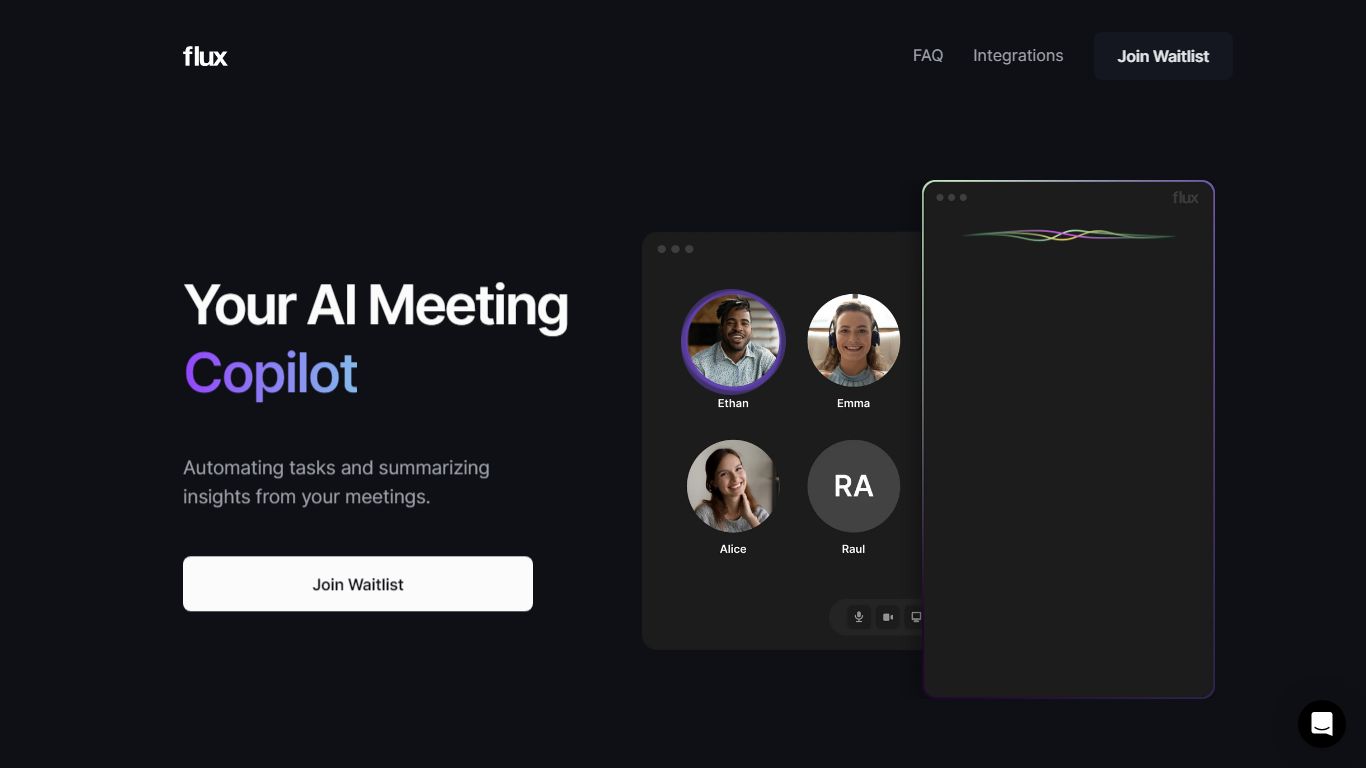
What is Flux?
Tired of meetings being consumed by repetitive tasks and distractions? Introducing Flux, your new AI meeting assistant, designed to handle the mundane so you can focus on what truly matters - the conversation.
The moment your meeting kicks off, Flux is there, transcribing everything. Flux understands your conversations and suggests Actions based on the context. Discussing an email? Flux drafts it. Planning a project? Flux outlines it. And with a single click, Actions come to life – an email gets sent, a project gets created, and much more.
And the best part? Flux integrates seamlessly with your favorite apps, from HubSpot to Jira, Notion, and beyond, ensuring a streamlined and efficient meeting experience.
Ready for smarter, more effective meetings? Join the Flux waitlist for early access now!
Skeleton Fingers Upvotes
Flux Upvotes
Skeleton Fingers Top Features
In-Browser Functionality: No software installation required; transcribe directly within your browser.
Supports Multiple Sources: Transcribe from links, files, or use voice recording.
User-Friendly Interface: Intuitive design for easy operation and navigation.
High Accuracy: Advanced AI ensures accurate transcription of audio to text.
Enhanced Productivity: Quick and reliable transcriptions to save time and streamline workflows.
Flux Top Features
No top features listedSkeleton Fingers Category
- Meeting Assistant
Flux Category
- Meeting Assistant
Skeleton Fingers Pricing Type
- Freemium
Flux Pricing Type
- Freemium