slAItor vs Transcript Download
When comparing slAItor vs Transcript Download, which AI Translation tool shines brighter? We look at pricing, alternatives, upvotes, features, reviews, and more.
In a comparison between slAItor and Transcript Download, which one comes out on top?
When we put slAItor and Transcript Download side by side, both being AI-powered translation tools, Both tools are equally favored, as indicated by the identical upvote count. Your vote matters! Help us decide the winner among aitools.fyi users by casting your vote.
Feeling rebellious? Cast your vote and shake things up!
slAItor
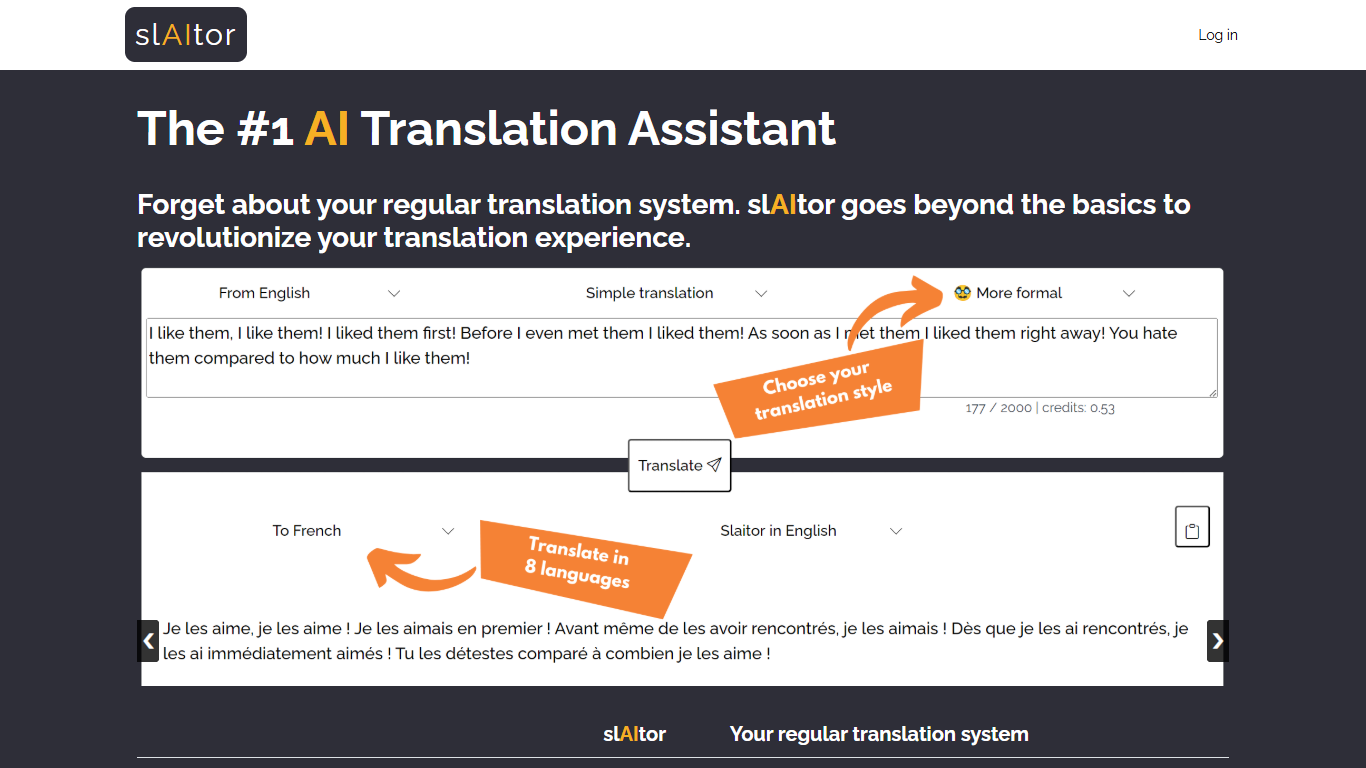

What is slAItor?
slAItor is an online translation assistant built around large language models from the GPT family, combined with standard machine translation pipelines. Instead of returning a single translated string, it is designed for people who want more context around a translation: explanations, alternatives, style adjustments, and error checking.
The product targets language learners, translators, and professionals who need more than a quick paste-and-go result. Benjamin Marie, who holds a Ph.D. in machine translation and has spent more than a decade in MT research, built slAItor to explore what becomes possible when GPT-style models sit at the center of a translation workflow.
slAItor supports 28 language pairs across Chinese, English, French, German, Italian, Japanese, Portuguese, and Spanish. The site is upfront that raw translation quality can trail established systems in some cases, but positions itself on price and on features like step-by-step explanations, paraphrasing, and a checker mode that reviews your own drafts.
Transcript Download
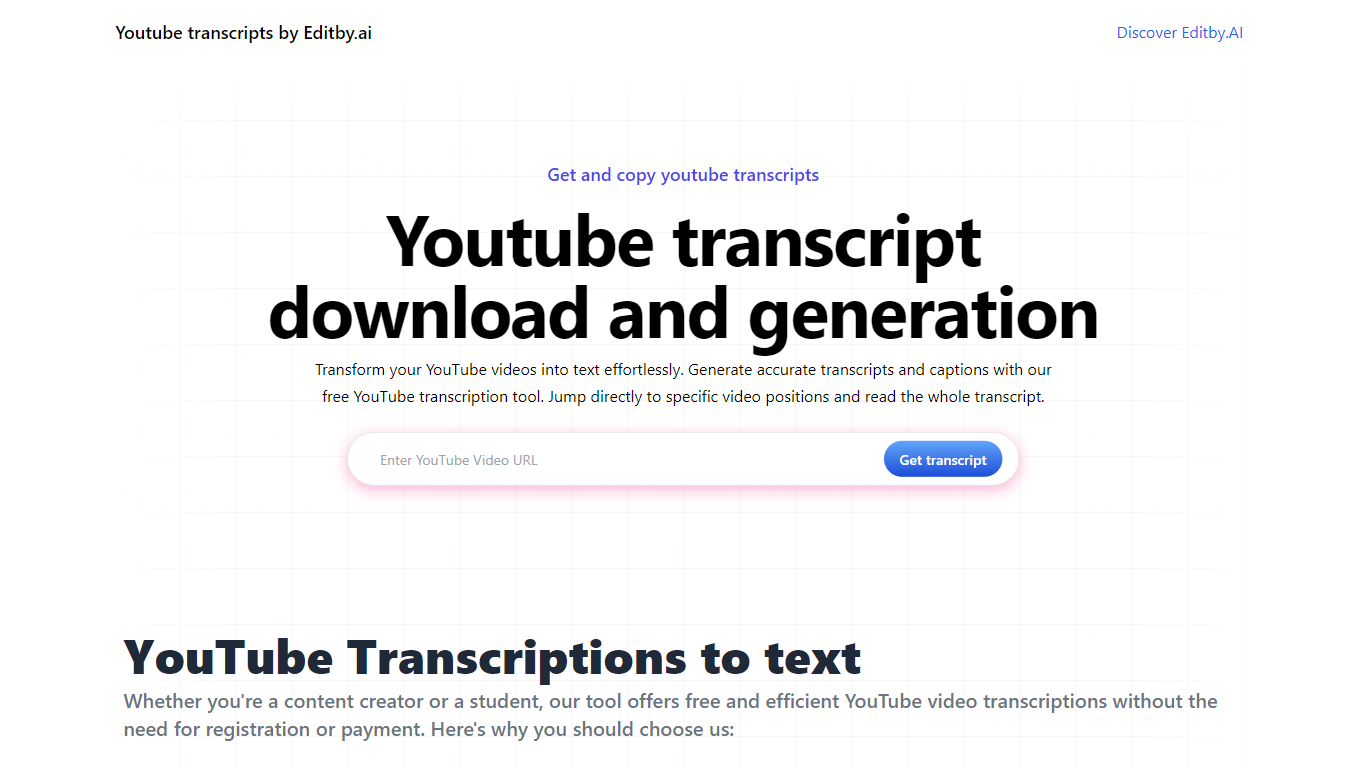
What is Transcript Download?
Unlock the full potential of your YouTube videos with Editby.AI's YouTube Transcription Tool. Our user-friendly platform caters to a range of users including students, researchers, content creators, and SEO professionals by providing an efficient way to generate accurate transcripts and captions. With our tool, there's no need for manual transcription. Simply input a YouTube URL and receive instant transcripts. Highlighted search terms, direct video position jumps, auto-scrolling features, and easy clipboard copying and downloading options streamline your workflow. Our commitment to user privacy is unmatched, requiring no sign-up or personal information. Enhance your productivity and save time with Editby.AI's transcription tool, all at no cost.
slAItor Upvotes
Transcript Download Upvotes
slAItor Top Features
Translates across 28 language pairs spanning eight major languages
Step-by-step and checker modes cost 3 credits per 1,000 characters
Monthly plan lists at $25 for 800 credits with commercial-use rights
Paraphraser and style calibrator offer up to five alternative phrasings
Minimum query cost is 0.1 credit per translation request
Transcript Download Top Features
Instant Transcripts: Paste a YouTube URL and receive transcripts instantly.
Downloadable Transcripts: Easily download transcripts with a single click.
Jump to Video Position: Navigate directly to specific video segments from the transcript.
Autoscroll Transcripts: Enjoy synchronized transcripts that auto-scroll as the video plays.
No Registration Needed: Access the transcription tool without any account or personal details.
slAItor Category
- Translation
Transcript Download Category
- Translation
slAItor Pricing Type
- Paid
Transcript Download Pricing Type
- Freemium