SliceTube vs AI Video Editing | Clipchamp
Dive into the comparison of SliceTube vs AI Video Editing | Clipchamp and discover which AI Video Editing tool stands out. We examine alternatives, upvotes, features, reviews, pricing, and beyond.
When comparing SliceTube and AI Video Editing | Clipchamp, which one rises above the other?
When we compare SliceTube and AI Video Editing | Clipchamp, two exceptional video editing tools powered by artificial intelligence, and place them side by side, several key similarities and differences come to light. The upvote count favors SliceTube, making it the clear winner. SliceTube has 8 upvotes, and AI Video Editing | Clipchamp has 6 upvotes.
Want to flip the script? Upvote your favorite tool and change the game!
SliceTube
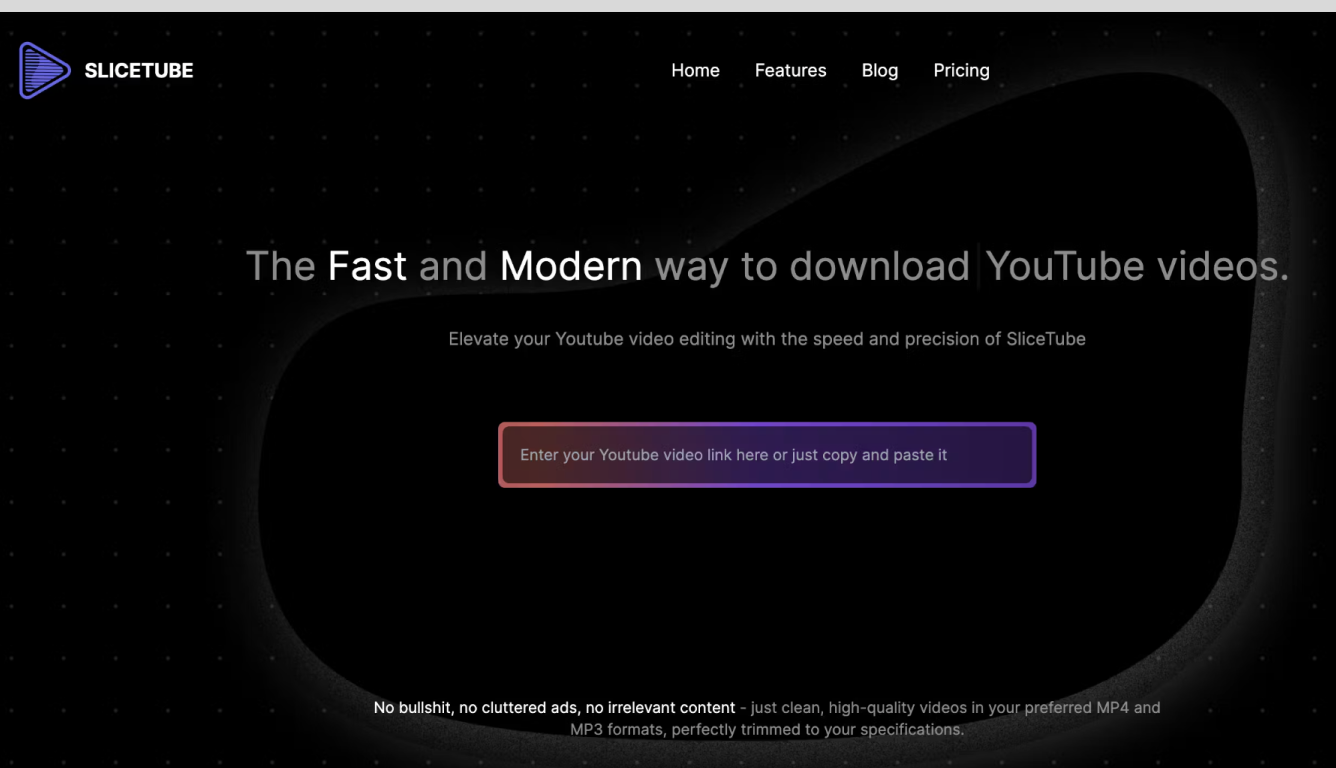

What is SliceTube?
SliceTube is a browser-based YouTube cutter and downloader for trimming clips and saving them as MP3, MP4, or WEBM. Paste a link, set start and end times, and pull just the segment you need without installing desktop editing software.
The product focuses on speed and a clean workflow, using dedicated server CPUs to handle slicing and downloads rather than the ad-heavy download sites common in this space. Free use covers 360p exports; higher resolutions up to 4K are available through SliceTube Pro plans.
YouTube creators, students, and artists are the main audiences highlighted on the site, whether for short social clips, class projects, or pulling audio from videos for remix work.
AI Video Editing | Clipchamp
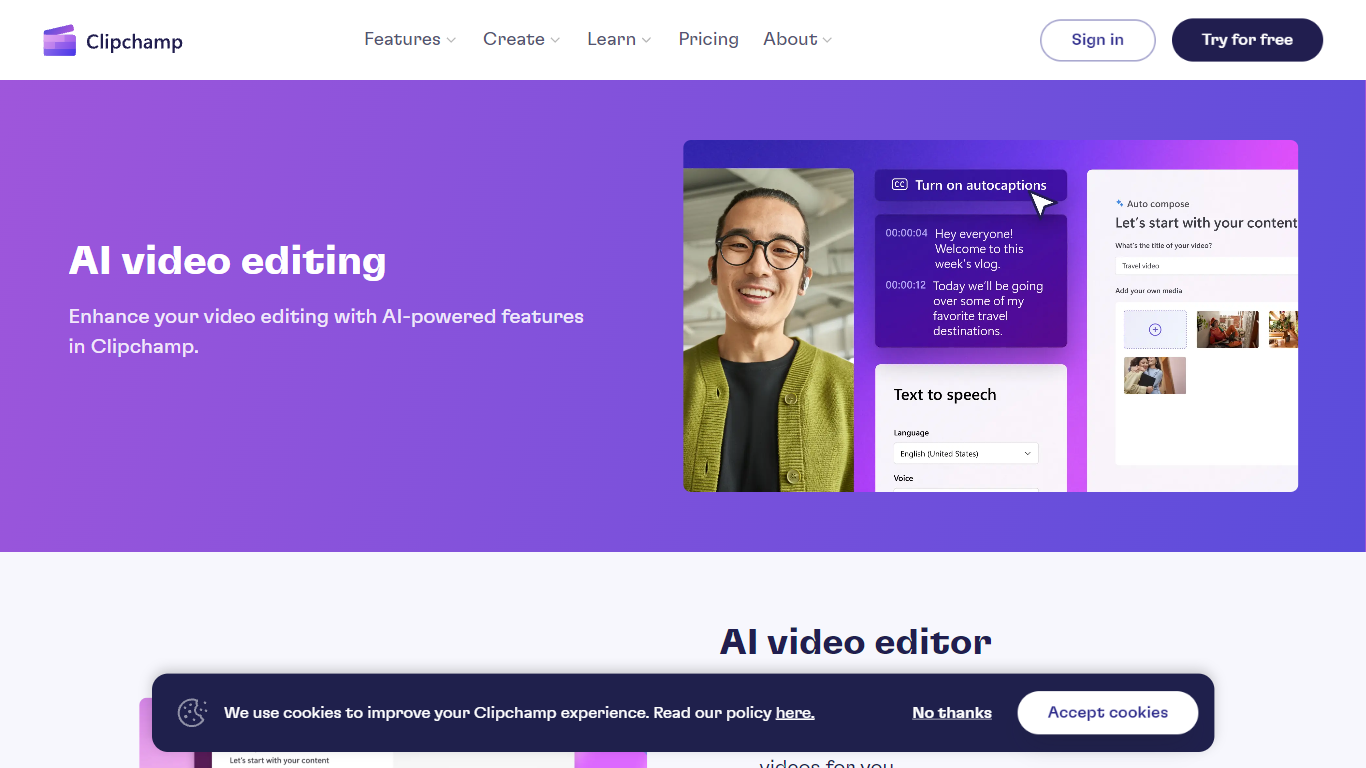
What is AI Video Editing | Clipchamp?
Clipchamp is a browser-based video editor from Microsoft that bundles AI helpers for voiceovers, captions, background removal, and short-form assembly inside one timeline. You record, import clips, and polish exports without installing desktop software, and the AI tools sit next to standard trim, resize, and overlay controls.
Where many AI video apps push a single gimmick, Clipchamp spreads automation across the whole edit: text-to-speech with hundreds of voices, autocaptions in 140 languages, Speaker Coach feedback on webcam takes, and one-click background removal for still images. That breadth makes it a practical pick when you need several AI steps in one project rather than a dedicated voice or caption app.
Creators publishing to TikTok, YouTube Shorts, and Instagram Reels use Clipchamp for quick social cuts, while teachers and internal comms teams lean on screen recording, autocaptions, and brand kits for repeatable templates. Marketing teams also use the stock library and template gallery when they need polished promos without opening a full NLE.
SliceTube Upvotes
AI Video Editing | Clipchamp Upvotes
SliceTube Top Features
Set precise start and end times before downloading a YouTube clip
Export as MP3, MP4, or WEBM from 144p up to 4K resolution
No sign-up required to cut and download videos
Dedicated server CPUs built for faster slicing and downloads
Works in modern browsers with no watermark on exports
AI Video Editing | Clipchamp Top Features
400+ text-to-speech voices across multiple languages and speaking styles
Autocaptions in 140 languages with customizable font, color, and size
Speaker Coach gives real-time pace and pitch feedback on webcam recordings
AI background remover for PNG and JPEG images inside the editor
Runs in Chrome and Edge with a Windows 11 and Windows 10 desktop app
Screen, webcam, and voice recorders export directly into the timeline
SliceTube Category
- Video Editing
AI Video Editing | Clipchamp Category
- Video Editing
SliceTube Pricing Type
- Freemium
AI Video Editing | Clipchamp Pricing Type
- Freemium