SlidesAI vs Present AI
Dive into the comparison of SlidesAI vs Present AI and discover which AI Presentation tool stands out. We examine alternatives, upvotes, features, reviews, pricing, and beyond.
In a comparison between SlidesAI and Present AI, which one comes out on top?
When we compare SlidesAI and Present AI, two exceptional presentation tools powered by artificial intelligence, and place them side by side, several key similarities and differences come to light. SlidesAI stands out as the clear frontrunner in terms of upvotes. SlidesAI has received 9 upvotes from aitools.fyi users, while Present AI has received 4 upvotes.
Don't agree with the result? Cast your vote and be a part of the decision-making process!
SlidesAI

What is SlidesAI?
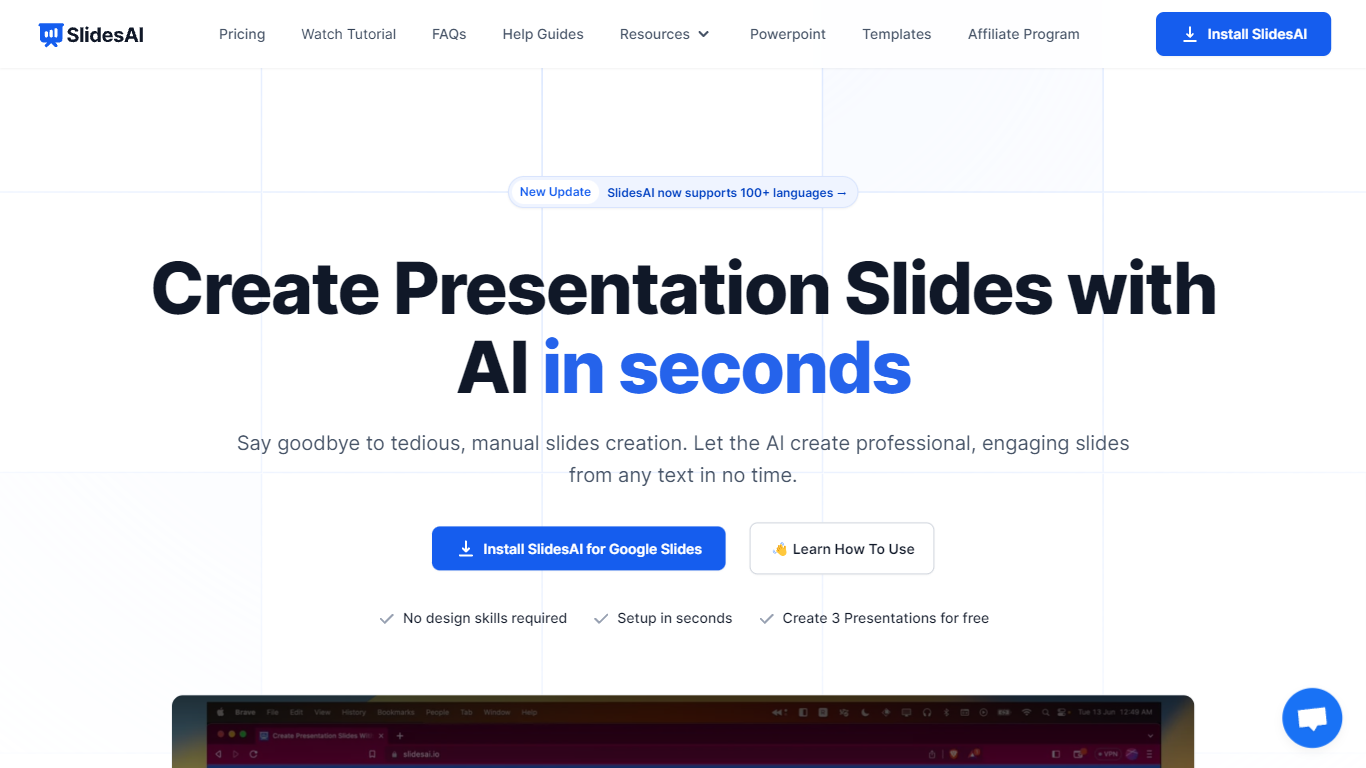
SlidesAI is a presentation generator that turns topics, notes, scripts, and uploaded documents into slide decks inside Google Slides, PowerPoint, ChatGPT, or a browser web app. You paste text or upload a file, pick tone and template, and get structured slides with layouts and visuals without leaving the editor you already use. The product reports 14M+ installs and 3.7M+ presentations created across its Google Workspace and Microsoft marketplace add-ons.
Most AI deck builders live in their own canvas and ask you to export when you are done. SlidesAI meets you inside Google Slides, PowerPoint, and ChatGPT, then hands off native files you can keep editing. Its comparison page lists automatic animations on generation and editable AI diagrams as full supports where several rivals mark those as partial or unavailable.
Teachers use it for lecture decks and lesson plans, students for thesis defenses and class presentations, and professionals for pitch decks, board updates, and sales proposals. Use-case pages map common workflows like meeting notes to client pitches and research notes to defense slides.
Present AI
What is Present AI?
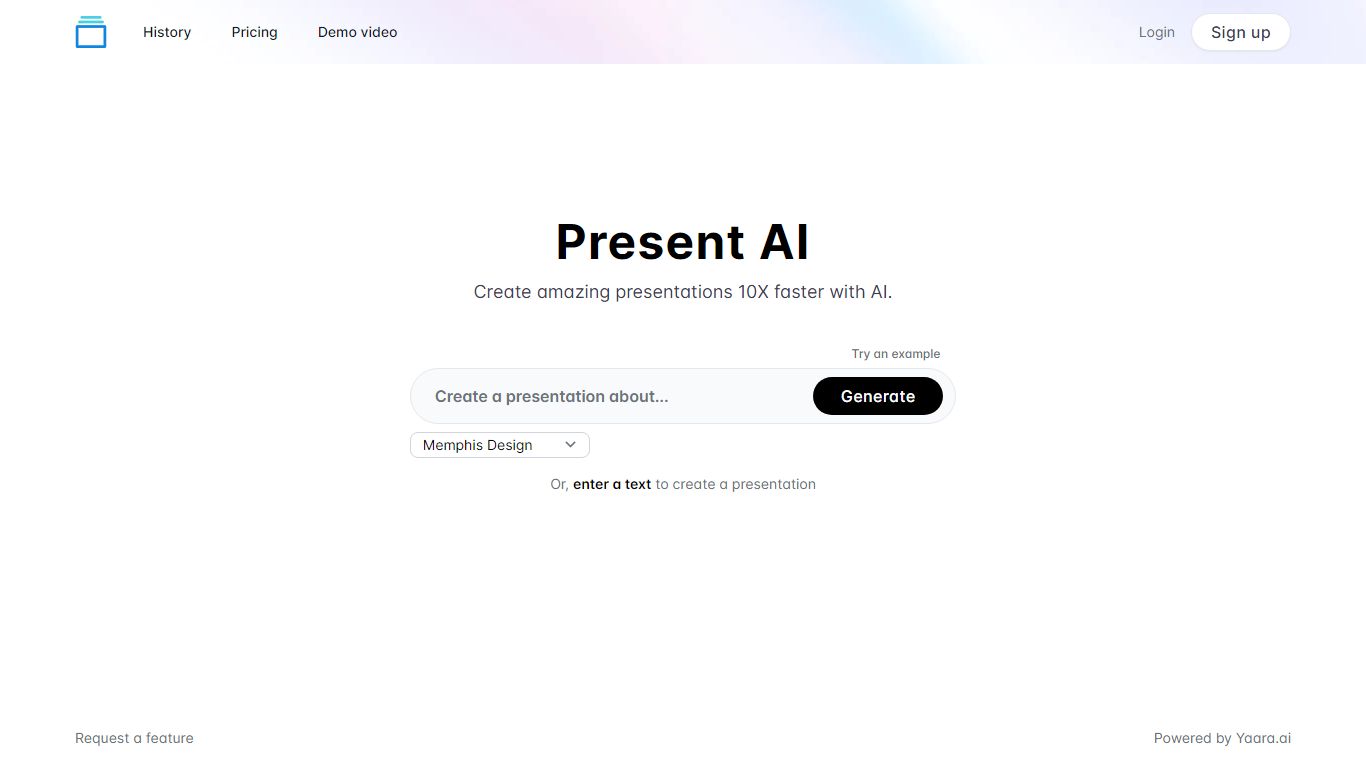
Create stunning presentations quickly and easily with AI. Our platform offers a wide range of visuals to choose from, including Low Poly, Cyberpunk, Surrealism, Anime, Realism, Memphis Design and Fantasy art styles as well as classic Cartoon aesthetic. In addition, users are able to enter their own text to customize their visual presentations enhancing the unique qualities of their content.
SlidesAI Upvotes
Present AI Upvotes
SlidesAI Top Features
Build decks from topics, notes, scripts, or uploaded Word, PDF, and Google Doc files
Runs inside Google Slides, PowerPoint, ChatGPT, and a web app with export to native PPTX and Google Slides files
Free Basic plan includes 12 presentations per year with 1,000-character input and 120 AI credits per year
Pro plan at $10 per month or $120 per year includes 120 presentations per year, 6,000-character input, and document upload
Applies animations automatically at generation and supports editable AI diagrams, flowcharts, and timelines
Premium plan at $20.83 per month or $250 per year adds unlimited presentations and 12,000-character input per deck
Present AI Top Features
No top features listedSlidesAI Category
- Presentation
Present AI Category
- Presentation
SlidesAI Pricing Type
- Freemium
Present AI Pricing Type
- Paid