SlidesAI vs Tome
In the contest of SlidesAI vs Tome, which AI Presentation tool is the champion? We evaluate pricing, alternatives, upvotes, features, reviews, and more.
If you had to choose between SlidesAI and Tome, which one would you go for?
When we examine SlidesAI and Tome, both of which are AI-enabled presentation tools, what unique characteristics do we discover? The upvote count favors SlidesAI, making it the clear winner. The number of upvotes for SlidesAI stands at 9, and for Tome it's 6.
Disagree with the result? Upvote your favorite tool and help it win!
SlidesAI

What is SlidesAI?
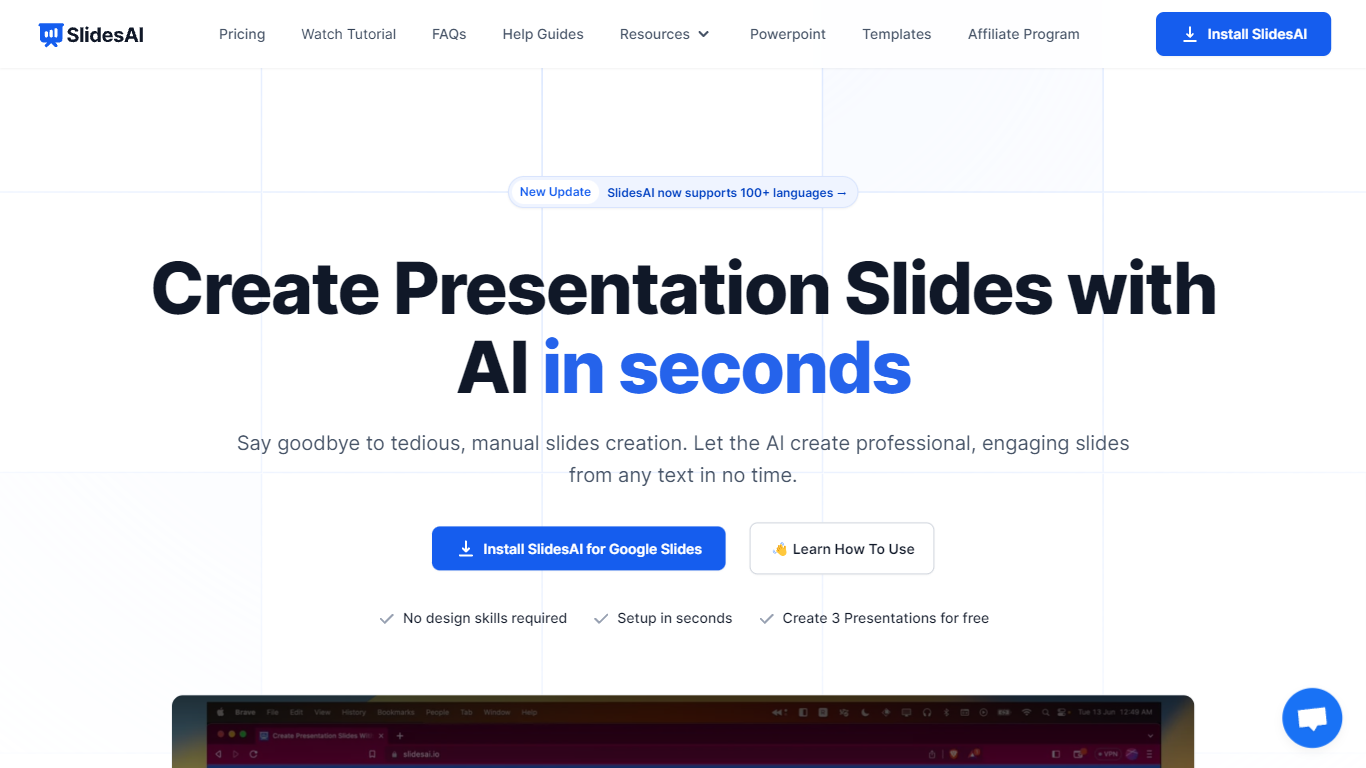
SlidesAI turns text, topics, or uploaded documents into structured presentation slides inside Google Slides, Microsoft PowerPoint, or its web app. You enter a prompt or paste notes, pick a theme, and the tool builds a full deck with layouts, speaker-ready content, and visuals.
It runs as a Google Workspace add-on, a PowerPoint add-in, a browser web app, and a ChatGPT integration that saves decks directly to Google Drive. That means you stay in the editors you already use instead of exporting files from a separate design tool.
SlidesAI is built for teachers, students, and professionals who need classroom lessons, pitch decks, or training slides without spending hours on formatting. It supports 100+ languages for slide content, offers quiz layouts for educators, and includes AI editing tools to rephrase, translate, or regenerate individual slides.
Tome

What is Tome?
Tome is a revolutionary platform designed to reshape and share ideas in a more streamlined and efficient manner. It offers a unique medium that stands apart from traditional decks, documents, or splash pages. Instead, Tome provides a fluid, multimedia canvas that is optimized for today's web-based communication, ensuring that it looks impeccable on any screen.
Use Cases:
Tome is versatile and caters to a wide range of users, from founders and entrepreneurs to educators and creatives. It offers templates for various purposes, such as fundraising pitches, product design reviews, sales pitches, and more.
Testimonials from users highlight Tome's ability to make sharing ideas more fluid and interactive, its intuitive design capabilities, and its time-saving features.
SlidesAI Upvotes
Tome Upvotes
SlidesAI Top Features
Build full slide decks from a topic, bullet list, or uploaded PDF and Word documents
Works inside Google Slides, PowerPoint, a web app, and ChatGPT with direct Google Drive saves
Rephrase, shorten, translate, or remix individual slides without leaving your editor
Insert AI-generated images or search royalty-free stock photos by category
Create classroom quiz slides with multiple-choice, true/false, and open-ended layouts
Generate presentations in 100+ languages with 22 app interface translations
Tome Top Features
Expresión impulsada por IA: las herramientas de IA de Tome están diseñadas para ayudar a los usuarios a articular sus ideas sin esfuerzo. Ya sea que esté comenzando con una página en blanco o con un mensaje específico, Tome proporciona esquemas y opciones, lo que le permite encontrar la manera más efectiva de transmitir sus pensamientos.
Escritura y diseño mejorados: la plataforma utiliza inteligencia artificial para refinar el tono y la redacción de su contenido, crear las imágenes de acompañamiento perfectas e incluso buscar referencias en la web para enriquecer su narrativa.
Estructura y pulido: al pegar un documento en Tome, los usuarios pueden presenciar una transformación automática de su contenido. La plataforma construye una narrativa coherente a partir del texto y la combina con imágenes coincidentes para enfatizar los puntos principales.
Interactivo y dinámico: Tome no se trata sólo de páginas estáticas. Da vida a las ideas convirtiéndolas en experiencias ricas e interactivas. Esto incluye modelos 3D, animaciones y superposiciones audiovisuales.
Temas y diseños inteligentes: Diseñar con Tome es intuitivo, gracias a sus temas inteligentes y diseños responsivos que se ajustan automáticamente para verse geniales en cualquier dispositivo.
Integraciones: Tome admite la incorporación de simulacros de productos interactivos, prototipos 3D, datos, páginas web y más, con integraciones de plataformas como Figma, Spline, Twitter, YouTube, Framer y Miro.
Visualización inmersiva: Tome ofrece un modo de presentación inmersivo en pantalla completa, lo que garantiza que su contenido capte la atención que merece. Además, proporciona análisis para realizar un seguimiento de la participación de los espectadores.
SlidesAI Category
- Presentation
Tome Category
- Presentation
SlidesAI Pricing Type
- Freemium
Tome Pricing Type
- Paid