Slides.bot vs MindShow
In the contest of Slides.bot vs MindShow, which AI Presentation tool is the champion? We evaluate pricing, alternatives, upvotes, features, reviews, and more.
If you had to choose between Slides.bot and MindShow, which one would you go for?
When we examine Slides.bot and MindShow, both of which are AI-enabled presentation tools, what unique characteristics do we discover? Both tools are equally favored, as indicated by the identical upvote count. Be a part of the decision-making process. Your vote could determine the winner.
Don't agree with the result? Cast your vote and be a part of the decision-making process!
Slides.bot
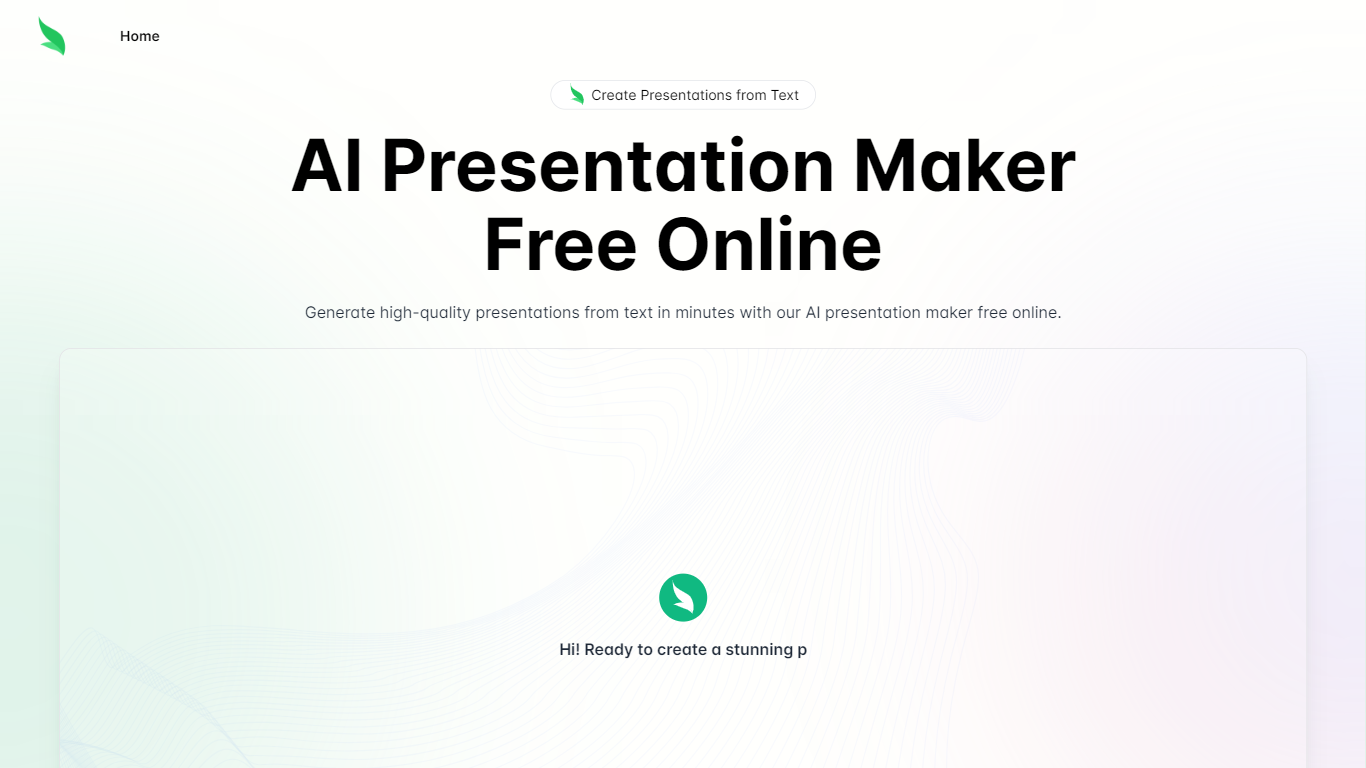

What is Slides.bot?
Slides.bot is a free online presentation maker that turns a topic or block of text into a finished slide deck. You sign up for an account, enter a prompt, adjust the layout and visuals, then download the result. It targets anyone who needs slides quickly without building each one from scratch.
The site is powered by GPT-4o and focuses on text-to-presentation conversion rather than manual slide design. It generates structured slides from your input, offers customizable templates, and supports multiple languages for international audiences.
Slides.bot fits business decks, classroom lectures, and creative projects where speed matters more than pixel-perfect manual design. The workflow is built around prompt in, edit, download out.
MindShow
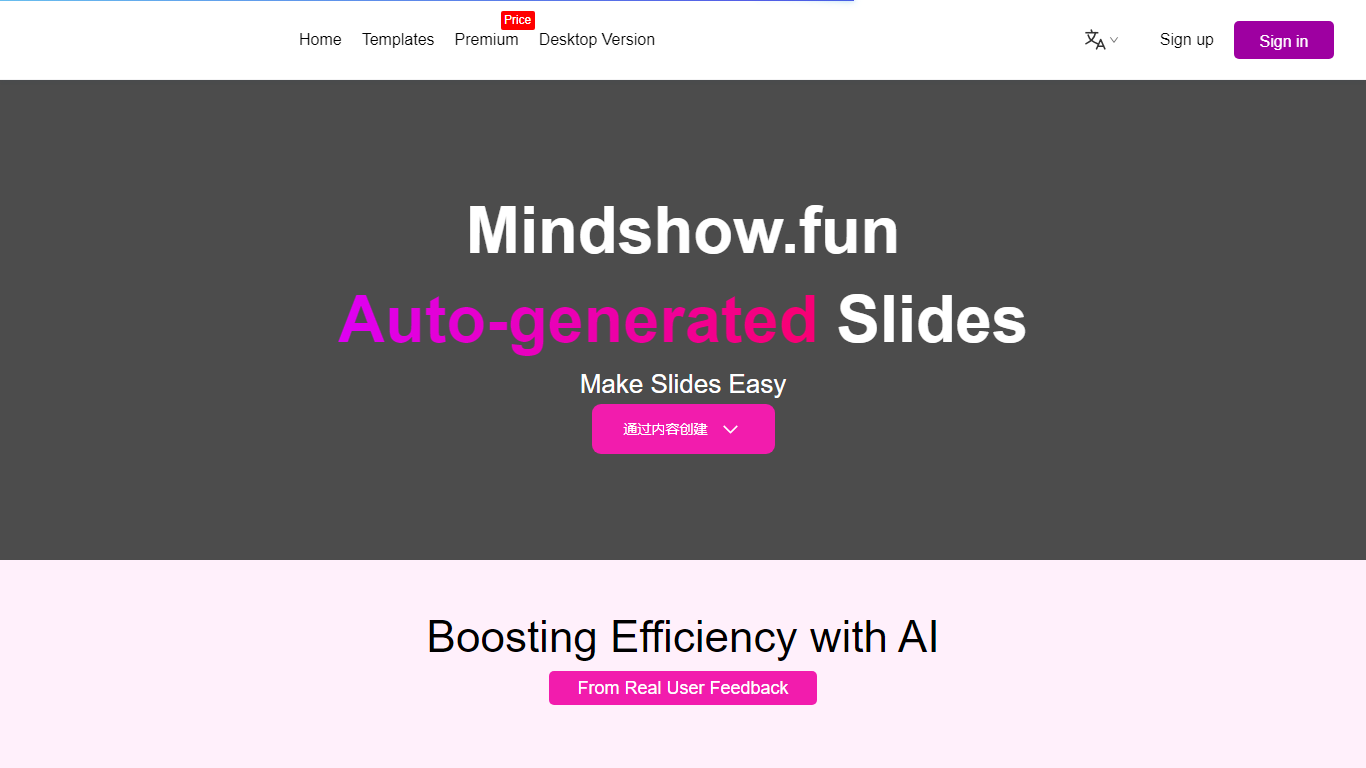
What is MindShow?
MindShow is an online presentation builder that turns a title, pasted text, or uploaded file into a finished slide deck. You can start from a prompt, drop in a Word or PDF file, or import Markdown and mind maps, then let the tool generate layouts, graphics, and animations automatically. It fits anyone who needs a PPT fast without rebuilding every slide by hand.
Where many slide tools stop at blank templates, MindShow pushes import paths and long-document handling. The site lists dedicated flows for Markdown, Word, PDF, PPTX redesign, mind maps in .xmind and .mm, plain text, image analysis, and long-text summaries up to 100,000 words. That breadth matters if your source material already lives outside the presentation app.
Office workers, teachers, and students use it for work reports, product decks, and defense presentations. MindShow also offers a downloadable desktop application, publishes help at mindshow.fun/help, and lists [email protected] for contact.
Slides.bot Upvotes
MindShow Upvotes
Slides.bot Top Features
Homepage title states the deck generator runs on GPT-4o for text-to-slide output
Site alternates cover 8 locales including English, Spanish, French, German, Russian, Japanese, Arabic, and Portuguese
Four-step workflow: register an account, enter a prompt, customize slides, then download
Customize templates, text, images, and layout before you download
Add images, charts, and graphs to make data-heavy decks more readable
MindShow Top Features
Generate a full PPT from a title, uploaded document, or pasted text
Import Markdown, Word .docx, PDF, PPTX, and mind maps in .xmind or .mm formats
Summarize long text up to 100,000 words into a condensed presentation
Switch between multiple themes and layouts with one click after generation
Edit generated content in an outline view before exporting to PPTX
Desktop application available alongside the browser-based editor
Slides.bot Category
- Presentation
MindShow Category
- Presentation
Slides.bot Pricing Type
- Free
MindShow Pricing Type
- Freemium