Slides.bot vs Plus AI
When comparing Slides.bot vs Plus AI, which AI Presentation tool shines brighter? We look at pricing, alternatives, upvotes, features, reviews, and more.
In a comparison between Slides.bot and Plus AI, which one comes out on top?
When we put Slides.bot and Plus AI side by side, both being AI-powered presentation tools, The users have made their preference clear, Plus AI leads in upvotes. The upvote count for Plus AI is 14, and for Slides.bot it's 6.
Not your cup of tea? Upvote your preferred tool and stir things up!
Slides.bot

What is Slides.bot?
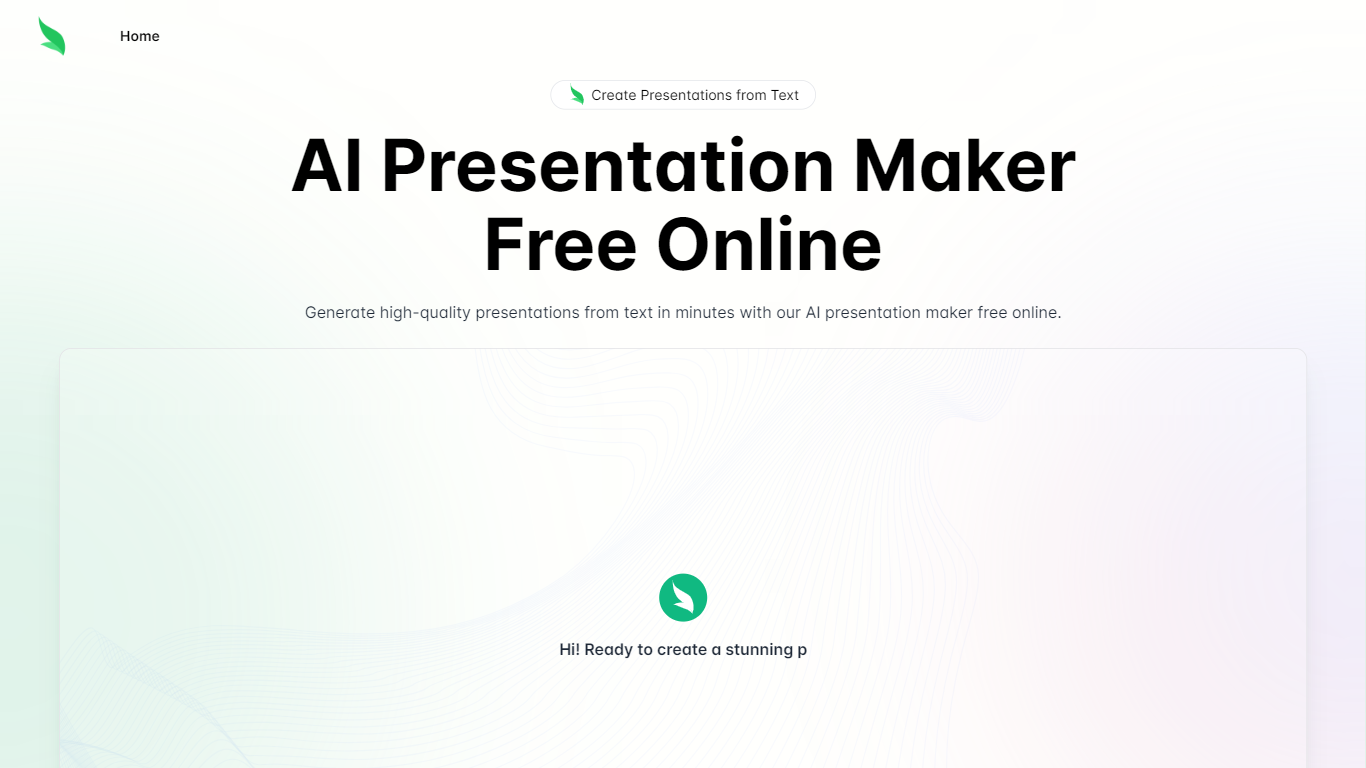
Slides.bot is a free online presentation maker that turns a topic or block of text into a finished slide deck. You sign up for an account, enter a prompt, adjust the layout and visuals, then download the result. It targets anyone who needs slides quickly without building each one from scratch.
The site is powered by GPT-4o and focuses on text-to-presentation conversion rather than manual slide design. It generates structured slides from your input, offers customizable templates, and supports multiple languages for international audiences.
Slides.bot fits business decks, classroom lectures, and creative projects where speed matters more than pixel-perfect manual design. The workflow is built around prompt in, edit, download out.
Plus AI
What is Plus AI?
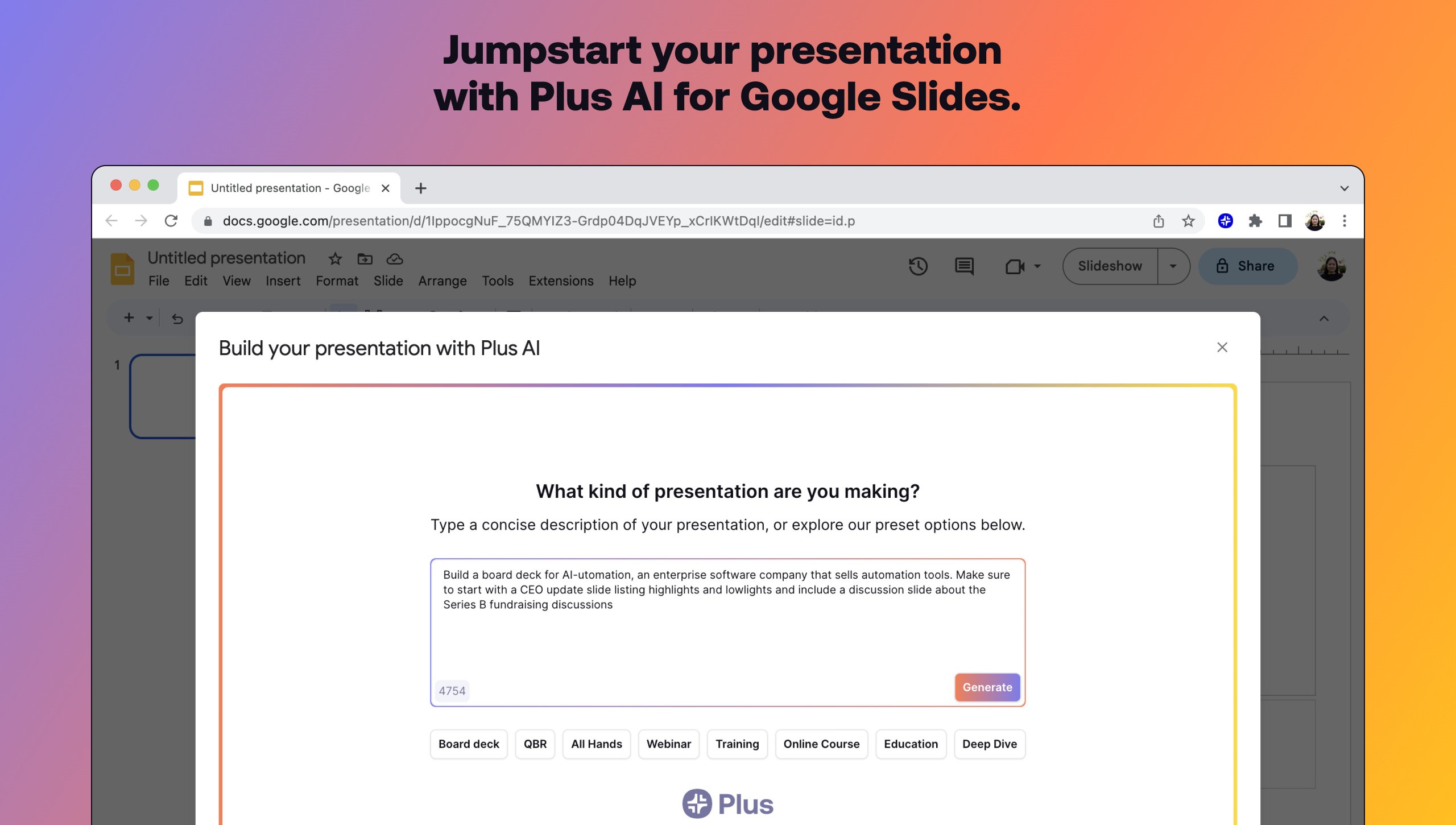
Plus AI builds and edits presentations inside Google Slides and PowerPoint instead of exporting to a separate design app. Install the add-on, describe a deck in a prompt or upload a PDF, Word, PowerPoint, or text file, and it drafts slides you can rewrite, remix, or extend with single-slide inserts.
Standalone slide generators spit out files you still have to rebuild in Slides. Plus AI runs natively in the editor your team already uses, which keeps collaboration, comments, and template compatibility intact. That in-app workflow is the main reason to pick it over browser-only deck builders when Google Workspace is non-negotiable.
Consultants, sales teams, and educators use Remix to turn paragraphs into multi-column layouts, save preset prompts for recurring decks, and share brand colors on Team plans. A 7-day trial includes 1,000 AI credits before paid tiers start at $10 per user monthly when billed annually.
Slides.bot Upvotes
Plus AI Upvotes
Slides.bot Top Features
Homepage title states the deck generator runs on GPT-4o for text-to-slide output
Site alternates cover 8 locales including English, Spanish, French, German, Russian, Japanese, Arabic, and Portuguese
Four-step workflow: register an account, enter a prompt, customize slides, then download
Customize templates, text, images, and layout before you download
Add images, charts, and graphs to make data-heavy decks more readable
Plus AI Top Features
Generates full presentations from a short prompt or uploaded PDF, DOCX, PPTX, or TXT
Rewrites, remixes, and inserts individual slides without leaving Google Slides or PowerPoint
Lists 1M+ installs with a 4.6 rating on Google Workspace Marketplace
Team plans add custom logos, fonts, colors, and shared preset libraries
Pro plan includes document uploads and 100K-character prompts for long briefs
SOC 2 Type II compliance with encryption in transit and at rest
Slides.bot Category
- Presentation
Plus AI Category
- Presentation
Slides.bot Pricing Type
- Free
Plus AI Pricing Type
- Freemium