Smart-Link vs Motion
In the face-off between Smart-Link vs Motion, which AI Productivity tool takes the crown? We scrutinize features, alternatives, upvotes, reviews, pricing, and more.
In a face-off between Smart-Link and Motion, which one takes the crown?
If we were to analyze Smart-Link and Motion, both of which are AI-powered productivity tools, what would we find? Interestingly, both tools have managed to secure the same number of upvotes. You can help us determine the winner by casting your vote and tipping the scales in favor of one of the tools.
Disagree with the result? Upvote your favorite tool and help it win!
Smart-Link
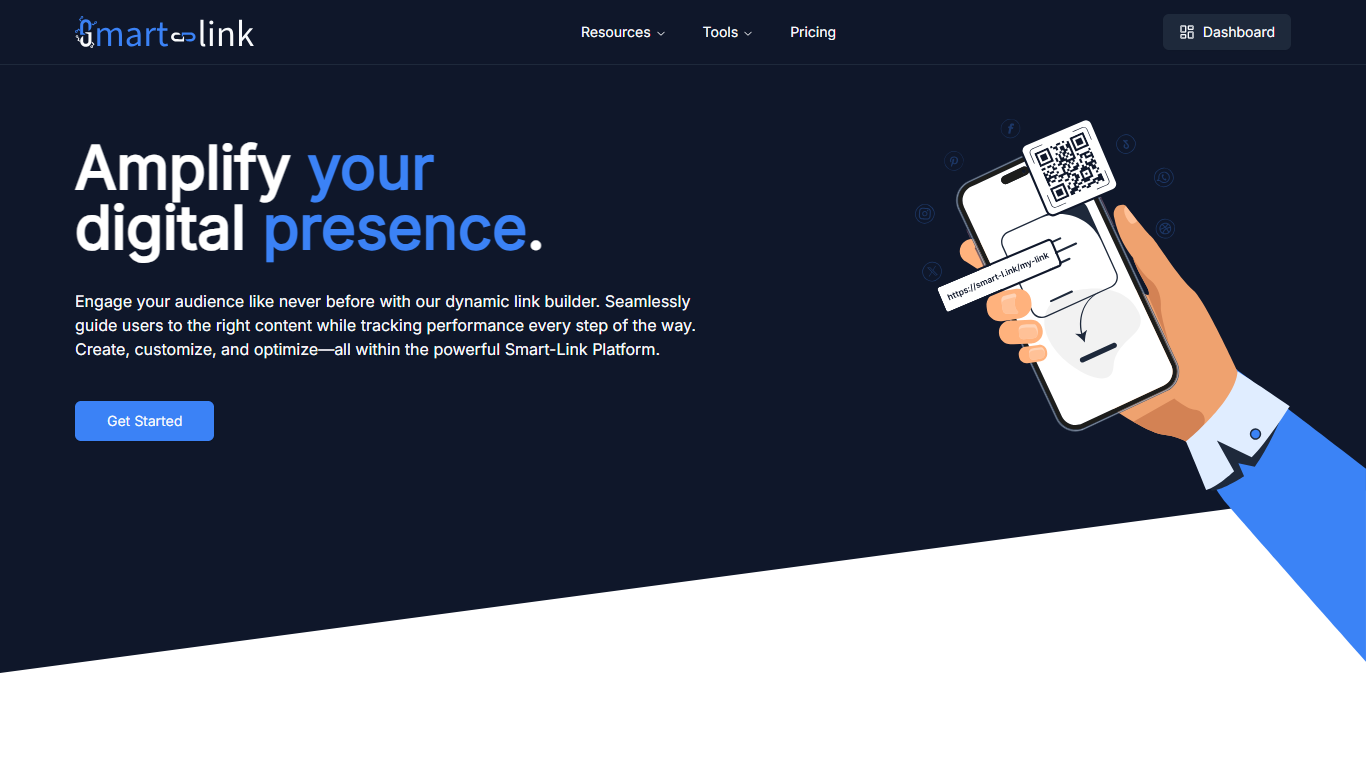

What is Smart-Link?
Smart-Link is a link management platform for shortening URLs, publishing branded landing pages, and sending visitors to the right destination. You create short links on domains like smart-l.ink or jl.mk, track performance, and adjust routing as campaigns change.
The platform combines an admin dashboard with redirect rules, page templates, and CDN delivery. Free on-site tools cover URL shortening, Google review links, AI webpage generation, and Amazon review links without leaving the site.
Smart-Link targets marketers, business owners, and creators who need more than a basic shortener. Click-based paid plans add custom domains, storage, and support when traffic grows.
Motion
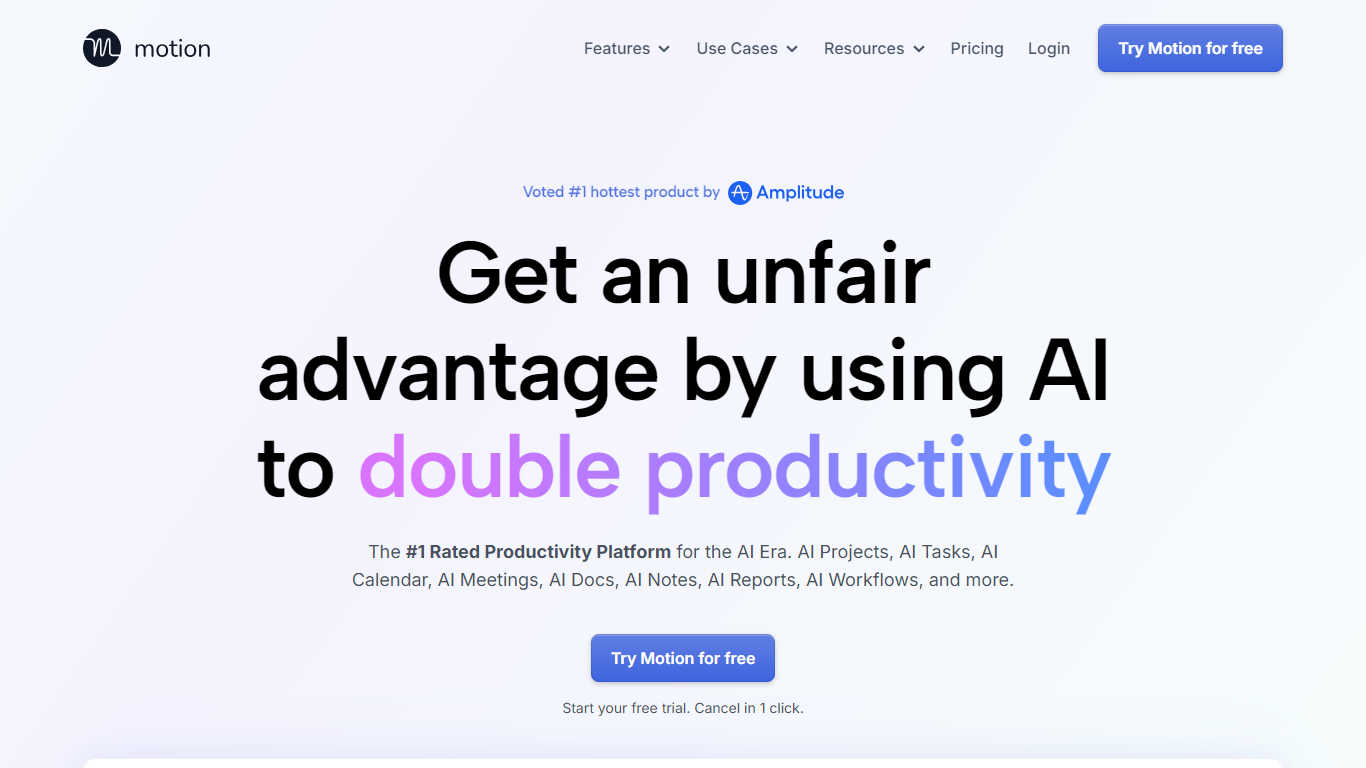
What is Motion?
Motion is an all-in-one work platform that combines tasks, projects, calendar, meetings, and docs in a single app. It watches your deadlines, dependencies, and available time, then builds and updates a daily plan so you always know what to tackle next. Over one million users and teams rely on it for planning work without juggling separate tools.
What sets Motion apart is how tightly the pieces connect. Meeting notes become tasks, docs turn into project plans, and calendar blocks shift automatically when priorities change. The system re-optimizes your schedule throughout the day instead of leaving you to manually reshuffle every time something slips.
Motion fits solo professionals, startups, and service businesses that need one place to run projects and protect focus time. It replaces stacks of apps like Asana, Calendly, Notion, and Otter by keeping context in one workspace.
Smart-Link Upvotes
Motion Upvotes
Smart-Link Top Features
Shorten links on domains like smart-l.ink, jl.mk, or lj.mk with a custom back-half
Route clicks by device, location, time, or A/B test so visitors hit the right page
Open mobile links in the native app with deep-linking instead of the browser
Pick redirect status codes from 301, 302, 307, or 308 on each link
Generate AI webpages, Google review links, and Amazon review links from free on-site tools
Motion Top Features
Auto-schedules tasks onto your calendar and re-plans when deadlines shift
Builds full project plans from a short description in seconds
Captures meeting notes, summaries, and action items automatically
Turns messy docs into organized tasks and projects
Syncs Google, Outlook, and iCloud calendars into one view
Connects with Slack, Zoom, Gmail, Zapier, HubSpot, and Salesforce
Native apps for iOS, Android, and desktop
Smart-Link Category
- Productivity
Motion Category
- Productivity
Smart-Link Pricing Type
- Freemium
Motion Pricing Type
- Paid