SpeakFit.club vs ScreenApp
When comparing SpeakFit.club vs ScreenApp, which AI Education tool shines brighter? We look at pricing, alternatives, upvotes, features, reviews, and more.
In a comparison between SpeakFit.club and ScreenApp, which one comes out on top?
When we put SpeakFit.club and ScreenApp side by side, both being AI-powered education tools, The upvote count shows a clear preference for ScreenApp. The number of upvotes for ScreenApp stands at 7, and for SpeakFit.club it's 6.
Want to flip the script? Upvote your favorite tool and change the game!
SpeakFit.club
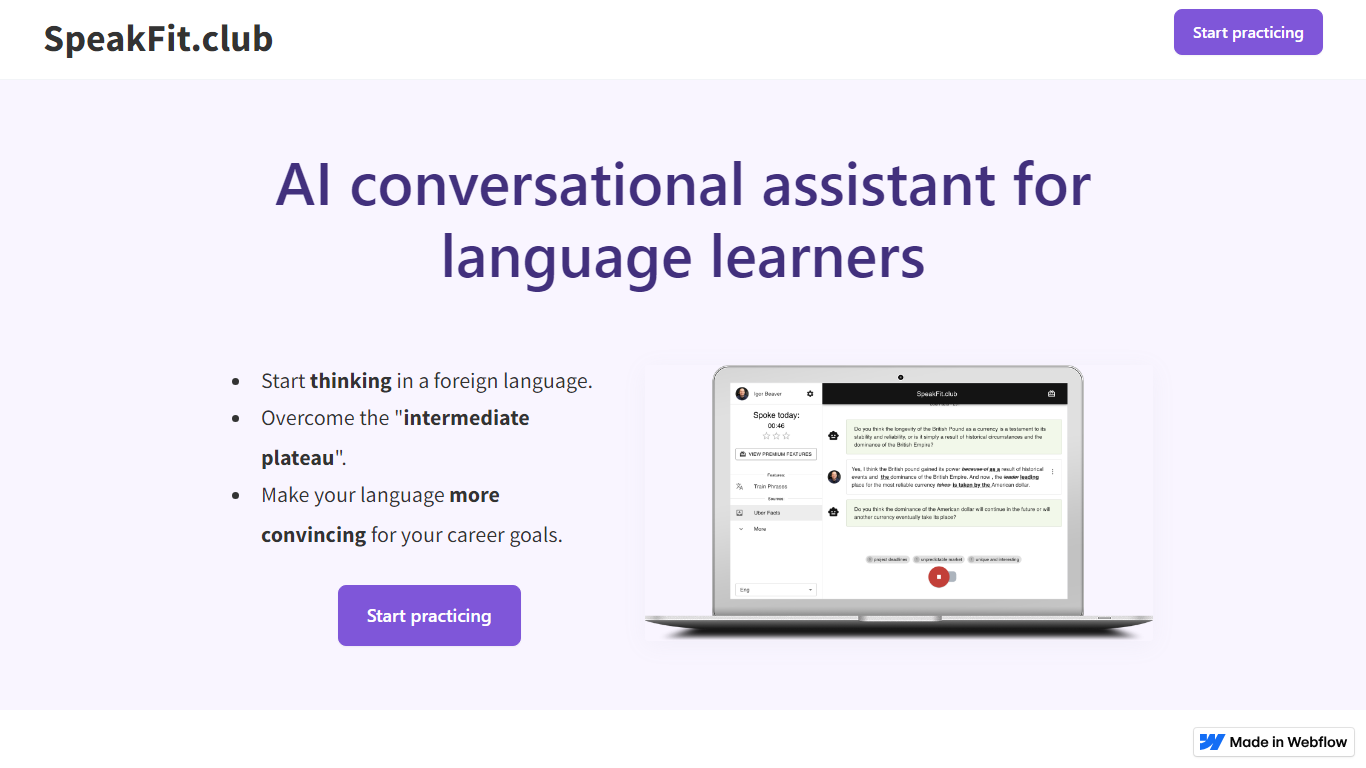

What is SpeakFit.club?
SpeakFit.club is an innovative language learning platform designed to help you think in a foreign language, overcome the common 'intermediate plateau', and enhance your language skills to align with your career aspirations. This AI conversational assistant offers a responsive, Webflow-powered experience for language learners looking to take their skills to the next level. With SpeakFit.club, you can start practicing immediately and see a marked improvement in your language proficiency.
How does SpeakFit work? It's simple and effective:
- 🤖 You listen to a debatable question, designed to incite thought-provoking conversation.
- 🎙️ Press the record button and express your opinion on the matter.
- 🧐 SpeakFit.club's advanced algorithms will then suggest improvements to make your answer more articulate and more native-like.
The dynamic platform provides new topics daily, powered by GPT4 for exceptional quality, and offers exercises as compact as 3-5 minutes chunks. This ensures your practice fits into any schedule. SpeakFit.club isn’t just another language app; it specializes in nuanced correction capabilities, precise voice recognition, and an advanced phrase practice system that reinforces active language usage, setting it apart from alternatives like ChatGPT or Duolingo.
ScreenApp
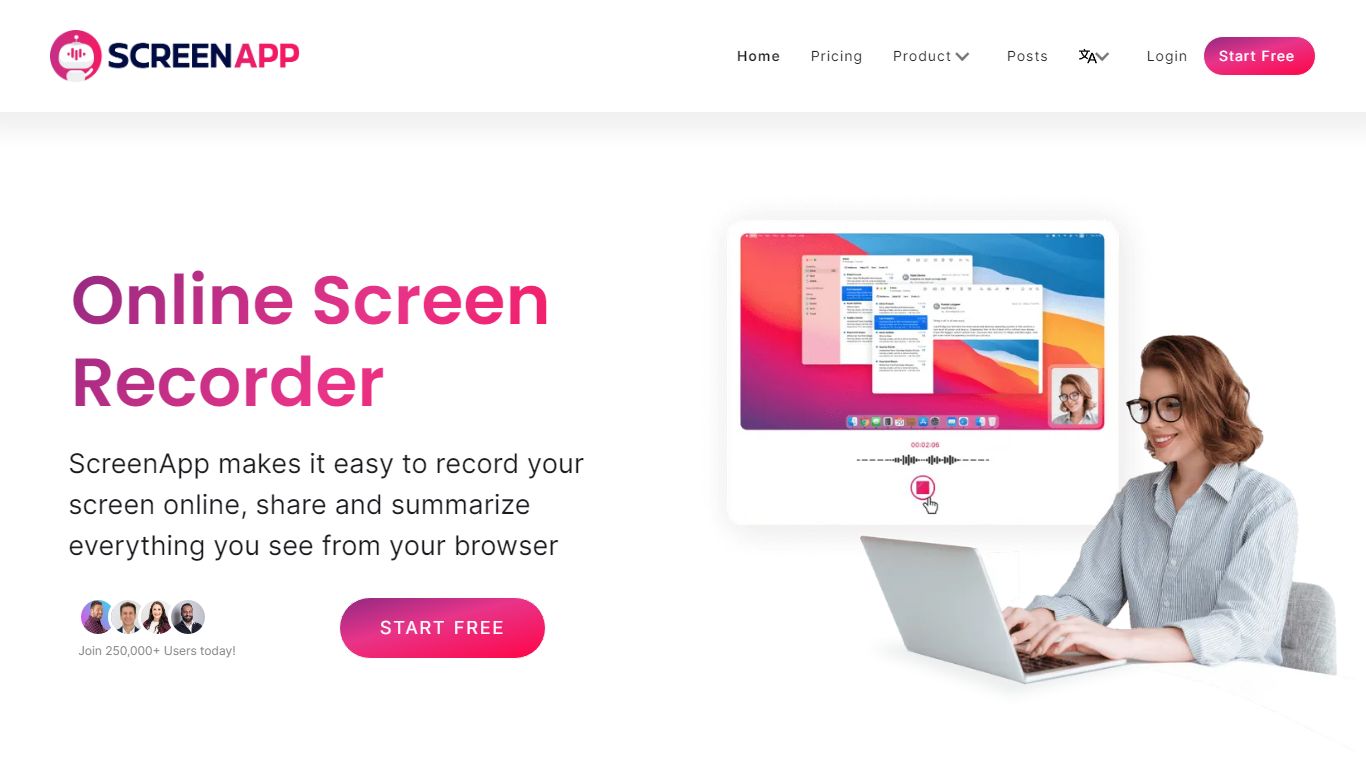
What is ScreenApp?
ScreenApp records your screen, webcam, or in-person audio in the browser and turns those captures into searchable transcripts, summaries, and notes. Teachers, trainers, and students use it as an education-focused recorder when they need lecture clips, meeting walkthroughs, or tutorial videos without installing desktop software first. The free tier includes 3 recordings with AI summaries and a full transcript on each file.
Compared with basic screen recorders that stop at MP4 exports, ScreenApp layers AI chat, templates, and cross-file search on top of every recording. Growth and Business plans add a meeting bot, video frame analysis, and API access, while the site advertises 351 feature-specific tools from lecture note taking to SOP generation. That breadth makes it closer to an AI video workspace than a single-purpose capture button.
ScreenApp runs on the web plus Chrome, Mac, Windows, iOS, and Android apps, so teams can record a class session on a laptop and review AI notes on a phone. It fits educators recording lessons, sales teams sharing async demos, and anyone who wants spoken content turned into text they can skim later.
SpeakFit.club Upvotes
ScreenApp Upvotes
SpeakFit.club Top Features
New Daily Topics: Engage with fresh interesting facts for conversation practice updated every day keeping the learning process exciting and relevant.
Two Correction Types: Benefit from basic error highlighting or learn to rephrase your speech for a more native sound. Quality assured by the GPT4 model.
Challenging Exercises: Tackle speaking practice in 3-5 minute intervals and track your progress with a rewarding gamification system.
Accurate Voice Recognition: Speak at your own pace with the assurance that your words will be recognized correctly irrespective of speech speed or pauses.
Advanced Phrases Practice: Focus on integrating key phrases into your spoken language without memorization fostering their use in active speech.
ScreenApp Top Features
Free plan with 3 recordings, full transcripts, and 3 AI generations per month
Growth plan at $19 per month (billed annually) with 600 AI credits per year and unlimited recordings
Meeting bot on paid plans that joins calls and produces summaries without a visible bot avatar on some flows
Video analysis on Business plans with up to 120 analyses per year and unlimited on Enterprise
351 listed AI feature pages covering transcription, lecture notes, SOP generation, and converters
Apps for Web, Chrome extension, Mac, Windows, iOS, and Android with SOC 2 Type II certification
SpeakFit.club Category
- Education
ScreenApp Category
- Education
SpeakFit.club Pricing Type
- Freemium
ScreenApp Pricing Type
- Freemium