SpeechGPT vs Audyo
In the face-off between SpeechGPT vs Audyo, which AI Audio Generation tool takes the crown? We scrutinize features, alternatives, upvotes, reviews, pricing, and more.
In a face-off between SpeechGPT and Audyo, which one takes the crown?
If we were to analyze SpeechGPT and Audyo, both of which are AI-powered audio generation tools, what would we find? Interestingly, both tools have managed to secure the same number of upvotes. Since other aitools.fyi users could decide the winner, the ball is in your court now to cast your vote and help us determine the winner.
Think we got it wrong? Cast your vote and show us who's boss!
SpeechGPT


What is SpeechGPT?
SpeechGPT lets you hold voice conversations in the browser using your own OpenAI API key. You type or record messages, send them through a chat interface, and hear spoken replies without installing desktop software.
Unlike hosted TTS services that bundle model costs into a subscription, SpeechGPT runs in the browser and bills you only through the OpenAI, Azure Speech Services, or Amazon Polly accounts you connect. That makes it a lightweight option for developers and language learners who already have API access and want a simple voice chat front end.
The interface supports English, Spanish, and Chinese UI labels, includes a record button for speech input, and stores session data locally in the browser. It suits developers testing voice chat flows, language learners practicing spoken prompts, and anyone who wants a minimal ChatGPT voice client on mobile or desktop.
Audyo
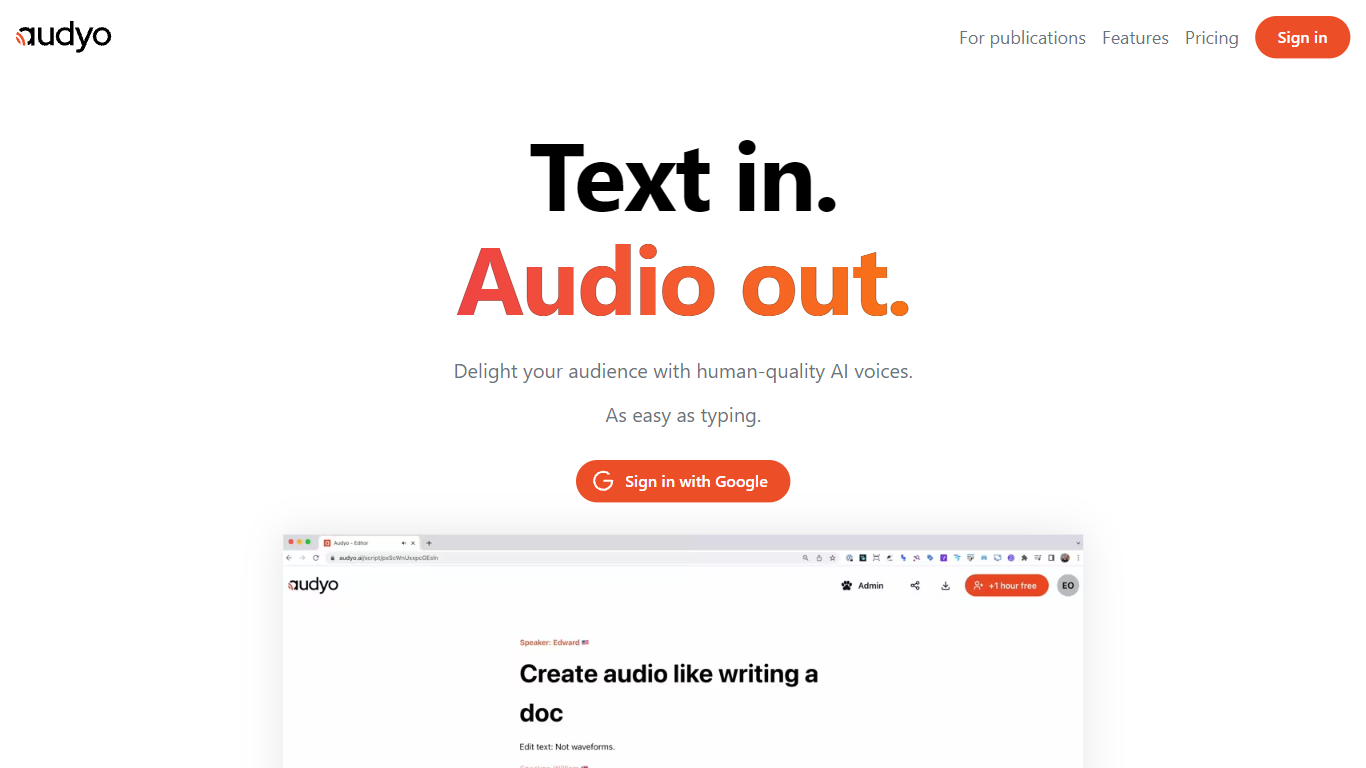
What is Audyo?
Audyo is a text-to-speech editor that turns written scripts into spoken audio as easily as typing a document. You edit words instead of waveforms, swap between 100+ voices across accents and languages, and export files for videos, podcasts, or presentations. Markdown headings, lists, and horizontal dividers add pauses between paragraphs without opening a separate audio timeline.
Traditional voice-over tools force you to cut waveforms and manage tracks manually. Audyo treats audio like a doc: Quick Select lets you build multi-speaker dialogs by switching voices inline, phonetic overrides fix tricky pronunciations word by word, and an AI Audio Assistant helps rewrite scripts inside the editor. That workflow suits creators who think in text first and only need clean audio output second.
Podcasters and video editors use Audyo for voice-overs without recording booths. Audiobook authors mix English, Spanish, Hindi, and 10+ other supported languages in one project. The site reports nearly 70,000 creators on the platform, with use cases spanning videos, podcasts, audiobooks, and general voice-over work.
SpeechGPT Upvotes
Audyo Upvotes
SpeechGPT Top Features
Chat interface accepts typed messages or recorded speech input with Enter to send
Requires your OpenAI API key in settings before the app will run conversations
Optional Azure Speech Services or Amazon Polly access keys for alternate text-to-speech backends
UI available in English, Spanish, and Chinese from the in-app language selector
Shift plus Enter inserts a newline without sending the message
Runs as a web app on Vercel with no separate desktop install required
Audyo Top Features
Choose from 100+ AI voices spanning American, British, Irish, French, Spanish, Mandarin, Hindi, and more accents
Edit scripts like a document with Markdown headings, lists, and divider pauses instead of waveform cutting
Quick Select swaps speakers inline to build multi-voice dialogs and conversations quickly
Custom phonetic spelling per word fixes pronunciation without re-recording entire lines
Supports 13+ languages including English, French, Spanish, German, Italian, Portuguese, Japanese, Korean, Chinese, Hindi, Arabic, Turkish, and Russian
Instant audio export for dropping into videos, podcasts, or presentation decks
SpeechGPT Category
- Audio Generation
Audyo Category
- Audio Generation
SpeechGPT Pricing Type
- Free
Audyo Pricing Type
- Freemium