SpeechGPT vs Cleanvoice AI
When comparing SpeechGPT vs Cleanvoice AI, which AI Audio Generation tool shines brighter? We look at pricing, alternatives, upvotes, features, reviews, and more.
In a comparison between SpeechGPT and Cleanvoice AI, which one comes out on top?
When we put SpeechGPT and Cleanvoice AI side by side, both being AI-powered audio generation tools, The upvote count reveals a draw, with both tools earning the same number of upvotes. Your vote matters! Help us decide the winner among aitools.fyi users by casting your vote.
Don't agree with the result? Cast your vote and be a part of the decision-making process!
SpeechGPT


What is SpeechGPT?
SpeechGPT lets you hold voice conversations in the browser using your own OpenAI API key. You type or record messages, send them through a chat interface, and hear spoken replies without installing desktop software.
Unlike hosted TTS services that bundle model costs into a subscription, SpeechGPT runs in the browser and bills you only through the OpenAI, Azure Speech Services, or Amazon Polly accounts you connect. That makes it a lightweight option for developers and language learners who already have API access and want a simple voice chat front end.
The interface supports English, Spanish, and Chinese UI labels, includes a record button for speech input, and stores session data locally in the browser. It suits developers testing voice chat flows, language learners practicing spoken prompts, and anyone who wants a minimal ChatGPT voice client on mobile or desktop.
Cleanvoice AI
What is Cleanvoice AI?
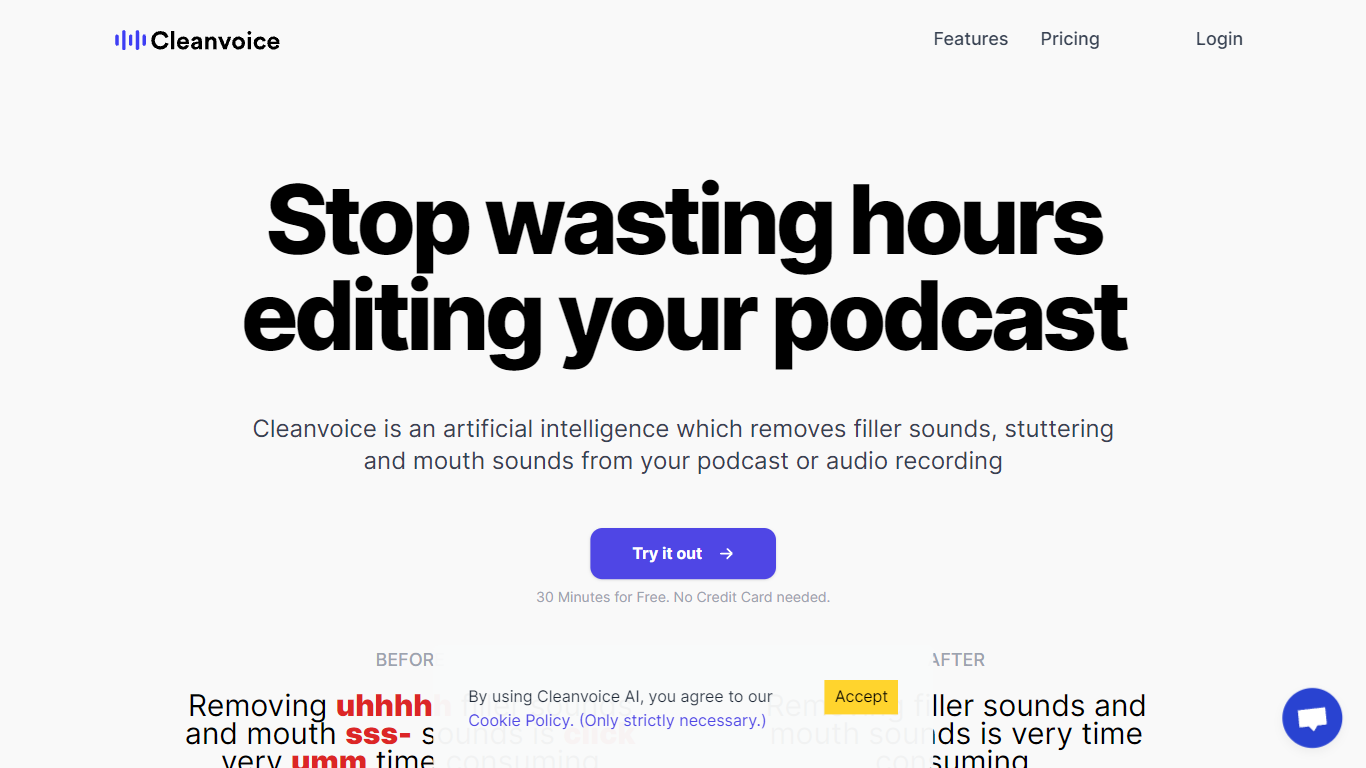
Cleanvoice AI edits podcasts and voice recordings by removing filler words, background noise, long pauses, and mouth sounds automatically. Upload audio or video, pick which cleanup steps to run, and download polished files in a few clicks without learning a traditional DAW. The web app targets podcasters, media agencies, and voiceover artists who want faster turnaround than manual editing in Audacity or Adobe Audition.
Many AI editors route you through transcript-first workflows where you edit text and hope the cuts sync. Cleanvoice processes the waveform directly, supports multitrack guest recordings, and exports timeline markers back to desktop editors when you want manual touch-ups. A single API and SDK covers enhancement, filler removal, and transcription for teams processing episodes at scale.
The free tier lets you test without signing up, and new accounts get 30 extra minutes of credit. Pay-as-you-go packs start at $11 for five hours, while subscriptions begin at $11 per month for ten hours with rollover up to three times your monthly allowance. Files stay on EU servers for seven days under GDPR and ISO 27001 compliance.
SpeechGPT Upvotes
Cleanvoice AI Upvotes
SpeechGPT Top Features
Chat interface accepts typed messages or recorded speech input with Enter to send
Requires your OpenAI API key in settings before the app will run conversations
Optional Azure Speech Services or Amazon Polly access keys for alternate text-to-speech backends
UI available in English, Spanish, and Chinese from the in-app language selector
Shift plus Enter inserts a newline without sending the message
Runs as a web app on Vercel with no separate desktop install required
Cleanvoice AI Top Features
Removes filler words in 20+ languages without a transcript-first editing workflow
Pay-as-you-go pricing starts at $11 for 5 hours ($2.20 per hour) with 2-year credit validity
Subscription plans from $11 per month for 10 hours with unused credits rolling over up to 3x the plan limit
Multitrack editing syncs separate guest recordings into one uninterrupted episode
Timeline export sends cut markers to Audacity, Audition, Reaper, and other desktop editors
Developers API and Python or JavaScript SDK process audio and video with one endpoint
SpeechGPT Category
- Audio Generation
Cleanvoice AI Category
- Audio Generation
SpeechGPT Pricing Type
- Free
Cleanvoice AI Pricing Type
- Freemium