
Last updated 08-13-2026
Category:
Reviews:
Join thousands of AI enthusiasts in the World of AI!
Cleanvoice AI
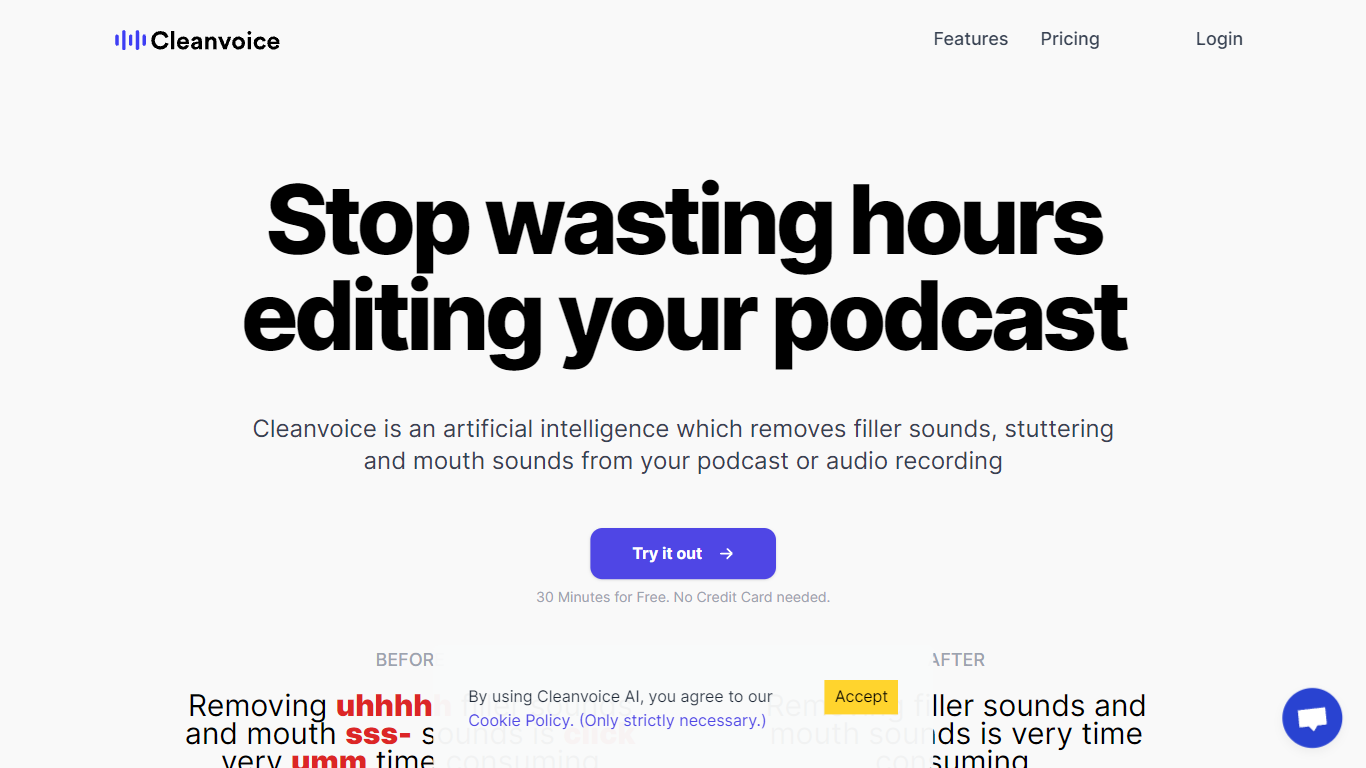
Cleanvoice AI edits podcasts and voice recordings by removing filler words, background noise, long pauses, and mouth sounds automatically. Upload audio or video, pick which cleanup steps to run, and download polished files in a few clicks without learning a traditional DAW. The web app targets podcasters, media agencies, and voiceover artists who want faster turnaround than manual editing in Audacity or Adobe Audition.
Many AI editors route you through transcript-first workflows where you edit text and hope the cuts sync. Cleanvoice processes the waveform directly, supports multitrack guest recordings, and exports timeline markers back to desktop editors when you want manual touch-ups. A single API and SDK covers enhancement, filler removal, and transcription for teams processing episodes at scale.
The free tier lets you test without signing up, and new accounts get 30 extra minutes of credit. Pay-as-you-go packs start at $11 for five hours, while subscriptions begin at $11 per month for ten hours with rollover up to three times your monthly allowance. Files stay on EU servers for seven days under GDPR and ISO 27001 compliance.
Removes filler words in 20+ languages without a transcript-first editing workflow
Pay-as-you-go pricing starts at $11 for 5 hours ($2.20 per hour) with 2-year credit validity
Subscription plans from $11 per month for 10 hours with unused credits rolling over up to 3x the plan limit
Multitrack editing syncs separate guest recordings into one uninterrupted episode
Timeline export sends cut markers to Audacity, Audition, Reaper, and other desktop editors
Developers API and Python or JavaScript SDK process audio and video with one endpoint
Edits waveform directly instead of forcing a transcript-first workflow
Free trial works without signup or credit card
Subscription credits roll over up to three times the monthly plan limit
Exports timeline markers to professional desktop editors
EU-hosted with GDPR and ISO 27001 compliance
Uploaded files are deleted after 7 days
Billing rounds audio duration up to the nearest minute
Multitrack uploads may incur extra charges in the future per pricing notes
Can I try Cleanvoice AI for free?
Yes. Cleanvoice AI lets you upload audio or video and test editing without signing up or entering a credit card. New accounts also receive 30 additional minutes of free credits after signup.
What audio formats does Cleanvoice AI support?
Cleanvoice AI supports most common audio and video formats, including WAV, MP3, M4A, FLAC, and MP4. For video uploads, Cleanvoice processes the audio track and returns cleaned audio plus edit timestamps.
How does Cleanvoice AI pricing work?
Cleanvoice AI bills by processed audio duration, rounded up to the nearest minute with a 1-minute minimum. Pay-as-you-go packs start at $11 for 5 hours, and subscriptions begin at $11 per month for 10 hours.
Do Cleanvoice AI subscription credits roll over?
Yes. Cleanvoice AI rolls unused subscription credits into the next month, up to three times your monthly plan allowance. For example, a 10-hour plan can bank up to 30 rollover hours.
Can Cleanvoice AI edit multitrack podcast recordings?
Yes. Cleanvoice AI supports batch uploads and multitrack editing, letting you process separate guest tracks simultaneously and sync them into a single podcast file.
How long does Cleanvoice AI store my files?
Cleanvoice AI stores both original and edited files for 7 days, then deletes them permanently. Data is hosted in the EU under GDPR and ISO 27001 compliance.
Does Cleanvoice AI offer an API?
Yes. Cleanvoice AI provides a REST API plus Python and JavaScript SDKs for noise removal, filler cuts, studio enhancement, and transcription. Over 30 brands use the API for scaled processing.