SpeedLegal vs CreateDraft
In the battle of SpeedLegal vs CreateDraft, which AI Legal tool comes out on top? We compare reviews, pricing, alternatives, upvotes, features, and more.
Between SpeedLegal and CreateDraft, which one is superior?
Upon comparing SpeedLegal with CreateDraft, which are both AI-powered legal tools, Both tools are equally favored, as indicated by the identical upvote count. Be a part of the decision-making process. Your vote could determine the winner.
Does the result make you go "hmm"? Cast your vote and turn that frown upside down!
SpeedLegal


What is SpeedLegal ?
SpeedLegal is a contract review platform that scans legal documents, flags risky clauses, and explains terms in plain language. Upload a PDF or DOCX and get a breakdown of what the agreement actually says before you sign.
The platform uses deep learning and large language models to compare your contract against market standards built from tens of thousands of real agreements. It highlights red flags, scores overall risk, and suggests fixes aligned with standards you set yourself.
Built for lawyers and non-lawyers alike, SpeedLegal handles 25+ contract types across five languages. Legal teams, startup founders, sales departments, and real estate agents use it to review NDAs, MSAs, employment agreements, SaaS contracts, and more without spending hours on manual reads.
CreateDraft
What is CreateDraft?
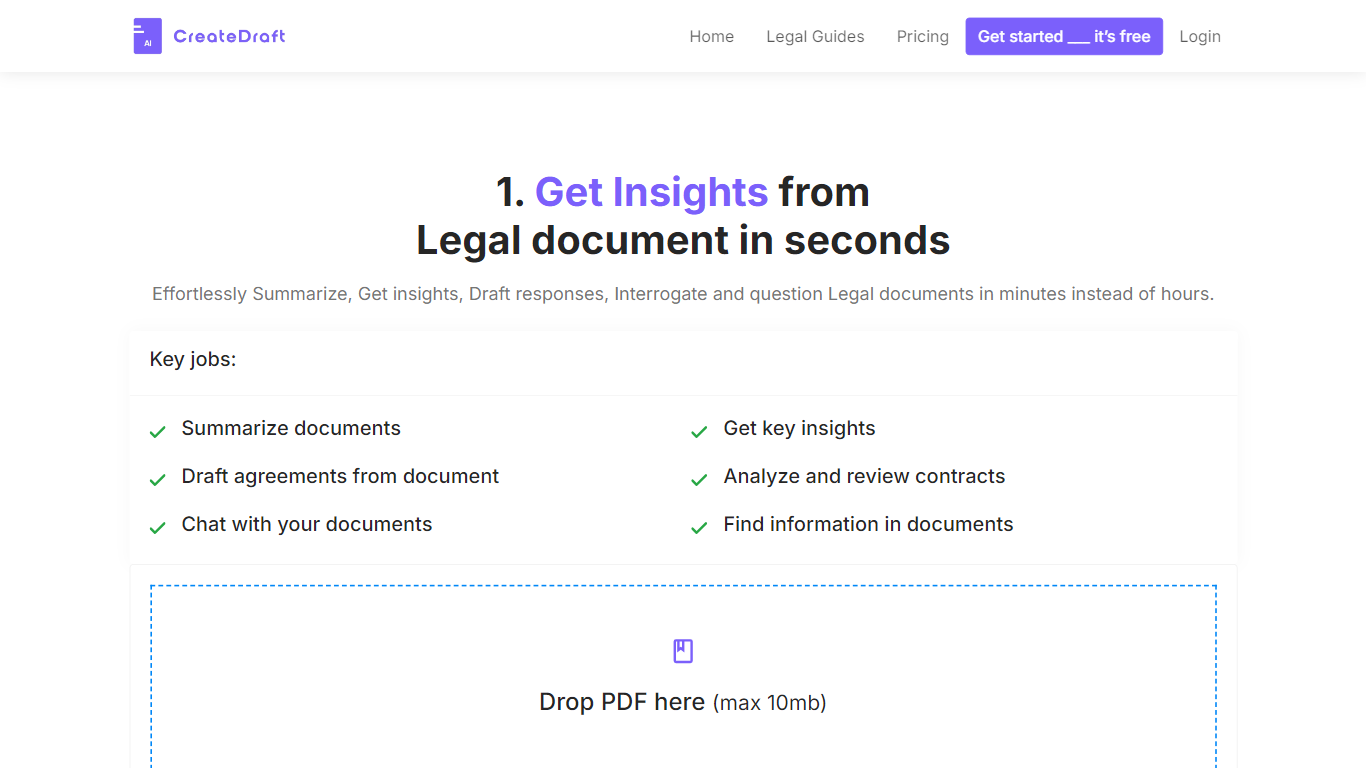
CreateDraft is a browser-based legal drafting assistant built around contract templates, a rich text editor, and a guided wizard. You pick from 373 agreement types (NDAs, employment contracts, lease agreements, and more), set jurisdiction and language, then generate and edit the draft in one workspace. Guests get 5,000 words to try it; signing up unlocks unlimited credits with no credit card required.
Most AI writing tools treat legal work like generic copy. CreateDraft centers the workflow on structured agreements: the Draft Wizard walks through title, section outlines, and full draft in three steps, with jurisdiction and language selectors before generation. You can also open any template straight in the TinyMCE editor, switch between models like GPT 5 and GPT 4o, and export to MS Word, HTML, or plain text.
It fits solo attorneys, in-house counsel, legal assistants, and small firms that need a first draft fast without opening a blank document. Use it to spin up NDAs, employment offers, service agreements, or partnership terms, then proofread and translate inside the same editor.
SpeedLegal Upvotes
CreateDraft Upvotes
SpeedLegal Top Features
Red Flag Analyzer catches hidden risks and unfavorable terms you might miss on a manual read
Handles 25+ contract types including NDAs, MSAs, employment agreements, and SaaS deals
Ask our AI answers contract questions in plain language around the clock
Personalized suggestions fix red flags against your own contract standards in one click
Automated summaries turn long agreements into short, readable breakdowns
Upload PDF or DOCX files up to 10 MB with TLS encryption during processing
CreateDraft Top Features
Choose from 373 legal templates covering NDAs, employment agreements, lease contracts, and more
Guest users can draft up to 5,000 words before creating an account
Draft Wizard runs a three-step flow: title, section outlines, then full draft
Select jurisdiction and one of 50+ output languages before generating text
Switch between GPT 5, GPT 4.1, GPT 4o, GPT o1, and GPT o3 inside the editor
Export finished drafts as plain text, HTML, a text file, or an MS Word document
SpeedLegal Category
- Legal
CreateDraft Category
- Legal
SpeedLegal Pricing Type
- Freemium
CreateDraft Pricing Type
- Freemium