SplitSong vs SpeechEasy
In the contest of SplitSong vs SpeechEasy, which AI Audio Generation tool is the champion? We evaluate pricing, alternatives, upvotes, features, reviews, and more.
If you had to choose between SplitSong and SpeechEasy, which one would you go for?
When we examine SplitSong and SpeechEasy, both of which are AI-enabled audio generation tools, what unique characteristics do we discover? The upvote count reveals a draw, with both tools earning the same number of upvotes. You can help us determine the winner by casting your vote and tipping the scales in favor of one of the tools.
Not your cup of tea? Upvote your preferred tool and stir things up!
SplitSong
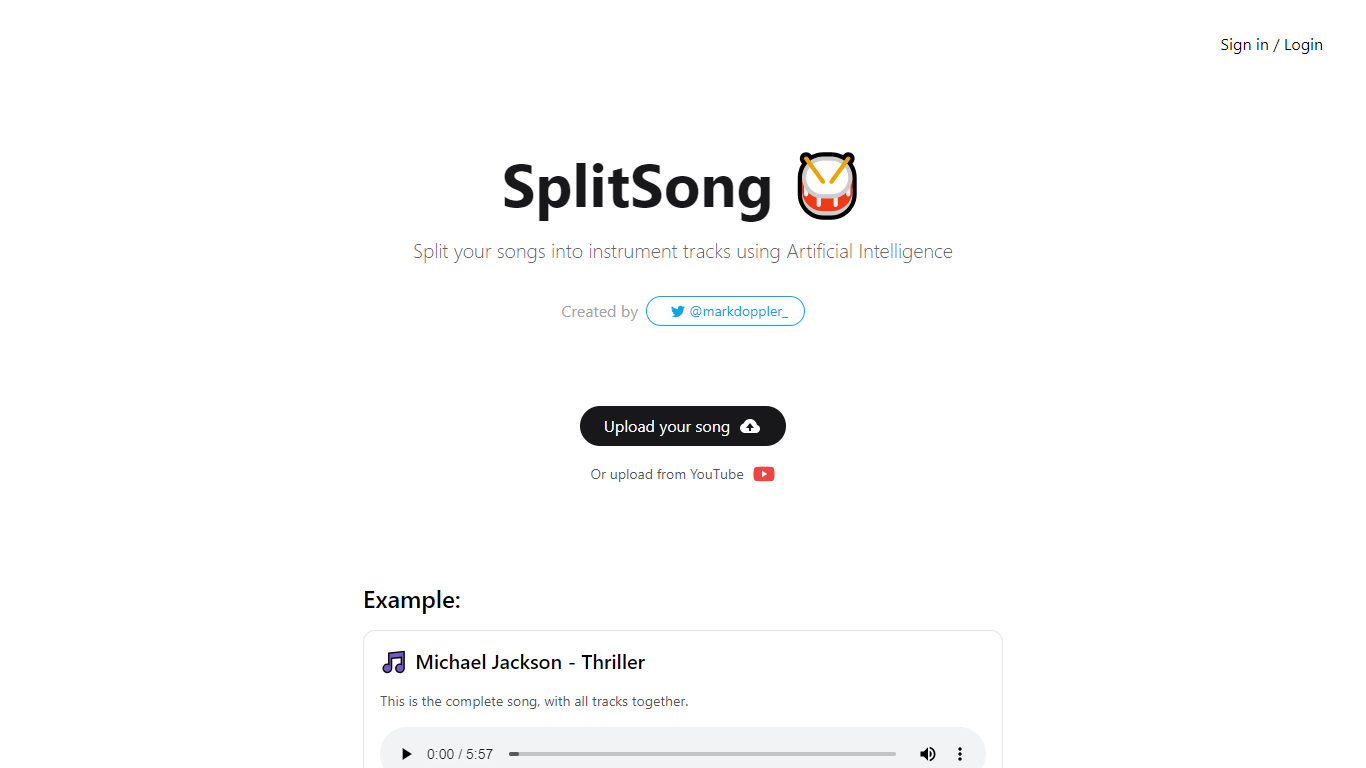

What is SplitSong?
Discover the power of Artificial Intelligence at SplitSong.com as it transforms the way you interact with music. Crafted by the innovative @markdoppler_, SplitSong.com is your ultimate destination for isolating instrument tracks from any song. Here's a platform where you can effortlessly upload your favorite tunes or directly pick from YouTube and split them into separate components, including drums, instrumental, bass, and voice tracks.
Whether you're a music producer, a DJ, or just a passionate music enthusiast, SplitSong.com gives you the tools to dissect and download individual elements of a song, enabling creative freedom and detailed music analysis. Thanks to its user-friendly interface and cutting-edge AI technology, song separation is no longer a professional studio-exclusive privilege—it's accessible to everyone with an internet connection.
SpeechEasy
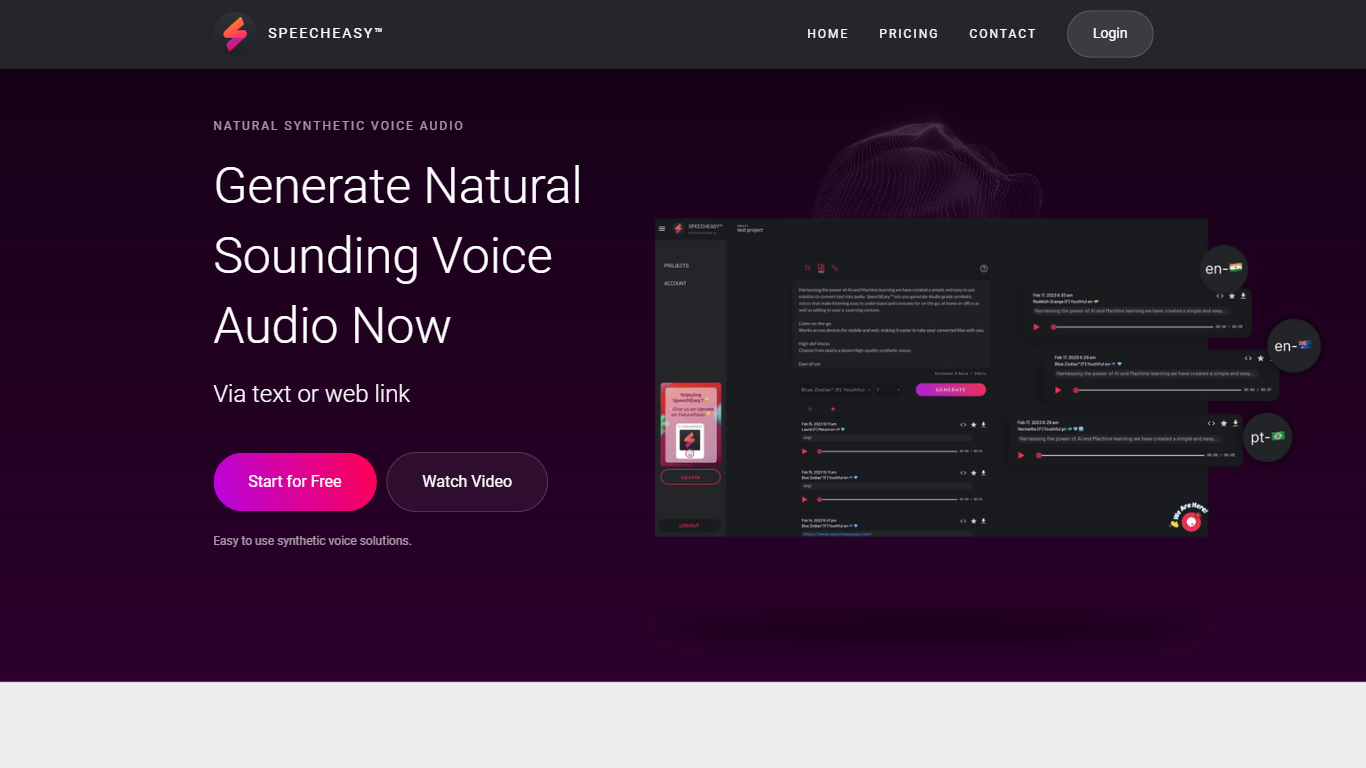
What is SpeechEasy?
Experience High-Quality Synthetic Voices with SpeechEasy™: SpeechEasy™ harnesses the power of AI and machine learning to offer a seamless and straightforward solution for converting text into audio. With our platform, you can generate studio-grade synthetic voices that are not only easy to understand but also pleasing to listen to — whether you're on the go, at home, or in the office. Our technology is designed to enhance various contents, including e-Learning materials, by providing high-quality, consistent audio narration.
Cross-Platform Accessibility for Your Convenience: SpeechEasy™ understands the need for flexible solutions in today's dynamic environment. That's why our service is designed to be cross-platform, allowing you to create and listen to your audio voice files on both desktop and mobile devices. With SpeechEasy™, you have the freedom to access your voiceovers anytime and anywhere, starting absolutely free.
Powerful Features for Diverse Needs: Looking at SpeechEasy™ from the inside out, we're dedicated to further innovation and are actively developing new use cases to meet your audio voice needs. Our future enhancements include voiceovers tailored for marketing purposes, providing clean and professional audio for video presentations, learning experiences, and publishing, such as audiobooks and articles.
SplitSong Upvotes
SpeechEasy Upvotes
SplitSong Top Features
AI-Powered Music Separation: Utilizes advanced algorithms to split songs into individual tracks.
Easy Uploading: Offers the ability to upload songs from your device or straight from YouTube.
Versatile Track Downloads: Allows users to download the separated tracks, including drums, bass, instrumental, and voice.
User-Friendly Interface: Designed to be easy to navigate for all user levels.
Creator Endorsement: Developed by @markdoppler_, ensuring credibility and expert application of AI in music.
SpeechEasy Top Features
Natural Synthetic Voice Audio: Generate natural-sounding voice audio effortlessly.
Easy to Use: User-friendly interface for quick text-to-speech conversion.
Cross-Platform Support: Access and listen on both desktop and mobile devices.
High-Quality Voices: Studio grade voices for clear and easy listening.
Diverse Applications: Perfect for e-Learning marketing and publishing needs.
SplitSong Category
- Audio Generation
SpeechEasy Category
- Audio Generation
SplitSong Pricing Type
- Freemium
SpeechEasy Pricing Type
- Freemium