
Last updated 07-25-2026
Category:
Reviews:
Join thousands of AI enthusiasts in the World of AI!
SplitSong
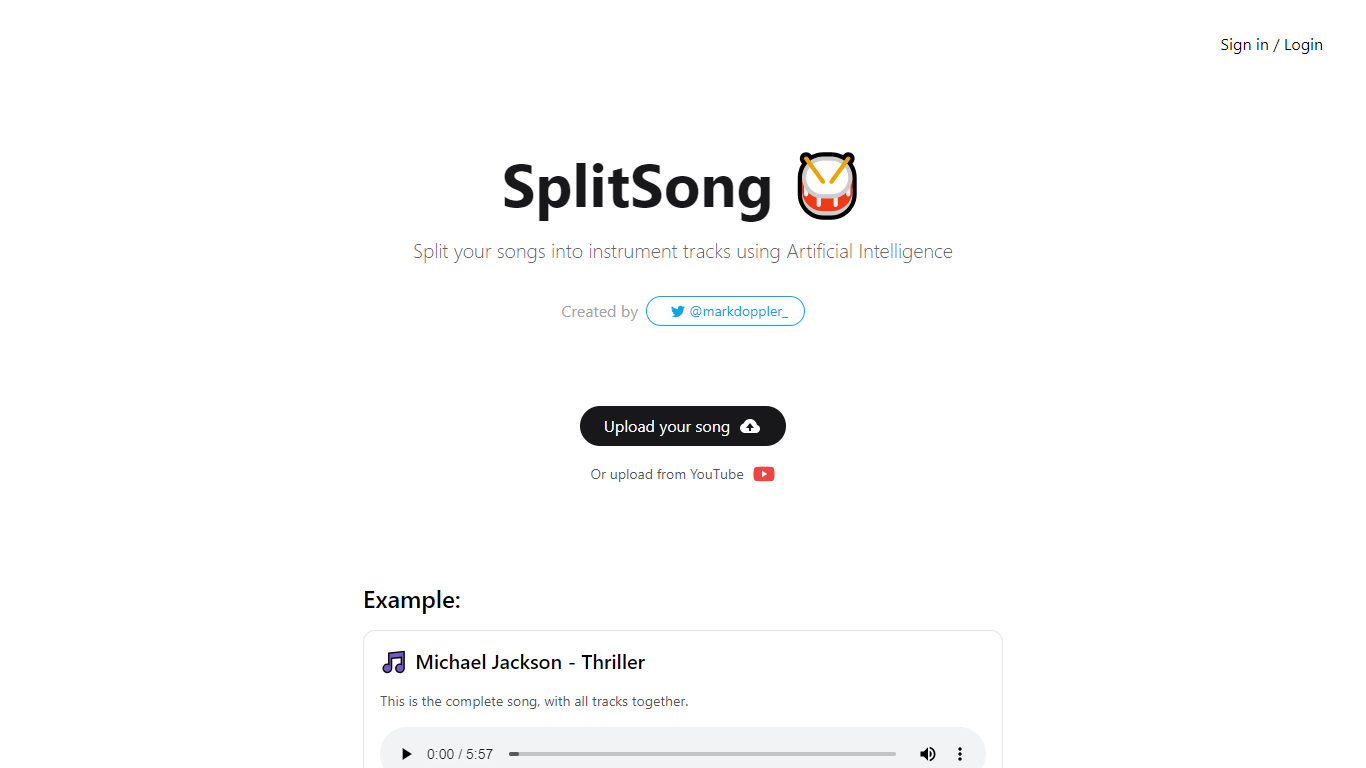
SplitSong is a web tool that separates a song into individual instrument and vocal tracks using AI. Upload an audio file or paste a YouTube link, and the service returns downloadable stems such as drums, bass, instrumental, and vocals.
The homepage demonstrates the workflow with a Michael Jackson Thriller example, showing separate download links for each stem type. Users need to sign in before uploading their own tracks.
SplitSong was created by Mark Doppler and focuses on a simple stem-splitting workflow for musicians, remixers, and creators who want isolated tracks without manual editing.
Split uploaded songs into separate drum, bass, instrumental, and vocal tracks
Import audio directly from a YouTube URL
Download each generated stem as its own file
Preview the full workflow with an on-page example track
Sign in to process your own uploads
Simple interface focused on one job: stem separation
Supports both file uploads and YouTube links
Outputs clearly labeled drum, bass, instrumental, and vocal tracks
Homepage provides limited detail on pricing, limits, or supported file formats
Sign-in appears required for personal uploads
No visible advanced editing or mixing tools beyond stem export
What does SplitSong do?
SplitSong uses AI to separate a song into individual stems such as drums, bass, instrumental parts, and vocals.
Can I split a YouTube song?
Yes. The homepage lets you upload from YouTube instead of uploading a local audio file.
What stems does SplitSong generate?
The example output includes drums, instrumental, bass, and voice tracks as separate downloads.
Do I need an account?
The site includes sign-in and login options before uploading your own song.
Who built SplitSong?
SplitSong was created by Mark Doppler, linked from the homepage as @markdoppler on X.