Spreadsheet.com vs AskCSV
When comparing Spreadsheet.com vs AskCSV, which AI Excel tool shines brighter? We look at pricing, alternatives, upvotes, features, reviews, and more.
Between Spreadsheet.com and AskCSV, which one is superior?
When we put Spreadsheet.com and AskCSV side by side, both being AI-powered excel tools, AskCSV stands out as the clear frontrunner in terms of upvotes. The number of upvotes for AskCSV stands at 8, and for Spreadsheet.com it's 6.
Does the result make you go "hmm"? Cast your vote and turn that frown upside down!
Spreadsheet.com
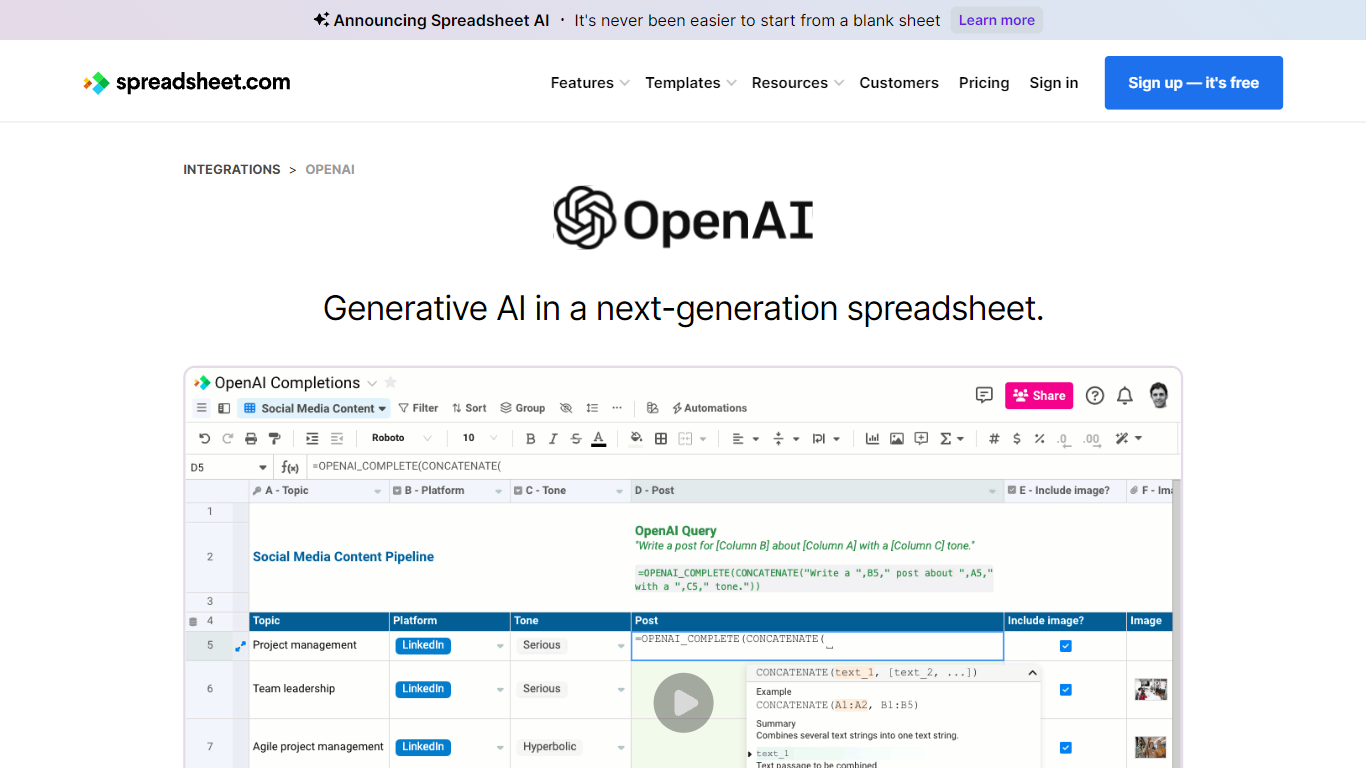

What is Spreadsheet.com?
The collaboration between OpenAI and Spreadsheet.com introduces the power of generative AI into the realm of spreadsheets, transforming the traditional spreadsheet experience. With this integration, users can now utilize the advanced technology behind ChatGPT to generate content and answer queries based on their spreadsheet data. This innovative feature simplifies data management, analysis, and reporting, making it accessible to users with any level of technical expertise. Spreadsheet.com’s next-generation platform allows for building no-code solutions like Project Management, CRM, ATS, and ERP systems. It enhances productivity with tailored views for sheets, Gantt charts, Kanban boards, forms, and calendars. Plus, the platform supports a vast array of integrations and automation to streamline processes. The service caters to various business needs and offers specialized templates for a quick start. Whether it's for project planning, sales management, or personal organization, Spreadsheet.com’s versatile features open up new possibilities for work management.
AskCSV
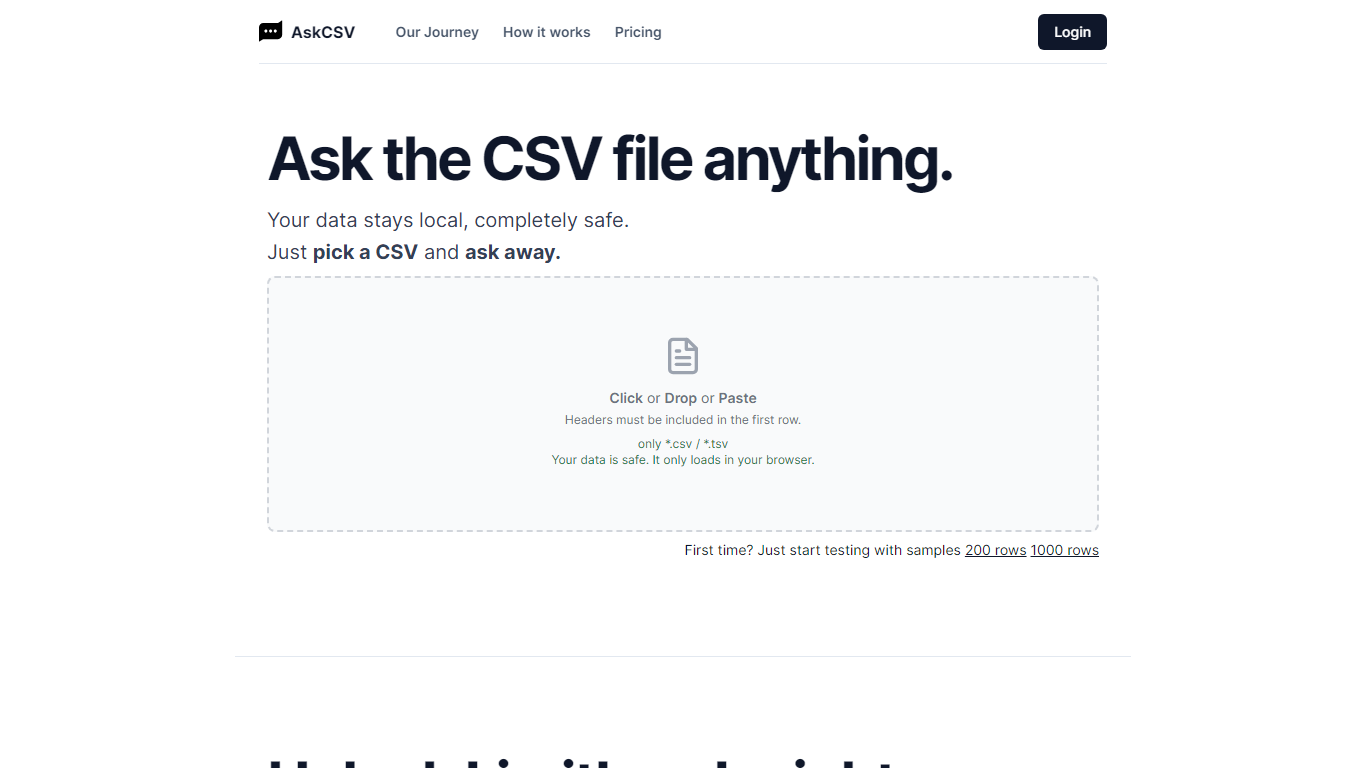
What is AskCSV?
AskCSV is a browser-based tool for analyzing CSV and TSV files with plain-language questions. You upload a file by click, drop, or paste, then ask about sales trends, customer behavior, product pairings, or marketing ROI. The tool responds with charts and tables tailored to your question.
Your file loads only in your browser and is not sent to a server. AskCSV builds a virtual dataset from your data and runs analysis using OpenAI GPT models locally, which keeps sensitive spreadsheets on your device.
The service targets anyone working with tabular data who wants quick insights without uploading files online. A free tier covers light daily use, and a 1-Day Pass adds higher row and ask limits with no subscription required.
Spreadsheet.com Upvotes
AskCSV Upvotes
Spreadsheet.com Top Features
Generative AI Integration: Leverage the power of OpenAI in spreadsheets for content generation and data queries.
No-Code Solutions: Create complex applications for Project Management CRM and more without any coding required.
Interactive Views: Organize and visualize your data with custom sheet views Gantt Kanban calendar and form views.
Robust Automations: Set up no-code automations to streamline repetitive tasks and workflows.
Comprehensive Templates: Access over 200 pre-made templates for various industries and use cases to get started quickly.
AskCSV Top Features
Upload CSV or TSV files by click, drop, or paste with headers in the first row
Ask data questions in plain language and get charts plus tables in response
Processes files locally in your browser so data never uploads to a server
Free tier includes 5 asks per day on files up to 1,000 rows
1-Day Pass unlocks 200 asks per day on files up to 1 million rows with ZIP export
Spreadsheet.com Category
- Excel
AskCSV Category
- Excel
Spreadsheet.com Pricing Type
- Freemium
AskCSV Pricing Type
- Freemium