SQL Builder vs Avanty
Dive into the comparison of SQL Builder vs Avanty and discover which AI SQL tool stands out. We examine alternatives, upvotes, features, reviews, pricing, and beyond.
When comparing SQL Builder and Avanty, which one rises above the other?
When we compare SQL Builder and Avanty, two exceptional sql tools powered by artificial intelligence, and place them side by side, several key similarities and differences come to light. Both tools are equally favored, as indicated by the identical upvote count. Be a part of the decision-making process. Your vote could determine the winner.
Think we got it wrong? Cast your vote and show us who's boss!
SQL Builder
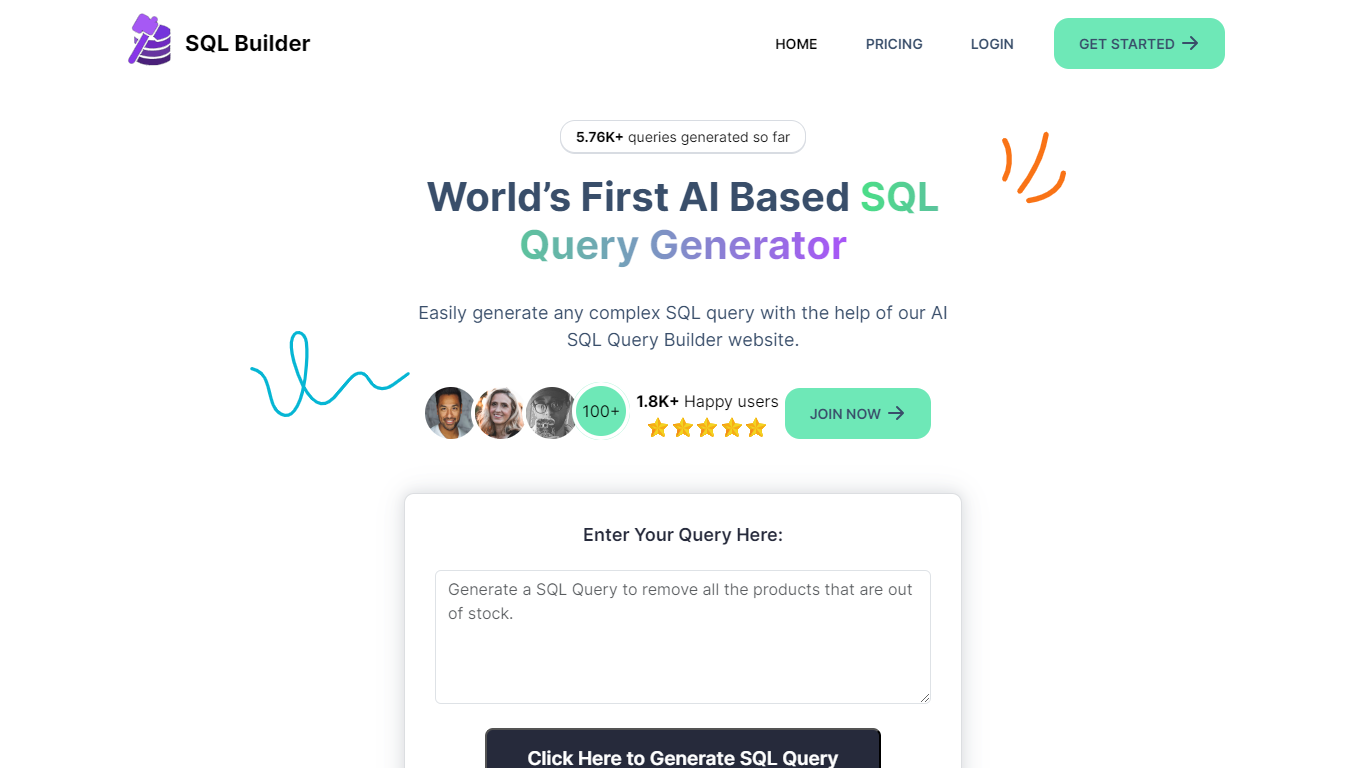

What is SQL Builder?
SQL Builder is an AI-powered platform that helps users generate complex SQL queries without needing to write code. It supports both technical and non-technical users by providing a no-code SQL builder that simplifies data exploration, report generation, and insight extraction. The tool also includes a SQL Syntax Explainer that breaks down queries step-by-step, making it easier to understand complex SQL statements. Additionally, SQL Builder offers an AI-driven SQL Optimizer that analyzes queries and suggests improvements to speed up execution and enhance efficiency. Users can also clean up their SQL code with the SQL Formatter, which organizes and beautifies queries for better readability. To reduce errors, the SQL Syntax Validator scans queries for syntax mistakes and provides detailed feedback to help users fix issues quickly. Beyond SQL, the platform supports NoSQL databases with a no-code query builder that simplifies interactions with databases like MongoDB. SQL Builder supports multiple natural languages for user prompts, broadening accessibility. It also offers an API for integration with existing systems. The platform is designed to boost productivity and accuracy in database operations, catering to a wide range of database types and user skill levels.
Avanty
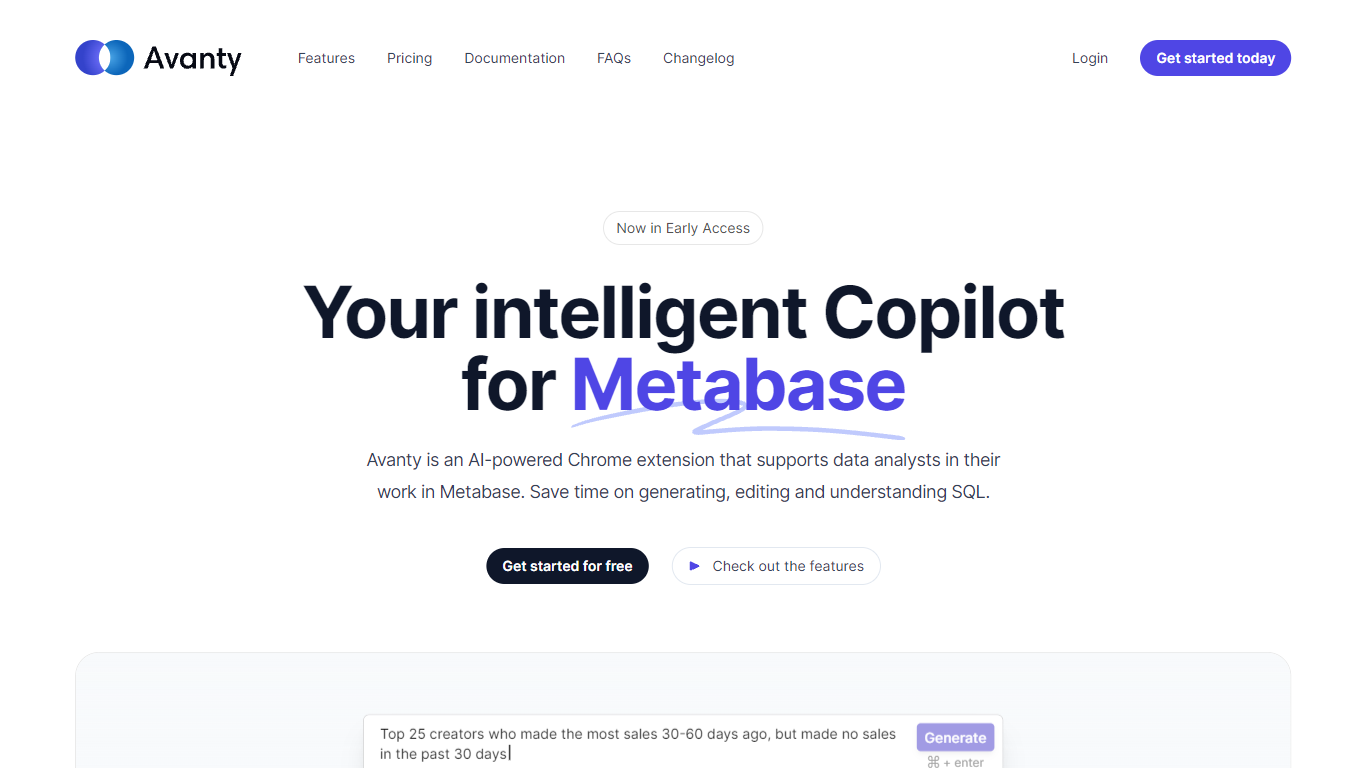
What is Avanty?
Avanty sits inside Metabase as a Chrome extension and writes SQL from plain English prompts. It reads your connected schema, drafts queries in the editor, and explains existing SQL step by step so analysts spend less time fighting syntax.
Generic SQL copilots work in a blank editor. Avanty is scoped to Metabase: it knows your tables, respects custom schema names like datawarehouse.users, and opens from a command panel with Cmd Shift period on macOS or Ctrl Shift period on Windows. An inline diff viewer shows proposed edits before you accept them.
Data analysts and analytics engineers who live in Metabase get the most from Avanty. Business questions that used to mean a Slack ping and a half-written query can start as a natural language prompt, land in Metabase as a draft question, and move through review faster. A preview Slack integration even surfaces matching Metabase questions from channel messages.
SQL Builder Upvotes
Avanty Upvotes
SQL Builder Top Features
🛠️ No-Code SQL Builder lets anyone create complex queries easily
🔍 SQL Syntax Explainer breaks down queries for clear understanding
⚡ SQL Optimizer speeds up queries by suggesting performance improvements
🎨 SQL Formatter cleans and organizes code for better readability
✅ SQL Syntax Validator finds errors and guides quick fixes
Avanty Top Features
Generates SQL from natural language using your live Metabase schema
Inline diff viewer shows AI-suggested query edits before you accept them
Command panel opens with Cmd Shift period on macOS or Ctrl Shift period on Windows
History tab at dashboard.avanty.app stores past prompts and explanations
Supports custom schema names such as datawarehouse.users in generated queries
Preview Slack integration finds or drafts Metabase questions from channel messages
SQL Builder Category
- SQL
Avanty Category
- SQL
SQL Builder Pricing Type
- Freemium
Avanty Pricing Type
- Freemium