SQL Chat vs SQLtroughAI
Explore the showdown between SQL Chat vs SQLtroughAI and find out which AI SQL tool wins. We analyze upvotes, features, reviews, pricing, alternatives, and more.
In a face-off between SQL Chat and SQLtroughAI, which one takes the crown?
When we contrast SQL Chat with SQLtroughAI, both of which are exceptional AI-operated sql tools, and place them side by side, we can spot several crucial similarities and divergences. The upvote count is neck and neck for both SQL Chat and SQLtroughAI. Your vote matters! Help us decide the winner among aitools.fyi users by casting your vote.
Think we got it wrong? Cast your vote and show us who's boss!
SQL Chat


What is SQL Chat?
SQL Chat is a chat-based SQL client and editor designed to simplify database interaction for developers, data analysts, and database administrators. It offers a conversational interface that lets users write, edit, and run SQL queries in a chat format, making database management more intuitive and less tedious. The tool supports popular SQL databases like Postgres, MySQL, and SQL Server, ensuring broad compatibility. It remembers previous conversation context, allowing users to build on earlier queries and provide follow-up corrections, which enhances workflow continuity. Connection settings are stored locally in the browser, improving security and user control. SQL Chat aims to reduce the complexity of writing SQL by providing examples, schema explanations, and step-by-step guidance within the chat. While it streamlines many tasks, users should be aware that it may occasionally generate incorrect or biased information, so verification remains important. Overall, SQL Chat offers a fresh approach to SQL editing by combining the familiarity of chat interfaces with powerful database management features.
SQLtroughAI
What is SQLtroughAI?
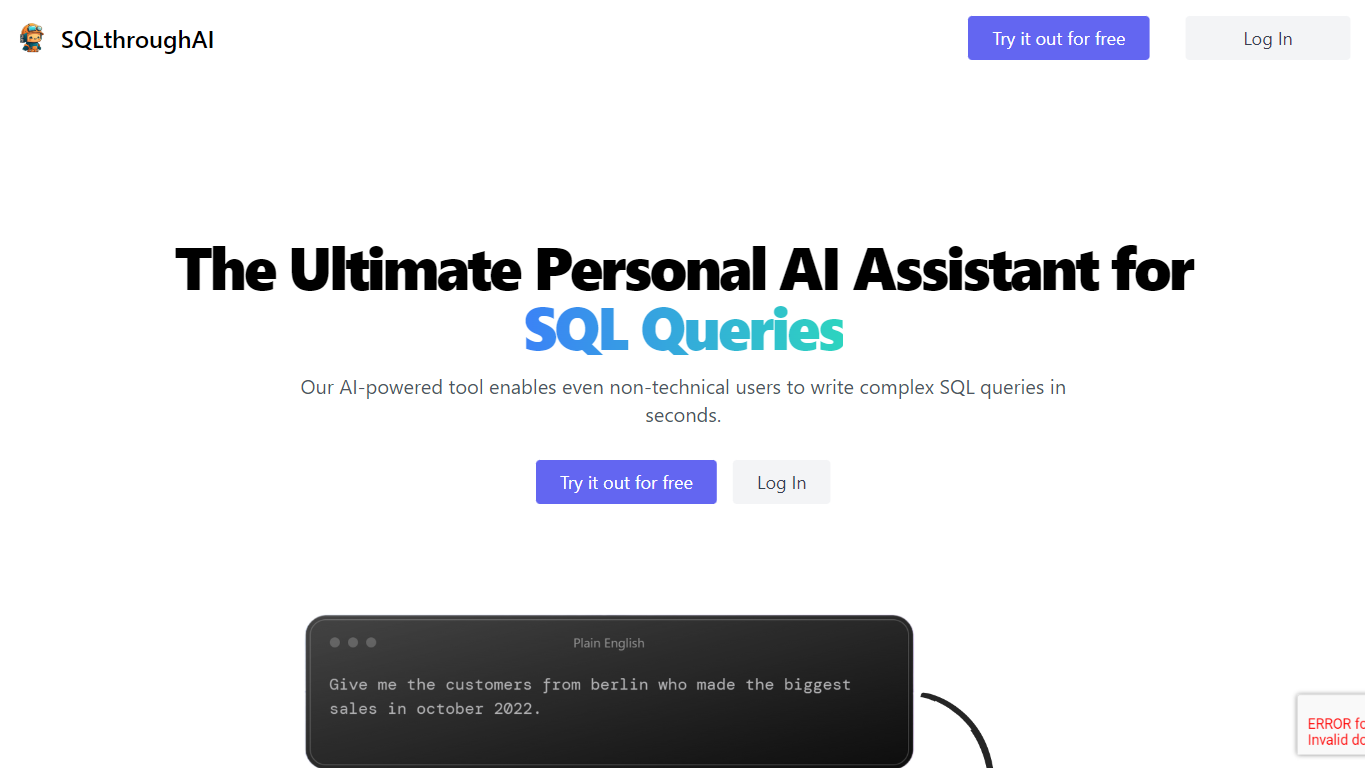
Type a plain-English data question and SQLtroughAI writes the SQL for dialects like MySQL, MongoDB, and Oracle PL/SQL. You start by defining your tables, either by uploading a CSV or Excel file or entering column names and data types manually. The product targets anyone who knows what data they need but does not want to memorize SQL syntax. It lives in the browser with signup, query history, and Stripe billing.
Most text-to-SQL tools assume you already have a live database connection. SQLtroughAI flips that order and asks you to model the dataset first, either from a spreadsheet or manual column entry. The site also says uploaded CSV and Excel contents are not stored, which matters if you are prototyping with sample files rather than production data. That schema-first path is narrower than enterprise query assistants, but it keeps setup lightweight for one-off analysis.
Business analysts, data analysts, and students who know what data they need but not the exact SQL phrasing are the obvious fit. SQLtroughAI stores past runs in Old Queries, so you can revisit generations without rewriting prompts. Billing runs through Stripe once you move past the trial period.
SQL Chat Upvotes
SQLtroughAI Upvotes
SQL Chat Top Features
💬 Conversational SQL queries with memory of past interactions
🔄 Easy follow-up corrections to refine query results
🔒 Local browser storage for secure connection settings
📚 Provides example schemas and SQL usage guidance
⚙️ Supports multiple databases: Postgres, MySQL, SQL Server
SQLtroughAI Top Features
Outputs SQL for MySQL, MongoDB, Oracle PL/SQL, and other dialects listed on the homepage
Define tables by uploading CSV or Excel files, or by entering column names and types manually
SQLthroughAI states it does not store the contents of uploaded CSV or Excel files
14-day free trial with no credit card required to create an account
Logged-in app includes New Query, Old Queries, Databases, Connections, and Stripe billing links
Built on OpenAI models that the team says were adapted specifically for SQL generation
SQL Chat Category
- SQL
SQLtroughAI Category
- SQL
SQL Chat Pricing Type
- Freemium
SQLtroughAI Pricing Type
- Freemium