SQL Genius vs AI Query
Explore the showdown between SQL Genius vs AI Query and find out which AI SQL tool wins. We analyze upvotes, features, reviews, pricing, alternatives, and more.
In a face-off between SQL Genius and AI Query, which one takes the crown?
When we contrast SQL Genius with AI Query, both of which are exceptional AI-operated sql tools, and place them side by side, we can spot several crucial similarities and divergences. There's no clear winner in terms of upvotes, as both tools have received the same number. The power is in your hands! Cast your vote and have a say in deciding the winner.
Does the result make you go "hmm"? Cast your vote and turn that frown upside down!
SQL Genius

What is SQL Genius?
Type an English question into SQL Genius and it returns a Postgres SQL query built from the table schemas you define on the page. You add one or more tables with column names and types, describe the result you want in plain language, and hit Write SQL to generate the statement. A separate SQL Explainer panel lets you paste existing SQL and read a plain-language breakdown of what each clause does.
Dedicated text-to-SQL tools usually assume you already know your schema. SQL Genius keeps schema editing in the same workspace as query generation, with sample hospital tables like patients, doctors, and admissions preloaded so you can test queries immediately. The Advanced SQL Type selector targets Postgres SQL specifically, which narrows the output compared with generators that claim every database dialect.
Analysts, researchers, and junior developers who know their data model but not SQL syntax use it to draft queries faster and sanity-check statements before running them in a database client. The site labels the product as beta and routes English-to-SQL, SQL Explainer, and a blog from the top navigation.
AI Query
What is AI Query?
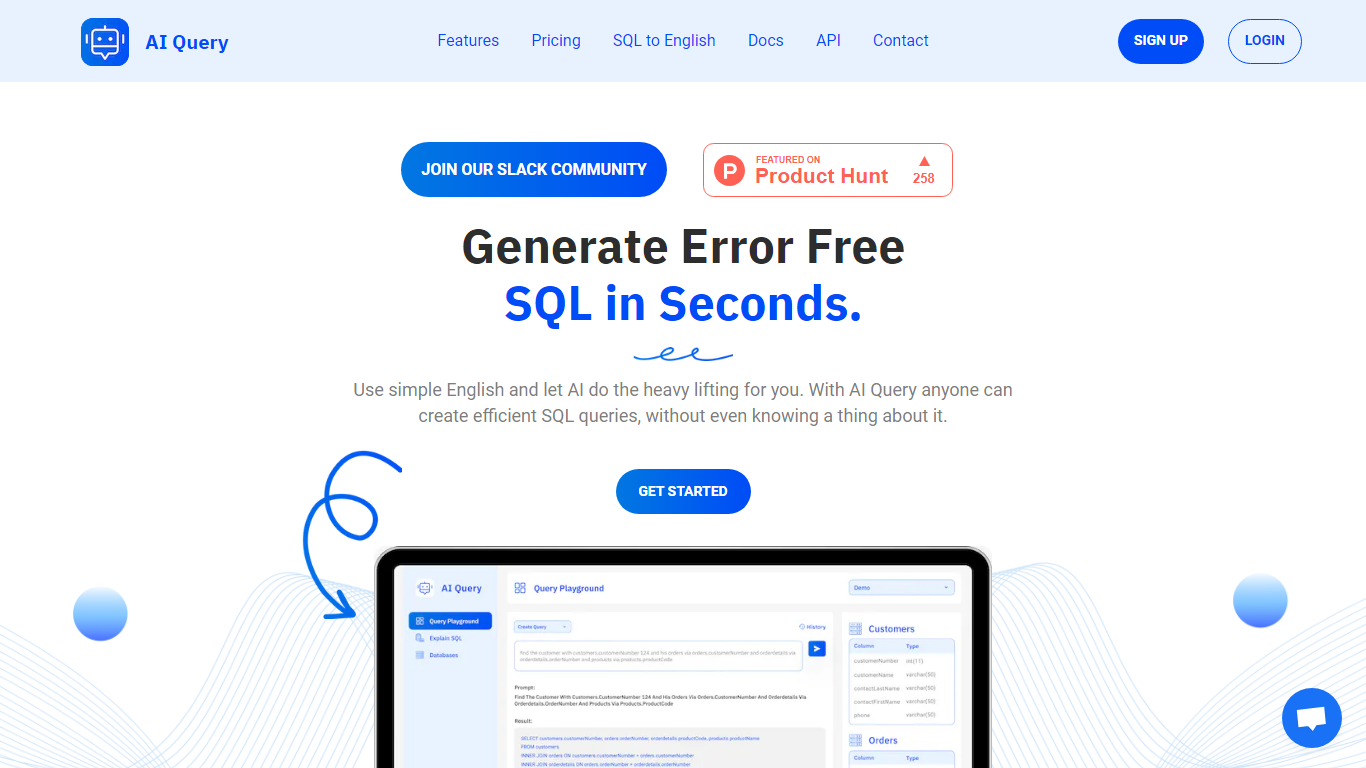
AI Query writes SQL from plain English prompts and explains existing queries back in everyday language. You define your database schema in the dashboard, describe what data you need, and the tool returns queries tuned to PostgreSQL, MySQL, BigQuery, Snowflake, Oracle, and other supported engines. Analysts and developers who know the business question but not the syntax use it to skip manual query drafting.
Unlike generic chatbots that guess table names, AI Query starts from schemas you upload and keeps a history of generated queries you can save and share. The SQL-to-English translator runs the other direction when you inherit a complex statement and need a readable breakdown. Yearly billing also advertises faster response speeds and priority feature access compared to monthly Pro.
Data teams, product managers, and junior developers are the core audience. The Pro plan unlocks unlimited generation, explanations, schema definitions, saved queries, and history through app.aiquery.co, with docs and an API for teams that want to embed the workflow.
SQL Genius Upvotes
AI Query Upvotes
SQL Genius Top Features
Define multiple table schemas with column names and data types before generating SQL
English-to-SQL writer targets Postgres SQL via the Advanced SQL Type selector
SQL Explainer panel formats pasted queries and returns plain-language explanations
Preloaded sample tables include patients, doctors, and admissions schemas
Add New Table button builds multi-table joins without leaving the editor
Sign Up and Log In accounts gate access beyond the public demo workspace
AI Query Top Features
Converts plain English prompts into SQL for PostgreSQL, MySQL, BigQuery, Snowflake, Oracle, and more
Pro plan costs $10 per month or $100 per year with two months free on annual billing
SQL-to-English translator explains complex statements in readable language
Dashboard lets you define database tables and schemas before generating queries
Saves query history and supports sharing generated SQL with teammates
Yearly Pro tier advertises faster AI response speeds and priority feature access
SQL Genius Category
- SQL
AI Query Category
- SQL
SQL Genius Pricing Type
- Freemium
AI Query Pricing Type
- Paid