sshx vs Lazy apps
In the contest of sshx vs Lazy apps , which AI Web Apps tool is the champion? We evaluate pricing, alternatives, upvotes, features, reviews, and more.
If you had to choose between sshx and Lazy apps , which one would you go for?
When we examine sshx and Lazy apps , both of which are AI-enabled web apps tools, what unique characteristics do we discover? The community has spoken, Lazy apps leads with more upvotes. Lazy apps has 9 upvotes, and sshx has 6 upvotes.
Not your cup of tea? Upvote your preferred tool and stir things up!
sshx
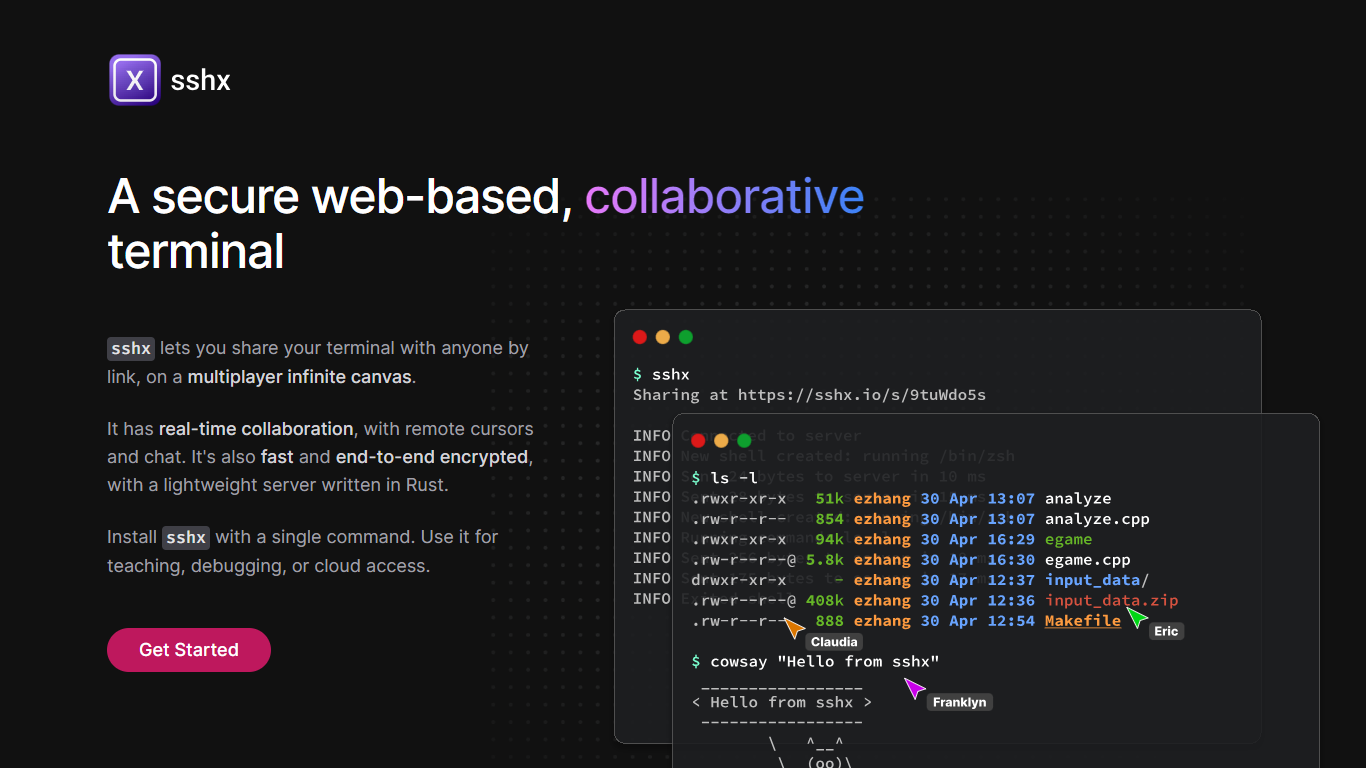

What is sshx?
sshx lets you share your terminal with anyone through a browser link. Sessions run on a multiplayer infinite canvas where multiple people can collaborate at once with live cursors and chat.
A lightweight Rust server handles networking with end-to-end encryption, so session data stays private. The project is open source and installs on macOS, Linux, Windows, and FreeBSD with a single curl command or prebuilt binaries.
Developers use sshx for pair debugging, teaching command-line workflows, remote cloud access, and pausing GitHub Actions runs to open a live collaborative shell.
Lazy apps
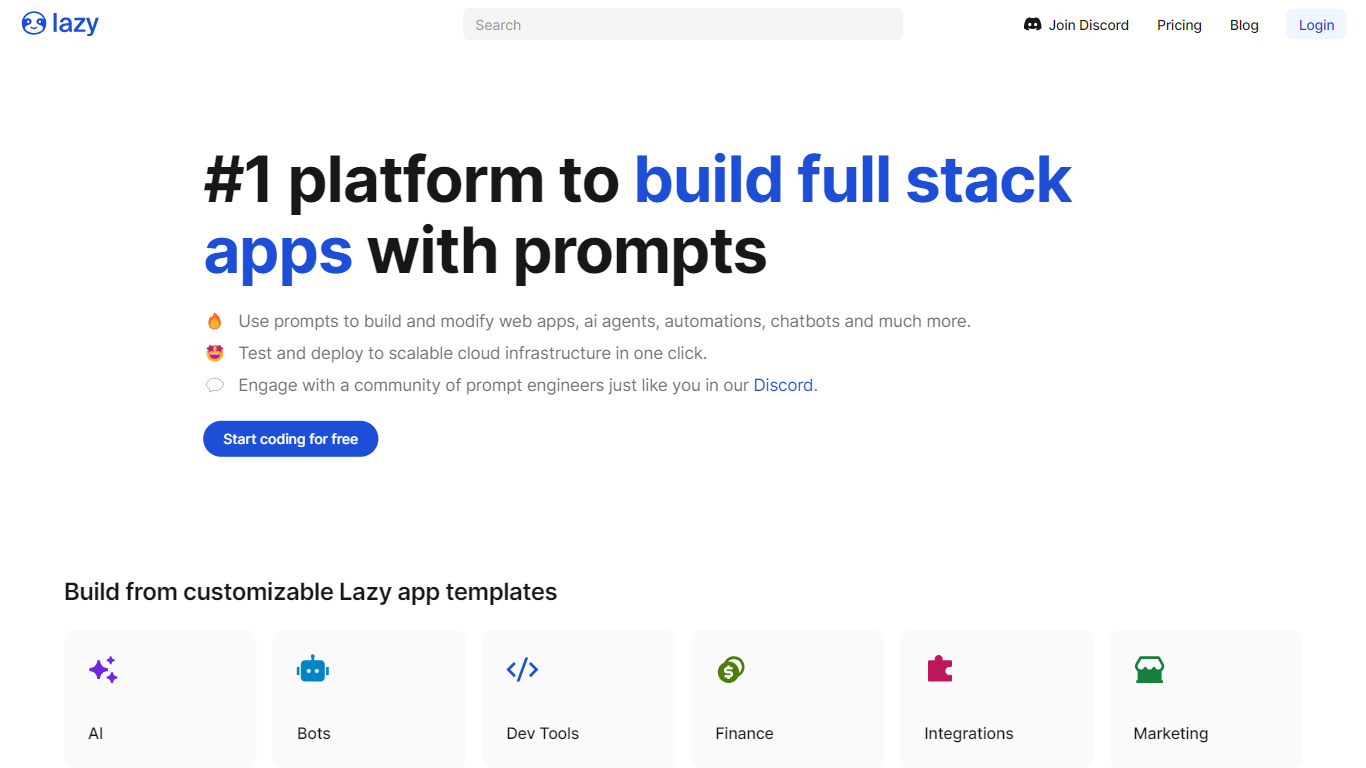
What is Lazy apps ?
Lazy apps is revolutionizing the way production software is created by allowing users to build applications using just words. With the Lazy AI platform, even non-engineers can turn into full stack developers, expanding the potential of the entire team. This innovative approach harnesses the power of prompts to construct web apps, AI agents, automations, chatbots, and much more. The platform facilitates testing and deployment to scalable cloud infrastructure with a single click. The community of prompt engineers available on Discord offers invaluable support and knowledge sharing. Lazy apps also boasts a variety of customizable templates across different categories like AI, bots, dev tools, finance, integrations, and marketing. With Lazy apps, you're just a few words away from creating a functional and deployable application.
sshx Upvotes
Lazy apps Upvotes
sshx Top Features
Share a terminal session with one secure browser link
Live cursors and chat so collaborators see who's doing what
Arrange multiple terminals on an infinite canvas you can resize freely
End-to-end encryption keeps keystrokes off the server
Mesh networking routes you to the nearest distributed peer for low latency
One curl command installs the CLI on macOS, Linux, or Windows
GitHub Actions workflows can pause and spawn a collaborative debug session
Lazy apps Top Features
No-Code Development: Transform ideas into live production software using simple written prompts.
Community Support: Join an active community of prompt engineers to collaborate and learn via Discord.
Rapid Testing & Deployment: Test your creations and deploy them to a scalable cloud infrastructure swiftly.
Wide Range of Applications: Build diverse applications such as web apps, AI agents, automations, and chatbots.
Template-Driven Approach: Quickly start projects using customizable templates for a variety of uses.
sshx Category
- Web Apps
Lazy apps Category
- Web Apps
sshx Pricing Type
- Free
Lazy apps Pricing Type
- Freemium