sshx vs NocoAI
Dive into the comparison of sshx vs NocoAI and discover which AI Web Apps tool stands out. We examine alternatives, upvotes, features, reviews, pricing, and beyond.
In a comparison between sshx and NocoAI, which one comes out on top?
When we compare sshx and NocoAI, two exceptional web apps tools powered by artificial intelligence, and place them side by side, several key similarities and differences come to light. Neither tool takes the lead, as they both have the same upvote count. Every vote counts! Cast yours and contribute to the decision of the winner.
You don't agree with the result? Cast your vote to help us decide!
sshx

What is sshx?
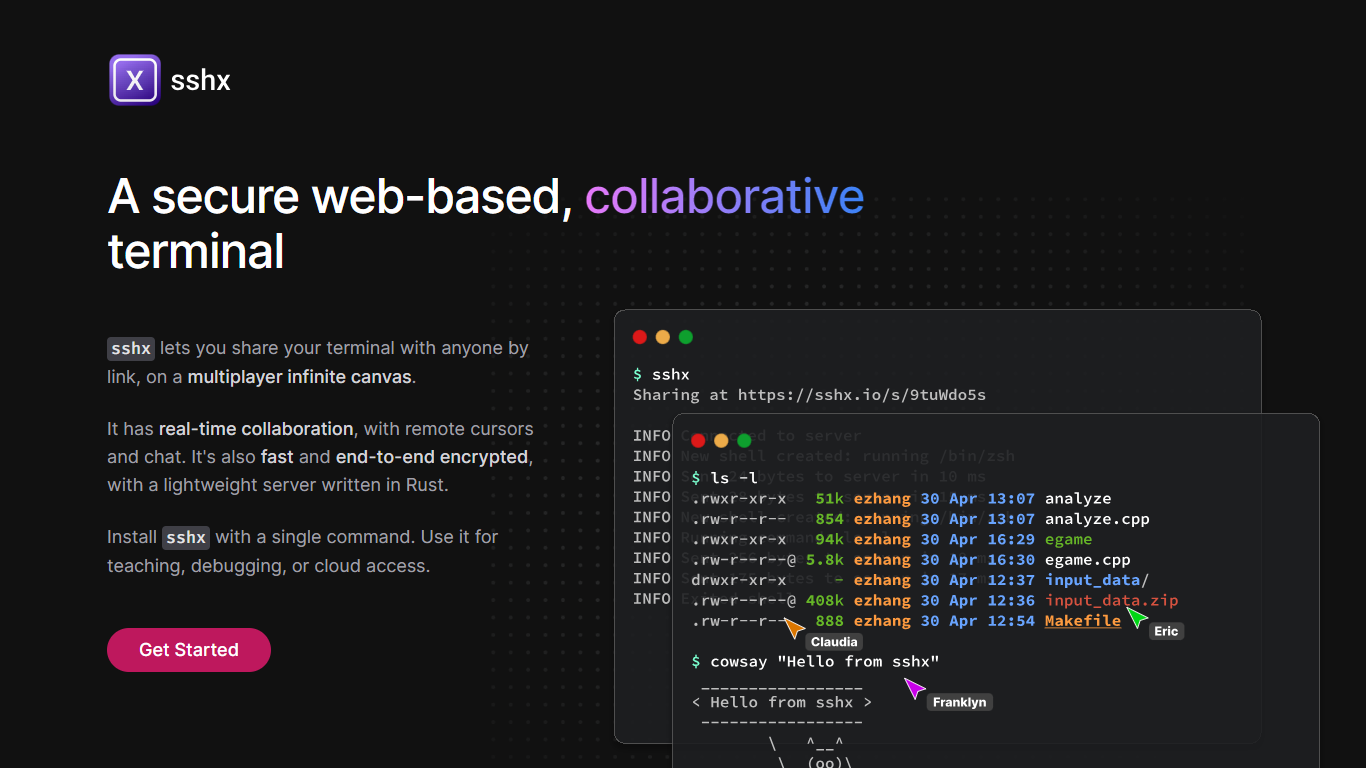
sshx lets you share your terminal with anyone through a browser link. Sessions run on a multiplayer infinite canvas where multiple people can collaborate at once with live cursors and chat.
A lightweight Rust server handles networking with end-to-end encryption, so session data stays private. The project is open source and installs on macOS, Linux, Windows, and FreeBSD with a single curl command or prebuilt binaries.
Developers use sshx for pair debugging, teaching command-line workflows, remote cloud access, and pausing GitHub Actions runs to open a live collaborative shell.
NocoAI
What is NocoAI?
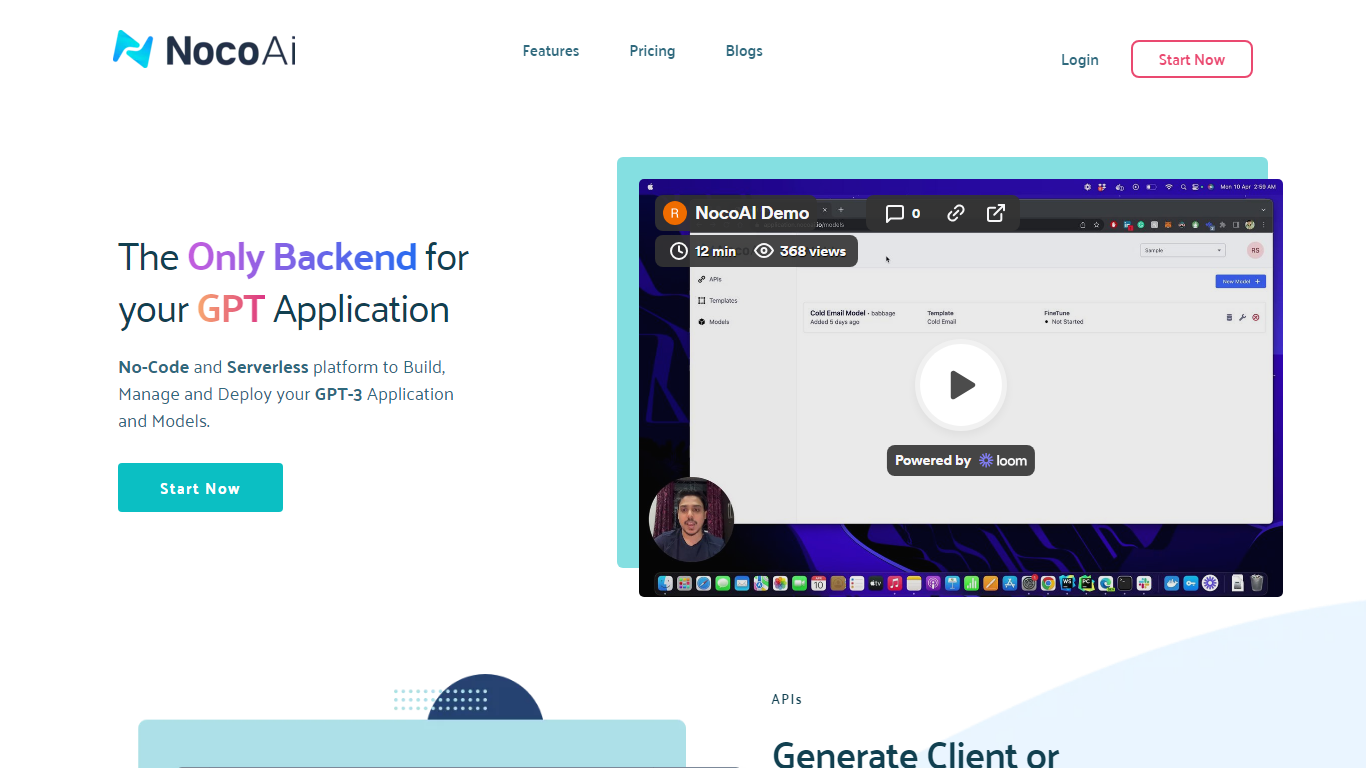
NocoAI revolutionizes the deployment of GPT-based applications with its no-code, serverless platform, designed for simplicity and effectiveness. It empowers businesses to create custom models and API endpoints that cater to the client or backend needs. With NocoAI, you gain the ability to define prompt templates using the Mustache template engine, leading to highly personalized input for fine-tuning applications. The platform offers a unique feature enabling you to control OpenAI costs with request and user limits on your APIs, while the upcoming feature to analyze API usage promises an even more refined custom model optimization. Moreover, the NocoAI team stands ready to assist non-developers in adding datasets for further model fine-tuning via a user-friendly interface.
sshx Upvotes
NocoAI Upvotes
sshx Top Features
Share a terminal session with one secure browser link
Live cursors and chat so collaborators see who's doing what
Arrange multiple terminals on an infinite canvas you can resize freely
End-to-end encryption keeps keystrokes off the server
Mesh networking routes you to the nearest distributed peer for low latency
One curl command installs the CLI on macOS, Linux, or Windows
GitHub Actions workflows can pause and spawn a collaborative debug session
NocoAI Top Features
No-Code Platform: Utilize a serverless environment to build and deploy GPT applications without coding.
API Generation: Easily generate client or backend APIs with custom or inbuilt models.
Template Customization: Define prompt templates and variables with the Mustache template engine for personalized API inputs.
Cost Control: Implement request and user limits to manage OpenAI costs effectively.
Non-Developer Friendly: Engage the NocoAI team for assistance in dataset addition and model fine-tuning.
sshx Category
- Web Apps
NocoAI Category
- Web Apps
sshx Pricing Type
- Free
NocoAI Pricing Type
- Freemium