Starlens vs Gradio
In the face-off between Starlens vs Gradio, which AI Developer tool takes the crown? We scrutinize features, alternatives, upvotes, reviews, pricing, and more.
In a face-off between Starlens and Gradio, which one takes the crown?
If we were to analyze Starlens and Gradio, both of which are AI-powered developer tools, what would we find? Interestingly, both tools have managed to secure the same number of upvotes. Be a part of the decision-making process. Your vote could determine the winner.
Does the result make you go "hmm"? Cast your vote and turn that frown upside down!
Starlens
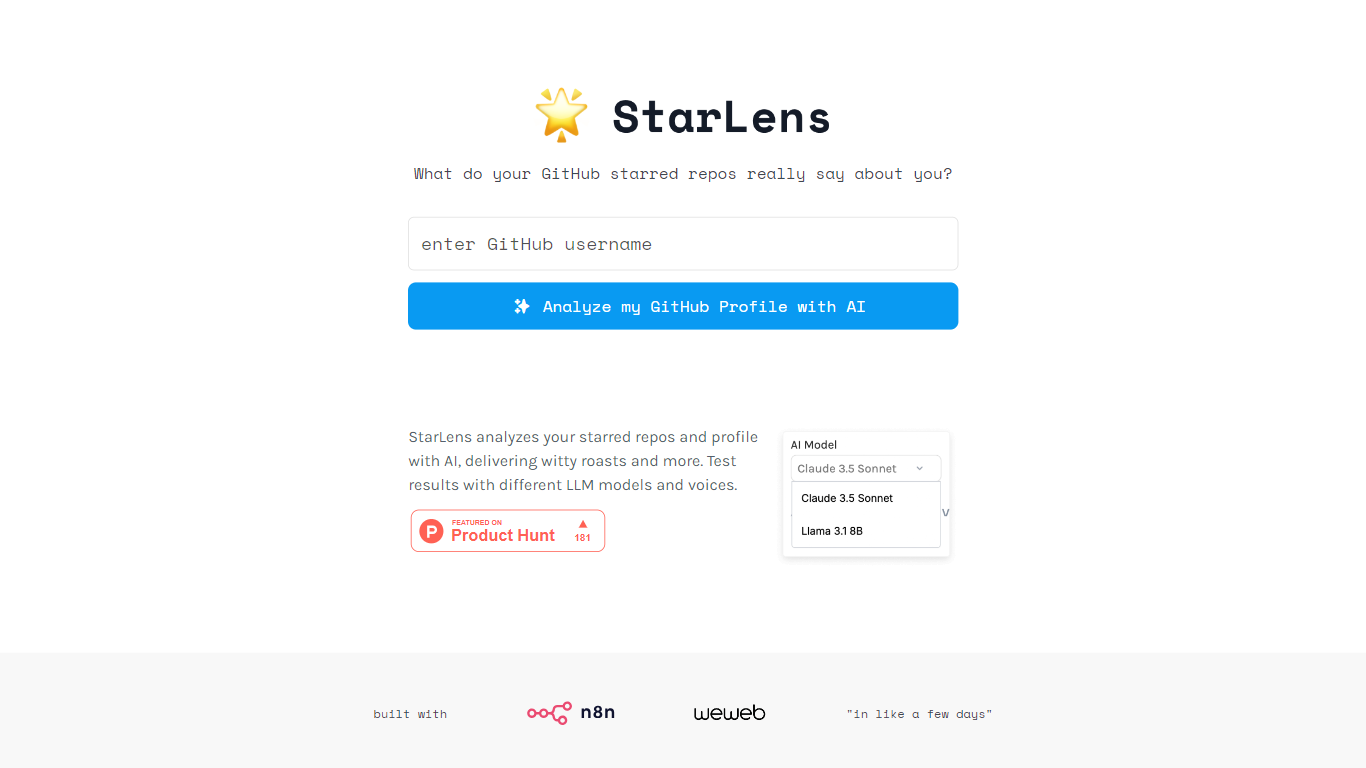

What is Starlens?
The website offers a comprehensive platform designed to enhance productivity and streamline workflows for professionals across various industries. Its core functionality revolves around task management, collaboration tools, and performance tracking, making it an essential tool for teams looking to optimize their operations. The target audience includes project managers, team leaders, and organizations seeking to improve efficiency and communication within their teams. The unique value proposition lies in its user-friendly interface combined with powerful features that cater to both small businesses and large enterprises. Key differentiators include real-time collaboration capabilities, customizable dashboards, and integration with popular third-party applications, setting it apart from competitors in the productivity software market.
Gradio
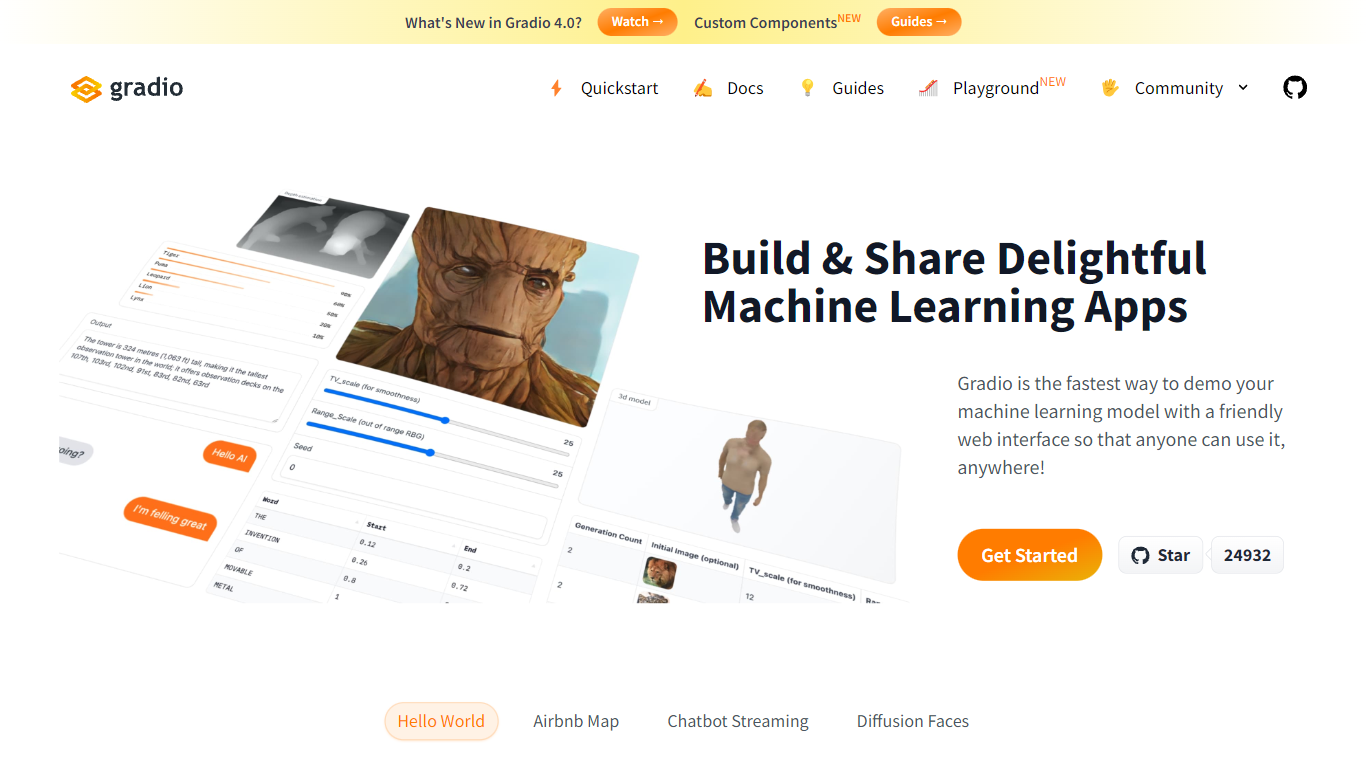
What is Gradio?
Gradio lets you wrap any Python function or ML model in a web demo with a few lines of code. This open-source Python library ships 40-plus UI components for images, audio, video, chat, dataframes, and JSON, then serves the interface locally or deploys it permanently to Hugging Face Spaces. Run pip install gradio, define your function, and call demo.launch() to get a browser UI at localhost:7860.
Streamlit and Dash also build Python web apps, but Gradio is built specifically for model demos: gr.Interface wraps a single prediction function, gr.ChatInterface handles chatbots, and gr.Blocks supports multi-step layouts like the Automatic1111 Stable Diffusion UI. The share=True flag creates a temporary public URL in seconds, which is hard to replicate without setting up your own hosting.
ML engineers, researchers, and hobbyists use Gradio to prototype interfaces before production. It requires Python 3.10 or higher, needs no JavaScript or CSS knowledge, and is free and open source with optional free hosting on Hugging Face Spaces.
Starlens Upvotes
Gradio Upvotes
Starlens Top Features
Real-Time Collaboration: Enables team members to work together simultaneously on projects, enhancing communication and reducing delays.
Customizable Dashboards: Users can tailor their dashboards to display relevant metrics and tasks, improving focus and efficiency.
Integration with Third-Party Applications: Seamlessly connects with tools like Slack, Google Drive, and Trello, allowing for a unified workflow.
Performance Tracking: Provides analytics and reporting features to monitor team performance and project progress, facilitating data-driven decision-making.
User-Friendly Interface: Designed with simplicity in mind, ensuring that users can navigate the platform easily without extensive training.
Gradio Top Features
Build a working demo with
gr.Interface(fn, inputs, outputs)in under 10 lines of Python40-plus built-in components for images, audio, video, 3D, chat, plots, and dataframes
Free permanent hosting on Hugging Face Spaces with auto-scaling and a shareable URL
demo.launch(share=True)creates a temporary public link like https://xxxxx.gradio.live in secondsGradio 6 adds MCP support, vibe mode for natural-language app editing, and hot reload via
gradio app.py43,000-plus GitHub stars with clients for querying any Gradio app from Python or JavaScript
Starlens Category
- Developer
Gradio Category
- Developer
Starlens Pricing Type
- Freemium
Gradio Pricing Type
- Free