STRING vs Humata
Dive into the comparison of STRING vs Humata and discover which AI Data Science tool stands out. We examine alternatives, upvotes, features, reviews, pricing, and beyond.
In a comparison between STRING and Humata, which one comes out on top?
When we compare STRING and Humata, two exceptional data science tools powered by artificial intelligence, and place them side by side, several key similarities and differences come to light. With more upvotes, Humata is the preferred choice. Humata has 8 upvotes, and STRING has 6 upvotes.
Disagree with the result? Upvote your favorite tool and help it win!
STRING

What is STRING?
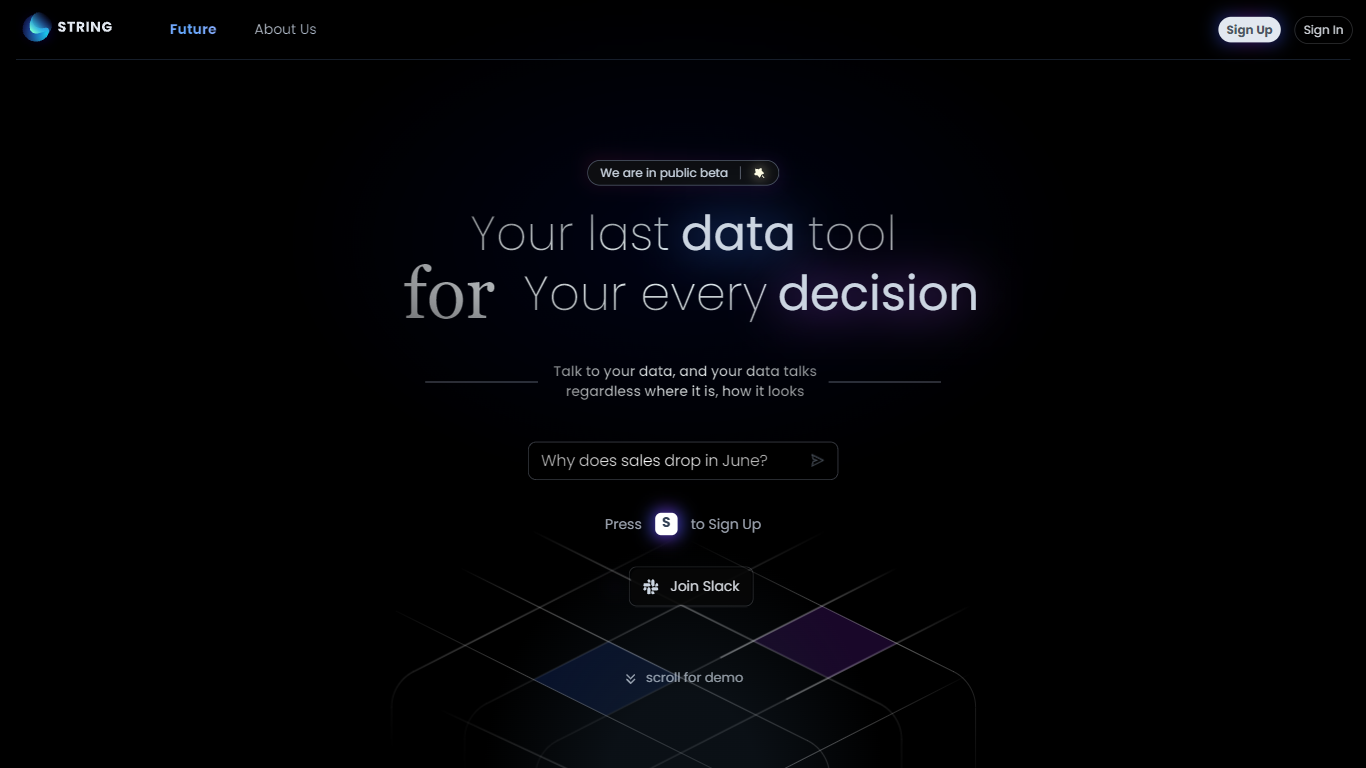
STRING lets you talk to your data through a conversational analytics interface marketed as your last data tool. You sign up for the public beta, connect sources wherever they live, and ask questions in natural language instead of building dashboards first. The product pitch centers on decisions: your data answers back regardless of format or location.
Legacy BI stacks expect hours of SQL and chart assembly before you get a useful answer. STRING's team, with backgrounds at Google, Uber, CMU, and UW, frames the product around AGI-style analytics that listens, understands unstructured text, and takes initiative beyond rigid queries. The Future page contrasts this with older tools that crunch structured tables slowly.
Data analysts, product managers, and operators who want quick answers without standing up a full BI project fit STRING best. It is still in public beta with Slack community access, so teams should expect evolving features rather than a finished enterprise contract page.
Humata
What is Humata?
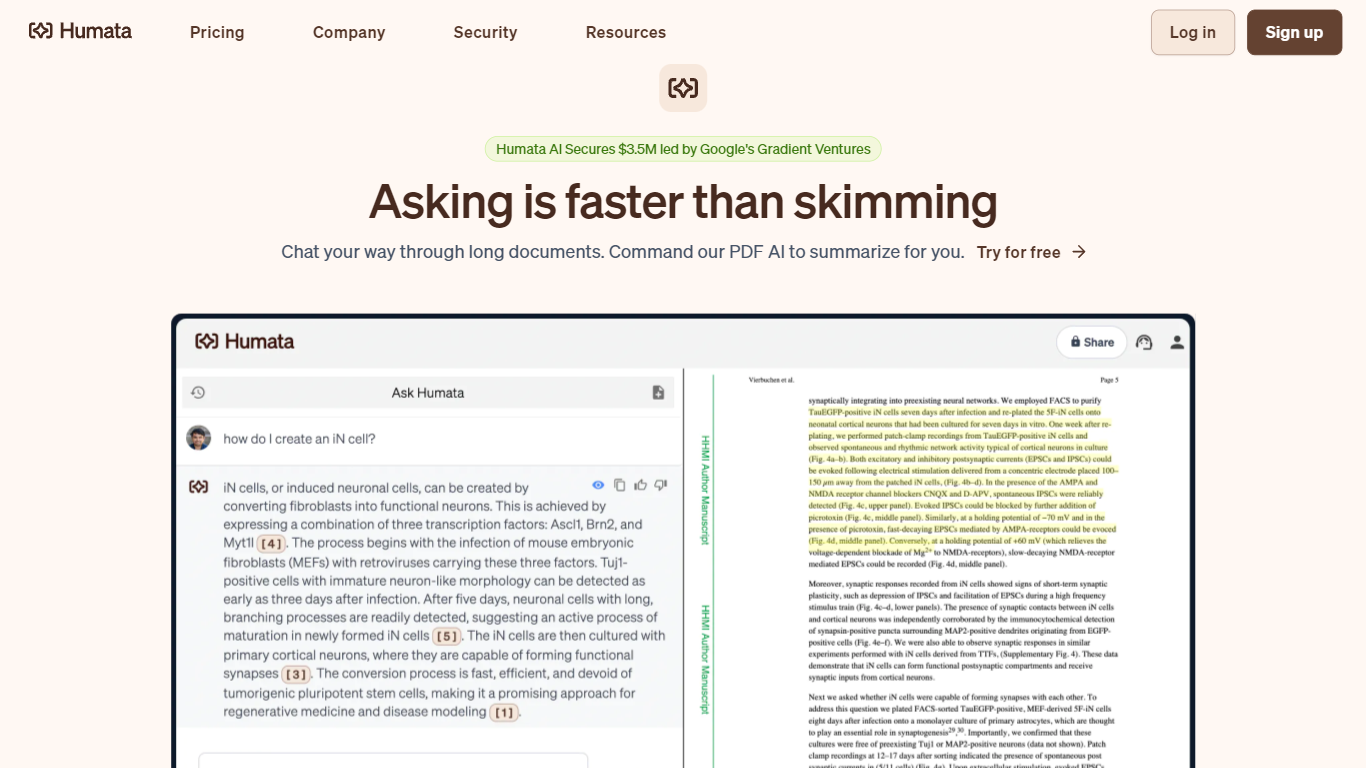
Humata turns uploaded PDFs and documents into a searchable knowledge base you can question in plain language. Upload files, ask questions, and get answers with citations pointing back to the source pages. Teams use it to summarize research papers, compare documents, and pull facts from dense technical reports without reading every page.
General chatbots answer from training data, not your files. Humata reads every document you upload and grounds each response in that content with linked citations. You can ask follow-up questions, request shorter summaries, and embed the chat widget on your own site so customers query your documentation directly.
Researchers, analysts, and educators use Humata to get through long papers faster. Enterprise teams get role-based access controls, encrypted file storage, and department-level permissions on the Team plan. The Expert plan fits small groups of up to three users who need more than the 60-page free allowance.
STRING Upvotes
Humata Upvotes
STRING Top Features
Natural language interface to query data without pre-built dashboard workflows
Public beta signup with Slack community invite for early users
Designed to handle structured databases and unstructured sources like docs and notes
Team includes alumni from Google, Uber, Carnegie Mellon, and University of Washington
Slack community invite linked on homepage for public beta testers
Future roadmap targets proactive analytics that initiates insights beyond user prompts
Humata Top Features
Free plan includes 60 pages and up to 10 answers per month
Every answer includes citations linking back to source document sections
Expert plan at $9.99 per month covers 500 pages and 3 users
Team plan adds OCR for scanned documents and folder-level permissions
Embeddable chat widget drops into any webpage with a single click
STRING Category
- Data Science
Humata Category
- Data Science
STRING Pricing Type
- Freemium
Humata Pricing Type
- Freemium