SubtitleGen vs AI Infographic Generator
When comparing SubtitleGen vs AI Infographic Generator, which AI Video Editing tool shines brighter? We look at pricing, alternatives, upvotes, features, reviews, and more.
Between SubtitleGen and AI Infographic Generator, which one is superior?
When we put SubtitleGen and AI Infographic Generator side by side, both being AI-powered video editing tools, Neither tool takes the lead, as they both have the same upvote count. Every vote counts! Cast yours and contribute to the decision of the winner.
Does the result make you go "hmm"? Cast your vote and turn that frown upside down!
SubtitleGen

What is SubtitleGen?
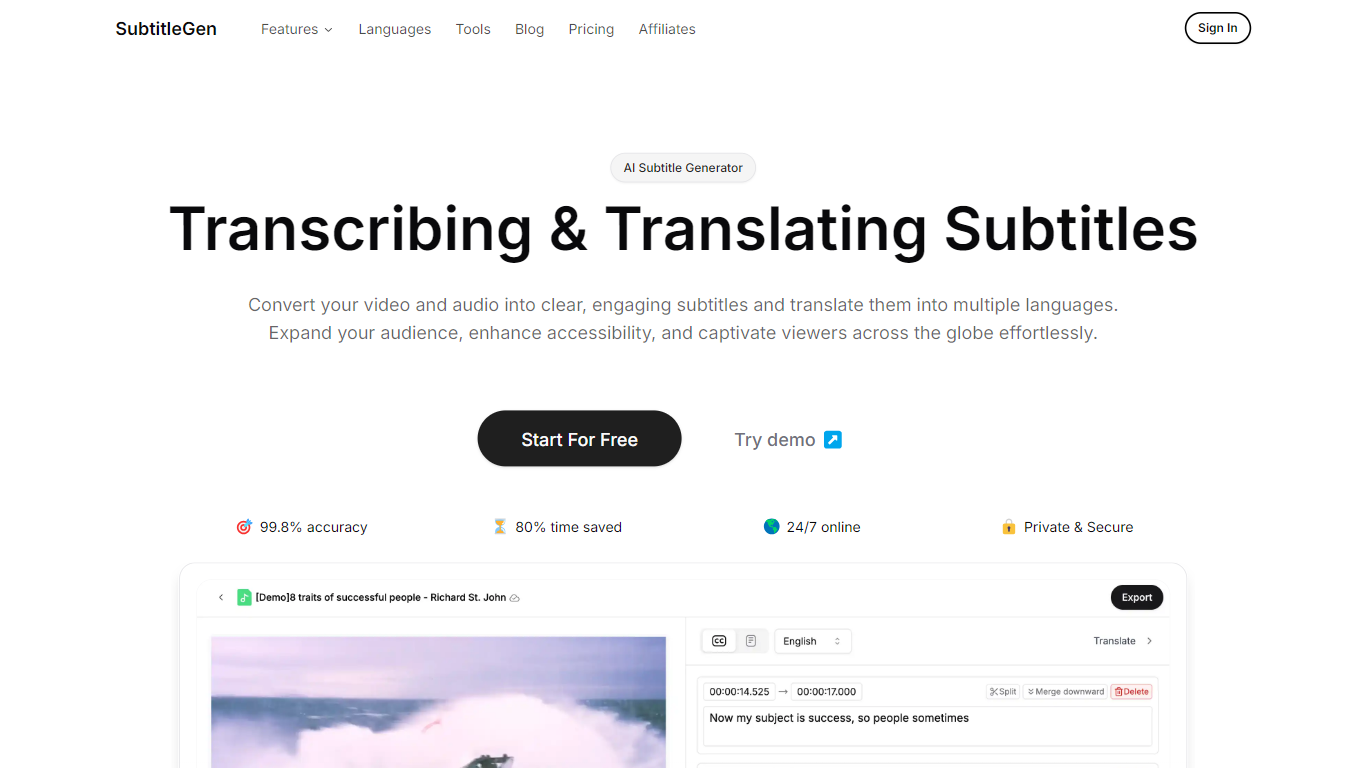
SubtitleGen is an advanced AI-powered subtitle generator designed to transcribe and translate audio and video content into accurate subtitles. Its core functionality revolves around converting spoken language into text, enabling users to create engaging subtitles that enhance accessibility and viewer engagement. The platform is tailored for content creators, educators, and businesses looking to reach a broader audience by providing multilingual subtitles for their media.
The unique value proposition of SubtitleGen lies in its high accuracy rate of 99.8% and the significant time savings it offers, allowing users to generate subtitles in a matter of minutes rather than hours. Key differentiators include its intuitive online subtitle editor, which facilitates easy adjustments to generated subtitles, and its support for a wide range of languages, making it an ideal solution for global outreach. Additionally, SubtitleGen ensures enterprise-grade security, providing users with peace of mind regarding the privacy of their content.
AI Infographic Generator
What is AI Infographic Generator?
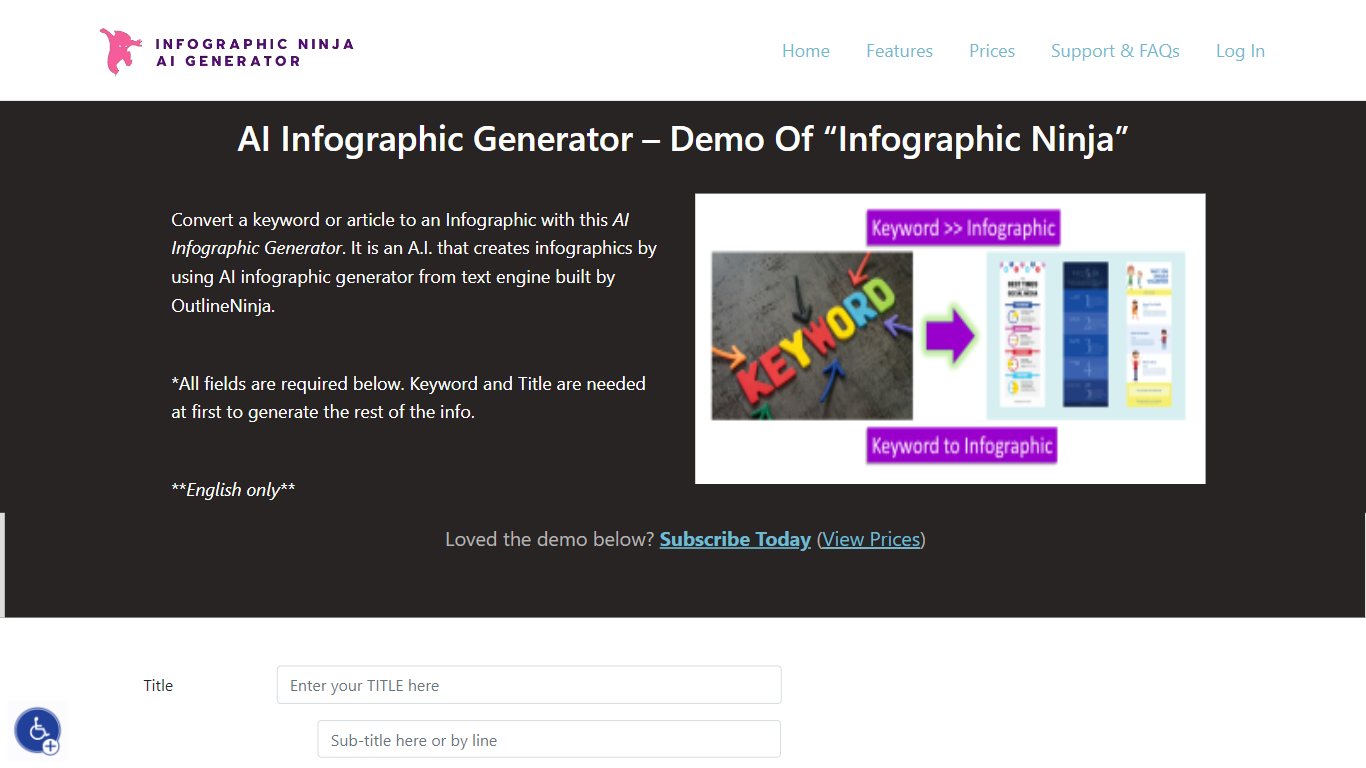
AI Infographic Generator, branded as Infographic Ninja on Outline Ninja, builds shareable infographic images from a keyword, blog article, or uploaded PDF. You pick a template, let the tool draft question-and-answer blocks, customize icons and colors, then download a finished graphic or grab FAQ schema markup for SEO. The public demo on outline.ninja runs in English only and links to a paid membership for full exports.
Compared with general design tools, Infographic Ninja targets SEO workflows: it outputs FAQSchema.org JSON matching your Q&A blocks, ships WordPress embed code with a copy button, and lets you set entry counts between 3 and 7 on a single layout. The Pro plan removes download credit limits, while a separate RapidAPI subscription handles programmatic PNG generation.
It fits content marketers, SEO agencies, and bloggers who need quick informational graphics without opening Illustrator. Membership starts at $5 per month after a $1 three-day trial, and paid tiers remove watermarks on downloads.
SubtitleGen Upvotes
AI Infographic Generator Upvotes
SubtitleGen Top Features
AI-Powered Subtitle Generation: Automatically transcribes audio and video content into text with 99.8% accuracy, significantly reducing manual effort and time.
Multi-Language Translation: Supports translation of subtitles into various languages, enabling content creators to reach a global audience and overcome language barriers.
Intuitive Online Subtitle Editor: Allows users to easily review and edit generated subtitles directly in their browser, ensuring high-quality output.
Format Flexibility: Exports subtitles in multiple formats, including .srt, for seamless integration with various video platforms such as YouTube.
24/7 Online Access: Operates entirely online with no software installation required, making it accessible from any device with a web browser.
AI Infographic Generator Top Features
Generate infographics from a keyword, blog URL, or uploaded PDF
Choose 3 to 7 Q&A entries per graphic with 30+ font options
Export FAQSchema.org JSON aligned to your infographic questions
WordPress embed snippet with a one-click copy button for backlinks
Starter plan includes 15 download credits per month at $5; Pro is $30 for unlimited
RapidAPI endpoint returns PNG infographics from a title plus optional body text
SubtitleGen Category
- Video Editing
AI Infographic Generator Category
- Video Editing
SubtitleGen Pricing Type
- Freemium
AI Infographic Generator Pricing Type
- Paid