SubtitleGen vs CueCam Presenter
Explore the showdown between SubtitleGen vs CueCam Presenter and find out which AI Video Editing tool wins. We analyze upvotes, features, reviews, pricing, alternatives, and more.
In a face-off between SubtitleGen and CueCam Presenter, which one takes the crown?
When we contrast SubtitleGen with CueCam Presenter, both of which are exceptional AI-operated video editing tools, and place them side by side, we can spot several crucial similarities and divergences. The upvote count reveals a draw, with both tools earning the same number of upvotes. Join the aitools.fyi users in deciding the winner by casting your vote.
Not your cup of tea? Upvote your preferred tool and stir things up!
SubtitleGen

What is SubtitleGen?
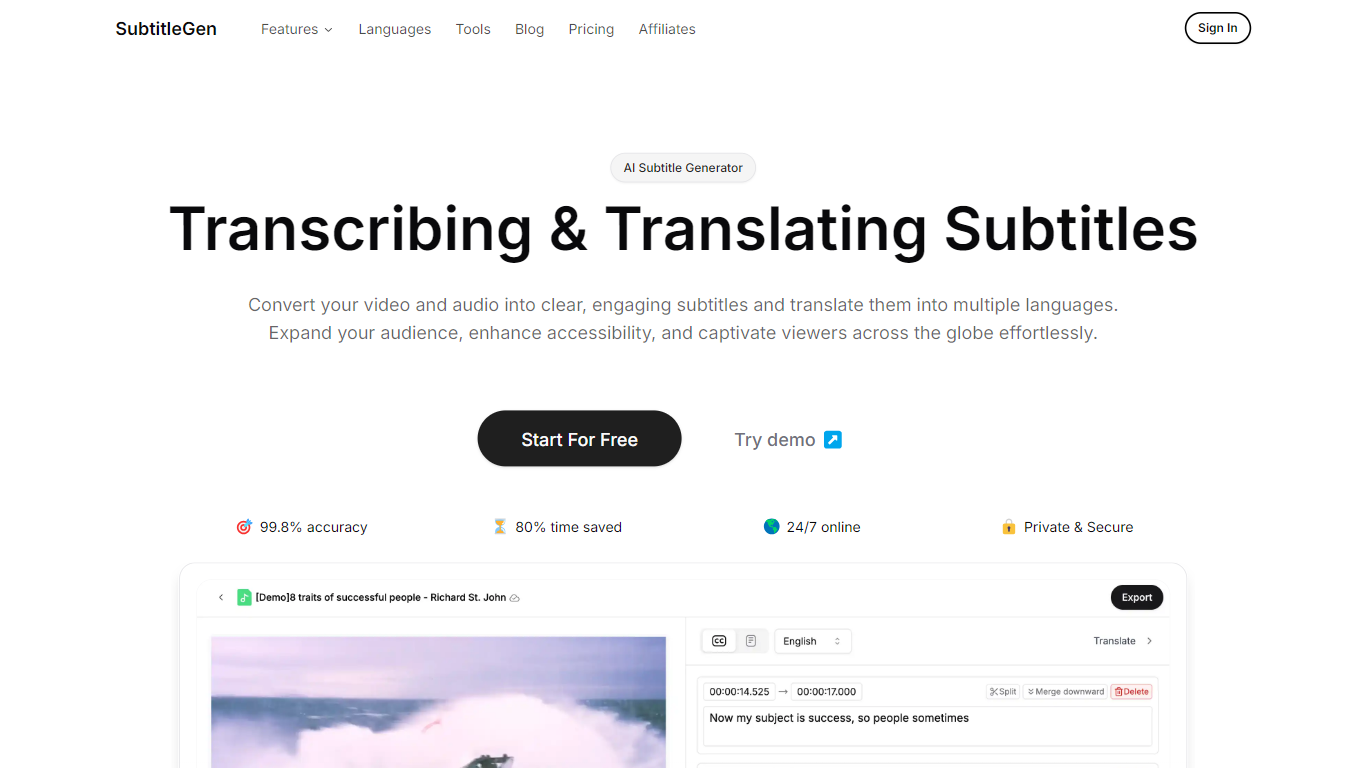
SubtitleGen is an advanced AI-powered subtitle generator designed to transcribe and translate audio and video content into accurate subtitles. Its core functionality revolves around converting spoken language into text, enabling users to create engaging subtitles that enhance accessibility and viewer engagement. The platform is tailored for content creators, educators, and businesses looking to reach a broader audience by providing multilingual subtitles for their media.
The unique value proposition of SubtitleGen lies in its high accuracy rate of 99.8% and the significant time savings it offers, allowing users to generate subtitles in a matter of minutes rather than hours. Key differentiators include its intuitive online subtitle editor, which facilitates easy adjustments to generated subtitles, and its support for a wide range of languages, making it an ideal solution for global outreach. Additionally, SubtitleGen ensures enterprise-grade security, providing users with peace of mind regarding the privacy of their content.
CueCam Presenter
What is CueCam Presenter?
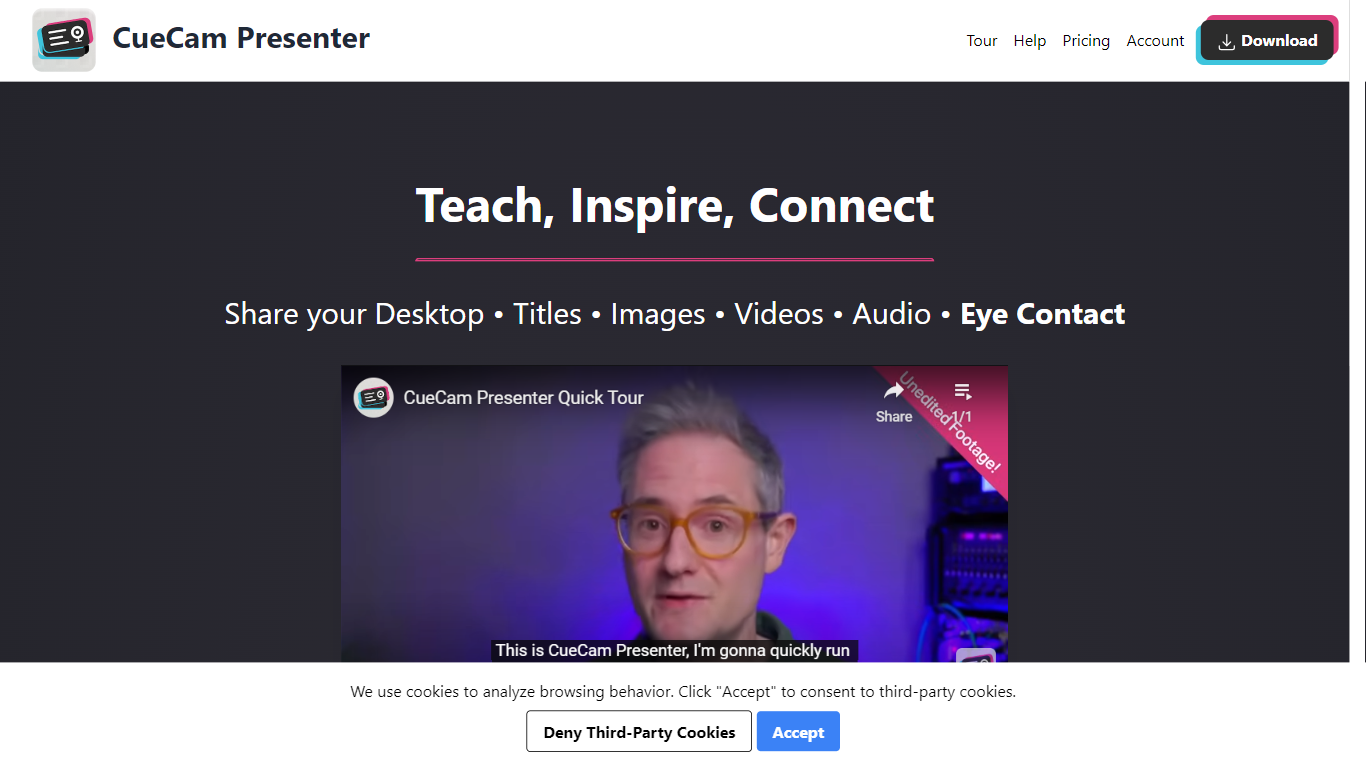
CueCam Presenter is an innovative Mac app that revolutionizes the way users can share content during video calls. This versatile application allows you to utilize your iPhone as a high-quality camera, teleprompter, and preview window, ensuring that you maintain eye contact and professional poise throughout your presentations. With the compatibility to connect with an iPad as well, CueCam Presenter lets you annotate and draw over shared content with the Video Pencil feature, providing a seamless and dynamic presentation experience. The app offers a virtual camera and microphone feature that integrate smoothly into any app on your Mac, blending live video, graphics, and audio without the need for additional software like OBS Studio.
SubtitleGen Upvotes
CueCam Presenter Upvotes
SubtitleGen Top Features
AI-Powered Subtitle Generation: Automatically transcribes audio and video content into text with 99.8% accuracy, significantly reducing manual effort and time.
Multi-Language Translation: Supports translation of subtitles into various languages, enabling content creators to reach a global audience and overcome language barriers.
Intuitive Online Subtitle Editor: Allows users to easily review and edit generated subtitles directly in their browser, ensuring high-quality output.
Format Flexibility: Exports subtitles in multiple formats, including .srt, for seamless integration with various video platforms such as YouTube.
24/7 Online Access: Operates entirely online with no software installation required, making it accessible from any device with a web browser.
CueCam Presenter Top Features
Virtual Camera and Microphone: Utilize a special camera and microphone in any Mac app for advanced graphics and audio mixing.
Instant Content Sharing: Share pictures, videos, app windows, or connected cameras with a click from the status bar menu.
Advanced Presentation Tools: Plan and run presentations with cue cards, teleprompter, slides, videos, and live titles.
Companion Apps for Apple Devices: Use Shoot for your iPhone and Video Pencil for your iPad to enhance your webcam presentations.
Ease of Use: No complicated configurations or setups, with best practices for live video and audio readily available.
SubtitleGen Category
- Video Editing
CueCam Presenter Category
- Video Editing
SubtitleGen Pricing Type
- Freemium
CueCam Presenter Pricing Type
- Freemium