SubtitleGen vs EasyTranscribe
In the face-off between SubtitleGen vs EasyTranscribe, which AI Video Editing tool takes the crown? We scrutinize features, alternatives, upvotes, reviews, pricing, and more.
When we put SubtitleGen and EasyTranscribe head to head, which one emerges as the victor?
If we were to analyze SubtitleGen and EasyTranscribe, both of which are AI-powered video editing tools, what would we find? The upvote count reveals a draw, with both tools earning the same number of upvotes. Be a part of the decision-making process. Your vote could determine the winner.
Disagree with the result? Upvote your favorite tool and help it win!
SubtitleGen

What is SubtitleGen?
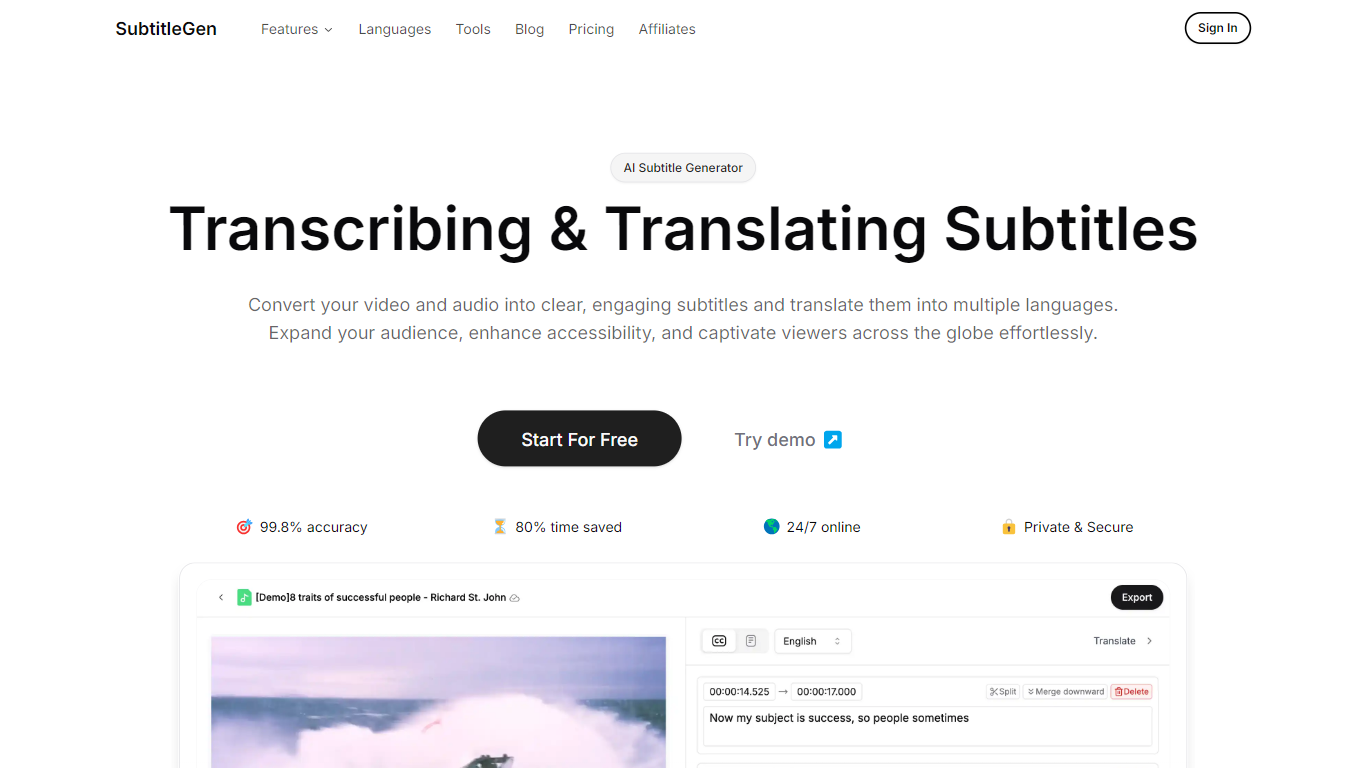
SubtitleGen is an advanced AI-powered subtitle generator designed to transcribe and translate audio and video content into accurate subtitles. Its core functionality revolves around converting spoken language into text, enabling users to create engaging subtitles that enhance accessibility and viewer engagement. The platform is tailored for content creators, educators, and businesses looking to reach a broader audience by providing multilingual subtitles for their media.
The unique value proposition of SubtitleGen lies in its high accuracy rate of 99.8% and the significant time savings it offers, allowing users to generate subtitles in a matter of minutes rather than hours. Key differentiators include its intuitive online subtitle editor, which facilitates easy adjustments to generated subtitles, and its support for a wide range of languages, making it an ideal solution for global outreach. Additionally, SubtitleGen ensures enterprise-grade security, providing users with peace of mind regarding the privacy of their content.
EasyTranscribe
What is EasyTranscribe?
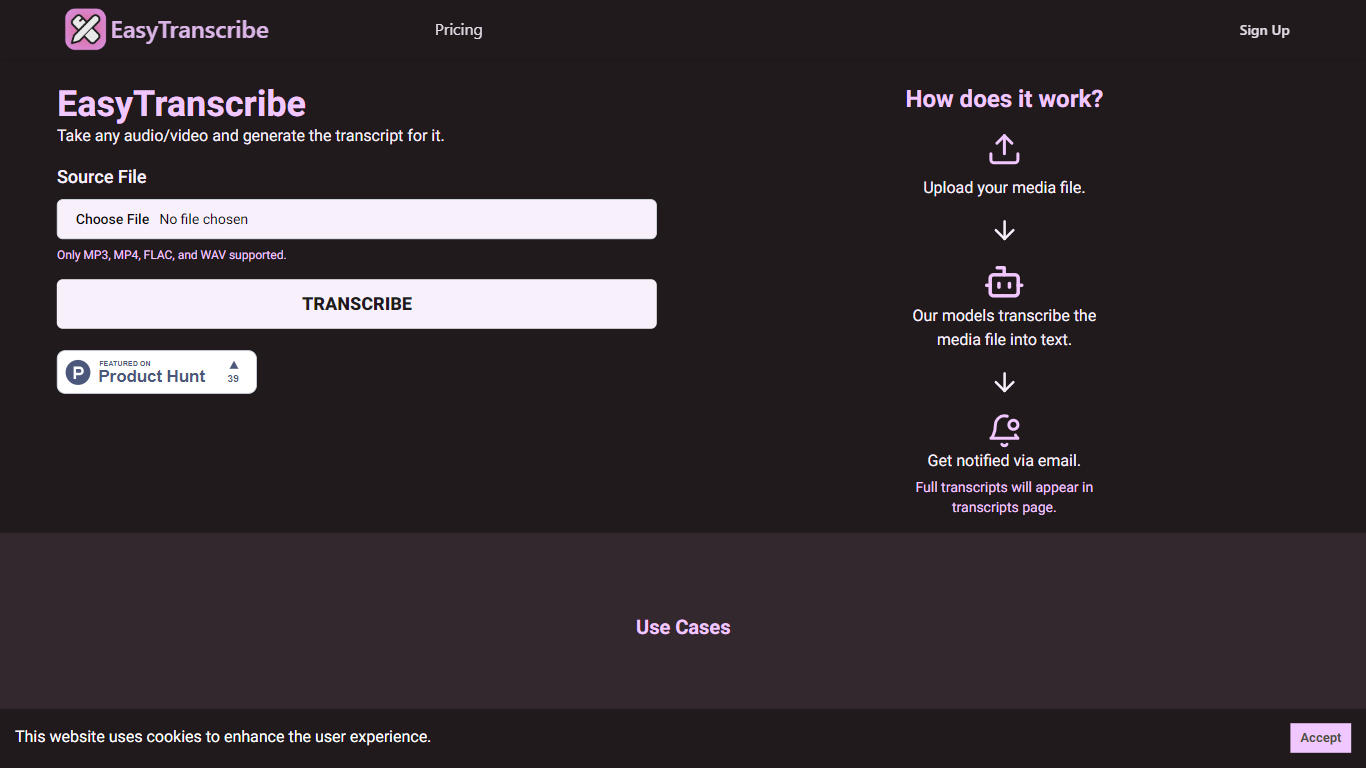
EasyTranscribe provides a seamless solution for transcribing audio and video files quickly and efficiently. By using advanced transcription models, EasyTranscribe converts spoken words into written text, which can then be used for a variety of purposes including creating closed captions, improving accessibility, and indexing content. The service supports multiple file types such as MP3, MP4, FLAC, and WAV, ensuring that it accommodates common media formats.
The process of using EasyTranscribe is straightforward: users upload their media file to the platform, after which the service's algorithms work to transcribe the content into text. Once the transcription is complete, users are notified via email, and the full transcript is made available on their transcripts page. This tool is particularly useful for content creators, educational institutions, and professionals who need to create accessible content or easily search and index long audio/video recordings.
With its user-friendly interface and simplified workflow, EasyTranscribe stands out as a resourceful tool, especially for those who require transcripts for making their content more inclusive, as it caters to individuals with hearing impairments. Additionally, the service facilitates content creators to sync their audio with text, further enhancing viewer engagement.
SubtitleGen Upvotes
EasyTranscribe Upvotes
SubtitleGen Top Features
AI-Powered Subtitle Generation: Automatically transcribes audio and video content into text with 99.8% accuracy, significantly reducing manual effort and time.
Multi-Language Translation: Supports translation of subtitles into various languages, enabling content creators to reach a global audience and overcome language barriers.
Intuitive Online Subtitle Editor: Allows users to easily review and edit generated subtitles directly in their browser, ensuring high-quality output.
Format Flexibility: Exports subtitles in multiple formats, including .srt, for seamless integration with various video platforms such as YouTube.
24/7 Online Access: Operates entirely online with no software installation required, making it accessible from any device with a web browser.
EasyTranscribe Top Features
Supported File Types: Only MP3, MP4, FLAC, and WAV files are supported for transcription.
Automated Transcription: Uses advanced models to transcribe audio/video content into text.
Email Notifications: Users are notified via email once their transcription is ready.
Transcripts Management: Full transcripts are accessible on the transcripts page for user convenience.
Use Case Versatility: Facilitates accessibility, closed captions, timestamp creation, and content indexing.
SubtitleGen Category
- Video Editing
EasyTranscribe Category
- Video Editing
SubtitleGen Pricing Type
- Freemium
EasyTranscribe Pricing Type
- Freemium