Summarize with Kome vs Unsummary
Explore the showdown between Summarize with Kome vs Unsummary and find out which AI Summarizer tool wins. We analyze upvotes, features, reviews, pricing, alternatives, and more.
In a face-off between Summarize with Kome and Unsummary, which one takes the crown?
When we contrast Summarize with Kome with Unsummary, both of which are exceptional AI-operated summarizer tools, and place them side by side, we can spot several crucial similarities and divergences. The upvote count favors Unsummary, making it the clear winner. Unsummary has garnered 7 upvotes, and Summarize with Kome has garnered 6 upvotes.
Not your cup of tea? Upvote your preferred tool and stir things up!
Summarize with Kome


What is Summarize with Kome?
Summarize with Kome is a browser extension that turns long web content into short summaries from the page you are already reading. It works on articles, news stories, YouTube videos, PDF files, and X (Twitter) threads. The summarizer runs inside Chrome, Brave, Opera, Arc, and Edge, so you do not copy URLs into a separate web app.
Most standalone summarizers ask you to paste a link and wait. Kome sits in your toolbar and summarizes whatever tab is open with one click. The same extension also bundles a bookmark manager, Smart Compose for drafting tweets and emails from saved clips, and small utilities like email and color extraction. That combination targets people who read and save content all day, not someone who summarizes one article a month.
Students, researchers, journalists, and news readers use Kome to pull key points from course readings, academic papers, YouTube lectures, and daily headlines. Content creators use it to scan sources before writing. The free tier includes 5 summary credits; Premium at $5.99 per month raises that to 200 credits and adds priority support.
Unsummary
What is Unsummary?
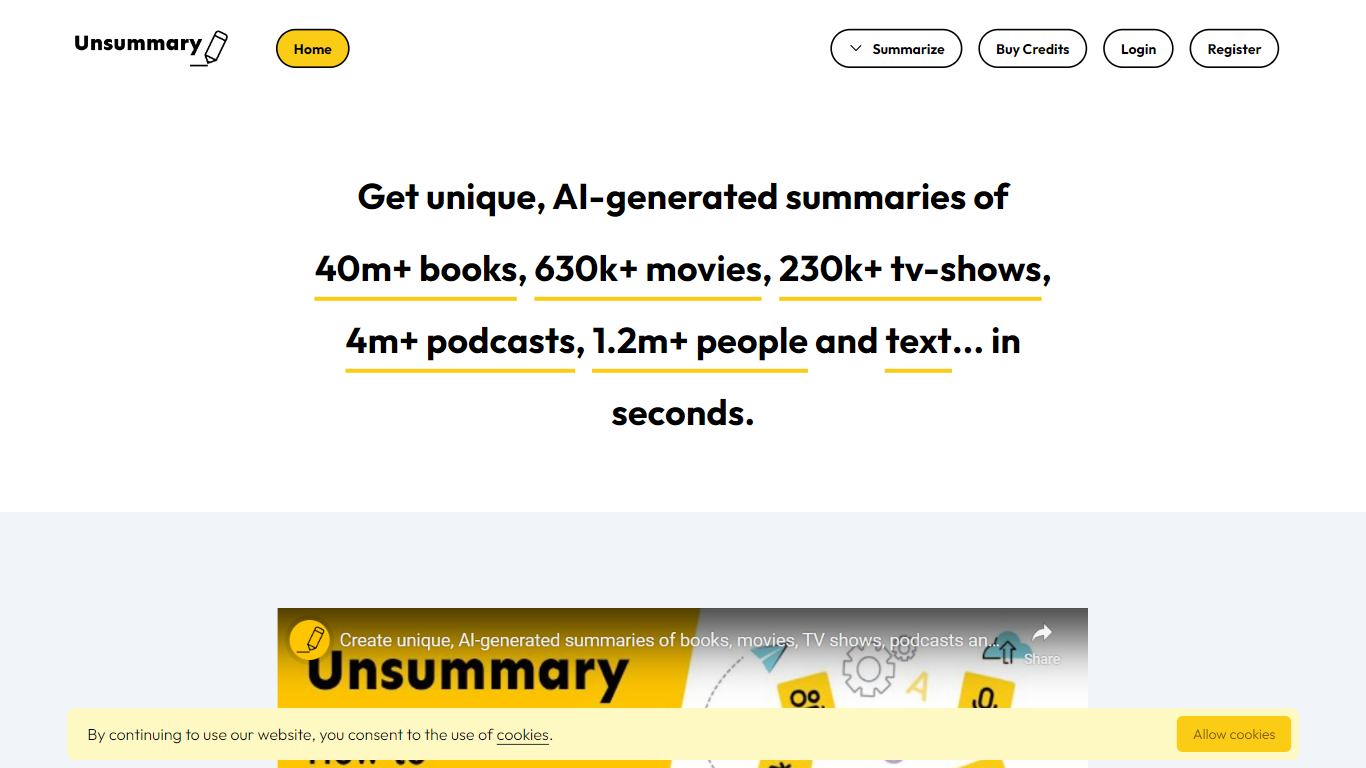
Unsummary turns named books, movies, TV shows, podcasts, people, and pasted text into short summaries you can drop into articles. You search a title or paste a page, and the site returns a concise recap in seconds instead of you rereading the full source.
Most paste-and-summarize tools stop at whatever text you bring. Unsummary keeps searchable catalogs with 40 million books, 630,000 movies, 230,000 TV shows, 4.1 million podcasts, and 1.2 million people profiles, so you pick the work by name rather than hunting down copy first. That catalog-first setup fits recap posts, comparison roundups, and market research where the bottleneck is finding the source, not trimming it.
Writers, content marketers, and research teams use it when they need book takeaways, movie blurbs, podcast notes, bio snippets, or a quick read of a homepage or Wikipedia page. Summaries are meant to copy into your own drafts, with separate flows for each media type plus a freeform text box.
Summarize with Kome Upvotes
Unsummary Upvotes
Summarize with Kome Top Features
Summarize articles, news, YouTube videos, PDFs, and X threads from the active browser tab
Free plan includes 5 summary credits; Premium includes 200 credits per month at $5.99
Bookmark manager saves and organizes clips from any website inside the extension
Smart Compose drafts tweets, emails, and blog outlines from your saved bookmarks
Works on Chrome, Brave, Opera, Arc, and Edge browsers
YouTube transcript generator supports 120+ languages as a separate free web tool
Unsummary Top Features
Search 40m+ books and get a recap without pasting the full text
Pull summaries for 630k+ movies when the title is in the catalog
Cover 230k+ TV shows, 4.1m+ podcasts, and 1.2m+ people profiles
Paste homepage, about page, or Wikipedia text into the copy-and-paste summarizer
Six dedicated flows for books, movies, TV, podcasts, people, and custom text
Summaries return in seconds for weaving into articles and reports
Summarize with Kome Category
- Summarizer
Unsummary Category
- Summarizer
Summarize with Kome Pricing Type
- Freemium
Unsummary Pricing Type
- Freemium