Supercreator vs EasySub
In the battle of Supercreator vs EasySub, which AI Video Editing tool comes out on top? We compare reviews, pricing, alternatives, upvotes, features, and more.
Between Supercreator and EasySub, which one is superior?
Upon comparing Supercreator with EasySub, which are both AI-powered video editing tools, The users have made their preference clear, EasySub leads in upvotes. The upvote count for EasySub is 7, and for Supercreator it's 6.
Think we got it wrong? Cast your vote and show us who's boss!
Supercreator


What is Supercreator?
Supercreator.ai is a creator platform from CLB Creative that pairs AI-assisted scripting and video tools with templates, communities, and automations. The product is available through the web app at app.supercreator.ai and an iOS app where users sign in with Apple ID, pick interest categories, and move from idea to finished short-form content.
The public site positions Supercreator as an invitation-only entry point for creators and partners, while legal pages describe a broader ecosystem: registered users can browse template libraries, join free or paid communities, and publish creations after account review. Premium subscribers keep scripts and videos private; free users may have their generated content visible to others on the platform.
EasySub
What is EasySub?
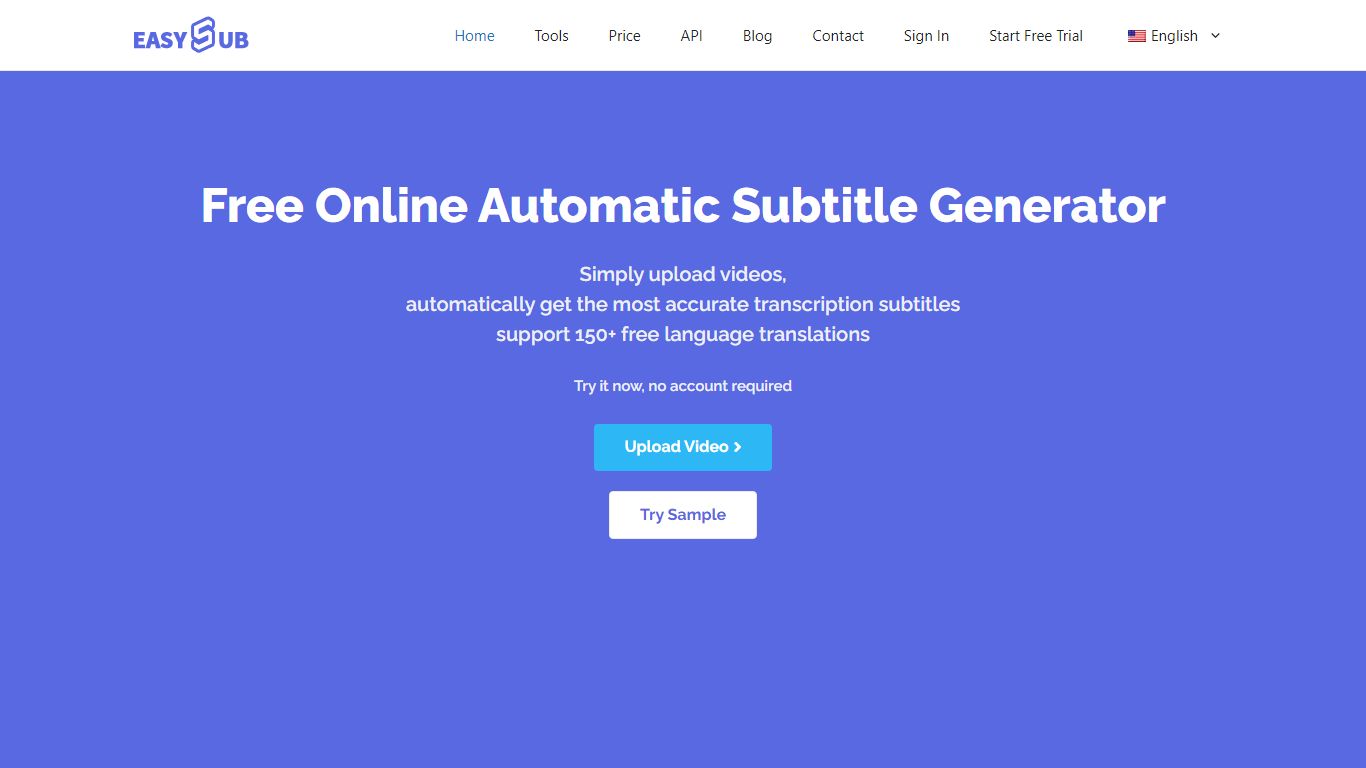
EasySub generates and edits video subtitles, captions, and transcripts in the browser for creators working on long-form or movie-length footage. Upload a video, get automatic speech-to-text, translate captions into 150+ languages, tweak timing in the subtitle editor, and export SRT files for YouTube, TikTok, or editing suites. The marketing site claims 99% transcription accuracy and highlights tools for transcription, captioning, video translation, and subtitle conversion.
Dedicated transcript apps often stop at plain text. EasySub keeps the workflow inside captioning: automatic subtitles, a subtitle translator, a free downloader, and an API for teams that want to embed generation in their own products. Pay-as-you-go pricing at $0.20 per minute suits occasional uploads, while Pro and Teams bundles trade monthly hours for unlimited exports and shared seats.
YouTubers, course creators, and localization teams use EasySub when they need multilingual captions without rebuilding subtitles manually. The free tier includes limited monthly transcription minutes with tool access, and new users can buy a 2-hour starter pack for $5. Refunds are offered if the service does not fit your workflow, per the pricing FAQ.
Supercreator Upvotes
EasySub Upvotes
Supercreator Top Features
Generate video scripts with AI from your topics or existing source material
Record in-app with speech mode that turns spoken lines into on-screen text
Apply TrueDepth AR face masks and effects while filming on iPhone
Separate foreground subjects from backgrounds for green-screen style shots
Browse a template library to start projects faster
Join free or paid creator communities inside the platform
Choose interest categories such as sports, fashion, education, or finance for tailored suggestions
EasySub Top Features
Marketing site claims 99% accurate automatic subtitle generation for long videos
Supports transcription and translation across 150+ languages
Pay-as-you-go rate is $0.20 per minute, equal to $12 per hour on the pricing page
Pro plan lists $9 per month with 3 hours of transcription and unlimited exports
Toolkit includes subtitle editor, converter, translator, speech-to-text, and video translator
API workspace is available for developers integrating subtitle generation
Supercreator Category
- Video Editing
EasySub Category
- Video Editing
Supercreator Pricing Type
- Freemium
EasySub Pricing Type
- Freemium