Supercreator vs Topaz Video (formerly Topaz Video AI 4)
Dive into the comparison of Supercreator vs Topaz Video (formerly Topaz Video AI 4) and discover which AI Video Editing tool stands out. We examine alternatives, upvotes, features, reviews, pricing, and beyond.
When comparing Supercreator and Topaz Video (formerly Topaz Video AI 4), which one rises above the other?
When we compare Supercreator and Topaz Video (formerly Topaz Video AI 4), two exceptional video editing tools powered by artificial intelligence, and place them side by side, several key similarities and differences come to light. The upvote count is neck and neck for both Supercreator and Topaz Video (formerly Topaz Video AI 4). The power is in your hands! Cast your vote and have a say in deciding the winner.
Disagree with the result? Upvote your favorite tool and help it win!
Supercreator


What is Supercreator?
Supercreator.ai is a creator platform from CLB Creative that pairs AI-assisted scripting and video tools with templates, communities, and automations. The product is available through the web app at app.supercreator.ai and an iOS app where users sign in with Apple ID, pick interest categories, and move from idea to finished short-form content.
The public site positions Supercreator as an invitation-only entry point for creators and partners, while legal pages describe a broader ecosystem: registered users can browse template libraries, join free or paid communities, and publish creations after account review. Premium subscribers keep scripts and videos private; free users may have their generated content visible to others on the platform.
Topaz Video (formerly Topaz Video AI 4)
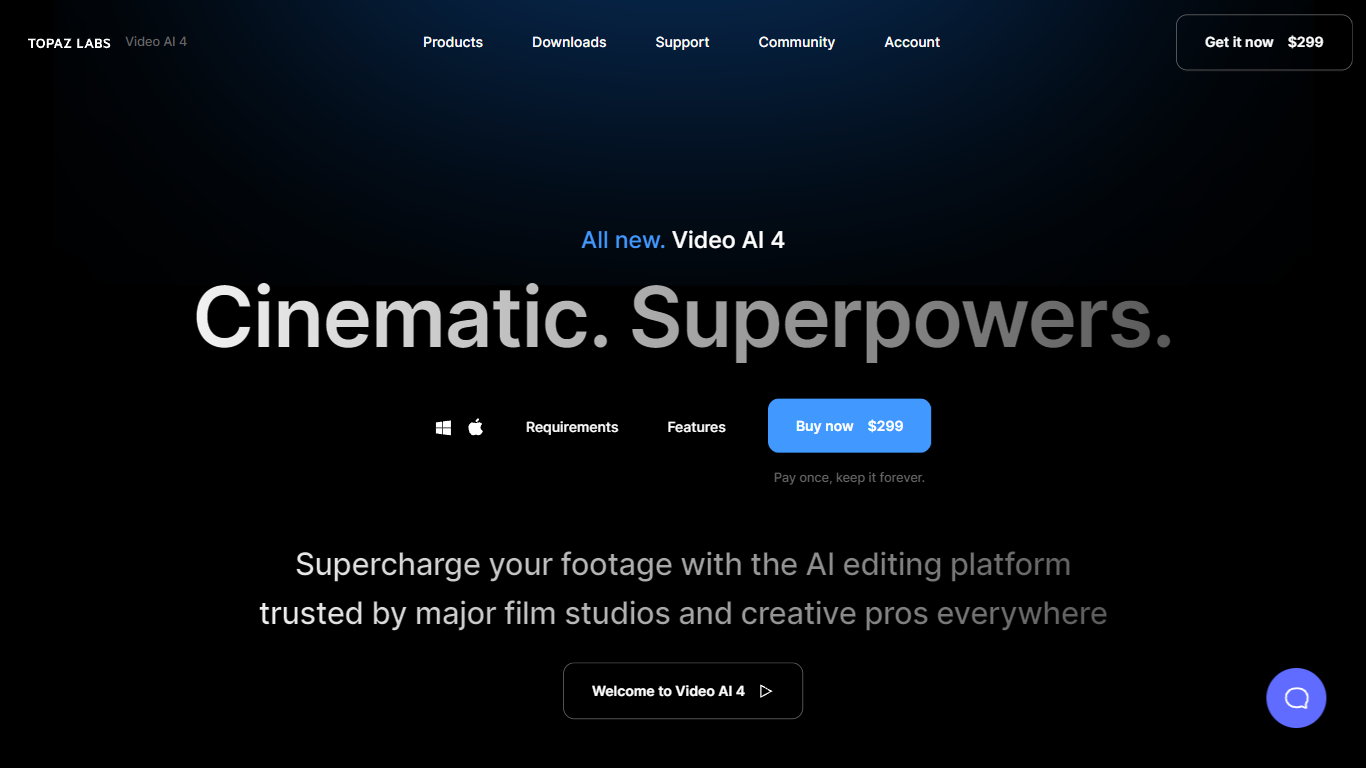
What is Topaz Video (formerly Topaz Video AI 4)?
Topaz Video upscales, denoises, and restores footage through a desktop app that also plugs into common video editors. You pick from named AI models like Proteus for general cleanup, Iris for faces, Apollo for frame interpolation, and Starlight for diffusion upscaling to HD or 4K. Local rendering is unlimited on paid plans, with a small monthly pool of cloud credits for select Starlight variants.
Compared with browser upscalers, Topaz Video targets long-form post-production work with model-specific controls for noise, compression artifacts, deinterlacing, motion blur, and SDR-to-HDR conversion. The Pro tier unlocks Starlight Mini, Sharp, HQ, and Fast locally on supported NVIDIA hardware, plus seat management and full commercial rights. Personal plans cap commercial use to organizations under $1 million in annual revenue.
Filmmakers, archivists, and creators use Topaz Video to rescue low-light clips, modernize VHS or archival film, and build smooth slow motion without duplicate frames. The app runs on Mac and Windows, and Topaz Studio bundles it with Photo, Gigapixel, Bloom, Astra, and other Topaz tools for one subscription.
Supercreator Upvotes
Topaz Video (formerly Topaz Video AI 4) Upvotes
Supercreator Top Features
Generate video scripts with AI from your topics or existing source material
Record in-app with speech mode that turns spoken lines into on-screen text
Apply TrueDepth AR face masks and effects while filming on iPhone
Separate foreground subjects from backgrounds for green-screen style shots
Browse a template library to start projects faster
Join free or paid creator communities inside the platform
Choose interest categories such as sports, fashion, education, or finance for tailored suggestions
Topaz Video (formerly Topaz Video AI 4) Top Features
Personal plan at $25 per month billed annually includes unlimited local rendering on Mac and Windows
Named enhancement models include Proteus, Iris, Nyx, Rhea, Artemis, Gaia, Theia, and Starlight diffusion upscaling
Frame interpolation models Apollo, Chronos, and Aion create slow motion and frame rate conversions
Personal subscribers get 25 monthly cloud credits; Pro subscribers get 100 credits with seat management
Built-in stabilization, motion deblur, grain tools, and SDR-to-HDR conversion in one desktop workflow
Runs as a standalone app or as a plugin inside supported video editing software
Pro plan at $58 per month billed annually adds local Starlight Mini, Sharp, HQ, and Fast on NVIDIA GPUs
Supercreator Category
- Video Editing
Topaz Video (formerly Topaz Video AI 4) Category
- Video Editing
Supercreator Pricing Type
- Freemium
Topaz Video (formerly Topaz Video AI 4) Pricing Type
- Paid