
Last updated 07-30-2026
Category:
Reviews:
Join thousands of AI enthusiasts in the World of AI!
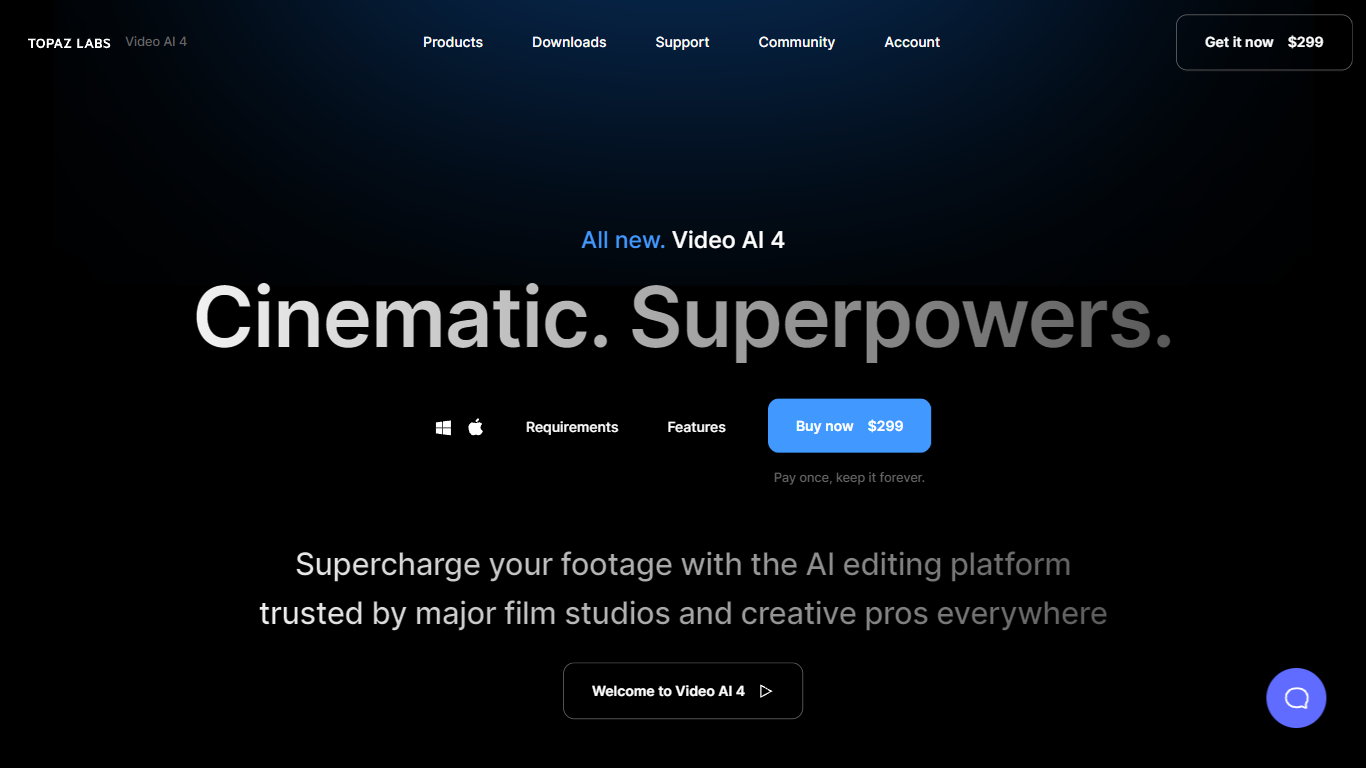
Topaz Video (formerly Topaz Video AI 4)
Topaz Video upscales, denoises, and restores footage through a desktop app that also plugs into common video editors. You pick from named AI models like Proteus for general cleanup, Iris for faces, Apollo for frame interpolation, and Starlight for diffusion upscaling to HD or 4K. Local rendering is unlimited on paid plans, with a small monthly pool of cloud credits for select Starlight variants.
Compared with browser upscalers, Topaz Video targets long-form post-production work with model-specific controls for noise, compression artifacts, deinterlacing, motion blur, and SDR-to-HDR conversion. The Pro tier unlocks Starlight Mini, Sharp, HQ, and Fast locally on supported NVIDIA hardware, plus seat management and full commercial rights. Personal plans cap commercial use to organizations under $1 million in annual revenue.
Filmmakers, archivists, and creators use Topaz Video to rescue low-light clips, modernize VHS or archival film, and build smooth slow motion without duplicate frames. The app runs on Mac and Windows, and Topaz Studio bundles it with Photo, Gigapixel, Bloom, Astra, and other Topaz tools for one subscription.
Personal plan at $25 per month billed annually includes unlimited local rendering on Mac and Windows
Named enhancement models include Proteus, Iris, Nyx, Rhea, Artemis, Gaia, Theia, and Starlight diffusion upscaling
Frame interpolation models Apollo, Chronos, and Aion create slow motion and frame rate conversions
Personal subscribers get 25 monthly cloud credits; Pro subscribers get 100 credits with seat management
Built-in stabilization, motion deblur, grain tools, and SDR-to-HDR conversion in one desktop workflow
Runs as a standalone app or as a plugin inside supported video editing software
Pro plan at $58 per month billed annually adds local Starlight Mini, Sharp, HQ, and Fast on NVIDIA GPUs
Large library of purpose-built models for upscaling, denoising, faces, and frame interpolation instead of one generic filter.
Unlimited local rendering on subscription plans keeps long exports on your own GPU without per-minute cloud fees.
Works standalone or as an editor plugin, which fits professional post-production pipelines.
Requires a paid subscription with no perpetual license or free tier on the current Topaz Video plans.
Starlight Sharp, HQ, and Fast do not run locally on Mac or AMD GPUs, so some Pro models need cloud credits.
Monthly cloud credits expire at the end of each billing period and do not roll over.
What does Topaz Video do?
Topaz Video enhances footage by upscaling to 4K and beyond, reducing noise and blur, deinterlacing, stabilizing shaky clips, and generating new frames for slow motion. It runs as a desktop app on Mac and Windows.
How much does Topaz Video cost?
Topaz Video Personal starts at $25 per month when billed annually ($299 per year). Monthly billing is $59 per month. The Pro plan is $58 per month billed annually ($699 per year) or $74 per month on a 12-month contract.
Which AI models are included in Topaz Video?
Topaz Video includes Starlight Precise, Proteus, Iris, Nyx, Rhea, Rhea XL, Artemis, Gaia, Theia, Apollo, Chronos, Aion, Themis, SDR to HDR, and stabilization tools. Pro adds local Starlight Mini, Sharp, HQ, and Fast on supported hardware.
Does Topaz Video work as a plugin?
Yes. Topaz Video works as a standalone desktop application and as a plugin inside supported video editing software, so you can enhance clips without leaving your edit timeline.
What are Topaz Video cloud credits used for?
Topaz Video cloud credits power select cloud rendering modes such as Starlight Mini, Sharp, HQ, and Fast. Personal plans include 25 credits per month and Pro includes 100; unused credits expire at month end.
Can I use Topaz Video commercially?
Topaz Video Pro includes full commercial use. The Personal plan allows personal and commercial work only for organizations under $1 million USD in annual revenue.