Typeframes vs Topaz Video (formerly Topaz Video AI 4)
In the battle of Typeframes vs Topaz Video (formerly Topaz Video AI 4), which AI Video Editing tool comes out on top? We compare reviews, pricing, alternatives, upvotes, features, and more.
Between Typeframes and Topaz Video (formerly Topaz Video AI 4), which one is superior?
Upon comparing Typeframes with Topaz Video (formerly Topaz Video AI 4), which are both AI-powered video editing tools, In the race for upvotes, Typeframes takes the trophy. Typeframes has attracted 7 upvotes from aitools.fyi users, and Topaz Video (formerly Topaz Video AI 4) has attracted 6 upvotes.
Want to flip the script? Upvote your favorite tool and change the game!
Typeframes


What is Typeframes?
Typeframes converts simple text prompts into engaging product videos optimized for social media platforms like YouTube, Instagram, and TikTok. It enables users to produce high-quality videos quickly without advanced video editing skills.
What sets Typeframes apart is its AI-driven approach that simplifies video production by offering customizable templates and automated suggestions to boost engagement. Unlike traditional video editors, it focuses on speed and ease of use, allowing creators to generate videos in minutes rather than hours.
The platform supports exporting videos in multiple resolutions tailored for different social media formats, including vertical videos. This makes Typeframes especially useful for content creators and marketers aiming to produce consistent, platform-optimized video content efficiently.
By streamlining the video creation process, Typeframes helps users save time and resources while enhancing their social media presence with visually appealing videos.
Topaz Video (formerly Topaz Video AI 4)
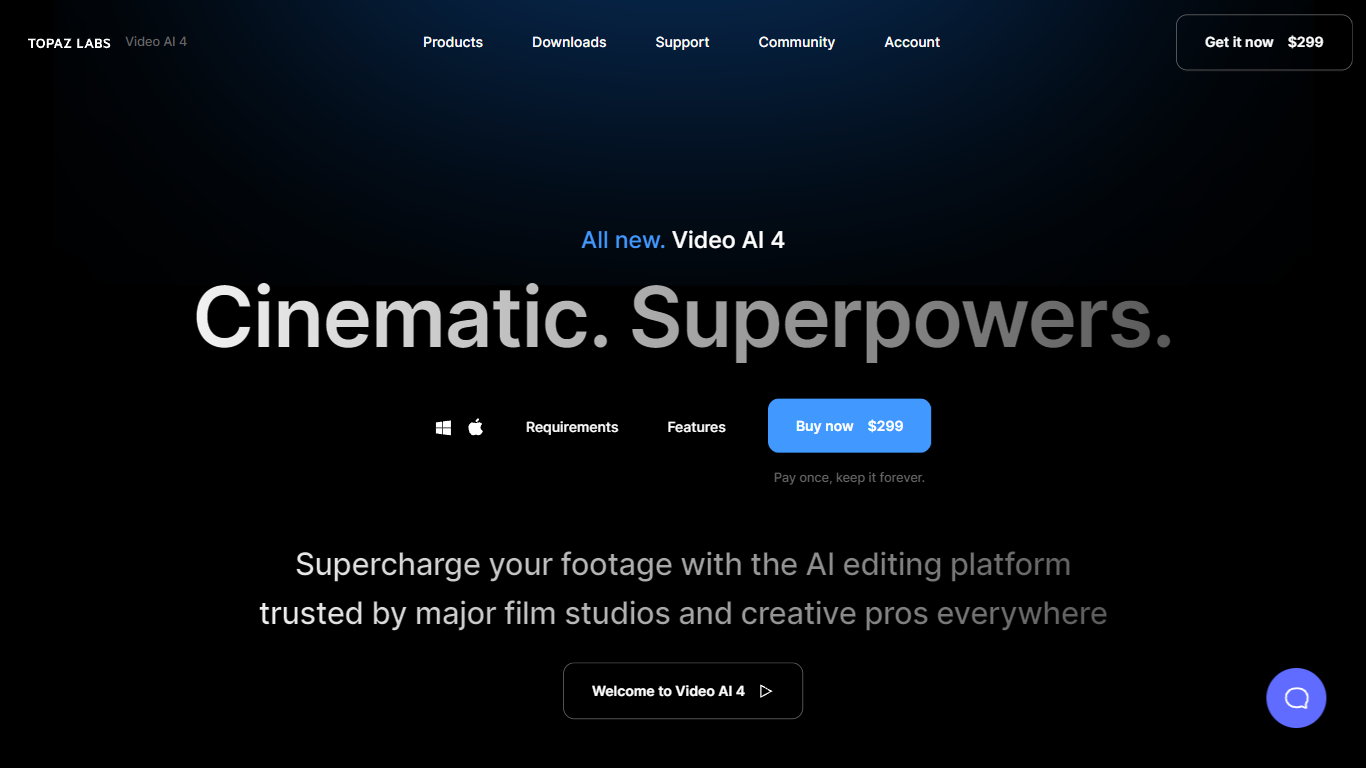
What is Topaz Video (formerly Topaz Video AI 4)?
Topaz Video upscales, denoises, and restores footage through a desktop app that also plugs into common video editors. You pick from named AI models like Proteus for general cleanup, Iris for faces, Apollo for frame interpolation, and Starlight for diffusion upscaling to HD or 4K. Local rendering is unlimited on paid plans, with a small monthly pool of cloud credits for select Starlight variants.
Compared with browser upscalers, Topaz Video targets long-form post-production work with model-specific controls for noise, compression artifacts, deinterlacing, motion blur, and SDR-to-HDR conversion. The Pro tier unlocks Starlight Mini, Sharp, HQ, and Fast locally on supported NVIDIA hardware, plus seat management and full commercial rights. Personal plans cap commercial use to organizations under $1 million in annual revenue.
Filmmakers, archivists, and creators use Topaz Video to rescue low-light clips, modernize VHS or archival film, and build smooth slow motion without duplicate frames. The app runs on Mac and Windows, and Topaz Studio bundles it with Photo, Gigapixel, Bloom, Astra, and other Topaz tools for one subscription.
Typeframes Upvotes
Topaz Video (formerly Topaz Video AI 4) Upvotes
Typeframes Top Features
Transform text prompts into engaging videos quickly
Customize templates to match your brand style easily
Create vertical videos optimized for social platforms
Simple interface requires no video editing skills
Export videos in multiple resolutions including high quality
AI-driven suggestions to boost video engagement
Topaz Video (formerly Topaz Video AI 4) Top Features
Personal plan at $25 per month billed annually includes unlimited local rendering on Mac and Windows
Named enhancement models include Proteus, Iris, Nyx, Rhea, Artemis, Gaia, Theia, and Starlight diffusion upscaling
Frame interpolation models Apollo, Chronos, and Aion create slow motion and frame rate conversions
Personal subscribers get 25 monthly cloud credits; Pro subscribers get 100 credits with seat management
Built-in stabilization, motion deblur, grain tools, and SDR-to-HDR conversion in one desktop workflow
Runs as a standalone app or as a plugin inside supported video editing software
Pro plan at $58 per month billed annually adds local Starlight Mini, Sharp, HQ, and Fast on NVIDIA GPUs
Typeframes Category
- Video Editing
Topaz Video (formerly Topaz Video AI 4) Category
- Video Editing
Typeframes Pricing Type
- Freemium
Topaz Video (formerly Topaz Video AI 4) Pricing Type
- Paid