TubeMagic vs Topaz Video (formerly Topaz Video AI 4)
When comparing TubeMagic vs Topaz Video (formerly Topaz Video AI 4), which AI Video Editing tool shines brighter? We look at pricing, alternatives, upvotes, features, reviews, and more.
Between TubeMagic and Topaz Video (formerly Topaz Video AI 4), which one is superior?
When we put TubeMagic and Topaz Video (formerly Topaz Video AI 4) side by side, both being AI-powered video editing tools, Both tools have received the same number of upvotes from aitools.fyi users. Be a part of the decision-making process. Your vote could determine the winner.
Not your cup of tea? Upvote your preferred tool and stir things up!
TubeMagic

What is TubeMagic?
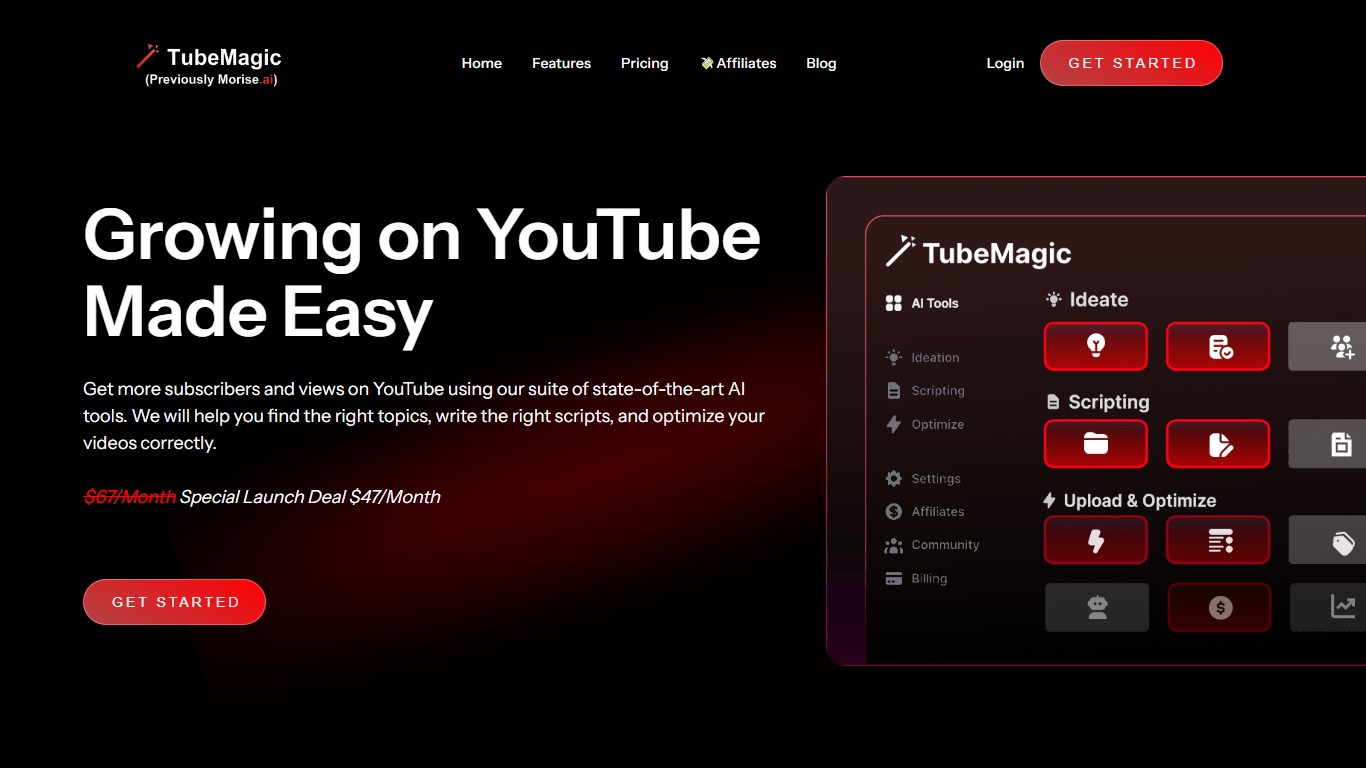
TubeMagic helps YouTube creators script, research, and optimize videos from one dashboard instead of juggling separate apps. Its script writer generates retention-focused drafts in seconds, and the same subscription covers titles, tags, descriptions, thumbnails, keyword research, and upload prep.
Where VidIQ and TubeBuddy lean on analytics and browser-side optimization, TubeMagic puts script drafting first. You paste a channel link to mirror your tone, pick models like Claude 4.0 or GPT-4o, set length from one to twenty minutes, and feed in top-performing videos as inspiration. The site reports over 200K scripts generated and lists creators with large followings as users.
TubeMagic started as Morise.AI in 2023, was acquired by YouTuber Matt Par in January 2024, and by mid-2025 the team narrowed focus to the script writer while keeping the rest of the toolkit available. It suits solo creators, agencies, and channel managers who publish regularly and need faster scripting plus SEO-minded metadata.
Topaz Video (formerly Topaz Video AI 4)
What is Topaz Video (formerly Topaz Video AI 4)?
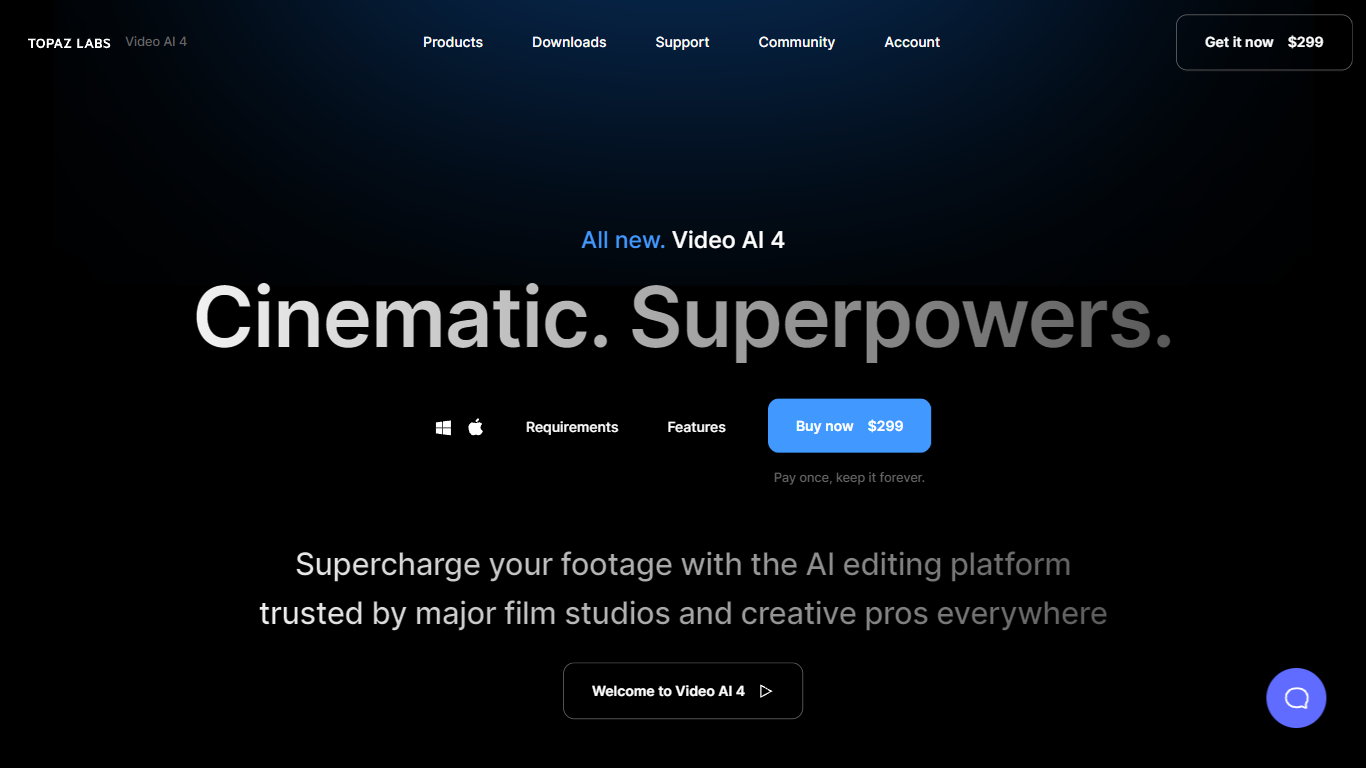
Topaz Video upscales, denoises, and restores footage through a desktop app that also plugs into common video editors. You pick from named AI models like Proteus for general cleanup, Iris for faces, Apollo for frame interpolation, and Starlight for diffusion upscaling to HD or 4K. Local rendering is unlimited on paid plans, with a small monthly pool of cloud credits for select Starlight variants.
Compared with browser upscalers, Topaz Video targets long-form post-production work with model-specific controls for noise, compression artifacts, deinterlacing, motion blur, and SDR-to-HDR conversion. The Pro tier unlocks Starlight Mini, Sharp, HQ, and Fast locally on supported NVIDIA hardware, plus seat management and full commercial rights. Personal plans cap commercial use to organizations under $1 million in annual revenue.
Filmmakers, archivists, and creators use Topaz Video to rescue low-light clips, modernize VHS or archival film, and build smooth slow motion without duplicate frames. The app runs on Mac and Windows, and Topaz Studio bundles it with Photo, Gigapixel, Bloom, Astra, and other Topaz tools for one subscription.
TubeMagic Upvotes
Topaz Video (formerly Topaz Video AI 4) Upvotes
TubeMagic Top Features
Paste your channel link and TubeMagic mirrors your tone and structure
Choose Claude 4.0, GPT-4o, or other models when drafting scripts
Match script length to video time with word targets from 100 words for 1 minute up to 3000 words for 20 minutes
Add inspiration videos and it merges their patterns into your draft
Warp Upload Optimizer suggests titles, tags, and descriptions before publish
Keyword research shows volume, competition, and a Magic Score per topic
Supports 95+ languages for titles, descriptions, tags, and video ideas
Topaz Video (formerly Topaz Video AI 4) Top Features
Personal plan at $25 per month billed annually includes unlimited local rendering on Mac and Windows
Named enhancement models include Proteus, Iris, Nyx, Rhea, Artemis, Gaia, Theia, and Starlight diffusion upscaling
Frame interpolation models Apollo, Chronos, and Aion create slow motion and frame rate conversions
Personal subscribers get 25 monthly cloud credits; Pro subscribers get 100 credits with seat management
Built-in stabilization, motion deblur, grain tools, and SDR-to-HDR conversion in one desktop workflow
Runs as a standalone app or as a plugin inside supported video editing software
Pro plan at $58 per month billed annually adds local Starlight Mini, Sharp, HQ, and Fast on NVIDIA GPUs
TubeMagic Category
- Video Editing
Topaz Video (formerly Topaz Video AI 4) Category
- Video Editing
TubeMagic Pricing Type
- Paid
Topaz Video (formerly Topaz Video AI 4) Pricing Type
- Paid