Vidon.ai vs Topaz Video (formerly Topaz Video AI 4)
In the battle of Vidon.ai vs Topaz Video (formerly Topaz Video AI 4), which AI Video Editing tool comes out on top? We compare reviews, pricing, alternatives, upvotes, features, and more.
Between Vidon.ai and Topaz Video (formerly Topaz Video AI 4), which one is superior?
Upon comparing Vidon.ai with Topaz Video (formerly Topaz Video AI 4), which are both AI-powered video editing tools, Both tools are equally favored, as indicated by the identical upvote count. Join the aitools.fyi users in deciding the winner by casting your vote.
Does the result make you go "hmm"? Cast your vote and turn that frown upside down!
Vidon.ai


What is Vidon.ai?
Vidon.ai turns text, URLs, and prompts into finished marketing videos, then lets you schedule, publish, and host them from one dashboard. You type copy, paste a blog link, or describe an idea, and the tool writes a script, selects clips from a 12-million-item stock library, adds voiceover and captions, and builds the video. The web editor runs free with no login required, and you pay only when you export.
Most AI video generators stop at the export button. Vidon.ai bundles a content calendar, one-click social publishing, CDN video hosting with Schema.org metadata, and performance analytics in the same product. That end-to-end pipeline fits teams repurposing blogs or product pages at volume rather than making one-off clips.
Marketers, content teams, and solo creators use Vidon.ai for blog-to-video repurposing, product page videos, and scheduled social series. Business plans add brand kits, API access, bulk CSV import, and video triggers that auto-generate when new blog posts appear.
Topaz Video (formerly Topaz Video AI 4)
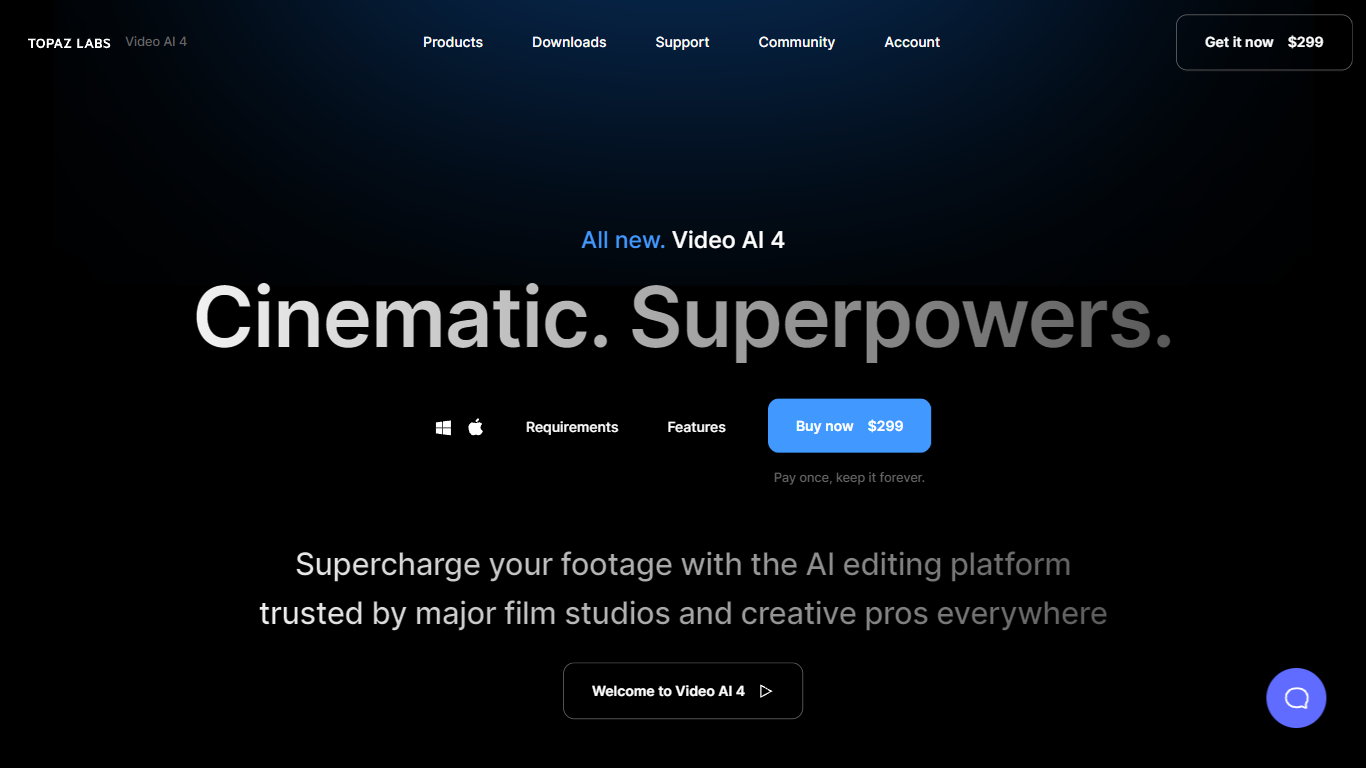
What is Topaz Video (formerly Topaz Video AI 4)?
Topaz Video upscales, denoises, and restores footage through a desktop app that also plugs into common video editors. You pick from named AI models like Proteus for general cleanup, Iris for faces, Apollo for frame interpolation, and Starlight for diffusion upscaling to HD or 4K. Local rendering is unlimited on paid plans, with a small monthly pool of cloud credits for select Starlight variants.
Compared with browser upscalers, Topaz Video targets long-form post-production work with model-specific controls for noise, compression artifacts, deinterlacing, motion blur, and SDR-to-HDR conversion. The Pro tier unlocks Starlight Mini, Sharp, HQ, and Fast locally on supported NVIDIA hardware, plus seat management and full commercial rights. Personal plans cap commercial use to organizations under $1 million in annual revenue.
Filmmakers, archivists, and creators use Topaz Video to rescue low-light clips, modernize VHS or archival film, and build smooth slow motion without duplicate frames. The app runs on Mac and Windows, and Topaz Studio bundles it with Photo, Gigapixel, Bloom, Astra, and other Topaz tools for one subscription.
Vidon.ai Upvotes
Topaz Video (formerly Topaz Video AI 4) Upvotes
Vidon.ai Top Features
Stock library access covers 12M+ clips with automatic image selection per scene
One video credit exports landscape, square, and vertical aspect ratios together
Prompt to Video uses ChatGPT to write scripts with voiceover in 50+ languages
Business plan includes 40 video exports per month plus REST API and CSV bulk import
Individual plan covers 10 monthly exports with content calendar and social publishing
Videos support up to 4000 characters per script, roughly 5 to 10 minutes of narration
Topaz Video (formerly Topaz Video AI 4) Top Features
Personal plan at $25 per month billed annually includes unlimited local rendering on Mac and Windows
Named enhancement models include Proteus, Iris, Nyx, Rhea, Artemis, Gaia, Theia, and Starlight diffusion upscaling
Frame interpolation models Apollo, Chronos, and Aion create slow motion and frame rate conversions
Personal subscribers get 25 monthly cloud credits; Pro subscribers get 100 credits with seat management
Built-in stabilization, motion deblur, grain tools, and SDR-to-HDR conversion in one desktop workflow
Runs as a standalone app or as a plugin inside supported video editing software
Pro plan at $58 per month billed annually adds local Starlight Mini, Sharp, HQ, and Fast on NVIDIA GPUs
Vidon.ai Category
- Video Editing
Topaz Video (formerly Topaz Video AI 4) Category
- Video Editing
Vidon.ai Pricing Type
- Freemium
Topaz Video (formerly Topaz Video AI 4) Pricing Type
- Paid